
June 28, 2026
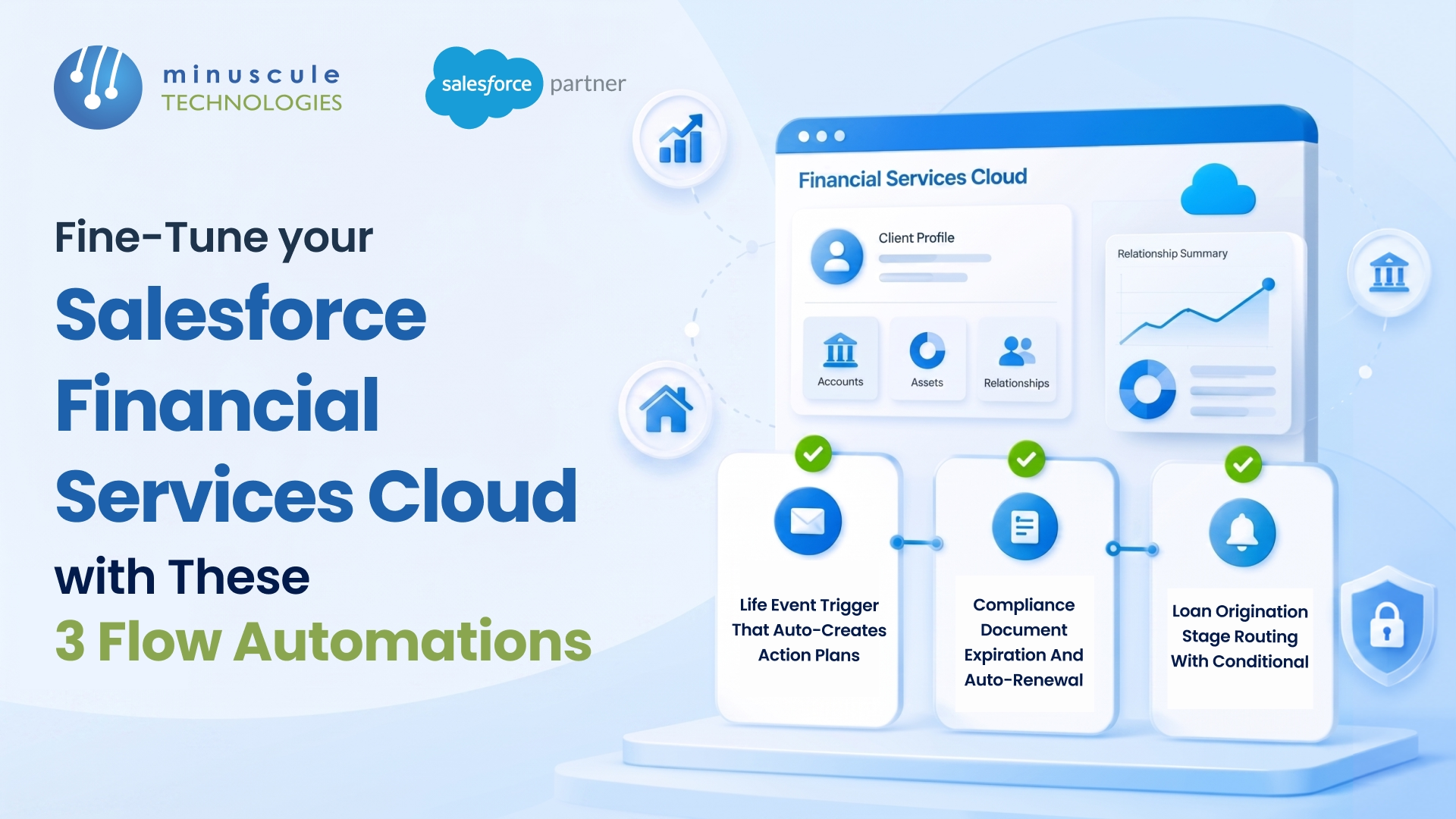
Financial Services Cloud Flow automation is the fastest way to cut manual work out of your FSC org without writing code. Three automations deliver the most value for most banks, wealth firms, and insurers: a guided onboarding and KYC screen flow, a record-triggered flow that keeps Financial Account rollups accurate, and a scheduled flow that fires proactive client review reminders.
Financial Services Cloud ships with a strong data model, but out of the box it leaves a lot of repetitive work for your team. Advisors' re-key client data. Relationship summaries go stale. Annual reviews slip because no one got a reminder. Flow - Salesforce's native, low-code automation tool - closes those gaps.
Here's what you'll get from this guide:
Salesforce retired Workflow Rules and Process Builder, so Flow is now the standard automation tool across the platform. For FSC, that's good news. Flow understands the FSC data model - Financial Accounts, Financial Holdings, Households, and Relationship Groups - so you can automate the exact records your advisors touch every day.
The payoff is concrete. A relationship manager who spends 20 minutes setting up each new client can do it in under five with a guided flow. A practice that misses one suitability review per advisor per quarter can close that gap entirely with a scheduled reminder. These aren't abstract gains - they show faster onboarding, cleaner data, and fewer compliance misses.
Flow also keeps this logic out of code, which means your admin team can maintain it. That lowers cost and shortens change cycles. When you do need custom logic, our Salesforce customization team can extend a flow with Apex actions without throwing away the low-code foundation.
Before building, it helps to know which flow type fits which job. FSC automations almost always fall into one of three buckets.
Pick the wrong type and you'll fight the tool. A reminder system doesn't belong in a screen flow, and a rollup shouldn't wait for a nightly schedule when it can update the moment a record changes.
The first automation is a screen flow that walks an advisor or onboarding specialist through creating a new client. Instead of jumping between the Account, Contact, Financial Account, and Household objects, they answer one guided sequence, and Flow creates the records behind the scenes.
A practical onboarding flow does four things:
The biggest gotcha: order of operations. You must create the parent's record before the child, so use assignment variables to hold IDs and pass them into later Create Records elements. Test with a high-risk path and a low-risk path to confirm both branches behave.
This kind of structured intake matters most in regulated settings, which is why it pairs well with the compliance workflows we build into BFSI Salesforce projects.
The second automation is a record-triggered flow that keeps relationship-level numbers current. FSC's strength is the household and relationship model, but those summary figures — total assets, total balances, number of products — don't always stay accurate on their own.
Here's the pattern. When a Financial Account is created, updated, or its balance changes, the flow recalculates the rollup on the parent Household or primary Account. Now when an advisor opens a household, they see an accurate total without anyone touching a calculator.
A few build tips make this reliable:
When rollups span external systems - say, balances that live in core banking — a flow alone isn't enough. That's where Salesforce integration services feed live data into FSC, so the rollup reflects reality, not last night's snapshot.
The third automation is a scheduled flow that turns FSC from a record of what happened into a system that tells your team what to do next. Each day or week, it scans for clients due for action and creates tasks or sends alerts.
Common triggers in a financial setting include annual suitability or KYC reviews coming due, loan or policy maturity dates approaching, and clients with no contact logged in 90 days. The flow finds those records, then assigns a task to the owning advisor or sends an email alert.
To build it, set the schedule (daily is common), define the entry criteria with a Get Records element, then loop through results to create tasks. One caution: keep your filters tight. A flow that creates a task for every client every day will train your advisors to ignore it. Test against a small data set first and confirm that the volume is reasonable.
This automation is the one most firm skip, and it's often the highest value. A missed annual review isn't just losing revenue - in regulated segments; it can be a compliance finding. Keeping these flows healthy over time is part of what our managed services team handles after go-live.
A few habits keep your flow fast, safe, and easy to maintain.
In our experience, the firms that get the most from FSC treat flows as products, not one-off fixes — they version them, test them, and review them for each release. For deeper patterns, the Salesforce Admins blog and SalesforceBen both publish solid Flow walkthroughs.
If your org has grown messy with overlapping automations, a focused review from a Financial Services Cloud implementation partner can consolidate them before they cause problems.
Flow is the standard automation tool for FSC. Salesforce has retired Workflow Rules and Process Builder, so Flow now handles screen-based guidance, record-triggered updates, and scheduled jobs in one low-code builder that understands the FSC data model.
Yes. All three automations in this guide - onboarding, rollups, and review reminders - can be built entirely in Flow Builder with no code. You only need Apex when logic exceeds Flow's limits, such as complex calculations across thousands of related records.
A record-triggered flow runs automatically at the moment a record is created or updated, which is ideal for keeping data in sync. A scheduled flow runs on a set schedule against a batch of records, which suits reminders and periodic reviews.
Flows capture structured KYC data, route high-risk clients to compliance review, and fire reminders for required periodic reviews. That consistency reduces missed reviews and creates a clear, auditable trail of when actions were triggered and completed.
A good rule is one record-triggered flow per object, per trigger timing, with actions ordered inside it. Stacking multiple trigger flows on the same object makes behavior unpredictable and hard to debug.
These three Flow automations are a strong start, but the real wins come from building them around your firm's actual workflows — your onboarding rules, your rollup logic, your review cadence. That's the work Minuscule Technologies does every day as a trusted Salesforce engineering partner. Whether you're standing up with a new Financial Services Cloud org or untangling years of overlapping automations, our team can design flows that are fast, compliant, and easy to maintain. If you're also supporting advisors, our guide on Salesforce for financial advisors pairs well with this one. Talk to our team to map the automations that fit your org.
You've seen what's possible. Now, let's make it happen for your business. Whether you need an end-to-end Salesforce solution, a complex integration, or ongoing managed services, our team is ready to deliver.

Schedule a Free Strategic Call


