
June 20, 2026
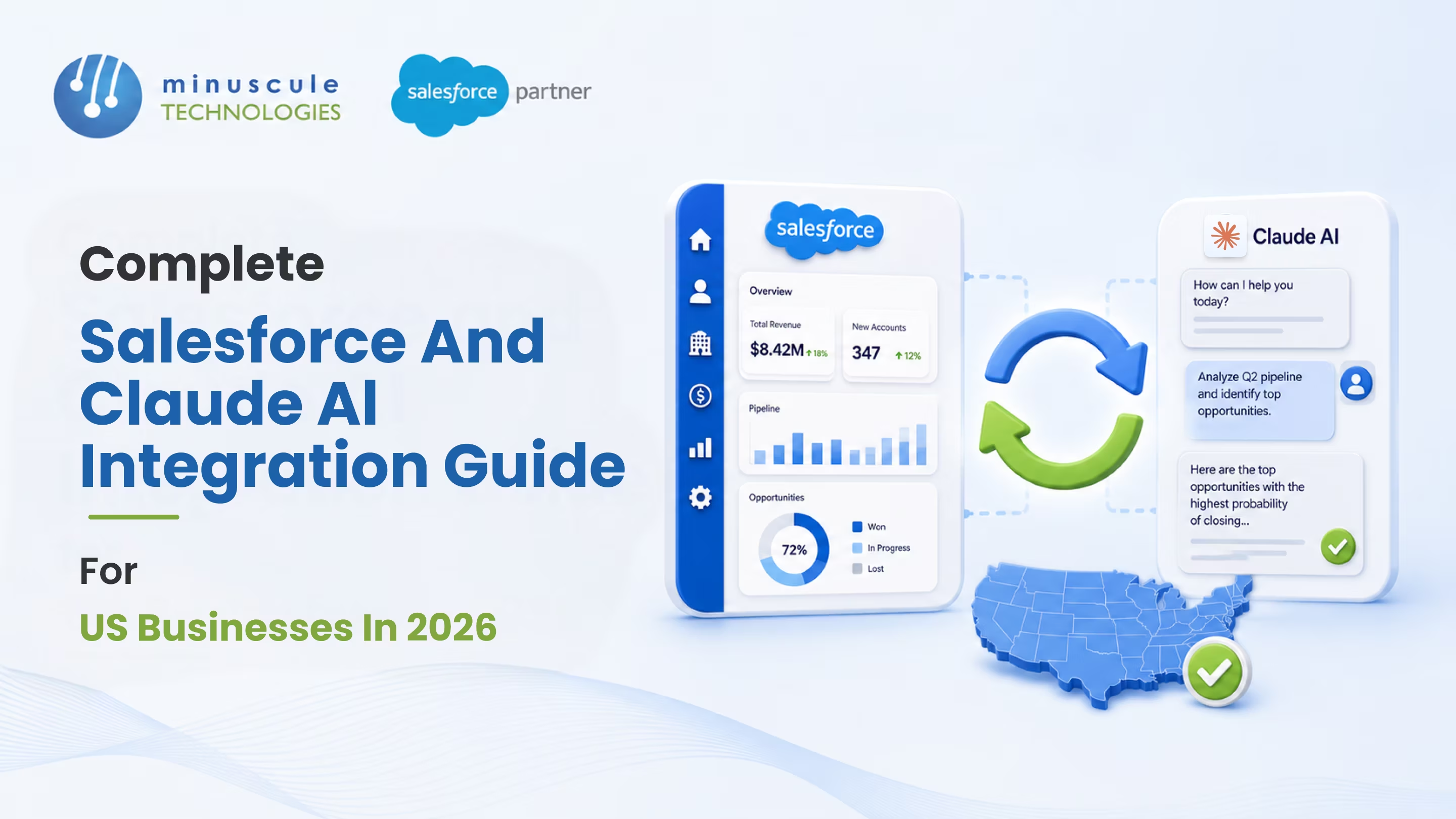
Salesforce integration with Claude AI connects Anthropic's Claude - the AI behind Claude Cowork and Claude Code - directly to your Salesforce CRM, so AI can read, analyze, and act on your customer data inside your existing workflows. It matters because, through the Anthropic–Salesforce partnership, Claude now runs inside Salesforce's own trust boundary. That means enterprise-grade AI without shipping your data to an outside model. For US businesses, it's secure, compliant AI that works where your teams already work.
For years, 'AI in the CRM' meant bolting a chatbot onto the side and hoping the data lined up. Reps still copied notes between tools, and security teams lost sleep over where the data went. This integration changes the model. Through the Model Context Protocol (MCP), Claude pulls context from Salesforce and Slack, drafts and analyzes on top of it, and - as Agentforce support expands - triggers governed actions back in Salesforce. Your data stays inside Salesforce-managed infrastructure the whole time.
This guide covers what US businesses need for 2026 - what the integration is, the ways to connect Claude AI for Salesforce, how to set it up, real use cases, the security details, and how to choose the right partner - so you can bring Claude into your CRM safely and get value fast.
This Salesforce integration is the connection between Anthropic's Claude models and the Salesforce platform, built on the Model Context Protocol (MCP) - an open standard for securely linking AI to business tools. Instead of a bolt-on chatbot, Claude works with your live Salesforce data: reading records, analyzing context, drafting responses, and, increasingly, taking governed actions.
The Anthropic–Salesforce partnership made this official and, importantly, secure. Claude's models are contained within Salesforce's trust boundary, so requests route through the Einstein Trust Layer and your data stays in Salesforce-managed infrastructure. You can read the partnership details in Anthropic's announcement. This is a genuine form of salesforce ai integration - not a screen-scraping workaround.
AI is only useful in the CRM if teams trust it and actually use it. This integration clears both bars.
That combination - capability plus governance - is why claude ai for salesforce moved from experiment to a serious 2026 option for US businesses.
There isn't one single switch. There are a few connection paths, and the right one depends on your goal.
| Connection Method | Best For | Status in 2026 |
|---|---|---|
| Slack MCP connector | Fast productivity in Slack — search, draft, share | Available now |
| Agentforce 360 | Triggering governed Salesforce actions from Claude | Rolling out through 2026 |
| Einstein Studio BYO LLM | Using Claude in custom Salesforce prompt templates | Available (needs Data Cloud + Einstein add-on) |
| Custom MCP / API build | Bespoke, app-specific workflows | Custom engineering |
The Slack connector is the quickest win. Agentforce 360 is where Claude starts taking action inside Salesforce, governed by your rules. Einstein Studio BYO LLM (Claude via Amazon Bedrock) is for teams that want Claude powering custom prompts on their own data. A tailored Salesforce integration build covers anything beyond the standard connectors.
Setup depends on the path. Two are common in 2026.
Prerequisites: a paid Claude plan (Pro, Max, Team, or Enterprise), and - for the BYO LLM route - Salesforce Data Cloud, an Einstein add-on, and an Amazon Bedrock account.
Option 1 - Slack MCP connector (no code).
Option 2 - Einstein Studio BYO LLM (admin/developer).
The second path is more technical and touches security and data configuration, so most teams involve a Salesforce admin or an engineering partner. Salesforce's Einstein Studio guide documents the full BYO LLM flow.
Connecting Claude to Salesforce touches security, data, and governance - so the partner you pick matters as much as the tools. When you compare Salesforce integration services, weigh a few things:
A specialist Salesforce integration company will scope the right path - Slack connector, Agentforce, or BYO LLM - instead of forcing a one-size build. That judgment is what separates a capable partner from a vendor.
It's the connection between Anthropic's Claude models and Salesforce, built on the Model Context Protocol. Claude reads Salesforce and Slack context, drafts and analyzes on top of it, and — through Agentforce — takes governed actions, all inside Salesforce's security boundary.
Yes. Claude's models run within Salesforce's trust boundary, data stays in Salesforce-managed VPCs, and requests pass through the Einstein Trust Layer with zero prompt retention. The setup supports GDPR and CCPA, which is why regulated firms are adopting it.
Not for the Slack MCP connector — it's a no-code OAuth setup. The Einstein Studio BYO LLM route is more technical and usually needs a Salesforce admin, developer, or integration partner to configure the foundation model and prompt templates.
You need a paid Claude plan (Pro from $20/month, up to Team and Enterprise). The BYO LLM path also requires Salesforce Data Cloud and an Einstein add-on, plus Amazon Bedrock usage billed through AWS. Partner implementation costs depend on scope, so get a scoped proposal.
Most AI integrations send data to an external model. Here, Claude operates inside Salesforce's trust boundary on the MCP standard, so you get advanced AI without your data leaving Salesforce-governed infrastructure - a meaningful security upgrade over bolt-on tools.
Salesforce integration with Claude AI is one of the most significant CRM shifts of 2026: genuinely capable AI that works inside your Salesforce, on your data, under your governance. The opportunity is real - but so is the setup. MCP connectors, Einstein Studio, Bedrock, Data Cloud, and the trust-layer configuration all have to fit together correctly, especially for regulated US businesses.
That's the kind of work Minuscule Technologies does. As a trusted Salesforce engineering partner with 125+ certified experts, an AI-first approach, and a U.S. presence, our Salesforce integration services connect Claude to Salesforce end to end — MCP setup, Einstein Studio configuration, secure integration, and adoption. And where a proven pattern fits, our prebuilt accelerators and starter packs get you live faster and cleaner than a from-scratch build. Ready to put Claude to work in your CRM? Schedule a free strategic Salesforce call, and we'll map a secure integration path for your team.
You've seen what's possible. Now, let's make it happen for your business. Whether you need an end-to-end Salesforce solution, a complex integration, or ongoing managed services, our team is ready to deliver.

Schedule a Free Strategic Call


Plot No. 4, Sridevi Amman Street, Perumal Nagar Extension, Old Pallavaram, Chennai, Tamil Nadu 600117, India.
