
June 22, 2026
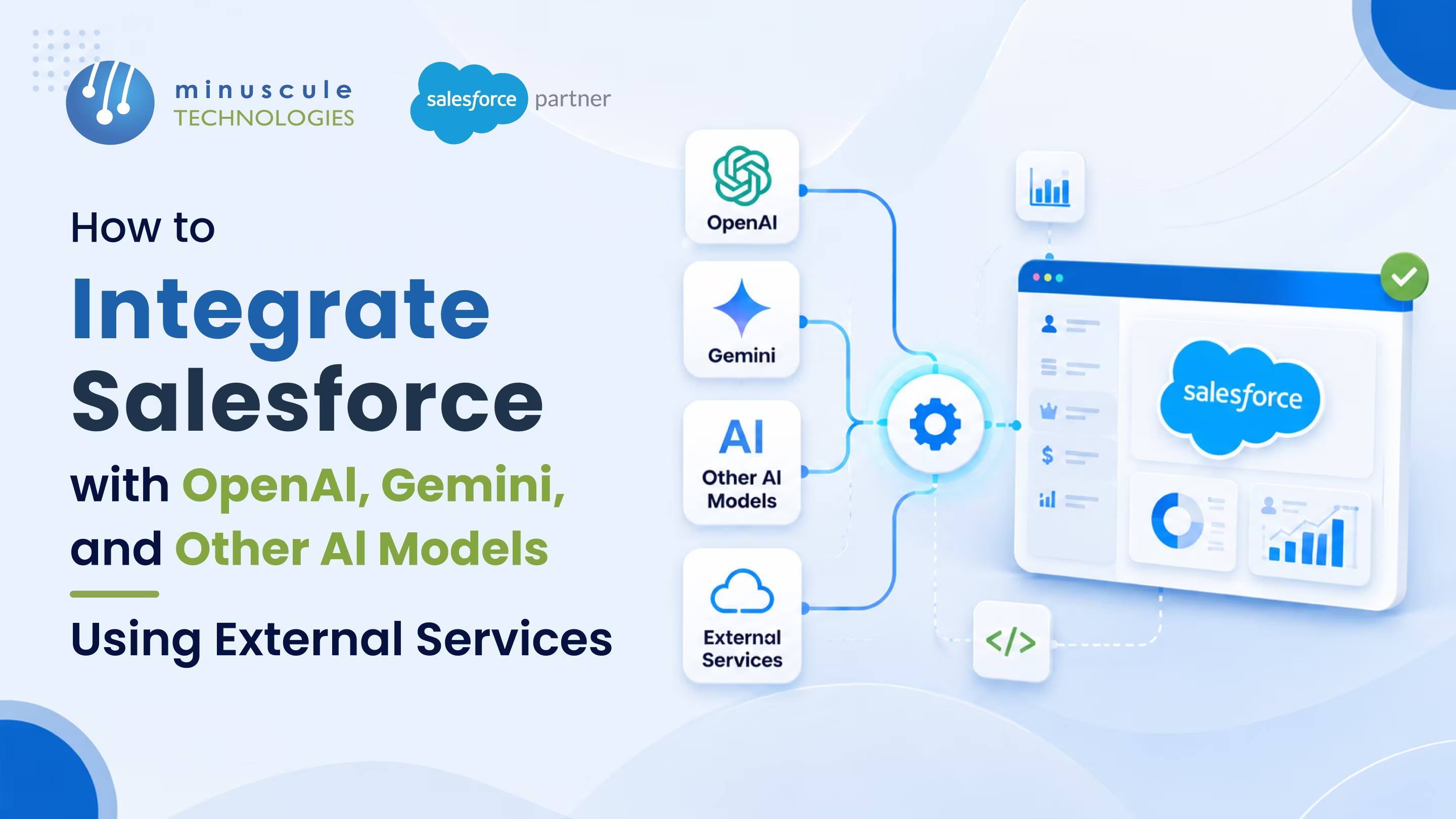
To integrate Salesforce with OpenAI, Gemini, or any other AI model, you connect Salesforce to the model's API using External Services and Named Credentials - a mostly declarative path - or Apex HTTP callouts when you need more control. External Services registers the AI API from an OpenAPI schema so you can call it from Flow with clicks; Apex handles the trickier cases like streaming responses and custom payloads. Either way, the pattern is the same: store credentials securely, call the model, and write its response back to a Salesforce record.
AI is only as useful as the data it can reach - and for most businesses, that data lives in Salesforce. Connecting the two lets you summarize cases, draft replies, score leads, and enrich records with a model's output, right inside the CRM your team already uses. The question isn't whether to connect them, but how to do it securely and in a way that scales.
This guide walks through the practical steps to integrate Salesforce with OpenAI, Gemini, and other AI models using External Services - plus the integration patterns, best practices, and security controls that keep it reliable. We'll also flag when a native option like Einstein or Agentforce is the better route, and when it's worth bringing in help.
The point of connecting an AI model to Salesforce is to put intelligence where the work already happens. Instead of copying data into a separate tool, the model reads and writes CRM records directly.
Common use cases include:
Before you build, pick the right integration pattern. Salesforce integration patterns for AI generally fall into a few options, each with a clear trade-off.
| Integration pattern | Best for | Trade-off |
|---|---|---|
| External Services (declarative) | Calling an AI API from Flow with clicks | Limited on complex or streaming responses |
| Apex HTTP callouts | Custom payloads, streaming, full control | Requires developer skills |
| Middleware (MuleSoft) | Many systems, orchestration, reuse | Added cost and setup |
| Native Einstein / Agentforce | Built-in AI with the Trust Layer | Less model choice than external APIs |
Here's the practical path using External Services, with Apex as the fallback for advanced cases.
Get an API key from OpenAI, Google (Gemini), or your chosen provider, and note the endpoint and request format. Grab or build an OpenAPI schema for the calls you'll make — External Services uses that schema to generate the actions you'll invoke.
Never hard-code an API key. Create an External Credential for the model's authentication and a Named Credential for its endpoint. This keeps secrets out of code, centralizes auth, and lets admins rotate keys without touching logic.
In Setup, add an External Service that points at your Named Credential and imports the OpenAPI schema. Salesforce generates invocable actions from it — no Apex required for standard request/response calls to the model.
Call the generated action from a Flow (for example, when a case is created) and map the AI response into a field. For streaming, large payloads, or custom logic, write an Apex HTTP callout against the same Named Credential instead - that's where a developer earns their keep.
Add retry and timeout handling, respect Salesforce callout limits, and keep sensitive data in check before it leaves the org. Log requests and responses so you can debug and audit. This step is what separates a demo from a production-grade integration.
A reliable Salesforce AI integration with OpenAI or Gemini comes down to a few habits that keep the connection secure, accurate, and affordable:
Learning resources on Trailhead and community answers on Salesforce Stack Exchange are useful references as you wire up these calls.
Getting one OpenAI or Gemini call working in a sandbox is the easy part. What changes in production is specific to these models: token costs climb as adoption grows, responses drift as OpenAI and Google ship new model versions, and every prompt you send may carry customer data that must be redacted or governed. Monitoring token usage, versioning prompts, and adding fallbacks for when a model is slow or rate-limited is where Salesforce integration services matter.
This is also where a Salesforce integration consultant earns their place - deciding which use cases justify OpenAI or Gemini spend, setting guardrails so a runaway Flow doesn't exhaust your token budget, and confirming the build will survive the next Salesforce or model release. For an OpenAI or Gemini integration that touches customer data or high volume, that judgment is the difference between a reliable feature and a support headache. Community resources like Salesforce Ben cover the basics well, but production model work usually wants a specialist.
To integrate Salesforce with OpenAI, store your OpenAI API key in an External Credential, point a Named Credential at the OpenAI endpoint, and register the API with External Services using an OpenAPI schema. You can then call OpenAI from a Flow and map its response onto a record — Apex is only needed for streaming or custom payloads.
Largely, yes. Using External Services and Flow, an admin can integrate Salesforce with OpenAI or Gemini for standard request/response calls without writing Apex. You'll only need code for advanced needs like streaming responses, complex payloads, or custom error handling.
Yes. The same pattern works for Gemini, Anthropic, or any model with a REST API — you swap in that provider's endpoint and credentials and import its OpenAPI schema. Salesforce integration doesn't care which model is behind the API, so you can mix providers or switch later without rebuilding the plumbing.
The main Salesforce integration patterns for AI are External Services for declarative request/response calls, Apex HTTP callouts for full control and streaming, middleware like MuleSoft for multi-system orchestration, and native Einstein or Agentforce for built-in AI with the Trust Layer. Most OpenAI and Gemini projects mix a couple based on the use case.
Salesforce AI integration with External Services works by registering the model's API from an OpenAPI schema, pointing it at a Named Credential for secure auth, and letting Salesforce generate invocable actions. You then call those actions from Flow and map the OpenAI or Gemini response onto a record - no Apex needed for standard calls.
It can be, with the right controls. Mask or exclude sensitive fields before the call, review the provider's data-handling and retention terms, and for regulated data consider Einstein and the Trust Layer instead of a raw API call. Treating data protection as a design requirement - not an afterthought - is what keeps the integration compliant.
Connecting Salesforce to OpenAI, Gemini, or any model is straightforward to prototype and genuinely hard to productionize. At Minuscule Technologies, our certified engineers build AI integrations the right way - secure Named Credentials, the right pattern for each use case, clean error handling, and data governance baked in, across nine industries. You get intelligence inside your CRM without the security and cost surprises that sink DIY builds.
You also don't build from scratch. We bring pre-built Salesforce accelerators that drop proven integration and automation patterns into your org, plus industry-customized starter packs for Manufacturing, BFSI, Automotive, Healthcare, and Real Estate that connect your systems from day one.
Ready to put AI to work in Salesforce? Explore our Salesforce integration services, see our Agentforce and AI services, or book a free strategic call - we'll map the safest path to your first AI integration.
You've seen what's possible. Now, let's make it happen for your business. Whether you need an end-to-end Salesforce solution, a complex integration, or ongoing managed services, our team is ready to deliver.

Schedule a Free Strategic Call


Plot No. 4, Sridevi Amman Street, Perumal Nagar Extension, Old Pallavaram, Chennai, Tamil Nadu 600117, India.
