
June 27, 2026
The admissions counselor opens the prospect record in Salesforce. The student inquired six months ago. She came to an open house. She joined a campus tour. The counselor calls her to nurture the lead. The student says, "I was admitted last week. Why is your team still asking me to apply?"
The admit happened in PeopleSoft. The counselor was working in Salesforce. The two systems never spoke. The school just lost trust with a student already in the funnel.
PeopleSoft is the system of record for higher ed. It holds student records, admissions, financial aid, and billing. Salesforce is for relationships. It holds recruiting, advising, and service. Without integration, the two worlds drift apart. Prospects in Salesforce don't know they're admitted. Service agents don't see financial aid status. Marketing targets students who already enrolled. EMPLIDs and Contact IDs never match up.
The fix isn't ripping out PeopleSoft. It's a structured integration. It moves data between the two systems. It builds in FERPA controls and identity reconciliation from day one.
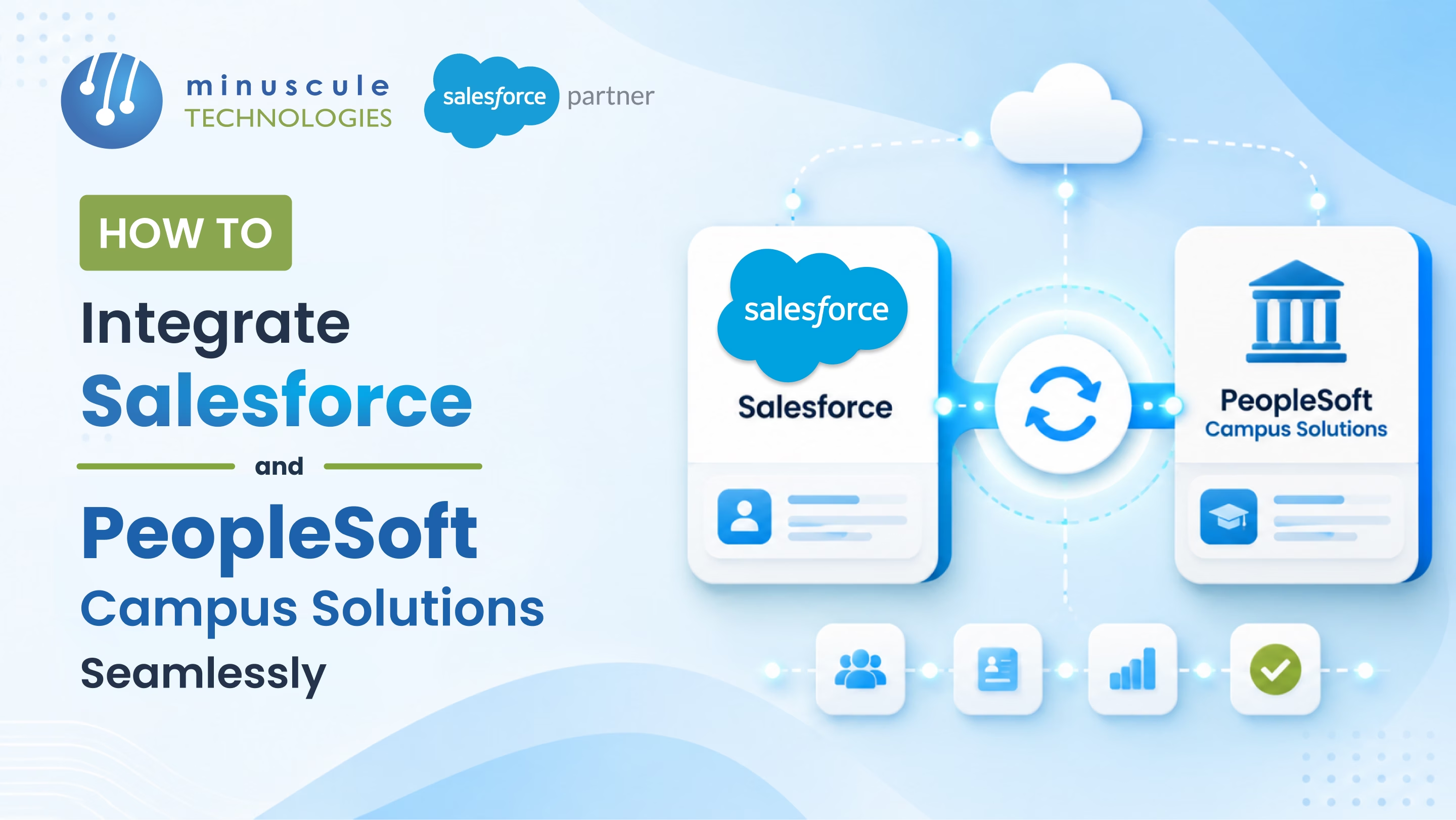
Here's how to integrate Salesforce and PeopleSoft Campus Solutions.
Six failure points in the typical higher-ed workflow:
Each one is fixable. Together, they erase the value of every higher-ed dashboard.
Six things flow between the two systems. Each one has a direction-of-truth rule.
The integration works or fails on two things. How clean the six flows are. And whether EMPLID is the universal key.
PeopleSoft has a native web service interface. Salesforce calls in through SOAP or REST. It's a point-to-point integration. Best fit: smaller schools with few integrations. The IT team needs PeopleTools experience.
MuleSoft is Salesforce's own iPaaS. It has a pre-built PeopleSoft Campus Solutions accelerator. It handles API-led links, retries, error queues, and FERPA-aware transforms. Best fit: schools running many systems at once. Salesforce, PeopleSoft, Slate, Canvas, Blackboard — all in one place.
Oracle's iPaaS has pre-built PeopleSoft adapters. It's strong on the PeopleSoft side. It's weaker on the Salesforce side. Best fit: schools already on Oracle Cloud.
Salesforce makes Apex callouts to PeopleSoft Integration Broker. It uses named credentials and platform events. Best fit: schools with special FERPA needs. Or unusual admit-cycle rules. Or legacy PeopleSoft tweaks no off-the-shelf tool can handle.
A PeopleSoft admit fires a webhook to Salesforce. The Application Status updates on the Contact and Application records. Marketing campaigns drop admitted students from the list. Automatically.
Career, Academic Plan, and Term show on the Salesforce Contact. PeopleSoft is the source. Recruiting conversations are informed, not generic.
FA award amount, status, and date sync to a Salesforce custom object. Advisors counsel students without opening PeopleSoft. Service agents see the FA status when the parent calls.
Term enrollment writes back to Salesforce. A student who drops below full-time creates a retention case. A student who withdraws starts an alumni-pathway nurture.
EMPLID is the external ID on the Salesforce Contact. Every record across Sales, Service, Marketing, and Education Cloud points to the same student.
Six rules every Salesforce-to-PeopleSoft integration needs from day one.
Every Salesforce Contact carries EMPLID as the external ID. No EMPLID, no sync. Duplicate detection runs on EMPLID before insert.
PeopleSoft data covered by FERPA only syncs to Salesforce users with FERPA training. Field-Level Security and Permission Sets enforce it.
Every student record has Career (UGRD, GRAD, LAW, MED) and Term. Workflows that ignore career — like sending undergrad housing emails to a Law student - break trust.
Re-firing the same application must not create a duplicate PeopleSoft Application. An external transaction ID enforces this.
A weekly report compares Salesforce Contact count to PeopleSoft Student Records. It splits by term and career. Variance above a set threshold triggers a check.
Salesforce Shield Field Audit Trail is on for FERPA fields. The compliance team reviews it quarterly.
No. Salesforce Education Cloud is a relationship layer — recruiting, advising, alumni, service. PeopleSoft Campus Solutions is the system of record for academics, financial aid, and enrollment. They work together. Integration is what makes them useful.
The architecture is similar. Banner uses Ethos API. Workday Student uses Workday Studio or Middleware. The flows are the same - prospect to applicant, applicant to admit, admit to enrollment. The accelerators differ.
A student can be an Undergrad and Graduate in different terms. PeopleSoft handles this with multiple Student Career records per EMPLID. Salesforce models this as multiple Education Cloud Program Enrollments per Contact. The integration must keep career-level details. It cannot flatten into one row.
No. FERPA compliance comes from field-level scoping, profile permissions, audit trail, and data sharing agreements. The architecture supports FERPA. The implementation enforces it.
Salesforce-PeopleSoft integration isn't a back-office IT project. It's how higher-ed schools stop losing students between two systems. EMPLID as universal external ID. FERPA-aware field scoping. Term and career awareness. Daily reconciliation. The right architecture - Integration Broker, MuleSoft, Oracle Integration Cloud, or custom API - depends on school size, system landscape, and how many platforms sit alongside Salesforce and PeopleSoft.
Minuscule Technologies is a Trusted Salesforce Engineering Partner. We have 160+ Salesforce experts and 75+ projects delivered globally. We work with Nasdaq-listed firms across BFSI, manufacturing, and IT services. We build Salesforce-to-PeopleSoft Campus Solutions integrations. We use MuleSoft accelerators, Integration Broker connectivity, and the Minuscule Education Starter Pack on the Salesforce side. The starter pack covers admissions, lead routing, course catalogue, and fee capture. It's pre-built for higher-ed schools.
Plan your Salesforce-PeopleSoft integration roadmap with us. We'll review your SIS footprint, your prospect-to-graduate flow, and the integration pattern that fits your school.
You've seen what's possible. Now, let's make it happen for your business. Whether you need an end-to-end Salesforce solution, a complex integration, or ongoing managed services, our team is ready to deliver.

Schedule a Free Strategic Call


