
July 28, 2026
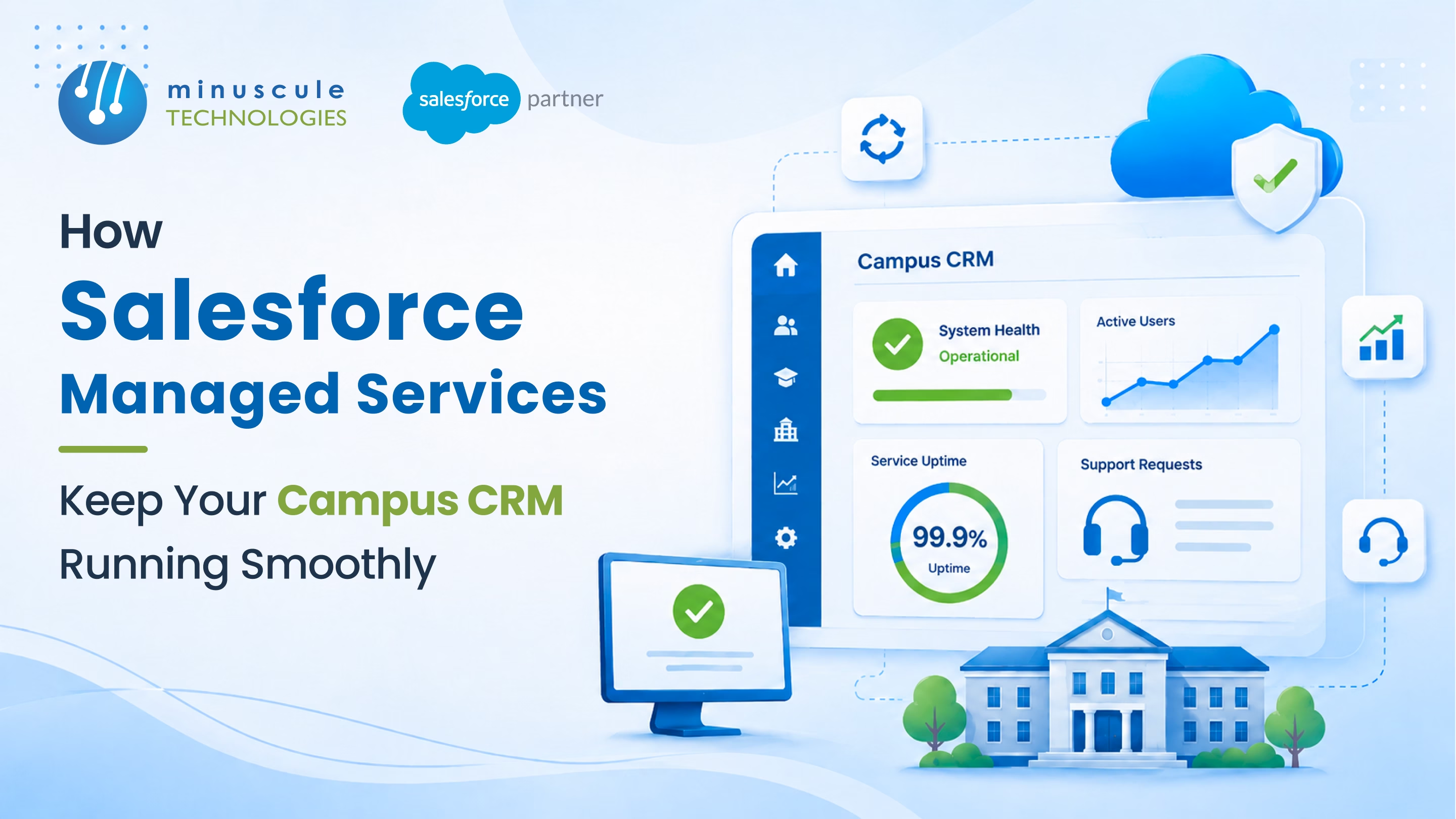
Salesforce managed services keep a campus CRM running smoothly through five layers of care. Daily admin support. Development. Release management. Integration monitoring. Strategic advice. The platform stops depending on one admin's memory and starts running like infrastructure - with documented changes, tested releases, and watched links to your SIS and ERP.
Here's what happens without that structure. The Salesforce admin gives two weeks' notice. The campus CRM - admissions journeys, student records, advancement campaigns, faculty advising - sits on six years of custom work. Apex triggers nobody documented. A MuleSoft link to PeopleSoft only the departed admin understood. The Salesforce Spring release lands in twelve days.
Twelve days later, the release hits. A deprecated API call breaks the admit-decision sync. Nobody notices for three weeks. The provost asks why the deposit dashboard is flat - four admit cycles have run on stale data.
This is what happens when a campus CRM depends on one person. The platform doesn't fail loudly. It drifts quietly. Sync timeouts. Report errors. Validation rules that block new workflows. Security models that turn into tech debt.
The fix is Salesforce managed services - a structured engagement that covers the whole platform. Here's how it works.

Six quiet failure modes institutions don't see until they hurt:
Each is fixable alone. Together, they're why campus CRMs decay without anyone noticing.
A structured deal with a salesforce managed services provider owns six areas:
Managed services are operations, not project work. The engagement runs all year. The work shifts month to month.
Each tier carries a different rhythm and skill level:
| Tier | Scope | Skill Level |
|---|---|---|
| 1 — Daily Admin Support | User creation, password resets, layout changes, and report exports | Junior Administrator |
| 2 — Weekly Upkeep | Automation rule reviews, permission audits, and sandbox refreshes | Mid-level Administrator |
| 3 — Release Management | Release preview reviews, regression testing, and fixes for each release cycle | Senior Administrator and Developer |
| 4 — Integration & Development | Apex fixes, system health checks, and MuleSoft monitoring | Developer |
| 5 — Strategic Advice | Design reviews, technical debt assessments, and multi-cloud roadmap planning | Solution Architect |
A healthy engagement covers all five tiers - not just Tier 1. That's what splits real salesforce management services from a ticket queue.
| Capability | In-house Team | Managed Services | Hybrid (Lead + Partner) |
|---|---|---|---|
| Knowledge Continuity | Exposed to staff turnover | Knowledge retained by the service provider | Internal lead owns business context; partner provides deep expertise |
| Skill Breadth | Limited to the skills of hired employees | On-demand access to administrators, developers, and architects | Complete expertise while the internal lead sets priorities |
| Release Coverage | Often delayed or overlooked | Included as part of the managed service | Covered by the partner with internal validation |
| Cost Structure | Salary, benefits, and hiring costs | Predictable monthly service fee | Lead salary plus managed service fee |
| Best Fit | Large schools with dedicated Salesforce teams | Mid-market schools seeking predictable support | Multi-cloud campus environments requiring strategic oversight |

Every campus engagement should report these monthly:
Write these into the contract:
These rules are what set a certified Salesforce managed services partner apart from a vendor. Verify the certification on the official Salesforce directory{target="_blank" rel="noopener"} before signing.
It depends on platform complexity. A single-cloud org can run with one admin. A multi-cloud campus CRM across MuleSoft, Marketing, Experience, and Education Clouds needs admin, developer, integration, and architect skills — hard to find in one hire. For that breadth, a salesforce managed service provider usually wins on value.
Hybrid is the strongest model. The in-house admin owns school context, relationships, and priorities. The partner brings developer depth, release coverage, and architect access the admin can't cover alone.
Four to eight weeks. The first two weeks are knowledge transfer - docs review, integration mapping, custom-work audit. The rest is shadowing and gradual handover.
Yes, but as a separate scope. New cloud rollouts are project work. Managed support services cover the steady state. Most firms offer both, with clean handoffs between project and operations.

A campus CRM that runs admissions, advancement, student service, and advising isn't software you install once. It's infrastructure you maintain forever. Salesforce ships three releases a year. Links age. Admins leave. Validation rules pile up.
Without structured care, the platform drifts. The school notices only when a provost dashboard goes wrong or a release breaks the admit sync. Five tiers of activity, six monthly KPIs, and six contract rules keep it running.
Minuscule Technologies is a Trusted Salesforce Engineering Partner with 125+ Salesforce experts and 75+ projects shipped worldwide - including Nasdaq-listed firms and higher-ed institutions. Our Salesforce managed services for higher ed cover admin support, development, release management, MuleSoft watching, and architect-level advice - backed by the Minuscule Education Starter Pack.
Audit your campus CRM with us. We'll review your platform health, integration footprint, and the managed services tier that fits your school.
You've seen what's possible. Now, let's make it happen for your business. Whether you need an end-to-end Salesforce solution, a complex integration, or ongoing managed services, our team is ready to deliver.

Schedule a Free Strategic Call


Plot No. 4, Sridevi Amman Street, Perumal Nagar Extension, Old Pallavaram, Chennai, Tamil Nadu 600117, India.
