
June 27, 2026
The wholesale distributor's sales rep takes a call. The customer asks if SKU 47291 is in stock. The rep checks the inventory file. It's an Excel exported from QuickBooks last night. Shows two hundred units. The rep promises shipping by Friday. The customer hangs up happy.
By Friday, the warehouse pulls forty-three units. The Excel was a day old. The other one hundred and fifty-seven units shipped to a different customer yesterday. The promise breaks. The customer churns.
This is wholesale distribution running on entry-level accounting plus spreadsheets. The business outgrew QuickBooks two years ago. The team added Excel for pricing. A custom WMS for the warehouse. A CRM for sales. None of them talk to each other. The reps quote from one screen. The warehouse picks from another. Finance invoices from a third. Every customer interaction is a guess.
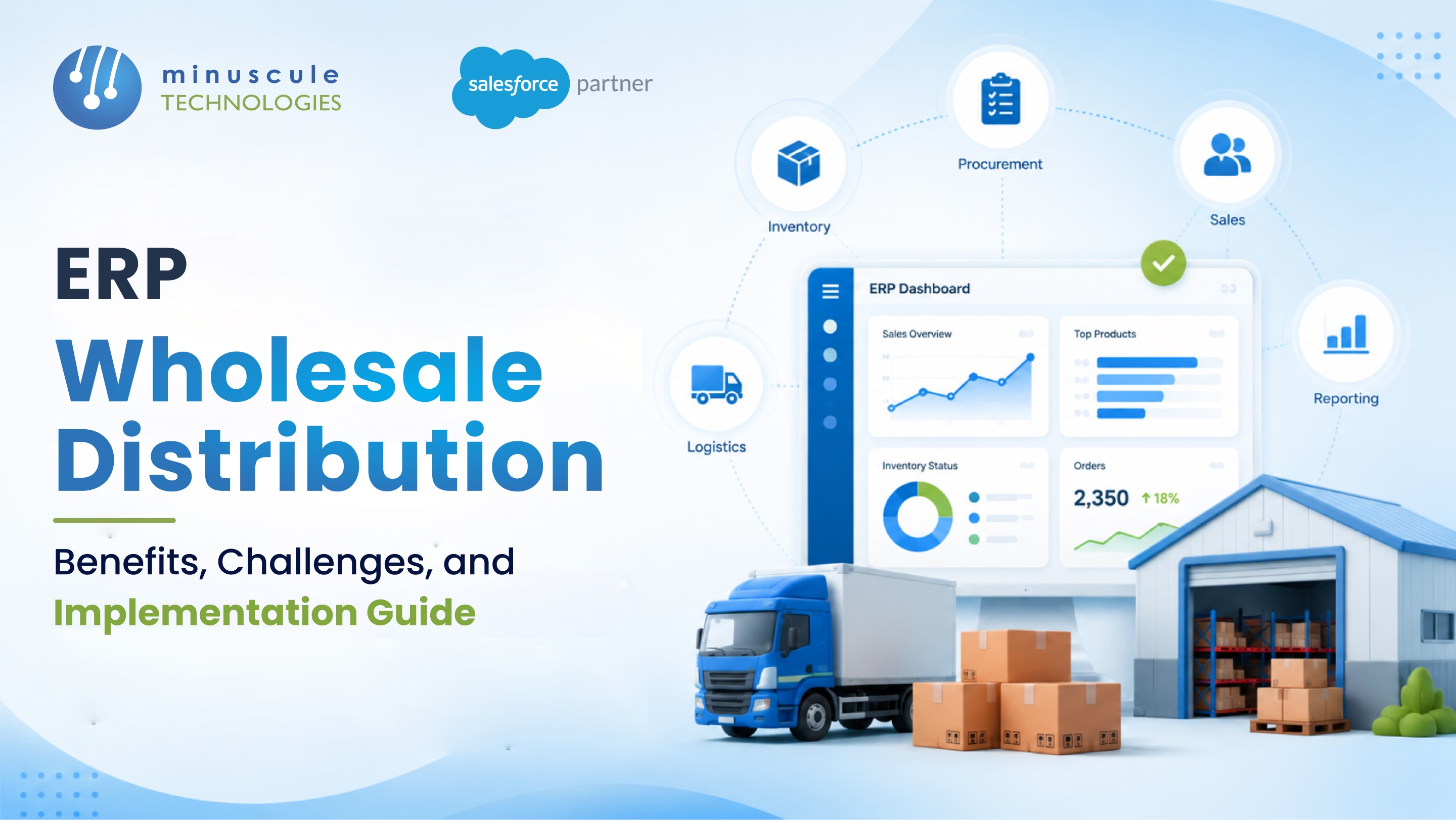
The fix is a wholesale distribution ERP. One system for inventory, orders, purchasing, customer management, finance, and reporting. Real-time data across warehouses. Pricing tiers and contracts built in. Integrated to Salesforce for the customer-facing layer.
Here's the benefits, challenges, and implementation guide for ERP in wholesale distribution.
Six failure points across the distribution workflow.
Each is fixable. Together, they cap how big the business can grow.
Six benefits a modern distribution ERP delivers.
The business stops running on spreadsheets. It starts running on data.
Six ERP options wholesale distributors commonly evaluate.
S/4HANA for large multi-entity distributors. Business One for mid-market. Strong in EMEA. Mature distribution functionality.
Cloud-native ERP popular with growing distributors. Strong order management, inventory, financials. NetSuite WMS available as add-on.
Multiple flavours - Business Central for mid-market, Finance & Supply Chain Management for enterprise. Strong Microsoft Office integration.
Built specifically for wholesale distribution. Industry-leading depth in pricing, rebates, multi-warehouse logistics.
Prophet 21 dominates US wholesale distribution. Deep distribution-specific functionality.
Cloud ERP popular with mid-market distributors. Modern interface, strong inventory and order management.
Six challenges every distribution ERP rollout faces.
ERP licensing is significant. Implementation cost often exceeds licensing in year one. Budget for both.
Legacy data lives in QuickBooks, custom databases, Excel, spreadsheets. Cleansing and mapping take months. Not weeks.
Reps and warehouse teams trained on old systems. Change management is the largest hidden cost.
Every business thinks its process is unique. Customisations multiply. Future upgrades become harder.
Salesforce, e-commerce, EDI, tax engine, shipping carriers, banks. Each integration is its own project.
ERP migrations are expensive and painful. Choose carefully. The ERP picked today runs the business for the next decade.
Six phases of a structured ERP implementation.
Current-state assessment. Business requirements. ERP shortlist. Vendor demos. Reference checks. RFP evaluation. Final selection.
Process mapping. ERP configuration to the business model. Customisation decisions made — minimised where possible.
Source data inventory. Cleansing. Mapping. Test loads to sandbox. Validation. Iterative refinement.
Salesforce connection. E-commerce sync. EDI partners. Shipping carriers. Tax engines. Bank reconciliation. Each integration tested.
Role-based training. Test scenarios. Cutover rehearsals. Champion networks. Communication plan.
Production cutover. Hypercare support for thirty to ninety days. Issue resolution. Adoption monitoring. Continuous optimisation.
Six integration touchpoints between Salesforce and the ERP.
Salesforce Account is the master for customer relationships. ERP Customer holds billing, terms, credit limits. Bidirectional sync keeps them aligned.
ERP holds the master product catalogue with costs, lead times, and tiered pricing. Salesforce pulls available stock and customer-specific prices for quoting.
Salesforce Quote becomes ERP Sales Order on customer acceptance. Order number returns to Salesforce.
Real-time stock by warehouse, by SKU, by status - surfaced on Salesforce Opportunity and Quote. Sales sees what the warehouse holds.
ERP order status - picked, packed, shipped, delivered - syncs to Salesforce. Customer-facing portal shows the same data.
ERP invoices customers. Payment status syncs to Salesforce. Account view shows AR balance and overdue invoices.
No, in most cases. Salesforce excels at CRM, customer experience, and orchestration. Wholesale distribution needs deep inventory, warehouse, financial, and supply chain functionality that traditional ERPs provide. Salesforce integrates with the ERP. It doesn't replace it.
Mid-market distributor moving from QuickBooks to NetSuite or Acumatica: six to twelve months. Large multi-entity distributor moving to SAP S/4HANA or Oracle Cloud: twelve to twenty-four months. Distribution-specific platforms like Prophet 21 or Infor SX.e: nine to fifteen months.
Cloud ERP (NetSuite, Acumatica, Business Central) dominates new deployments. On-premise still common in regulated industries or businesses with extreme customisation needs. Most distributors should default to cloud.
Standard patterns: MuleSoft, Boomi, or Workato for orchestration. Native connectors where available (NetSuite-Salesforce, Dynamics-Salesforce). Custom REST/SOAP integration for unique requirements.
Wholesale distribution outgrows QuickBooks. It outgrows Excel pricing. It outgrows custom WMS spreadsheets. The fix is an ERP built for distribution. Inventory accuracy. Pricing automation. Demand forecasting. Margin visibility. Audit-grade reporting. Six benefits. Six challenges. Six implementation phases. Six integration touchpoints with Salesforce. Built right, the rep takes the call, checks live inventory, quotes contract pricing, and converts the order to a Sales Order in minutes - not days.
Minuscule Technologies is a Trusted Salesforce Engineering Partner. We have 160+ Salesforce experts and 75+ projects delivered globally. We work with Nasdaq-listed firms across BFSI, manufacturing, IT services, and higher education. We integrate Salesforce with NetSuite, SAP, Oracle, Microsoft Dynamics, Infor, Epicor, and Acumatica. Customer master sync, real-time inventory, quote-to-order handoff, order status, invoice and payment integration. All on MuleSoft, Boomi, or native connectors.
Map your Salesforce-ERP integration with us. We'll review your ERP plan, customer experience requirements, and the integration architecture that fits your distribution business.
You've seen what's possible. Now, let's make it happen for your business. Whether you need an end-to-end Salesforce solution, a complex integration, or ongoing managed services, our team is ready to deliver.

Schedule a Free Strategic Call


