We are at Dreamforce 2026, Industry Pavilion at San Francisco


June 25, 2026
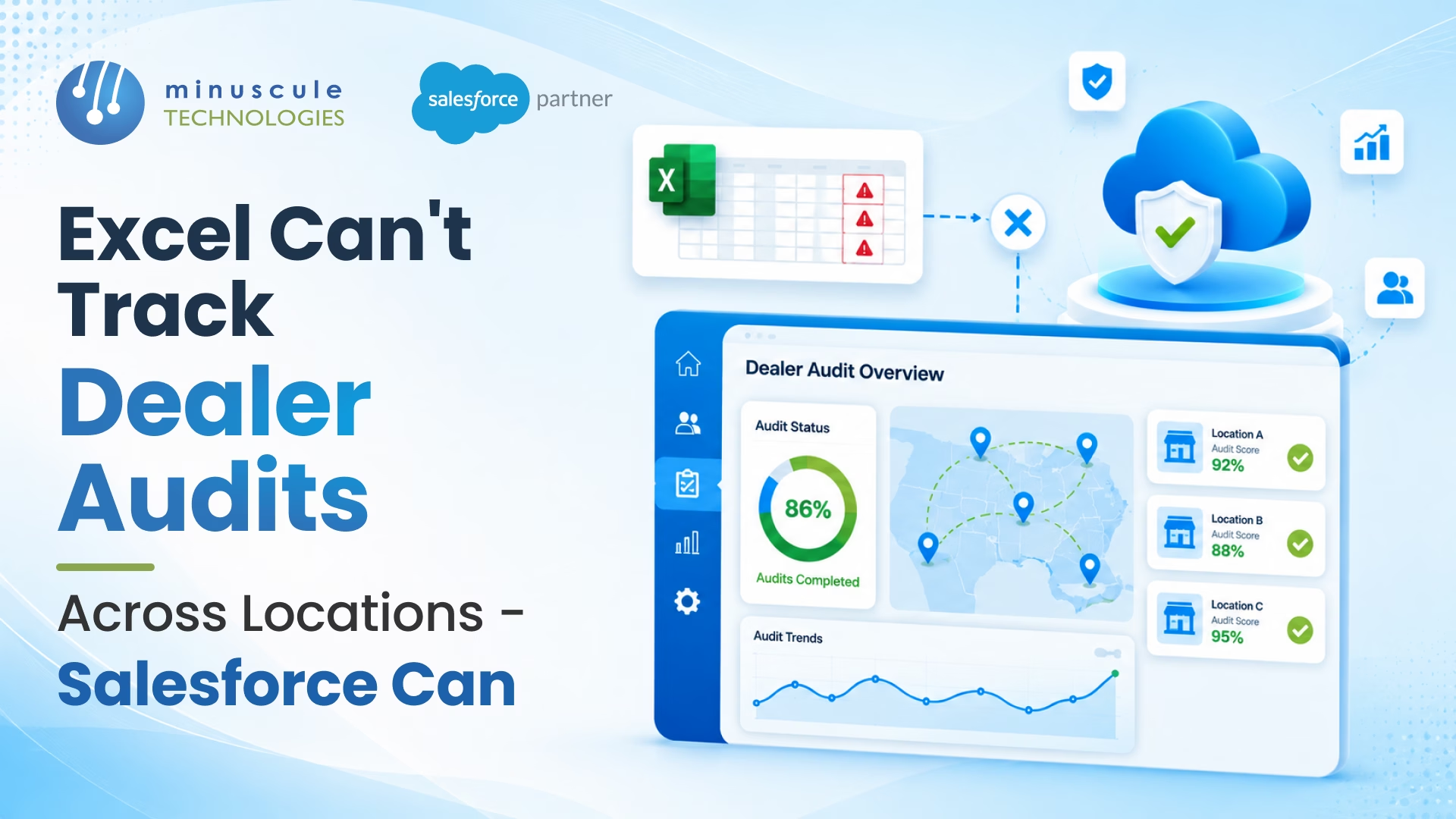
Quarterly review. The OEM compliance director opens her email. Twelve regional audit coordinators sent their Q3 dealer audit Excel files. Each uses a slightly different template. Reconciling twelve spreadsheets into one comparable view takes three days. By then half the data is stale.
The Q3 trend analysis arrives at the executive meeting. Why are EV certification scores declining in the Pacific Northwest? Why are F&I compliance findings up in the Southeast? The director can't answer without the underlying audit detail - the photos auditors took, the auditor's notes, the dealer's remediation responses. Most of that lives in regional shared drives nobody has consolidated access to.
Twelve hundred dealers. Three thousand annual audits. A spreadsheet stack that started as one tab and grew into an unmanageable archive. Compliance findings get reported; trends get missed. Remediation gets requested; completion gets unverified.
The fix is dealer audit tracking on Salesforce - a single Audit object, mobile field workflows, photo evidence, auto-scoring, remediation tracking, and cross-location dashboards every regional and corporate stakeholder shares.
Here's how Salesforce tracks dealer audits where Excel can't.
Six failure modes when audit data lives in spreadsheets.
Each is a friction point. Together, they erase the value of audits the OEM is paying to run.
Six capabilities a Salesforce-based audit system delivers.
Salesforce turns audits from a quarterly spreadsheet exercise into a living compliance system.
Six components of a structured audit configuration.
Brand standards, sales process, F&I compliance, service quality, EV certification, CSI, financial - each a distinct record type with its own checklist structure.
Each audit type has a checklist of items. Items weighted by importance - critical, major, minor. Total score calculated from weighted items.
Some checklist items require photo evidence (showroom signage), some require document upload (warranty records), some require dealer signature (acknowledgment).
Score above threshold = pass. Below threshold = remediation required. Critical findings (any one) = immediate non-compliance regardless of total.
Each non-compliance finding generates a Case with action plan, due date, owner, and supporting documentation requirements.
Annual full audits, quarterly partial audits, mystery shop monthly. Field auditor assignments by territory and audit type.
Six steps in a typical field audit.
Compliance team assigns audit to field auditor. Auditor sees it in their Salesforce Mobile queue with dealer location, type, due date.
Auditor navigates to dealer. GPS check-in confirms arrival at the dealer location.
Mobile app guides auditor through every checklist item. Photos taken inline, notes captured per item.
Audit auto-scores as the auditor progresses. Final score displayed; auditor reviews with dealer principal. Discrepancies noted.
Dealer principal signs on the mobile to acknowledge findings. Audit submitted to Salesforce.
Non-compliance findings auto-generate Cases assigned to the dealer with action plans and due dates. Auditor moves to next site.
Per region, per dealer type, per audit type: how many audits planned vs completed vs overdue. Updated in real time.
Average scores by region, by dealer tier, by audit type. Trends over time. Outliers — high performers and low performers — flagged.
Critical compliance findings mapped by dealer location. Hot spots visible for executive intervention.
Open cases, overdue cases, average time-to-closure. Dealers consistently late on remediation flagged.
Composite dealer compliance index. Roll-up of brand standards, F&I, service, CSI scores into one number per dealer per region.
Six rules every dealer audit implementation needs from day one.
Critical checklist items must have photo evidence or signature before submission. Otherwise audit cannot close.
GPS check-in confirms the auditor was at the dealer location during the audit. Anomalies flagged.
Once audit submitted, score cannot be edited without manager approval and audit trail entry.
Critical findings: thirty-day remediation. Major: sixty days. Minor: ninety days. Aged remediation escalates automatically.
Quarterly calibration session - same dealer audited by multiple auditors, score comparisons reviewed. Inconsistencies addressed.
Checklists, scoring weights, thresholds reviewed annually against business priorities and regulatory changes. Updates roll into new audit cycle.
Automotive Cloud provides the dealer data model. Audit tracking is typically built as custom objects and Lightning components on top - pre-configured patterns common in OEM rollouts.
Yes. Salesforce Mobile supports offline mode for the audit workflow. Auditors complete audits in dealerships with poor connectivity; data syncs when back online.
Audit scores roll into the dealer scorecard alongside sales, CSI, and financial metrics. Salesforce serves as the source of truth; downstream dashboards pull from one consistent dataset.
Configuration of one audit type (e.g., brand standards) with mobile workflow: six to eight weeks. Multiple audit types, regions, languages: three to six months. Migration of historical Excel data is optional and usually treated as a separate project.
Dealer audit tracking is where Excel quietly fails OEM compliance teams. Twelve regions, three audit types, hundreds of dealers, thousands of audits a year - the spreadsheet stack can't hold consistency, can't show trends, can't track remediation. Salesforce can. Six framework components, a six-step mobile auditor workflow, five executive dashboards, six validation rules. Built right, the compliance director opens Q3 review with consistent data, real-time trends, and remediation completion visible across every dealer.
Minuscule Technologies is a Trusted Salesforce Engineering Partner with 160+ Salesforce experts and 75+ projects delivered globally - including Nasdaq-listed enterprises across BFSI, manufacturing, IT services, and higher education. We deliver Salesforce dealer audit tracking - Automotive Cloud, custom audit objects, mobile auditor workflows, photo evidence capture, remediation Case automation, cross-location dashboards - for OEMs and dealer groups that need their audit programme to drive compliance, not just collect spreadsheets.
Plan your dealer audit tracking with us and we'll review your audit types, field auditor workflow, compliance reporting requirements, and the Salesforce architecture that fits your enterprise.
You've seen what's possible. Now, let's make it happen for your business. Whether you need an end-to-end Salesforce solution, a complex integration, or ongoing managed services, our team is ready to deliver.

Schedule a Free Strategic Call


