We are at Dreamforce 2026, Industry Pavilion at San Francisco


July 29, 2026
Tuesday evening. The parent opens an email. Field trip permission slip for the seventh grader. Permission slip for the fifth grader. Permission slip for the second grader. Same field trip company. Three emails. Three signatures. Print, sign, scan, upload to three different child accounts on the school portal. By the third one, the parent gives up. The seventh grader doesn't go on a field trip.
This is K-12 parent communication running on a platform whose household model was built for university and donor relationships, not for a parent juggling three children's daily attendance, grades, and permission slips. Education Cloud's underlying data architecture (EDA) supports household Accounts, but the standard configuration, dashboards, and workflows are tuned for higher-ed admissions and advancement - not for the daily multi-child cadence K-12 families live in. K-12 lives in the household. One parent, three children, three sets of emails, three logins, three sets of permission slips, three teachers messaging at three different cadences. The platform is sent. The parent drowns.
The fix isn't another email tool. It's custom Salesforce apps built on the household model - one parent record, multiple child records, one consolidated inbox, one signature workflow that covers every child, one emergency notification that reaches the household.
Here's why K-12 schools need custom Salesforce apps for parent communication.
Six gaps in the standard Education Cloud data model when applied to K-12.
Five objects that anchor K-12 parent communication.
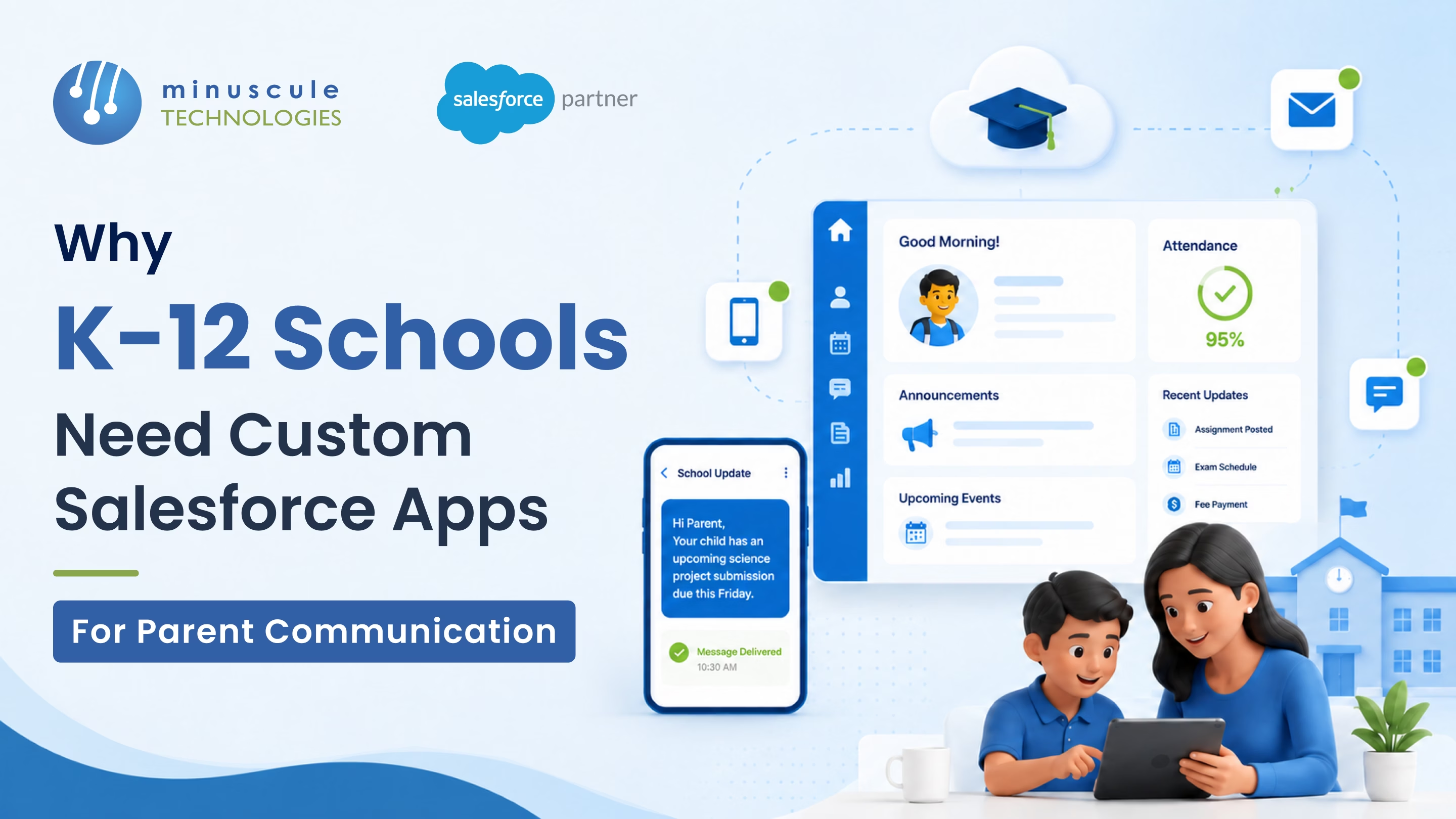
One screen showing attendance, grades, behavior notes, upcoming events, and outstanding forms across every child in the household.
One form that covers every child going on a trip. Sibling-aware: if all three children are in the field-trip class, one signature, three child records updated.
SMS or push notification within minutes of a tardy or absence. Configurable per child, per parent.
Lockdown, weather closure, bus delay, evacuation. Multi-channel (SMS, push, email, automated voice) with under-five-minute delivery and read-receipt confirmation.
Direct messaging between teacher and parent, logged to the student's communication history. Translation built in for non-English-speaking households.
Volunteer slots for school events, classroom helpers, and library volunteers. Approval workflows for background-check-required roles.
Route assignment, stop time, real-time bus location, dismissal type, and same-day change notifications.
Custom Salesforce apps don't run alone. Five integrations make them real.
Student demographics, grade level, classroom, attendance, and grades sync from the SIS into Salesforce via the SIS vendor's API, OneRoster, or Ed-Fi data standards, typically orchestrated through middleware like MuleSoft. There is no native, pre-built connector for PowerSchool, Infinite Campus, Skyward, or Veracross - this Integration is custom-built and is usually the single largest technical workstream in a K-12 Salesforce project.
Assignment grades, missing work, and progress reports sync from the LMS, so parents see them in the consolidated dashboard.
Lunch balance, fundraiser donations, field-trip fees, after-school program payments all visible on the parent dashboard.
SMS, voice, and push notification delivery. Built for emergency-grade latency and read-receipt confirmation.
Live translation for teacher-parent messages. Critical for districts with significant non-English-speaking household populations.
Six rules every K-12 parent communication build need from day one.
Every Household carries a stable external ID tied to the SIS. Splits, merges, and student transfers must preserve household identity.
Custody type (joint, sole, supervised) drives who receives which notifications. Misrouted emails to a non-custodial parent are a legal risk.
Grades, disciplinary records, IEPs, and counsellor notes are FERPA-protected. State laws (Illinois SOPPA, California SOPIPA, New York Ed Law 2-d) add layers. Grades, disciplinary records, IEPs, and counselor notes are FERPA-protected. State laws (Illinois SOPPA, California SOPIPA, New York Ed Law 2-d) add further requirements. Field-Level Security, Permission Sets, and Sharing/Restriction Rules enforce least-privilege access; the most sensitive fields (IEP and disciplinary data) often warrant field-level encryption via Salesforce Shield.
Every emergency message log sends time and delivery confirmation. Targets: Under five minutes for SMS, under ten minutes for voice. Below that, the build fails its purpose.
Auto-translated emergency messages need human review for the top three languages in the district before sending. Mistranslated lockdown messages are unacceptable.
Daily attendance, weekly grade roll-ups, monthly reports - capped at a defined frequency. Parents who get too many emails stop opening any.
Salesforce positions Education Cloud across the full K-20 spectrum, but its native application modules — Recruiting & Admissions, Student Success — are most mature for higher-ed use cases. There is no out-of-box K-12 parent-communication application; most K-12 districts on Salesforce build custom apps or work with an implementation partner on top of the core EDA data model.
PowerSchool, Infinite Campus, Skyward, and Veracross remain in the SIS - the system of record for academic and demographic data. Salesforce sits on top as the parent communication and engagement platform. Integration via MuleSoft, REST APIs, or middleware.
Timelines vary by district size, data quality, and the number of systems involved, but a typical phased approach looks like: Phase 1 - household data model, parent dashboard, and SIS integration: roughly four to six months for a single SIS district. Phase 2 — emergency notifications, teacher messaging, payment integration, and bus management: another four to six months. Districts with multiple SIS platforms, legacy data migration, or complex custody requirements should expect longer discovery and testing phases.
The household model must support a student linked to two Households with separate communication preferences per Household. Permission slips, emergency notifications, and report cards route by custody type. This is where custom apps shine - out-of-box products rarely handle this cleanly.
K-12 parent communication isn't a smaller version of higher-ed engagement. It's a different problem with a different data model and different latency requirements. Custom Salesforce apps built on the household - not the student - handle multi-child families, custody arrangements, FERPA scoping, emergency notification latency, and the daily cadence K-12 runs on. Seven app surfaces, five integration touchpoints, six validation rules. Built right, parents stop drowning in emails and start trusting the platform.
Minuscule Technologies is a Trusted Salesforce Engineering Partner with 160+ Salesforce experts and 75+ projects delivered globally - including Nasdaq-listed enterprises across BFSI, manufacturing, IT services, and higher education. We design and build custom Salesforce apps for K-12 districts and private schools - household-centric data models, multi-channel emergency notifications, custody-aware communication, and SIS integration to PowerSchool, Infinite Campus, Skyward, and Veracross.
Walk through your K-12 parent communication build with us, and we'll review your household model, SIS, and the custom apps that fit your district or school.
You've seen what's possible. Now, let's make it happen for your business. Whether you need an end-to-end Salesforce solution, a complex integration, or ongoing managed services, our team is ready to deliver.

Schedule a Free Strategic Call


