We are at Dreamforce 2026, Industry Pavilion at San Francisco


March 27, 2026
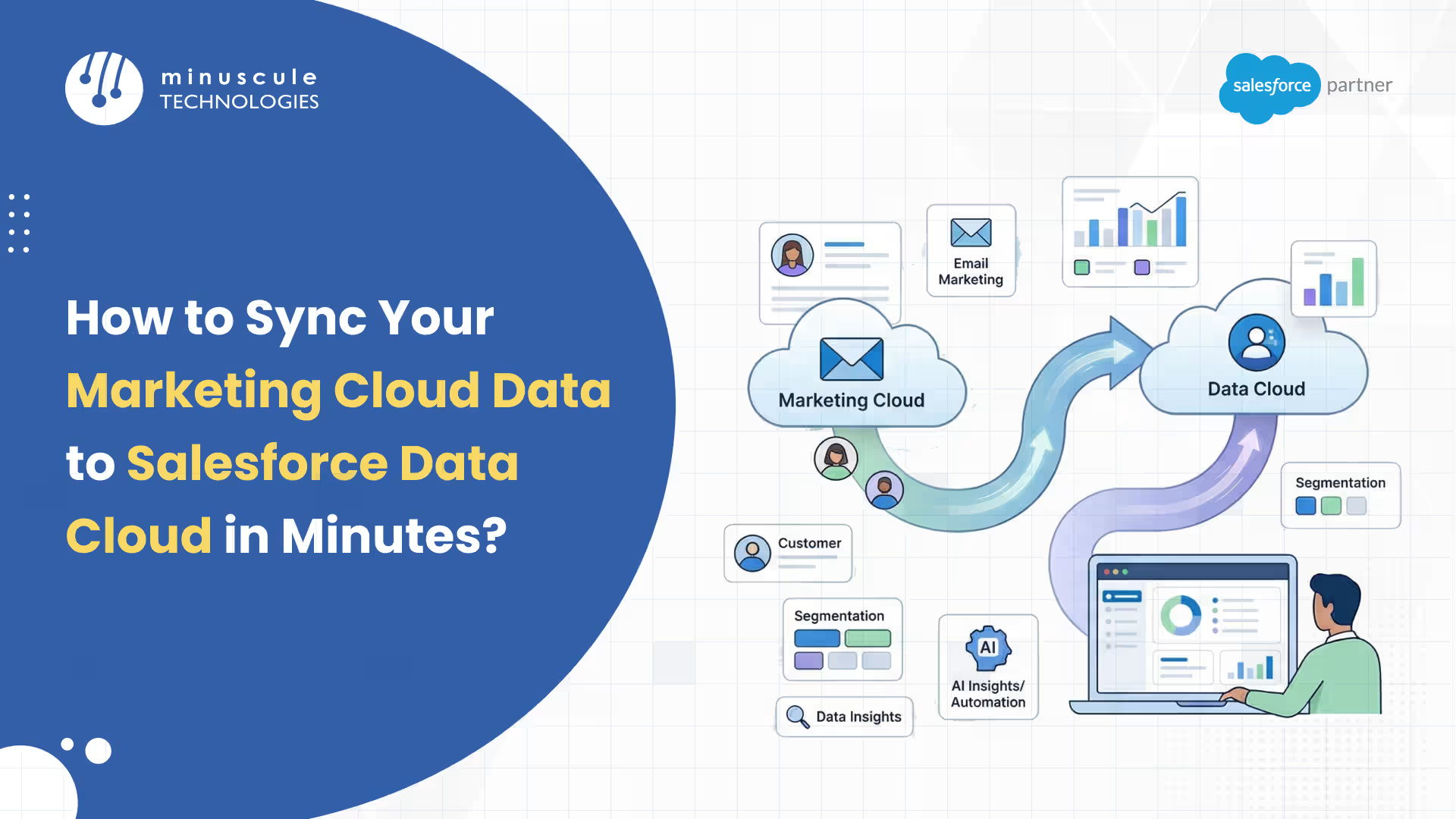
If you want to deliver highly personalized, real-time marketing experiences, connecting Salesforce Marketing Cloud Engagement (MCE) with Salesforce Data Cloud is no longer optional - it is a necessity. While Marketing Cloud excels at multi-channel campaign orchestration, Data Cloud serves as your unified Customer Data Platform (CDP), aggregating data from multiple touchpoints into a single, real-time customer profile.
This comprehensive guide will show you exactly how to sync your data between these two powerhouses, optimized for both quick setup and long-term architectural stability.
Before you click "connect," understand that some architectural decisions cannot be reversed:
Before initiating the sync, ensure your Salesforce Data Cloud environment is operational:
To build the bridge, you will utilize the Marketing Cloud Connect managed package:
With data unified, you can build highly targeted segments using advanced 2026 tools:
An Activation Target is the specific destination where you send your segment:
Marketing Cloud is an engagement platform used to orchestrate and deliver campaigns across email, SMS, mobile push, and ads. Data Cloud is a centralized Customer Data Platform (CDP) that unifies customer data from various sources (CRM, e-commerce, web tracking) to resolve duplicate identities and provide real-time, harmonized metrics.
When syncing a unified profile that contains multiple accounts or IDs, Data Cloud prioritizes records that were originally sourced from Marketing Cloud Engagement. This ensures that your existing consent, subscription, and opt-in signals are strictly maintained. If a single unified profile has multiple matching Marketing Cloud records, the system automatically selects the Individual-Id associated with the lowest system-generated Marketing Cloud SubscriberID, which serves as a proxy for your oldest record. If the records originated from outside systems, Data Cloud will select the Individual Id tied to the lowest contact point by email ID or phone ID.
No, Once the Multi-Org Connector is enabled, it cannot be undone. The only path back to a Single-Org setup is provisioning a completely new Marketing Cloud account, as your data and configurations will not transfer cleanly.
Salesforce Data Cloud strictly limits activations to 20 related attributes. If you attempt to activate a segment with more than 20, the activation will fail. You must delete unused attributes from existing activations or rely solely on direct attributes.
Despite documentation suggestions, Data Cloud can occasionally activate contacts with null email addresses back into Marketing Cloud. You can prevent this by adding an exclusion rule in your segment of criteria for individuals with null email addresses, or by setting up the email field as "non-nullable" in your target Data Extension.
Yes. While Marketing Cloud heavily relies on SQL for complex segmentation, Data Cloud features an intuitive visual interface, natural language segmentation via Einstein Segment AI, and advanced capabilities like Waterfall Segmentation
Syncing your Salesforce Marketing Cloud Engagement (MCE) data with Salesforce Data Cloud is more than just a technical setup - it is the foundation for the future of intelligent, cross-channel marketing. By connecting these platforms, you transform fragmented data into a unified 360-degree customer profile, empowering your business to deliver highly targeted, real-time campaigns across multiple channels.
By bridging your Customer Data Platform (CDP) with your marketing orchestration tools, eliminate data silos, honor complex customer consent, and unlocking the true power of AI-driven customer journeys. Whether you are leveraging Einstein AI for segments or scaling with Data Cloud One, the path to marketing gold starts with a unified data architecture.
Stop letting fragmented data and siloed systems limit your campaign ROI. At Minuscule Technologies, Trusted Salesforce Engineering Partner, we specialize in "Engineering-First" implementations that bridge the gap between complex data intelligence and real-time marketing execution.
Schedule a Free Strategic Call Today. Let’s build a lean, high-performing marketing ecosystem that thinks, acts, and scales as fast as your ambition.
You've seen what's possible. Now, let's make it happen for your business. Whether you need an end-to-end Salesforce solution, a complex integration, or ongoing managed services, our team is ready to deliver.

Schedule a Free Strategic Call


