We are at Dreamforce 2026, Industry Pavilion at San Francisco


June 24, 2026
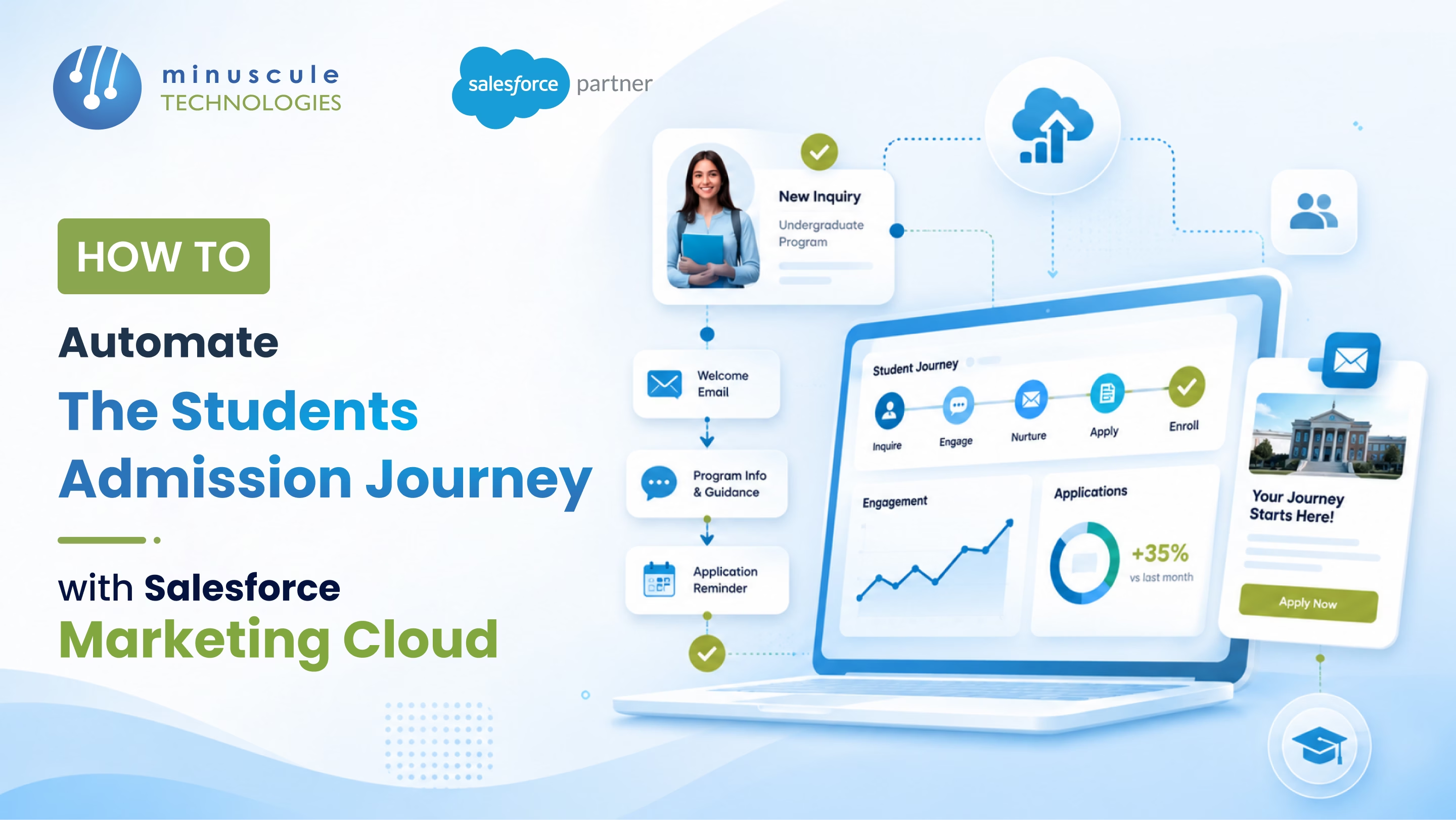
The admissions VP opens the deposit dashboard. Admitted: 4,200. Deposited: 1,100. Yield is the lowest in five years. The board asks what has changed. Nothing in the curriculum. Nothing in the price point. The peer institution down the road grew its yield. So where did the deposits go?
The answer is in what didn't happen between admit and deposit. Generic congratulations email on admit day. Silence for four weeks. A deadline panic email three days before depositing due. Admitted students who got admitted elsewhere had already deposited there.
This is what happens when admissions run on email blasts instead of orchestrated journeys. Every admitted student gets the same message at the same time. The engineering applicant reads the same content as the liberal arts applicant. Personalization stops at first-name merge.
The fix is Salesforce Marketing Cloud Journey Builder - orchestrated, personalized, multi-channel admissions journeys driven by Education Cloud data and live application status.
Here's how to automate the admissions journey end-to-end.
Six failure points across the admissions funnel:
Each is fixable in Marketing Cloud. Together, they account for most of the yield gap.
Five components do the work.
These five orchestrate every touch from inquiry through enrollment.
Each stage is a Journey Builder canvas with entry criteria, decision splits, and exit triggers.
Entry: ContactRequest or web form submission. Sends program-specific intros, virtual tour invitations, counselor calls. Decision split: applied vs not applied at sixty days.
Entry: Application Started status. Sends deadline reminders, document upload prompts, FAQ deflection. Decision split: submitted vs abandoned at fourteen days.
Entry: Application Submitted status. Sends "what to expect" sequence, virtual faculty sessions, current-student stories. Decision split: admit vs deny vs waitlist via SIS webhook.
Entry: Admit Decision posted. Sends personalized admit letter, program-specific yield content, financial aid explanation, virtual yield events, peer connection invites. Decision split: deposited vs not deposited at thirty days.
Entry: Deposit Confirmed. Sends orientation of registration, housing assignment, course registration prompts, ID card scheduling, parent communication. Decision split: enrolled vs withdrew before term start.
Six data points from Education Cloud and SIS that turn generic journeys into personalized ones.
"The student who attended your virtual tour and emailed your engineering faculty doesn't need the same admit letter as the student who applied through the Common App and never engaged. Marketing Cloud knows the difference. Email blasts don't."
Marketing Cloud doesn't work alone. Five integrations make admissions journeys real.
Contact Request, Educational Info Request, Application, and Program Enrollment data flow into Marketing Cloud data extensions for journey segmentation.
Application status, admit decision, financial aid award, and enrollment events push to Marketing Cloud via Salesforce Education Cloud as the staging layer.
When an admitted student opens a high-priority Case, the journey pauses or shifts to a service-led path until the Case closes.
Web inquiry forms, virtual tour signups, and program-specific landing pages create or update Contacts in Education Cloud and enter the inquiry journey automatically.
Salesforce admitted student segments push to Advertising Studio for retargeting and lookalike campaigns through deposit deadlines.
Six rules every admissions journey need from day one.
Journey entry triggers the SIS-confirmed status field, not an admissions counselor's manual update. Manual stages drift; SIS doesn't.
A student who deposited at another institution and notified you should suppress out of every active journey. One suppression list applied universally.
No student receives more than three emails per week across all active journeys. Frequency cap rules enforced at the Marketing Cloud All Contacts level.
SMS and push respect for quiet hours (eight PM to eight AM local time). Channel preferences from the Contact record govern which channels are eligible.
Every email template uses dynamic content blocks driven by Career field. Undergrad housing emails never reach Law students.
Weekly review of entry counts, exit rates, error counts per journey. Stalled journeys flag for review before they affect yield metrics.
No. Education Cloud is the system of record for prospects, applications, and program enrollment. Marketing Cloud is the engagement layer that runs journeys against that data. They integrate via Marketing Cloud Connect or Data Cloud — both required for higher-ed admissions automation.
A focused team building inquiry, application, decision-pending, admit-to-deposit, and deposit-to-enrollment journeys typically deliver in eight to fourteen weeks. Add another four weeks for personalization, advertising integration, and full SIS connectivity.
Use MuleSoft or a middleware layer between the SIS and Salesforce. Application status, admit decisions, and financial aid events flow into Salesforce Education Cloud, which Marketing Cloud reads through Marketing Cloud Connect.
Yes. Country of citizenship, visa status, and language preference drive separate journey paths. International applicants typically need different timelines, document requirements, and orientation content - Journey Builder decision splits handle this without separate campaigns.
Marketing Cloud Journey Builder turns admissions from a sequence of email blasts into an orchestrated, personalized journey from inquiry through enrollment. Five stages, six personalization signals, five integration touchpoints, six validation rules - that's the structure. The yield gap closes not with louder emails but with relevant ones. Delivered through the channel the student actually uses, at the moment the journey says matters.
Minuscule Technologies is a Trusted Salesforce Engineering Partner with 160+ Salesforce experts and 75+ projects delivered globally - including Nasdaq-listed enterprises across BFSI, manufacturing, and IT services. We build admissions journeys in Marketing Cloud - connected to Education Cloud, PeopleSoft, Banner, or Workday Student - with the Minuscule Education Starter Pack pre-built for higher-ed institutions.
Map your admissions journey in Marketing Cloud with us, and we'll review your inquiry-to-enrollment funnel, identify the yield gaps, and design the journeys that are close to them.
You've seen what's possible. Now, let's make it happen for your business. Whether you need an end-to-end Salesforce solution, a complex integration, or ongoing managed services, our team is ready to deliver.

Schedule a Free Strategic Call


