
June 29, 2026
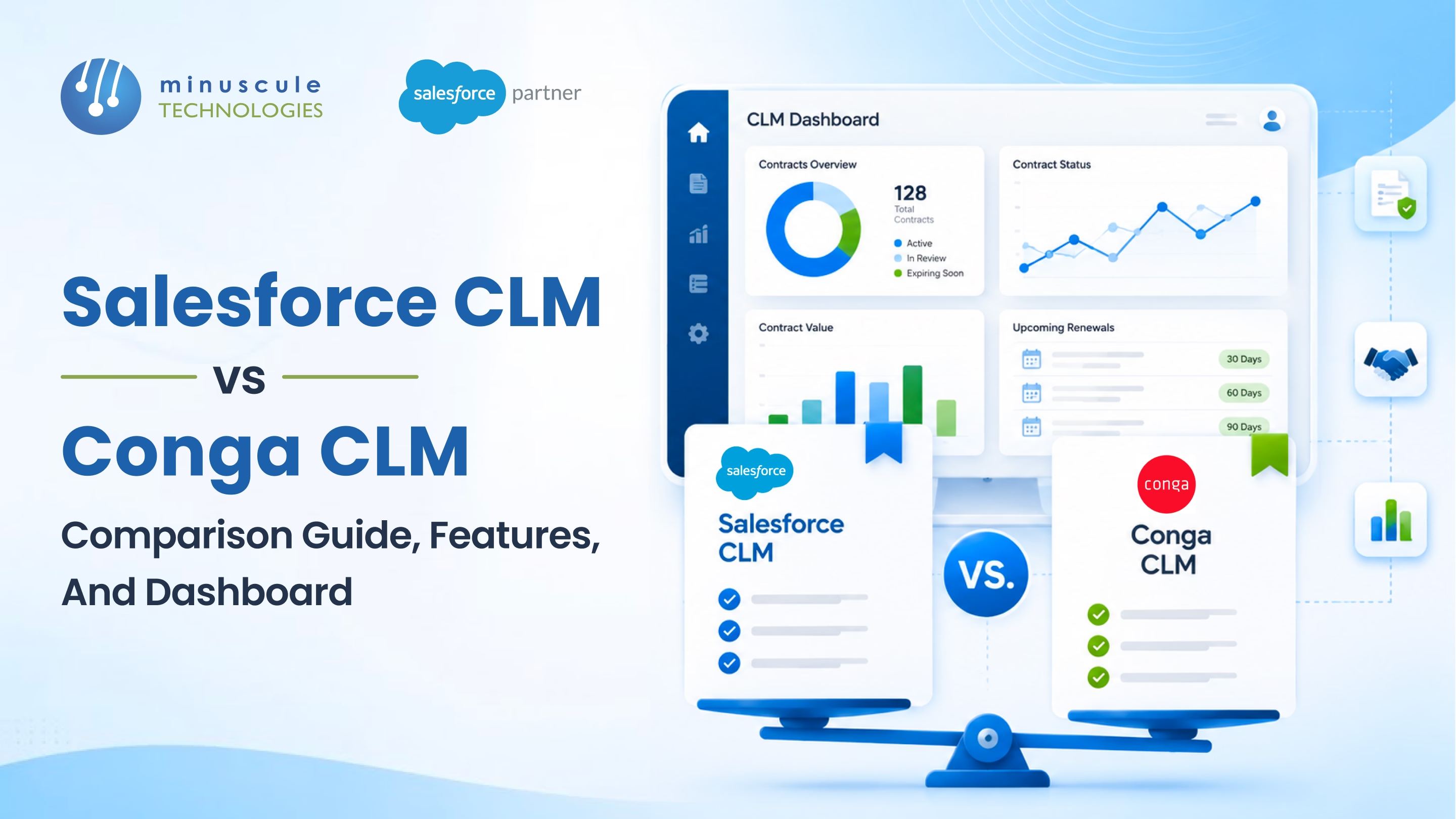
Salesforce CLM and Conga CLM both manage contracts on the Salesforce platform, but they fit different needs. Salesforce CLM is native contract lifecycle management built into Salesforce, best for teams that want contracts living inside their CRM with no extra vendor. Conga CLM is a mature third-party app for complex, high-volume contracting with deep authoring and negotiation features. In short: choose Salesforce CLM for simplicity and a single platform, and Conga CLM for advanced, high-volume contract automation.
The quick decision guide:
In this guide, you'll get a side-by-side comparison dashboard, a feature-by-feature breakdown, pricing and setup notes, and a clear recommendation for different business types.
Contract lifecycle management (CLM) is the process of handling a contract from request through drafting, negotiation, approval, signature, and renewal - all in one system. Good CLM software replaces scattered Word files and email threads with a single, trackable workflow.
On the Salesforce platform, CLM keeps contracts tied to the records they relate to: accounts, opportunities, and orders. That connection means a signed deal flows straight into a contract, and a renewal date can trigger a task before it lapses. The question for most teams isn't whether to use CLM - it's whether the native Salesforce option is enough, or whether a specialized tool like Conga is worth the extra cost.
Salesforce CLM refers to Salesforce's native contract management capabilities, which live alongside Sales Cloud and Revenue Cloud. It lets teams create contract records, link them to accounts and opportunities, manage approvals with standard automation, and store agreements where the rest of the customer data already sits.
The big advantage is that there's no second vendor and no separate platform to learn. Contracts use the same security model, reporting, and automation tools as everything else in your org. For teams with straightforward contracts and standard terms, that simplicity is hard to beat. You can read more about Salesforce's revenue and contract direction on the official Salesforce blog.
Conga CLM (formerly Apttus) is a long-established contract lifecycle management application built to run on Salesforce. It's designed for organizations with complex, high-volume contracting - think advanced clause libraries, automated document generation, redlining, and negotiation tracking.
Conga goes deeper than native contract management on authoring and negotiation, which is why large enterprises and legal teams often choose it. It's available on the Salesforce AppExchange, so it installs into your org while adding its own contract engine on top. The trade-off is added cost and a heavier implementation.
Feature sets on both products evolve with each release, so confirm the current capabilities for your edition before deciding. A partner who works with both can map this table to your actual requirements.
The dashboard gives the shape; here's the detail that explains it.
Salesforce CLM handles standard templates well - fine for repeatable agreements with stable terms. Conga goes further with clause libraries and automated document generation, so legal teams can assemble complex contracts from approved building blocks. If most of your contracts look alike, native is enough; if they vary a lot, Conga earns its place.
This is where Conga clearly leads. It tracks versions, manages redlines, and keeps a full negotiation history. Native Salesforce contract management usually leans on integrations for heavy redlining, which works but isn't as smooth for legal-heavy workflows.
Both use approval workflows, but Conga's are more granular for multi-step legal sign-off. For signatures, Salesforce CLM typically connects to a tool like DocuSign, while Conga offers Conga Sign or its own integrations. Either path gets you compliant e-signature.
Salesforce CLM stores contracts as records, so you report on them with the same dashboards as the rest of your org - a real plus for visibility. Conga adds a dedicated contract repository with deeper search and contract-specific analytics, useful when you manage thousands of agreements. For dashboard best practices on either, the Salesforce Ben community is a good reference.
Native Salesforce CLM is generally the lower-cost route because it's part of your existing Salesforce footprint rather than a separate product — though exact availability depends on your edition and licenses. Conga CLM adds licensing on top of Salesforce, plus a heavier implementation, which pays off for organizations whose contract complexity justifies it.
Whichever you choose, the implementation is where value is won or lost. A clean data model, sensible templates, and the right integrations matter more than the logo on the tool. Minuscule's guide on maximizing returns with a certified partner covers how to get that right, and the Salesforce admin resources outline the governance to keep contracts compliant.
The decision usually comes down to contract complexity and volume.
If you're unsure, start by mapping your real contract process - request, draft, approve, sign, renew - and see where the native tools fall short. That gap analysis tells you whether to add Conga. Minuscule's checklist on choosing the right Salesforce partner can help you run that evaluation with someone who knows both tools.
Salesforce CLM is native contract management built into the Salesforce platform, best for standard contracts and single-platform teams. Conga CLM is a third-party app for complex, high-volume contracting with advanced authoring, redlining, and a dedicated repository. Salesforce CLM favors simplicity; Conga favors depth.
Yes. Conga CLM (formerly Apttus) is a Salesforce ISV solution available on the AppExchange. It installs into your Salesforce org and adds its own contract engine, so contract data stays connected to your accounts and opportunities while gaining advanced CLM features.
Salesforce offers native contract management capabilities alongside Sales Cloud and Revenue Cloud, including contract records, approvals, and reporting. Exact features depend on your edition and licenses, so confirm what's included before you plan a rollout.
Native Salesforce CLM is generally lower cost because it uses your existing platform rather than a separate product and license. Conga CLM adds licensing and a larger implementation, which is worth it when contract complexity and volume justify the investment.
Yes, but plan the migration carefully. You'll need to map contract records, templates, and historical data into the native model, and rebuild any advanced Conga workflows with Salesforce tools or integrations. A partner experienced in both makes the move far less risky.
In the Salesforce CLM vs. Conga CLM decision, there's no universal winner - only the right fit for your contracts. Salesforce CLM wins on simplicity and cost for standard agreements, while Conga CLM wins on depth for complex, high-volume contracting. Either way, the implementation decides whether you get value. Minuscule Technologies works across Revenue Cloud and contract integrations - including DocuSign and document automation - and can help you choose and set up the right CLM. To talk through your contract process, schedule a free strategic Salesforce call or get in touch - or explore the full range of services on the Minuscule Technologies site.
You've seen what's possible. Now, let's make it happen for your business. Whether you need an end-to-end Salesforce solution, a complex integration, or ongoing managed services, our team is ready to deliver.

Schedule a Free Strategic Call


