
June 27, 2026
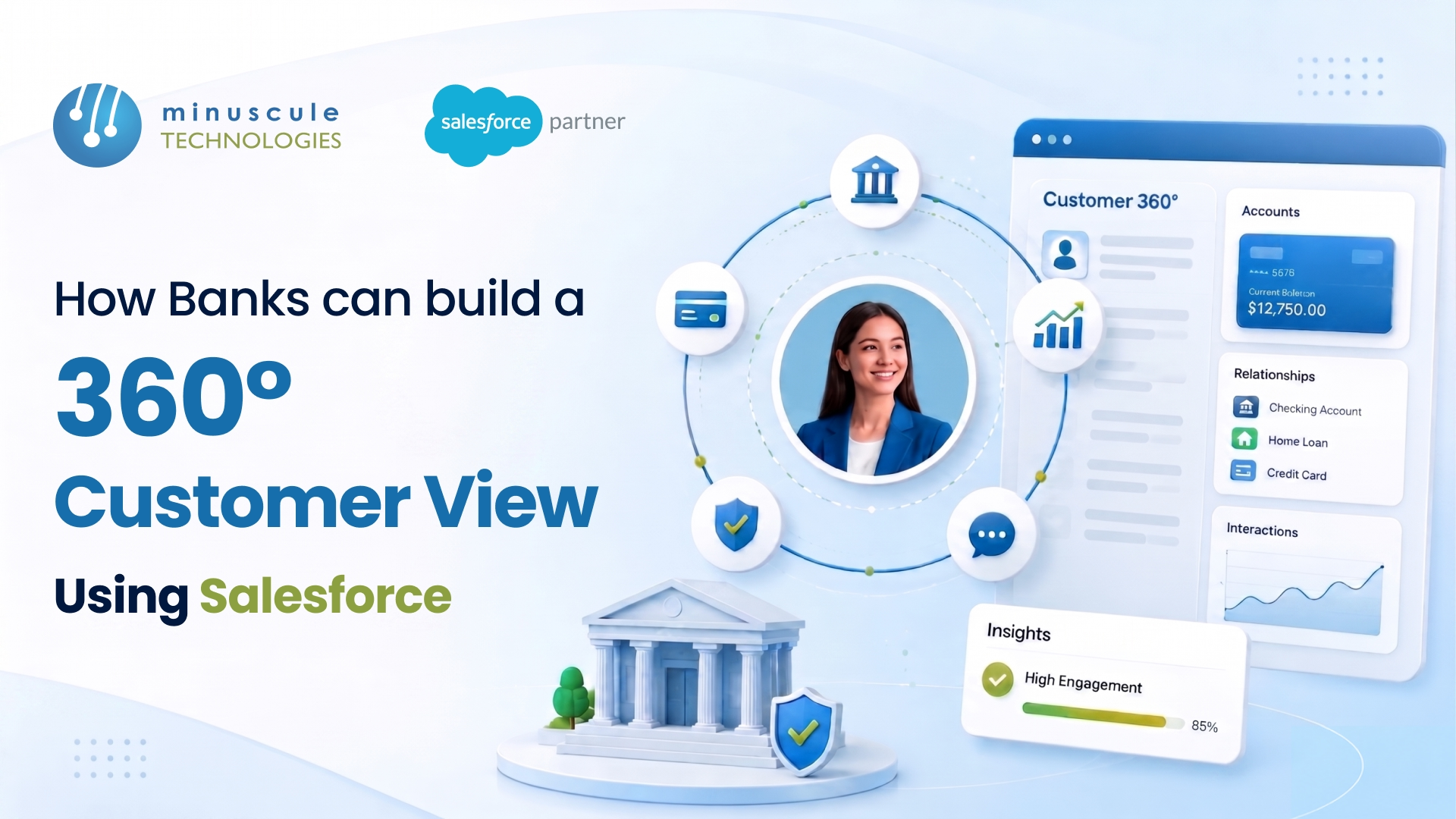
A 360-degree customer view is a single, unified profile that pulls every interaction, account, product, and conversation a customer has with your bank into one screen. In Salesforce, banks build this view using Financial Services Cloud as the data model, Data Cloud to unify records across systems, and integrations to feed in core banking, loan, and card data in real time.
Most banks don't lack customer data. They lack one place to see it. The average retail bank runs core banking, a loan origination system, a card platform, a mortgage system, and a separate marketing tool - and none of them talk to each other. A study by Salesforce found that 76% of customers expect consistent interactions across departments, yet siloed systems make that nearly impossible.
Here's what this guide covers:
A 360-degree customer view in banking is a complete, real-time picture of a customer that combines their accounts, products, transactions, service history, documents, and relationships — including household and business links — in one profile.
For a bank, that means a relationship manager can open one record and instantly see that Maria holds a checking account, a five-year auto loan, a credit card that's 80% utilized, two service calls last month about a disputed charge, and a mortgage pre-approval she started online but never finished. No tab switching across four systems. No asking her to repeat the information she already gave.
The view typically pulls together five data types:
When these come together, a banker stops reacting and starts advising. That's the real point of the 360-degree view: better conversations, faster service, and offers that actually fit.
The problem is rarely the data — it's where the data lives. A typical mid-size bank operates 8 to 15 customer-facing systems, each holding a fragment of the truth. The core banking platform knows balances. The loan origination system knows applications. The contact center tool knows complaints. None of them share a common customer ID.
This creates three recurring headaches. First, duplicate records — the same customer appears as three different people because the mortgage team spelled her name differently than the card team. Second, stale data — a banker sees an address that changed six months ago. Third, blind spots — the branch has no idea the customer just filed a complaint online an hour earlier.
Legacy integration makes it worse. Many banks have tried to stitch systems together with point-to-point connections, which break every time one system updates. Cleaning this up is exactly the kind of work that benefits from a structured approach to Salesforce data migration and harmonization, where records are de-duplicated and validated before they ever reach the unified profile.
Salesforce gives banks four building blocks for a 360-degree customer view. You don't always need all four, but together they form the complete picture.
Financial Services Cloud is the foundation. It ships with a banking-specific data model — objects for Financial Accounts, Financial Holdings, Households, and Relationship Groups — so you're not bending a generic CRM into shape. FSC gives you the relationship maps and the "Actionable Relationship Center" that visualize how a customer connects to accounts, products, and other people. Salesforce's own Financial Services Cloud documentation details these standard objects.
Data Cloud is what unifies records across systems. It ingests data from core banking, card, and loan platforms, then uses identity resolution to merge fragments into one "unified individual" profile. This is the layer that kills duplicates and creates the single customer ID that everything else hangs off. For banks with millions of records, this matters more than any dashboard.
Your 360-degree view is only as fresh as the data feeding it. Salesforce integrations — often built with MuleSoft — connect core banking systems, payment processors, and document stores so balances and transactions update in near real time, not overnight.
Service Cloud captures every case, call, and complaint, while Experience Cloud surfaces a matching self-service view to the customer. Both write back to the same profile, so the human and digital channels stay in sync.
Building the view is a sequence, not a switch you flip. Here's the order that works for most banks.
In our experience working on BFSI projects, steps 4 and 5 take the most effort and deliver the most value. Skip the cleanup and your shiny new dashboard just shows the same mess, faster.
Banks operate under rules that most CRM blogs ignore. A 360-degree view that pools sensitive financial data needs governance baked in from the start, not bolted on later.
Three things matter most. Role-based access controls, so a teller sees only what a teller should, while a relationship manager sees the full household. Field-level encryption and the Salesforce Trust Layer for sensitive data like account numbers and KYC documents. And audit trails that record who viewed or changed a profile, which examiners will ask for.
Aligning these controls with regulations such as GDPR, GLBA, or local banking rules is part of proper org administration and governance. Get it right early, and the 360-degree view becomes a compliance asset, not a liability.
A few patterns sink into these projects. Watch them.
A unified profile used to be the destination. Now it's fuel for AI. With clean, connected data, Salesforce Agentforce and Einstein can read a customer's full history and suggest the next best action — flag a customer likely to churn, surface a pre-approved offer, or draft a service reply grounded in real account data.
The catch is simple: AI is only as good as the data under it. A bank that hasn't unified its records can't trust an AI recommendation, because the model is reasoning over fragments. That's why the 360-degree view has become the prerequisite for useful banking AI, not a nice-to-have. Salesforce's own product blog tracks how these AI features keep expanding across Financial Services Cloud.
It's a single, unified customer profile that combines accounts, transactions, service history, documents, and relationships in one place. In Salesforce, banks build it on Financial Services Cloud and unify the data with Data Cloud, so every team sees the same accurate picture.
Financial Services Cloud is the core, because it includes a banking-specific data model for accounts, households, and relationships. Data Cloud handles cross-system unification, and MuleSoft connects core banking and loan platforms for real-time data.
For most mid-size banks, a focused implementation runs three to six months, depending on how many systems you connect and how clean the source data is. Data cleanup and integration usually take longer than the dashboard itself.
Yes, when built correctly. Salesforce supports role-based access, field-level encryption, the Trust Layer, and full audit trails, so sensitive data stays protected, and access stays compliant with banking regulations.
FSC alone works if your data already lives mostly in Salesforce. If customer records are scattered across core banking, card, and loan systems, Data Cloud's identity resolution is what merges those fragments into one trustworthy profile.
A 360-degree customer view only pays off when the data underneath it is clean, connected, and governed. That's the hard part — and it's the part Minuscule Technologies handles every day for banks and financial firms. As a trusted Salesforce engineering partner with deep BFSI experience, we design the data model, unify records across core systems, and build the banker-friendly screens that get used. If you're planning a Financial Services Cloud build or trying to fix a view that never quite came together, talk to our team — we'll help you map the fastest path from scattered data to a single customer profile.
You've seen what's possible. Now, let's make it happen for your business. Whether you need an end-to-end Salesforce solution, a complex integration, or ongoing managed services, our team is ready to deliver.

Schedule a Free Strategic Call


