We are at Dreamforce 2026, Industry Pavilion at San Francisco


August 16, 2026
Sales Rep is mid-quote with a regional retail chain. The customer wants industrial AC units for fourteen new stores - Outdoor Unit, Stand, and Remote per location. The rep manually builds forty-two-line items, three Pricebook lookups, and two Excel tabs for warranty math. The customer signs. Fulfillment opens the order, finds three sites short of Stands and two with the wrong Remote SKU. The customer escalates. The order ships in pieces. The next quote goes to a competitor.
Manufacturers don't lose competitive deals on price. They lose them on quotes that look right and break in production. The villain isn't a CPQ. It's a CPQ that hasn't been configured around the way manufacturing products bundle, price, and flow into the order.
The fix is an opportunity-stage configuration architecture that turns product complexity into structured, repeatable quote logic - Bundle Logic, Pricebook modes, and validation that makes the quote and the order the same record.
Here's how to configure complex manufacturing products in Salesforce, so the deal you sign is the deal that ships.
Five forces complicate manufacturer product configuration:
Each force creates one bad quote in twenty. Combined, they explain why CPQ implementations stall after the second product line.
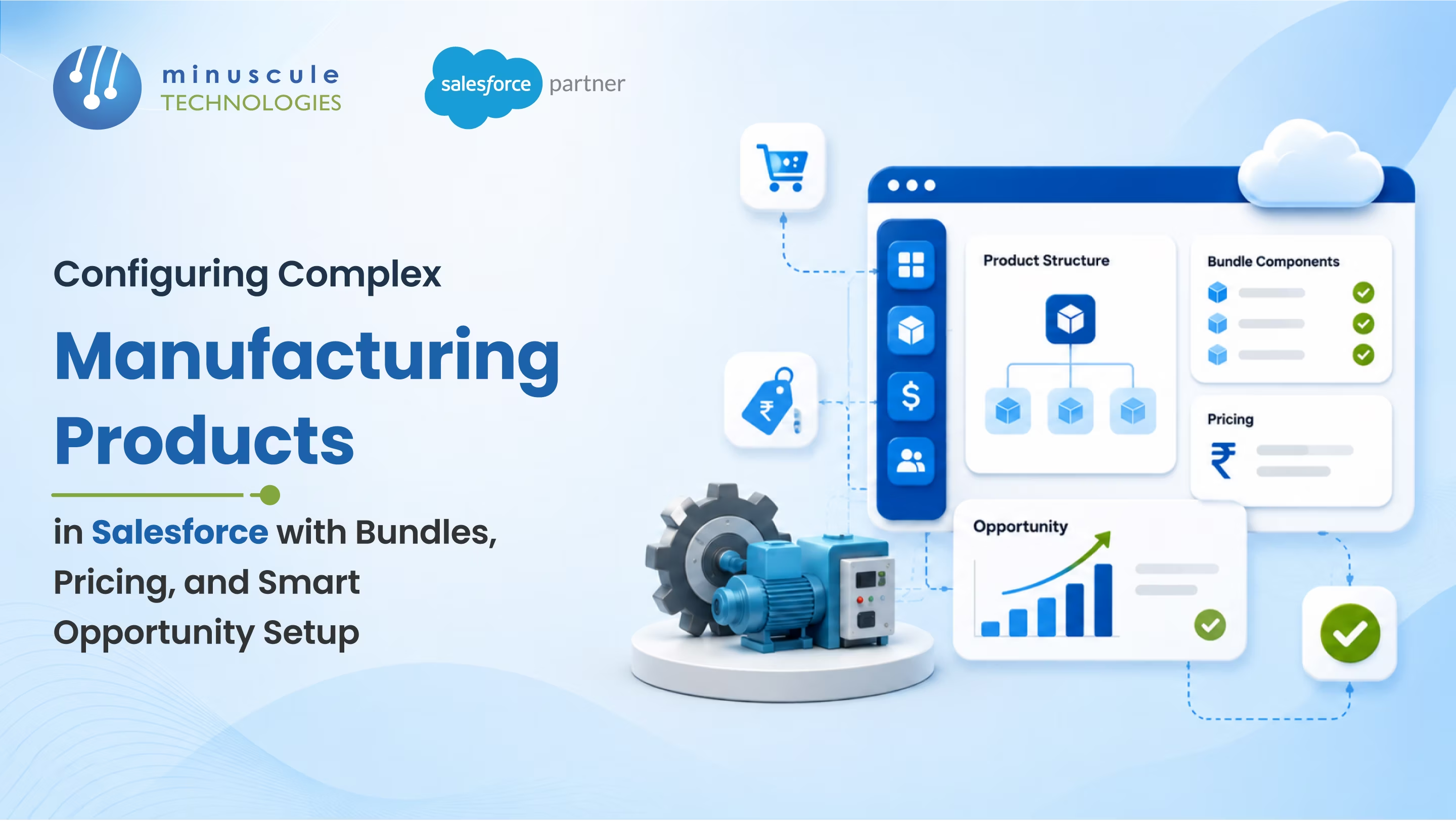
The source pattern: an Air Conditioner is sold as one configurable product that requires an Outdoor Unit, a Stand, and a Remote. The Sales Rep adds the AC during the Opportunity Qualification stage; Bundle Logic automatically adds the dependent components with correct quantities.
Parent and required children
Every parent product has its required child products defined in the data model. Adding the parent auto-adds the children. No manual line-item entry.
Quantity inheritance
Children inherit parent quantity by default. Add five ACs, get five Outdoor Units, five Stands, five Remotes. Override only at the line level when the customer asks.
Optional accessories surfaced, not buried
Optional accessories - extended warranty, install kit - appear as a recommendation panel at configuration, not as hidden picklist values nobody clicks.
The manufacturer Pricebook design has two clean modes. Picking the wrong one breaks the quote downstream.
Accessories are included in the main product price. The customer sees one line: "Industrial AC Unit." The components ship together but don't price separately. Cleanest for consumer-style sales and straightforward bundles.
Each accessory is priced separately on the quote. The customer sees the AC, the Stand, the Remote, the warranty each as line items. Best for enterprise customers who want itemized cost breakdowns or for orders where customers may exclude accessories.
The wrong choice produces quotes the customer questions or orders fulfillment can't process. Pick the mode per product line, not per org.
Five validation rules every manufacturer Opportunity need before quote generation.
Block quotes save when a parent product is added without its required children. Removes the "we forgot the Stand" problem at the source.
Validate that all line items belong to the same Pricebook entry version. Stops mixed-currency or mixed-region pricing errors.
Flag quotes where parent and child quantities don't match without a manual override note. Caught at save, not at fulfillment.
Block accessories that aren't compatible with the configured parent. The two-ton AC paired with a half-ton install kit gets stopped before the customer ever sees the quote.
Validate that the Pricebook used matches the Account's Territory. Wrong-region pricing is the most expensive quiet error in manufacturer CPQ.
An All-in-One Pricebook bundles accessory costs into the main product price; the customer sees one line. An Item-wise Pricebook lists each accessory as a separately priced line. Use All-in-One for consumer-style sales where accessories are optional. Use Item-wise where customers expect itemized pricing or may exclude specific accessories.
Define the bundle in the data model with a parent product and required child products linked by Product Relationships. When the Sales Rep adds the parent to an Opportunity, automation reads the relationship rules and adds the children with inherited quantity. Effective-dated bundles let you version the structure without breaking old quotes.
The most common cause is a Pricebook or bundle of mismatch between the Opportunity stage and the Order object. If the quote uses one bundle definition and the order consumes a different one, fulfillment receives line items that don't reconcile. Fix it by validating the bundle structure end to end and locking the Pricebook version at Primary Quote.
Yes. Salesforce supports multiple Pricebook entries per product, each scoped to a Territory, Channel, or Account segment. The Sales Rep selects the Pricebook at quote start, and the system applies the matching prices automatically. Region drift is prevented by validation rules that check Account-to-Pricebook alignment.
The fourteen-store AC quote in the opening scene isn't an outlier. Across manufacturing, the gap between a quote that looks right and one that ships right shows up as bundle gaps, wrong-SKU shipments, and CPQ-to-Order mismatches that surface at fulfillment. The architecture close to it isn't complicated. It just has to enforce Bundle Logic on Save.
The Salesforce Manufacturing Cloud Starter is the product Minuscule built for manufacturers who don't want their next complex quote to unravel in fulfillment. It covers parent-child Bundle Logic with quantity inheritance, All-in-One vs Item-wise Pricebook modes, accessory recommendation surfacing, and the five validation rules that block bad configurations at save - engineered into one production-ready CPQ platform. Manufacturers run complex deals without bundle drift.
Connect with our enterprise architecture team and we'll walk through the Manufacturing Cloud Starter and the configuration architecture for your product catalog.
You've seen what's possible. Now, let's make it happen for your business. Whether you need an end-to-end Salesforce solution, a complex integration, or ongoing managed services, our team is ready to deliver.

Schedule a Free Strategic Call


