
June 29, 2026
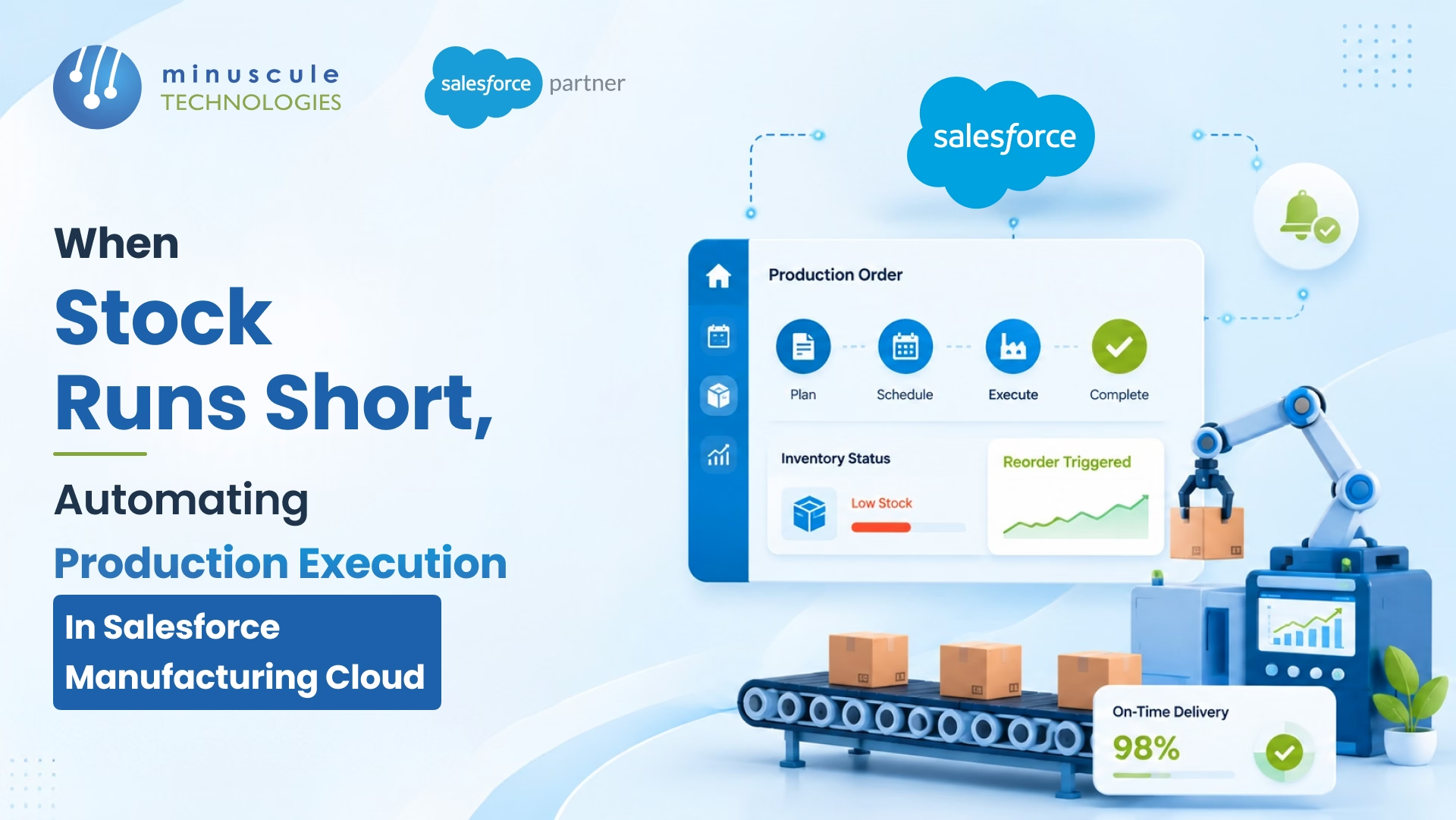
When stock runs short, Salesforce Manufacturing Cloud can automate production execution so a shortage triggers the next step on its own - flagging the gap, raising a work order, and alerting the right team without anyone refreshing a spreadsheet. The platform connects demand, inventory, and production data in one place, so a low-stock signal can kick off replenishment or a build instead of sitting in someone's inbox. The result: fewer stockouts, less manual chasing, and orders that ship on time.
Here's what automated production execution looks like in practice:
In this guide, you'll learn how Salesforce Manufacturing Cloud handles stock shortages, what production execution means on the platform, the steps to automate it, and the pitfalls to avoid.
Salesforce Manufacturing Cloud is an industry CRM built for manufacturers. It brings sales, operations, and service data together so teams can plan demand, manage agreements, and run production from one connected system instead of disconnected tools.
Its best-known features are Sales Agreements, which track committed volumes and revenue over time, and account-based forecasting, which blends those agreements with new opportunities for a clearer demand picture. More recent operations capabilities extend that view into inventory and production, so the same platform that manages the customer relationship can also help coordinate what gets built. That overlap is exactly what makes automating production execution possible. For the platform's direction and new manufacturing features, the official Salesforce blog is worth tracking.
A stockout isn't just a missing part. It's a chain reaction. A line stops, a shipment slips, a customer hears "it's delayed," and a sales rep spends the afternoon apologizing instead of selling. Multiply that across SKUs and plants, and the cost shows up as lost orders, rushed freight, and eroded trust.
The deeper problem is usually visibility, not material. Many manufacturers find out about a shortage too late because inventory data lives in one system, demand lives in another, and production lives on the shop floor. By the time the numbers reconcile, the gap is already a fire. Closing that lag is the whole point of automating production execution.
Production execution is the set of steps that turn a demand signal into finished goods: confirming what's needed, checking stock, creating the work order, scheduling the build, and tracking it to completion. In many shops, those steps are stitched together by hand - someone reads a report, emails a planner, and updates a spreadsheet.
Inside Salesforce Manufacturing Cloud, those steps become connected records and automated flows. Inventory, work orders, and demand sit on the same platform, so the system can move a job forward automatically and only pause for a human when judgment is required. The shift is from people moving information between tools to the platform moving the work itself.
You don't need to rebuild your whole operation to get there. Most manufacturers automate in layers, starting with visibility and adding triggers over time. Here's a practical sequence.
Automation is only as good as the data under it. Start by syncing inventory levels into Salesforce so stock counts update as they change. When the platform always knows what's on hand, a shortage becomes a data point it can act on - not a surprise someone discovers later.
Next, define the rules. When stock for an item drops below its threshold, an automation flow can create a work order, raise a replenishment request, or notify a planner - automatically. This is where a shortage stops waiting for a human to notice it and starts moving on its own.
Production rarely lives in one system. Integrating Salesforce Manufacturing Cloud with your ERP and manufacturing execution system (MES) lets data flow both ways: demand and orders push out, while inventory and production status flow back. This two-way link is what keeps the automated steps grounded in what's actually happening on the floor. Tying systems together cleanly is core engineering work, and it's where an experienced Salesforce partner earns its keep. Salesforce's developer resources cover integration patterns worth following.
Use account-based forecasting and Sales Agreements to drive build decisions. When committed volumes and live forecasts feed production planning, you make parts ahead of real demand instead of reacting to every shortage. Good planning means fewer shortages to automate around in the first place. For background on how manufacturers use these capabilities, Salesforce Ben is a helpful independent resource.
Automation shouldn't mean no oversight. Add approval steps for large or unusual orders, and route exceptions - like a shortage with no available capacity - to the right person with the context they need. The aim is a system that handles the routine and escalates the rest.
When these layers come together, the payoff is concrete rather than theoretical.
Automation magnifies whatever it's built on, so a few mistakes are worth steering around.
The first is automating on dirty data. If inventory counts are wrong, automated work orders will be wrong too - clean the data before you wire up triggers. The second is over-automating early. Start with the highest-volume, most predictable items, prove the flow, then expand. The third is skipping the ERP and shop-floor integration; without it, Salesforce only sees half the picture. And the fourth is leaving no room for human judgment - keep approval and exception paths so people can step in when a situation is genuinely unusual.
Avoiding these comes down to sequencing and solid engineering, which is why the right implementation team matters. Minuscule's checklist on choosing the right Salesforce partner is a useful starting point, and the Salesforce admin resources cover the governance habits that keep automated processes reliable.
Yes. Salesforce Manufacturing Cloud combines demand, inventory, and production data so manufacturers can plan and coordinate builds in one place. With automation and ERP integration, it can turn a low-stock signal into a work order or replenishment request without manual steps.
Automation closes the gap between noticing a shortage and acting on it. When inventory drops below a set threshold, a flow can automatically create a work order, request replenishment, or alert a planner - so production keeps moving instead of stalling while someone reconciles spreadsheets.
For full production execution, yes. ERP and MES integration lets demand and orders flow out of Salesforce while inventory and production status flow back in. Without that two-way link, the platform only sees part of the picture, and automated decisions can drift from what's happening on the floor.
No. Mid-size manufacturers often see the fastest payoff because they feel stockouts sharply but lack large planning teams. Starting with real-time inventory visibility and a few trigger-based work orders delivers value without a full operations overhaul.
It depends on your data quality and the systems involved. A focused rollout - inventory visibility plus a handful of automated triggers - can go live in weeks, while a full ERP and shop-floor integration takes longer. Most manufacturers phase it in rather than doing everything at once.
A stock shortage will always happen sometimes - the difference is whether it triggers a fire drill or a flow. Salesforce Manufacturing Cloud lets you automate production execution so shortages move work forward on their own, backed by clean data, connected systems, and smart exception handling. Minuscule Technologies has built sales and operations solutions for manufacturers, including SAP integrations and custom automation for production and dealer workflows. If you want to map out where automation would help most, schedule a free strategic Salesforce call or get in touch - or explore the full range of services on the Minuscule Technologies site.
You've seen what's possible. Now, let's make it happen for your business. Whether you need an end-to-end Salesforce solution, a complex integration, or ongoing managed services, our team is ready to deliver.

Schedule a Free Strategic Call


