We are at Dreamforce 2026, Industry Pavilion at San Francisco


July 14, 2026
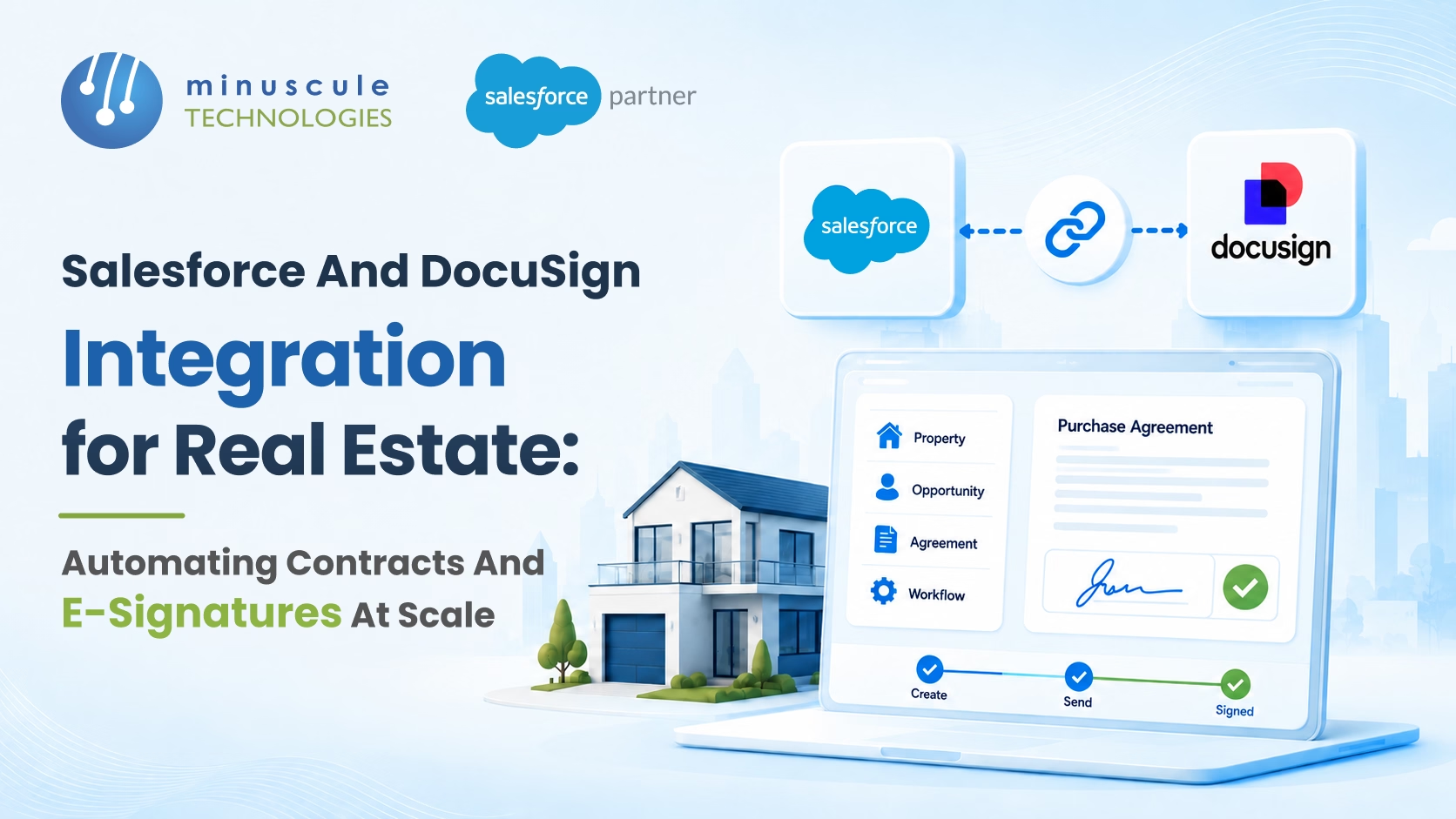
A property deal moves fast — until the paperwork starts. That's the gap a Salesforce Docusign integration closes for real estate firms. It connects your CRM deal data straight to Docusign's e-signature platform. Sales agreements, lease contracts, and booking forms are generated from Salesforce records on their own. The right data pre-fills. The system routes the right signers. And status flows back to Salesforce until the moment signing completes.
The contract types of real estate firms automate most:
This post covers how the integration works, how to set it up for a property business, and what to get right before going-live.
A sales team that closes 30 to 50 deals each month generates 120 to 200 documents. Booking forms. Agreements. Lease contracts. Broker letters. Without integration, each one needs a coordinator. They pull a template, type in buyer details, email it for signature, and update the CRM by hand.
The failure points repeat. Typing errors produce contracts with wrong unit numbers or prices. Delays between the verbal yes and the document give buyers time to rethink. Nobody can see signing status, so managers chase updates. And signed contracts live in email threads — so the CRM never holds the full deal.
When you integrate Docusign with Salesforce, you don't just speed up signing. You close the loop between CRM and contract.
Docusign eSignature for Salesforce installs from the AppExchange. Once connected, a Salesforce record — an opportunity, a booking, a contract object — can trigger a Docusign envelope. The envelope pre-fills from CRM data. It routes to defined signers in the right order. And the Docusign to Salesforce integration reports signing status back in real time.
On completion, your automation fires. The opportunity stage updates. Handover tasks are created. Operations get an alert. Unit status flips from Reserved to Sold. All with zero manual CRM updates.
Most real estate teams mix two modes. Automated triggers: a booking confirms, and the agreement generates and sends with no manual step. Manual sends complex commercial leases, where a user reviews terms before hitting send.
Booking agreements are the highest volume, the most urgent case. A buyer confirms a unit. The agreement generates the Salesforce opportunity record — unit number, property name, total consideration, booking deposit, payment schedule — and routes to the buyer. For developers running a launch with many units selling at once, this isn't optional.
Lease agreements draw on two sources. Yardi provides lease terms and pricing. Salesforce holds tenant details. Docusign merges into the final agreement.
Broker commission letters must go out fast after closing. Delays strain the broker bond. Automating from the opportunity record keeps the paperwork matched to the CRM and in the broker's inbox on time.
NDAs and letters of intent for commercial deals take the manual-review path. The content needs a human check before it reaches the other side. But they still gain from template-driven generation and Salesforce-side tracking.
Docusign eSignature for Salesforce installs from the AppExchange. To connect Docusign to Salesforce, link your Docusign account to the org using OAuth 2.0.
Use Salesforce Named Credentials to store the Docusign endpoint URL and tokens. That's the platform-recommended way to keep external API credentials safe. Set sender defaults, assign permissions by role, and test the connection in sandbox before production.
Templates live in Docusign. For each contract type, upload the document. Then add merge fields (placeholders that pull live Salesforce data), signature blocks, and recipient roles. Template design is where most of the work happens. A well-built template produces an accurate document every time.
Define which Salesforce field fills each Docusign merge field. Standard fields: contact name, email, address. Custom real estate fields: unit number, price, payment schedule. Related fields where data comes from a custom Unit object or the Yardi sync. Test every merge field in a trial send before go-live.
One technical note: Docusign merge fields reach only one level up from the source object. Real estate data models often run deeper — Opportunity → Lease → Unit → Building. For those chains, use Salesforce formula fields or a pre-send Flow. They stamp the deep values onto the source record first. Then the values merge as standard fields.
Decide whether signers execute in sequence or in parallel. Choose which roles get completed copies as observers. For multi-country work, signing order rules vary by jurisdiction. Regional template versions cover the local legal norms.
Build Salesforce Flows that fire on envelope status changes. Stage update on sends. Opportunity advances on completion. Task creation. Operations alerts. Unit status change. These completion actions are where the Docusign Salesforce integration pays off in full.
Multi-language templates. For markets needing English plus Arabic, Tamil, Hindi, or Bahasa Malaysia, keep one template per language. Salesforce logic reads the buyer's preferred-language field and picks the right template when the booking confirms. (The same pattern powers lease contracts in 15 languages.)
Multi-party signing with approval gates. Units priced above a set line route through a Salesforce approval first. A senior manager signs off before the document reaches the buyer. The approval audit trail stays in Salesforce.
Bulk runs for project launches. A developer launching a new phase may need 50 to 100 booking agreements sent in one day. Docusign's bulk send — fired from a Salesforce list view or a Flow - handles it. It takes upfront setup. But it's essential for any firm running sales events.
The Yardi–Salesforce–Docusign chain. Yardi feeds current lease data to Salesforce. Salesforce adds the buyer data. Docusign builds the agreement from the merged fields. The chain depends on a fresh Yardi sync at generation time. A pre-send check - confirming the record matches current Yardi data - is a smart guard.
In our work with real estate clients, the biggest gains come from automating the highest-volume document first. That's almost always the booking agreement. Then expand to leases and broker documents once the core flow is stable. The same Docusign and Salesforce integration engine also drives multilingual invoicing for global billing teams.
A setup that connects Salesforce CRM records to Docusign's e-signature platform. Real estate firms use it to build property contracts from CRM data, send them for e-signature, track signing status in Salesforce, and fire post-signing actions. No manual drafting. No manual CRM updates.
Yes - but the chain needs a working Yardi–Salesforce link first. Yardi data syncs into Salesforce fields. Docusign then reads those fields when the lease generates. Docusign never connects to Yardi on its own. It reads whatever Salesforce holds at envelope time.
Yes. Keep one template per language. Salesforce logic picks the right one from the buyer's preferred-language field. When the envelope fires, the pick is automatic.
A focused build covering two to three document types takes three to five weeks. That includes template design, field mapping, signing setup, completion automation, and UAT. Multi-language versions, bulk send, and approval gates add time.
Every hour between the verbal yes and the signed contract is an hour your buyer can walk. Manual document work slows deals, breeds errors, and keeps the real record outside your CRM. A salesforce integration with Docusign ends all three problems at once.
This is core work for Minuscule Technologies. As a Trusted Salesforce Engineering Partner with 160+ Salesforce engineers and 75+ delivered projects, we've built this integration for real estate firms of every shape - single-project residential launches to commercial portfolio operators with multi-party lease workflows. And we don't stop at the connector. We deliver the full machine: templates, field mapping, signing workflows, completion automation, multi-language setup, and the Yardi chain that keeps it all accurate. Explore us real estate solutions for the wider picture.
Your next launch will produce a hundred contracts in a day. Decide now whether a coordinator types them - or Salesforce sends them. Book a free consultation and we'll show you where the integration pays off first.
You've seen what's possible. Now, let's make it happen for your business. Whether you need an end-to-end Salesforce solution, a complex integration, or ongoing managed services, our team is ready to deliver.

Schedule a Free Strategic Call


