
June 11, 2026
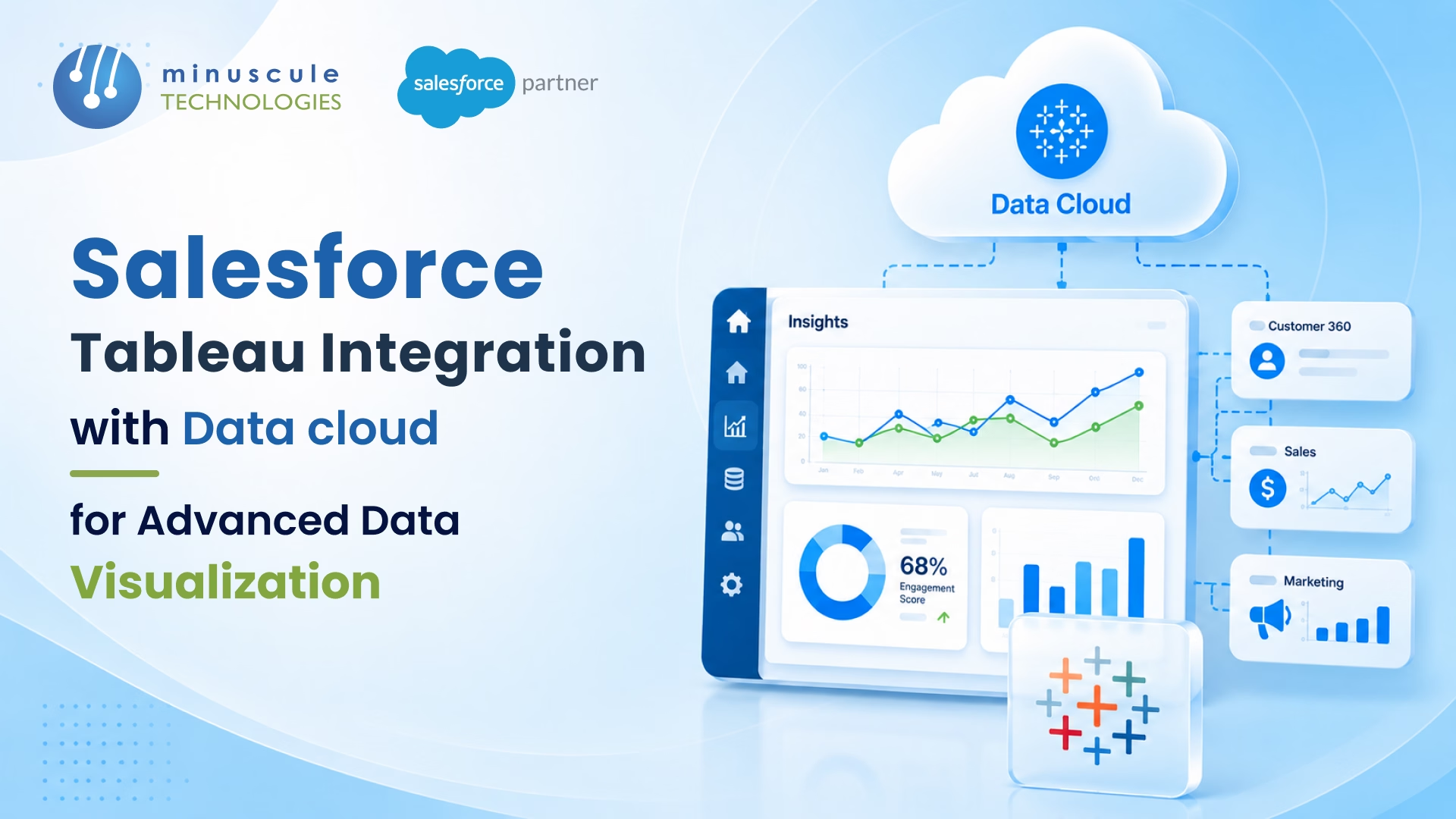
Salesforce Tableau Integration connects Tableau - Salesforce's own analytics and data visualization platform - directly to your CRM, so raw records become live, interactive dashboards. Tableau matters because it makes complex data easy to see, explore, and act on without writing code. With this integration, every team works from one real-time source of truth instead of chasing scattered exports.
Consider a scene that plays out in most companies. Sales quotes one pipeline number, marketing shows another, and finance is still fixing a spreadsheet pulled last week. Everyone has data, yet no one agrees on the truth - so the decision stalls. That's the exact gap Salesforce Tableau Integration closes. When you unify your data in Data Cloud and visualize it live in Tableau, the pipeline number is the same for everyone, updated by the minute. The meeting shifts from debating whose report is right to deciding what to do next.
Think of what follows as the map from that messy scene to a single, trusted view - how the integration works, the role Data Cloud plays, how to connect the two step by step, the best practices and pitfalls that make or break it, and when it pays to bring in a partner.
Salesforce Tableau Integration is the process of connecting Tableau - the analytics platform now owned by Salesforce - to your Salesforce CRM so you can visualize and act on your data in real time. Tableau sits on top as the visualization layer. Salesforce holds the data. Together, they let you see, understand, and act on live customer information without exporting spreadsheets.
Because Tableau is now tableau by salesforce, the connection is native rather than bolted on. You can link the two in three main ways:
The result is a single source of truth. One number, trusted by everyone. Salesforce reports that teams using these insights see a 32% jump in productivity and a 33% jump in insight-driven decisions.
On their own, each platform is strong. Salesforce runs your customer relationships. Tableau makes data visual. Combined, they close the gap between "we have the data" and "we made the decision." Here's what tableau and salesforce deliver as a pair:
This matters most when your data is growing fast. A clean Salesforce integration keeps that data flowing accurately between systems, so the visuals people trust actually reflect reality.
Data Cloud is the piece that takes this integration from "useful" to "powerful." Salesforce Data Cloud ingests, harmonizes, and unifies customer data across every channel into a single, real-time profile. Tableau then brings that profile to life. Think of the flow in five stages: Connect, Harmonize, Unify, Analyze, and Act.
Two features make the salesforce tableau crm experience especially fast. First, Accelerated Queries speed up live queries from Tableau, so you no longer depend on extract mode to get current data. Second, zero-copy sharing lets Data Cloud access data in platforms like Snowflake without moving or duplicating it. That cuts the brittle, expensive data pipelines teams used to build and maintain.
Data Cloud also unlocks visual segmentation. Analysts can explore an audience in Tableau, publish a segment back into Data Cloud, then activate it in Marketing Cloud or an ad platform. For teams planning AI, this clean, unified foundation is exactly what tools like Agentforce need to perform. Good data in, smart automation out.
Wondering how to connect tableau to salesforce? The path depends on where your data lives. Below is the direct-connector route, which works for most Sales, Service, and Marketing Cloud data.
In Tableau Desktop, go to the Connect pane. Under "To a Server," click More, then select Salesforce.
Enter your Salesforce credentials. Approve any multi-factor prompt. Click Allow to grant Tableau access to your Salesforce account.
Pick the objects you want, such as Opportunities or Cases. Drag them onto the canvas and build your joins. Tableau then creates an extract of the data source.
Move to the worksheet. Drag fields onto the canvas to build charts, then format them with Tableau's visualization tools. Prefer a head start? Download a Salesforce Starter dashboard and swap in your own data source.
For a unified profile, use the tableau salesforce connector for Data Cloud instead. Set up the Data Cloud connector, then query harmonized data with a live connection.
Publish your workbook to Tableau Cloud or Server. Then embed the dashboard back into Salesforce using the Lightning Web Component, so insights live right where your teams work.
To move even faster, start with pre-built dashboards from Tableau Exchange. These Accelerators cut time-to-value dramatically.
A connection is easy. A durable, trusted salesforce and tableau integration takes discipline. Follow these practices to keep it clean.
Getting these right is where an experienced Salesforce consulting partner saves months of trial and error.
Integrating tableau and salesforce integration workflows comes with a few predictable hurdles. Here's how to handle the big ones. If you'd rather hand off the build, see our Salesforce Tableau integration services.
The value of integrating tableau with salesforce shows up differently for each team:
The same pattern scales across industries. A BFSI firm can visualize loan pipelines and compliance metrics in one view. A manufacturer can turn dealer, field, and ERP data into just-in-time supply chain insight. In every case, the salesforce integration tableau setup turns scattered records into decisions. For more on where analytics is heading, Salesforce Ben tracks the platform closely.
It's connecting Tableau to your Salesforce CRM so you can visualize and act on live data. Tableau serves as the analytics layer, while Salesforce and Data Cloud provide the unified data. Together they give every team a single, trusted view of customer information.
You can use the direct Salesforce connector in Tableau Desktop, or the Data Cloud connector for unified profiles. Log in with your Salesforce credentials, authorize access, choose your objects, and start building. For a faster start, use pre-built Tableau Accelerators.
It's the built-in connection that links Tableau to Salesforce data. There's a direct connector for Sales, Service, and Marketing Cloud, plus a dedicated Data Cloud connector that supports live queries with Accelerated Queries.
No. Tableau CRM (formerly Einstein Analytics) is Salesforce's native analytics tool, while Tableau is the standalone platform Salesforce acquired. A tableau crm integration and a full Tableau integration serve different needs, though both visualize Salesforce data.
Not strictly. You can connect Tableau directly to Salesforce. But Data Cloud adds unified profiles, zero-copy access, and faster live queries — which is why it's recommended for advanced data visualization as your data grows.
Your data already holds the answers. The challenge is making them visible, fast, and trusted across every team. A well-built Salesforce Tableau Integration does exactly that — it unifies your CRM data in Data Cloud and turns it into visuals that drive real decisions. The platforms are ready. Success comes down to how well the integration is planned, governed, and adopted.
That's where Minuscule Technologies comes in. As a trusted Salesforce engineering partner with 125+ certified experts, we design integrations around your workflows — not generic templates. Our pre-built accelerators and starter packs, from a B2B Marketplace accelerator to industry-ready data models, cut your time-to-value in half. And our AI-first approach means your Tableau dashboards sit on clean, governed, AI-ready data from day one. Ready to see your data clearly? Schedule a free strategic Salesforce call, and we'll map the fastest path to unified analytics for your team.
You've seen what's possible. Now, let's make it happen for your business. Whether you need an end-to-end Salesforce solution, a complex integration, or ongoing managed services, our team is ready to deliver.

Schedule a Free Strategic Call


Plot No. 4, Sridevi Amman Street, Perumal Nagar Extension, Old Pallavaram, Chennai, Tamil Nadu 600117, India.
