We are at Dreamforce 2026, Industry Pavilion at San Francisco


July 9, 2026
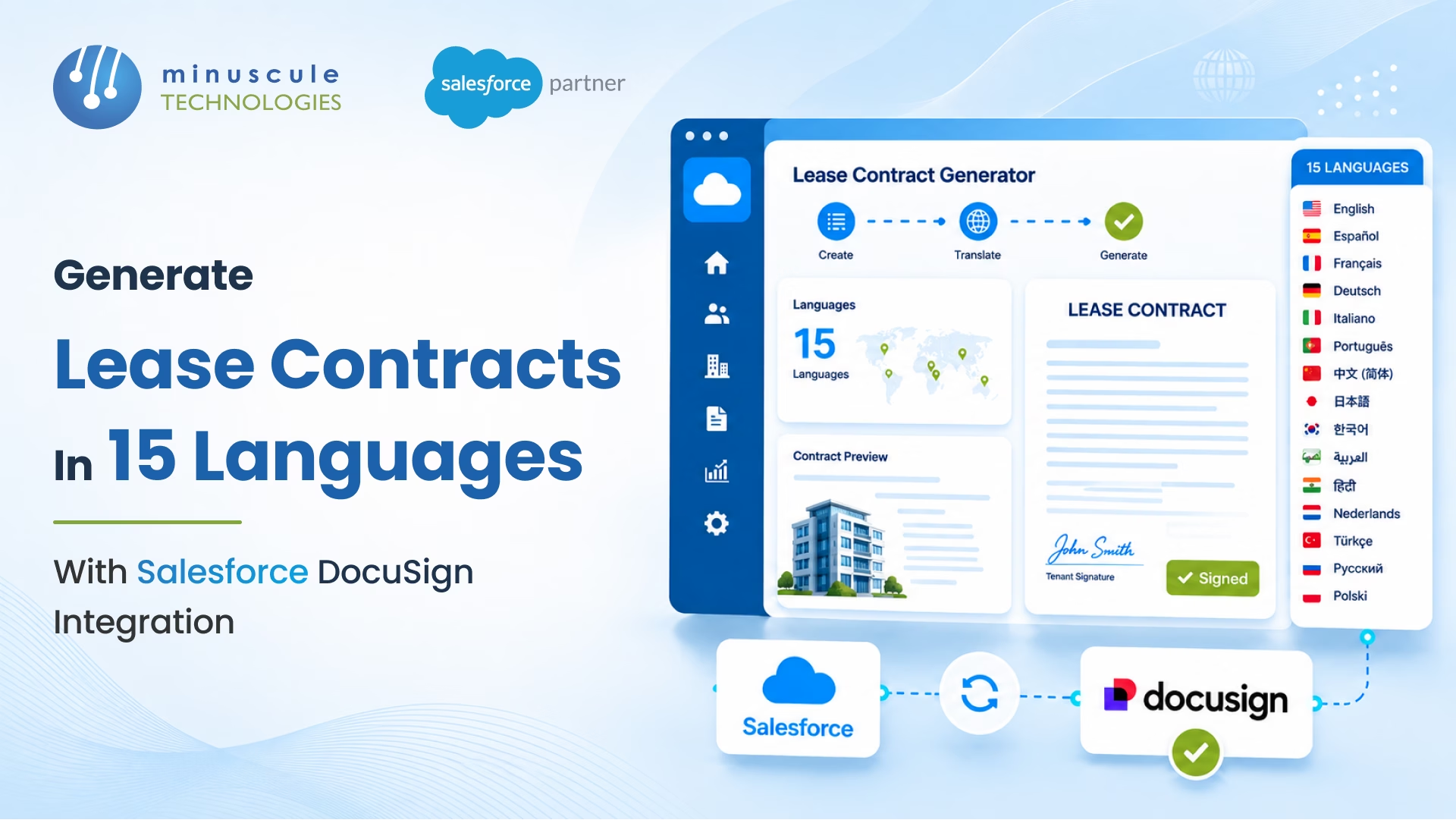
Thursday afternoon at your London headquarters. The leasing manager gets an urgent Slack from the Dubai office. A tenant is ready to sign a three-year commercial lease — but only in Arabic. This is the bottleneck a Salesforce Docusign integration removes. Without it, she digs up the English master template. She emails the translation vendor. Turnaround: Five business days.
Meanwhile, Paris needs three French residential leases by Monday. Tokyo waits on a Japanese retail lease stuck "in translation" for two weeks. That tenant found another space yesterday.
This is what happens when leases live in one language and your tenants live in fifteen countries. Every translation request adds days. Every delay risks the deal. Here's how Docusign and Salesforce generate lease contracts in 15 languages — and end the wait.
Global property firms don't start with a translation problem. They start with a template problem. Legal drafts a master lease in English. A tenant in Germany needs a German version. So, someone copies the file, sends it to a translator, waits, and asks legally to check the result.
This cycle repeats for every language and property type. A firm in 15 markets might keep 60 to 90 separate lease templates. That's five property types of times fifteen languages, plus country add-ons.
Three things collapsed. First, version control dies. Legal updates a clause in the English master, and nobody updates the translations. Second, turnaround swells from one day to five or ten. Third, compliance risk climbs. One mistranslated penalty clause in a German or Japanese lease can void the deal under local law.
The root cause isn't translation. It's the gap between where lease data lives (Salesforce) and where documents get made (Word files, shared drives, email threads). A proper Docusign Salesforce integration closes that gap.
The solution joins three pieces. Salesforce holds your property and tenant data. Docusign Gen builds the documents. Docusign eSignature gets them signed.
Your leasing agent opens the Opportunity or Custom Lease record in Salesforce. The record holds every data point the lease needs. Tenant's name. Property address. Lease term. Rent. Escalation schedule. Security deposit. The agent clicks "Generate Lease," picks up the language, and Docusign Gen pulls the matching template.
Each language template comes pre-built. It carries the right legal phrasing, date formats, and currency symbols — all approved by local counsel. One technical note: Docusign Gen formats dates and money based on the locale set in the template. To keep the output right no matter who runs it, set the template locale to the target country. Or use a Salesforce formula field to pre-format the values before they merge. That bypasses any clash between the user's account and the tenant's country.
Conditional content rules handle country-specific clauses. A German lease includes Mietrecht references on its own. A UAE lease includes RERA compliance language. A Japanese lease formats the guarantor section to local practice. The template logic reads the country field in Salesforce. No manual clause picking.
Once generated, the lease routes to Docusign eSignature. The tenant signs in their language. Then the Docusign to Salesforce integration writes the signed lease back to the record, with a full audit trail.
Not every lease follows the same shape. When you integrate Docusign with Salesforce, separate template sets handle the variations — each with language versions.
Commercial office leases. The most clause-heavy type. Rent escalation schedules, fit-out allowances, break clauses, and expense pass-throughs. Each country's template carries a locally compliant version.
Retail of leases. These add turnover, rent math and trading hours limits. A French retail lease includes French Commercial Code clauses. UAE retail lease references RERA tenancy rules.
Residential leases. Shorter and more standard, but with strict consumer protection rules. German residential leases need deposit-handling language that differs sharply from English-speaking markets.
Industrial and warehouse leases. These carry environmental compliance clauses and hazardous-materials terms. Each country's rules drive the conditional content in its language version.
Short-term and serviced office agreements. Simpler documents, but high volume. A co-working operator signs 50 tenants a month across five countries. Docusign Gen handles batch runs — many leases from one Salesforce list view, in one action.
The Salesforce and Docusign integration wins on every row that touches speed, accuracy, or compliance.
Install the Docusign managed package from the Salesforce AppExchange. Authorize your Docusign account. Assign user permissions. To connect Docusign to Salesforce for document generation — not just signing — you also add Docusign Gen and build templates against Salesforce objects. Basic setup takes hours. A full multi-language template build is a project; see the timeline below.
Docusign Gen builds documents in any language your templates cover. There's no hard limit. Most global firms start with 10–15 languages for active markets, then add more as they grow.
Yes. Docusign Gen uses conditional content rules driven by Salesforce field values. When the country field says "Germany," the template includes German clauses and drops the rest. No human in the loop.
A core setup with three to five language templates takes 4–6 weeks. Growing to 15 languages across five property types takes 10–14 weeks. Most of that time goes to legal review, not technical work.
No. The tenant gets a signing link by email or SMS, in their language. They review and sign in a browser. No account. No download.
That leasing manager in London didn't lack urgency. She lacked a salesforce integration with Docusign that speaks her tenants' languages as fast as they decide. The Dubai tenant. The Paris deadline. The Tokyo retailer. Every one of those losses was preventable — and none of them will be the last, until the system changes.
That's the system Minuscule Technologies builds. We're a Trusted Salesforce Engineering Partner with 160+ Salesforce engineers and 75+ delivered projects — including document generation and e-signature automation for global property firms. We've shipped multi-language Docusign Gen builds, country-driven clause logic, and end-to-end contract automation, all on Salesforce and backed by ours integration practice. Where other vendors hand you a connector, we hand you a working leasing engine: templates approved by counsel, clauses that fire by country, and signed contracts stored with a full audit trail.
Your next global tenant is already comparing spaces. Make sure the lease reaches them in their language — before someone faster does. Talk to Minuscule Technologies and put lease generation in 15 languages on your roadmap this quarter.
You've seen what's possible. Now, let's make it happen for your business. Whether you need an end-to-end Salesforce solution, a complex integration, or ongoing managed services, our team is ready to deliver.

Schedule a Free Strategic Call


