
February 18, 2026
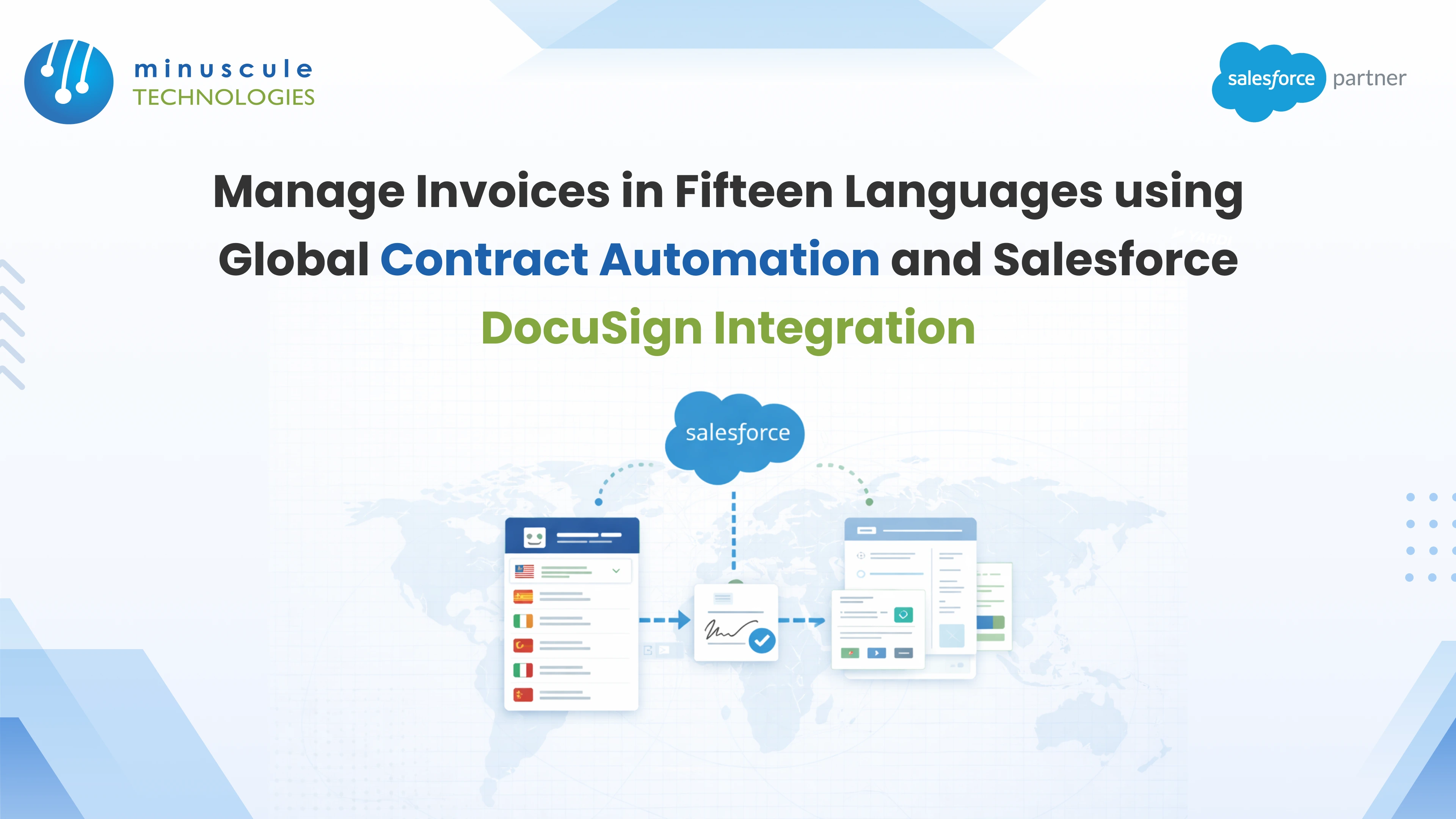
Scaling a business worldwide is a huge win. But it brings a heavy admin burden: the language barrier. A Salesforce Docusign integration solves the billing half of that problem. Does your finance team still build, translate, and track invoices by hand across dozens of languages? Then you're facing billing errors, late payments, and high admin costs.
The fix is automating your Quote-to-Cash (QTC) workflow. Connect Salesforce Sales Cloud, Salesforce Revenue Cloud, and Docusign Gen through a proper Salesforce integration. The result: invoices deliver themselves in any language. Compliance is held worldwide. And revenue lands faster.
Picture the manual path. A deal closes in Salesforce. Finance exports the data. Someone drafts the invoice in English. A translator converts it. Someone else checks the currency format. Then it goes out by email — days later, in the wrong time zone.
Now multiply that by fifteen languages and thousands of invoices a month. Errors creep in. Payments slip. Your finance team spends its days on paperwork, not revenue. The manual QTC gap also breeds "rogue" terms and price drift between quote and bill.
A Docusign Salesforce integration closes that gap. Docusign Gen builds high-volume invoices straight from your CRM data. Three features do the heavy lifting:
You don't draft 15 invoice versions by hand. Docusign Gen uses conditional logic inside Salesforce to pick the template for you.
How it works: the customer's record says their language is "French." The system pulls the French template. It fills in the SKU data. It formats local European standards. All on its own.
Manual processing can't keep up with global billing volume. The integration supports batch runs. Schedule thousands of invoices to send on set dates. Clients in every time zone get bills in their own language — no human in the loop.
Data pulls straight from Salesforce Sales Cloud. That kills re-keying errors. Product lists, discounts, and tax rules merge with zero drift. The final invoice matches the approved quote. This is where the Salesforce and Docusign integration earns its keep: one data source, one truth.
Here's how Docusign and Salesforce run the full cycle:
The same engine works beyond billing. See how the same setup generates lease contracts in 15 languages for global property firms.
Docusign supports signing in 44 languages. Senders can work at 14. That gives clients a local feel at both ends of the deal.
When you integrate Docusign with Salesforce, sales teams cut manual transactions by 75%. Contract cycles shrink from week to days. Reps sell more and push less paper.
Yes. Docusign Gen for Salesforce Billing runs scheduled batch jobs. Or it fires on demand from Salesforce Revenue Cloud records.
No. You can connect Docusign to Salesforce with Sales Cloud alone for quotes and contracts. Revenue Cloud adds the billing engine — invoice schedules, payment tracking, and revenue recognition — that makes full QTC automation possible.
Fifteen languages. Thousands of invoices. Zero added headcount. That's not a bigger team — that's smarter than engineering. A well-built salesforce integration with Docusign turns billing from your slowest process into your fastest growth engine.
This is exactly the work Minuscule Technologies was built for. As a Trusted Salesforce Engineering Partner with 160+ Salesforce engineers and 75+ delivered projects, we don't hand you a connector and walk away. We engineer the full billing machine:
Every day of manual billing revenue arrives late. Consult with Minuscule Technologies today — and make your next thousand invoices send themselves.
You've seen what's possible. Now, let's make it happen for your business. Whether you need an end-to-end Salesforce solution, a complex integration, or ongoing managed services, our team is ready to deliver.

Schedule a Free Strategic Call


