
January 11, 2026
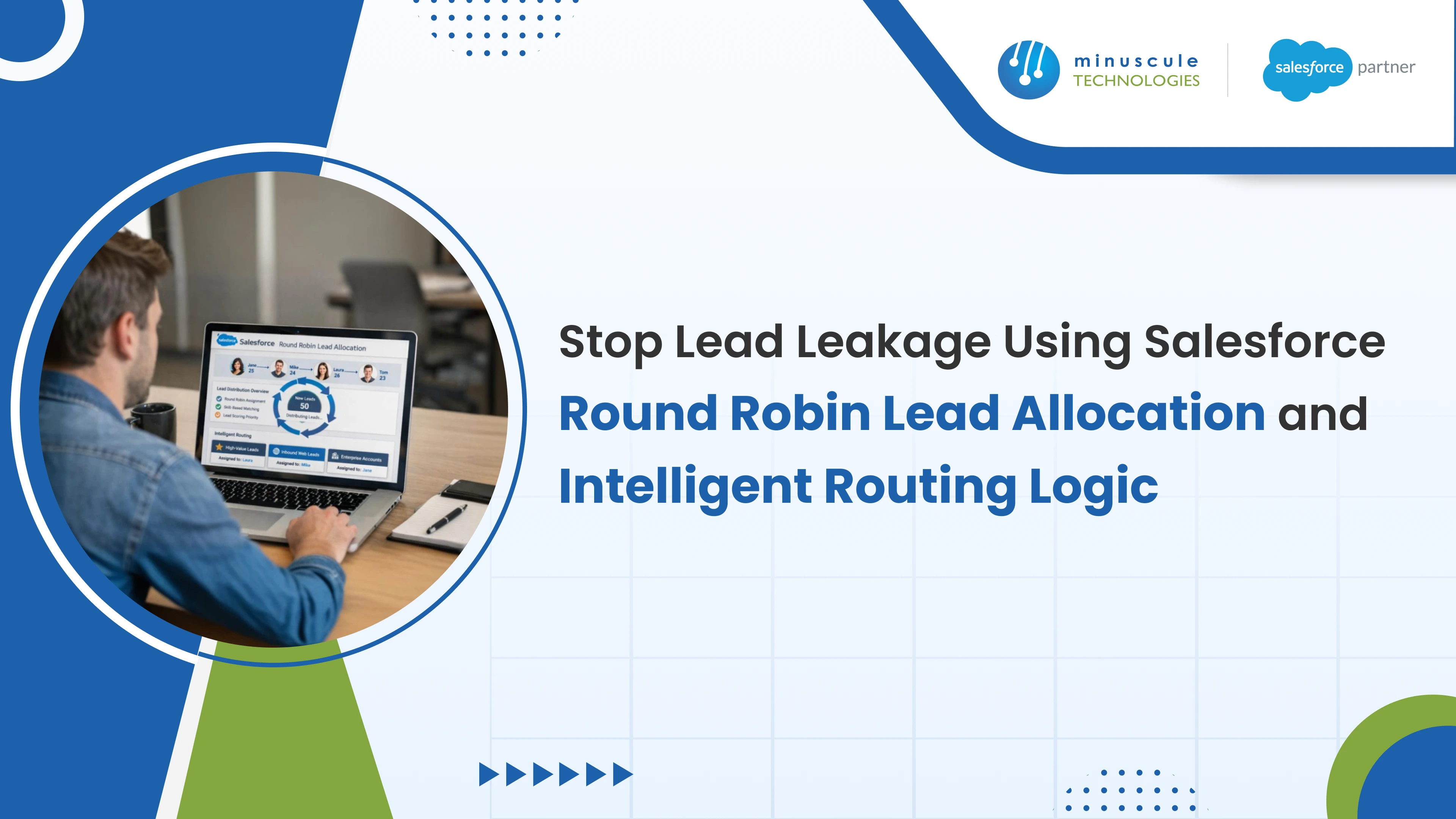
Salesforce has no native round robin feature. There is no checkbox, and no standard setting that rotates leads across a team. Every round robin in production is something an admin or developer built, most commonly with an auto-number field, a MOD formula, and an assignment rule pointing at the result.
That pattern works, it takes about twenty minutes to configure, and it breaks in predictable ways once real leads flow through it. It does not know who is on vacation, it does not rebalance when someone joins the team, and it distributes lead count rather than lead value.
This guide covers the four ways to build rotation, the formula method step by step, the specific failure modes to design around, and when round robin is the wrong model for how you sell.
There is no button, so the real question is which construction method fits your volume and complexity.
| Method | How It Works | Fits When | Breaks When |
|---|---|---|---|
| Auto-number plus MOD formula | Each Lead gets a sequential number; a formula divides it by team size and the remainder picks the rep | A stable team, simple rotation, no code appetite | The roster changes, or availability matters |
| Flow with a stored counter | A custom setting or record holds the last position; Flow increments and assigns | You need conditional logic or skip rules | High concurrency causes two leads to read the same counter |
| Apex | Custom code handles rotation, weighting, and capacity | Genuinely complex rules nothing declarative can express | Nobody budgeted to maintain it after the author leaves |
| AppExchange distribution app | A packaged product manages rotation, availability, and capacity | You want availability and capacity handled without building it | Requirements are trivial, or the licence cannot be justified |
Row two deserves a warning that rarely appears in tutorials. A Flow that reads a counter, adds one, and writes it back is not atomic. Two leads arriving in the same instant can both read position 3, both assign to rep 3, and both write back position 4. Under normal drip volume you may never notice. During a webinar follow-up or a bulk import you will, and the symptom is a rep who received a run of leads nobody can explain.
Row four is worth taking seriously rather than treating as defeat. The rotation itself is easy; availability, capacity, weighting, and reassignment handling are the hard parts, and packaged tools exist precisely because most teams rebuild the same logic badly.
This is the pattern most Salesforce teams use, and it is worth understanding properly rather than pasting.
First, create the sequence. Add an auto-number field on the Lead object, for example Lead_Number__c. Every new Lead receives the next integer. This is the rotation position.
Second, create the rotation formula. Add a formula field of type Number, for example Round_Robin_ID__c, using the advanced formula editor:
MOD(VALUE(Lead_Number__c), 3) + 1
Third, understand what that does. MOD returns the remainder after division. With three reps, dividing the lead number by 3 gives a remainder of 0, 1, or 2, and adding 1 produces 1, 2, or 3. Every incoming lead therefore cycles 1, 2, 3, 1, 2, 3 across the team. Replace 3 with your rep count.
Fourth, build the assignment rule. In Setup, open Lead Assignment Rules, create a rule, and add one rule entry per rep. Entry one fires when Round_Robin_ID__c equals 1 and assigns to the first rep, entry two when it equals 2, and so on. Order the entries and set the rule active.
Fifth, make sure the rule actually runs. Assignment rules fire on Web-to-Lead submissions and when the "Assign using active assignment rule" checkbox is set. Leads created through the API, an import, or an integration do not trigger the rule unless the process explicitly requests it. This is the single most common reason a correctly built round robin appears to do nothing.
Field and formula mechanics are covered well in step-level walkthroughs on Salesforce Tutorial, and if you need the Apex variant, implementation patterns on Salesforce Codex are a reasonable reference.
Every tutorial ends at the previous section. This is the part that determines whether the rotation survives contact with a real sales team.
| Failure | Why It Happens | What To Do |
|---|---|---|
| Leads go to someone on vacation | The formula has no concept of availability | An active flag per rep, checked before assignment |
| Adding a rep breaks the rotation | The divisor is hard-coded in the formula | Store team size in a custom setting, or move logic to Flow |
| A rep with 200 open leads gets the 201st | Rotation is blind to workload | Cap open leads per rep and skip when the cap is hit |
| Duplicates consume rotation slots | The same person submitting twice takes two positions | Deduplicate at capture, before assignment runs |
| Bulk imports cluster on one rep | Sequence order follows import order, which is rarely random | Randomize import order, or assign in a separate batch process |
| Filtered rotation skews badly | Rotating only some leads leaves gaps in the sequence | Use a separate counter per segment, not one global sequence |
| Manual reassignment corrupts balance | The counter does not know a lead was handed off | Report on actual ownership, not on the rotation field |
| Leads arrive outside working hours | Rotation continues at 2am into an empty queue | Hold overnight arrivals and release at business hours |
Row two is the one that quietly ruins reporting. When a fourth rep joins and someone edits the formula from MOD(x,3) to MOD(x,4), the field is a formula, so it recalculates across every historical Lead. Yesterday's records now display a rotation ID that has nothing to do with who actually owns them. Anyone auditing distribution over time will find numbers that cannot be reconciled.
Row six catches teams who start simple and then segment. The moment you rotate enterprise leads among two reps and SMB leads among five, one global sequence no longer produces even distribution in either group, because each segment sees an arbitrary subset of the numbers. Each rotation needs its own counter.
Row eight is worth a policy decision rather than a technical one. An inbound lead at 2am assigned to a rep who logs in at 9am has already lost seven hours of its useful life. Holding and releasing at business open, with the rotation resuming then, usually beats assigning into an empty office. Concurrency and bulk-behavior considerations of this kind are discussed at an architectural level on Jitendra Zaa.
This is the objection your sales team will raise, and they are right.
Round robin guarantees that everyone receives the same number of leads. It guarantees nothing about their quality. Over a month, one rep can receive ten enterprise inquiries with budget and authority while another receives ten students doing research, and the distribution report will show both as perfectly balanced.
Two consequences follow. Compensation disputes become structural rather than occasional, because the fairness the system enforces is not the fairness the team experiences. And your best closers spend the same proportion of time on unqualified leads as everyone else, which is an expensive way to allocate your strongest people.
The fix is not to abandon rotation. It is to score first, then route. Qualify and grade inbound leads, then run separate rotations per tier, so high-intent leads rotate among the reps equipped to handle them and everything else rotates among a wider pool. Scoring approaches are covered in our guide to implementing Einstein lead and opportunity scoring.
Rotation suits undifferentiated inbound at volume. It is a poor fit for several common sales models, and forcing it produces worse outcomes than assigning manually. For an industry example, see our guide to Salesforce lead routing for manufacturers.
| Your Model | Right Approach | Why Not Round Robin |
|---|---|---|
| High-volume undifferentiated inbound | Round robin, with capacity limits | This is what it is for |
| Named or target accounts | Account-based matching to the owning rep | Rotation would hand an account to someone with no history on it |
| Defined sales territories | Territory rules first, rotation within a territory | Geography and coverage rules outrank fairness |
| Specialized products or verticals | Skills-based routing, rotation inside each skill group | A generalist receiving a specialist lead loses the deal |
| Language or region requirements | Attribute matching, then rotation within the matched pool | A mismatch is unrecoverable, not merely suboptimal |
| Existing customer expansion | Route to the current account owner | Relationship continuity is worth more than balance |
The general rule is that round robin should be the last step, not the first. Match on the things that are unrecoverable if you get them wrong, such as territory, language, account ownership, and specialization. Then rotate within whatever pool remains. Routing design across these dimensions is covered in our walkthrough of automated lead routing setup in Salesforce.
Rotation solves exactly one leak: nobody deciding who owns a lead. It is worth being clear that several other leaks exist, and fixing assignment alone will not close them.
The reason speed matters here is well documented, if older than most citations admit. The widely cited Lead Response Management research led by Dr. James Oldroyd, sponsored by InsideSales.com and reported in Forbes and Harvard Business Review, found that the odds of qualifying a lead called within five minutes were roughly 21 times higher than at 30 minutes, with contact rates around 100 times higher. That study dates from the early 2010s, so treat the exact multiples as indicative rather than current, but the direction has been replicated repeatedly and it explains why assignment delay is expensive.
Round robin removes the deliberation delay. What it does not do is guarantee anyone acts. That needs three additional pieces.
An SLA timer per lead, measuring time from creation to first genuine attempt, not to first record view. Automated escalation when the timer expires, reassigning or notifying a manager, so an unavailable rep does not become a dead lead. And reporting on actual outcomes, comparing distribution against contact rate per rep, which is how you discover that perfectly even assignment is producing very uneven follow-up. Distribution and follow-up reporting patterns are covered practically on Salesforce Geek.
The wider set of leak points, including capture, qualification, and conversion gaps, is diagnosed in our case study on reducing lead leakage with Salesforce integration, and the structural view sits in our guide to turning scattered leads into qualified opportunities.
Rotation assigns whatever arrives. If what arrives is duplicated or incomplete, even distribution simply spreads the problem evenly.
Leads enter through Web-to-Lead, not Web-to-Case. Web-to-Case creates Case records for support requests and is a different object with different assignment rules. Getting this wrong produces records nobody in sales can see.
Three things belong at capture, before assignment runs. Duplicate detection, using matching rules on email and company so a repeat submission updates the existing record rather than consuming a rotation slot. Required-field validation, because a lead with no phone number and no company cannot be worked regardless of who owns it. And source attribution, captured at the point of entry, since it cannot be reconstructed afterwards.
Where leads arrive from advertising platforms, the capture path has its own considerations, which we cover in our guide to integrating Salesforce with Facebook Lead Ads. For channels such as WhatsApp, SMS, or a partner portal, the same rule applies: normalize and deduplicate on arrival, then rotate. That plumbing is integration work rather than routing configuration.
No. There is no standard round robin setting. You build it, most commonly with an auto-number field, a MOD formula, and lead assignment rules, or with Flow, Apex, or an AppExchange distribution app.
Add an auto-number field to Lead. Add a Number formula field using MOD(VALUE(Lead_Number__c), N) + 1 where N is your rep count. Then create a Lead Assignment Rule with one entry per rep, each matching a value of that formula field. Confirm the rule is active and that your lead sources actually invoke it.
Each lead takes the next position in a repeating cycle. With three reps, leads assign 1, 2, 3, 1, 2, 3 in sequence, so every rep receives the same number over time. The mechanism is arithmetic on a sequence number, which is why it has no awareness of who is available or busy.
The usual causes are leads created by API or import not triggering the assignment rule, duplicates consuming rotation slots, manual reassignment after the fact, rotating only a filtered subset against one global sequence, or a bulk import whose ordering was not random.
The formula pattern cannot do this alone, because it has no availability concept. You need a per-rep active flag consulted at assignment time, which means moving the logic into Flow or Apex, or using a distribution app that manages availability natively.
After. Match first on anything that is unrecoverable if wrong, such as territory, language, account ownership, and product specialization, then rotate within the remaining pool. Rotation is the tie-breaker, not the primary rule.
It is fair by count, not by value. Equal numbers of leads can carry very unequal opportunity, which is why compensation disputes tend to persist even after rotation is automated. Scoring leads and running separate rotations per tier addresses the substance of the complaint.
Round robin is genuinely useful and genuinely simple, and the twenty-minute version of it is fine for a small stable team with steady inbound. Most of the trouble comes from treating that version as finished.
The durable build looks different. Match on territory, language, ownership, and specialization first. Rotate only within the pool that remains. Store the divisor somewhere editable rather than hard-coded in a formula. Respect availability, cap workload, deduplicate before assigning, and hold overnight arrivals until someone is there to work them. Then measure contact rate per rep rather than assignment count, because even distribution with uneven follow-up is the failure that looks like success on a dashboard.
At Minuscule Technologies we build these rotations as part of the wider lead architecture rather than as an isolated rule, because assignment is one leak among several and the others are usually larger. If you want your current routing reviewed against the failure modes above, talk to our team about a lead routing audit, or read more about how we approach Salesforce implementation.
You've seen what's possible. Now, let's make it happen for your business. Whether you need an end-to-end Salesforce solution, a complex integration, or ongoing managed services, our team is ready to deliver.

Schedule a Free Strategic Call


Plot No. 4, Sridevi Amman Street, Perumal Nagar Extension, Old Pallavaram, Chennai, Tamil Nadu 600117, India.
