Have you ever felt that your Salesforce environment is a powerhouse platform, yet your team is still drowning in manual data entry? You are not alone. While Salesforce offers incredible out-of-the-box capabilities, it isn't always a perfect fit for every unique business niche. This gap often leads to reps digging through endless tabs and copy-pasting data - which kills momentum.
The good news? You don't need a massive development budget to fix it. The Salesforce AppExchange is a global marketplace that allows you to install pre-built, secure solutions that bridge these workflow gaps instantly. In fact, a vast majority of successful Salesforce customers utilize at least one AppExchange solution to stay lean and agile.
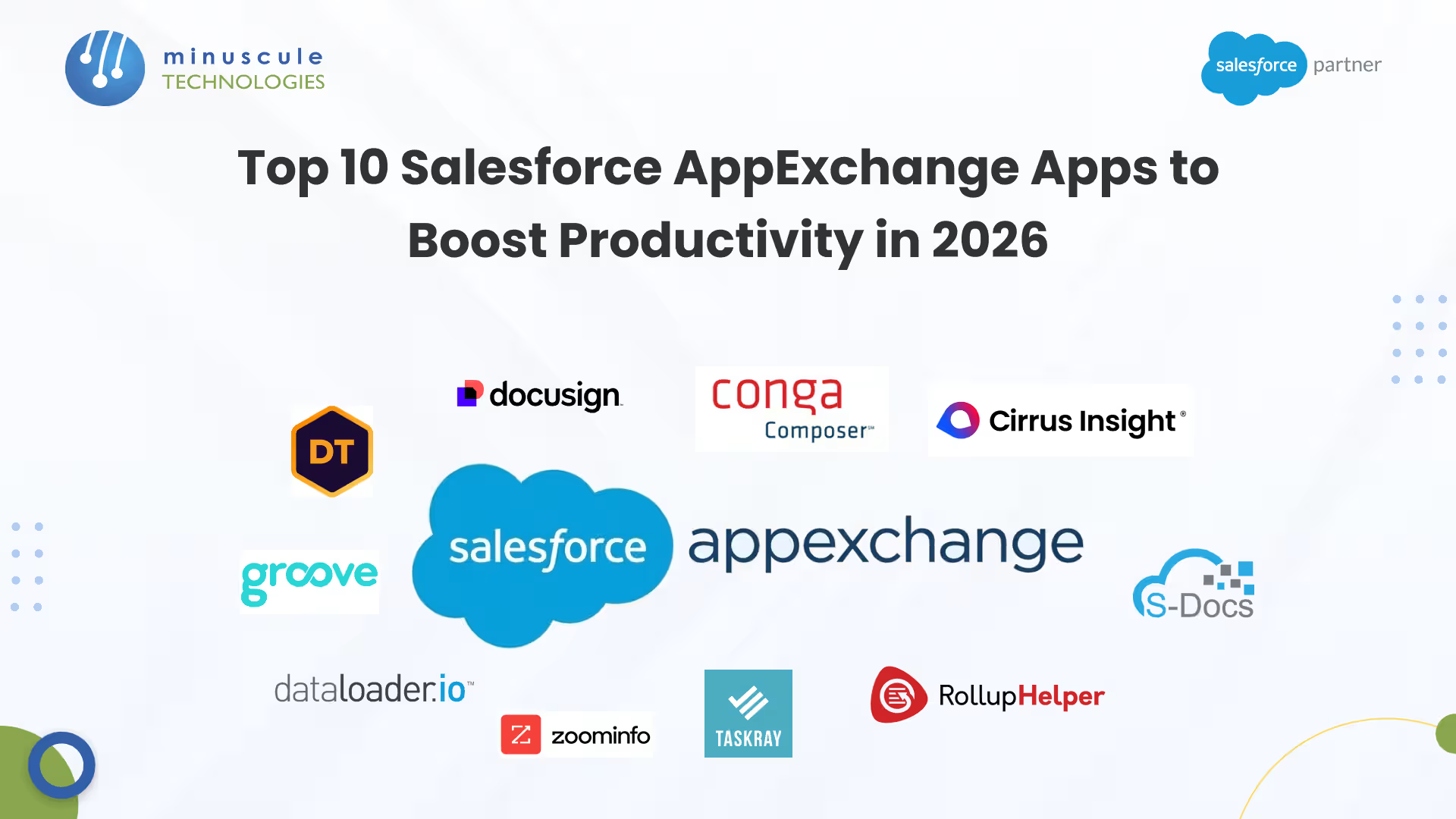
In this guide, we’re pulling back the curtain on the Top 10 Salesforce AppExchange Apps for 2026. Whether you need to automate complex document generation or cleanse your data in bulk, these tools are designed to give your team hundreds of hours back to focus on high-value work.
Top 10 Productivity-Boosting Apps for 2026
1. Cirrus Insight
- Category: Email Integration & Productivity
- The Value: Eliminates tab-switching fatigue by bringing Salesforce directly into your Gmail or Outlook inbox.
- Key Features: Automated email syncing, calendar scheduling, and the ability to create Leads or Opportunities without leaving your email client.
2. Conga Composer
- Category: Document Generation
- The Value: The gold standard for teams that need to generate proposals, quotes, or contracts with a single click.
- Key Features: Robust template management and conditional logic that pulls data directly from any Salesforce object into professional PDFs or Word documents.
3. DemandTools
- Category: Data Management & Cleansing
- The Value: Prevents "garbage in, garbage out" by providing a secure platform for bulk deduplication and data standardization.
- Key Features: Automated data maintenance and mass record changes across multiple objects to ensure your reporting is always accurate.
4. S-Docs
- Category: Native Document Generation & e-Signature
- The Value: A 100% native solution, meaning your sensitive customer data never leaves the Salesforce environment.
- Key Features: One-click invoice and contract generation with built-in electronic signature capabilities for maximum security and compliance.
5. TaskRay
- Category: Project Management & Onboarding
- The Value: Purpose-built for customer onboarding, helping teams finish work significantly faster by organizing post-sale delivery within the CRM.
- Key Features: Interactive timelines, project templates, and seamless integration with Salesforce Flow for automated handoffs.
6. Rollup Helper
- Category: Data Analytics & Automation
- The Value: Empowers administrators to create complex data summaries (count, sum, average) without writing a single line of code.
- Key Features: Extends native Salesforce capabilities to roll up data across both standard and custom objects easily.
7. Groove
- Category: Sales Engagement
- The Value: Focuses on relationship building by automating time-consuming tasks like call tracking and meeting scheduling.
- Key Features: Multi-channel campaign automation and real-time activity capture that syncs every interaction back to the CRM.
8. Dataloader.io
- Category: Data Import/Export
- The Value: A user-friendly, cloud-based tool powered by MuleSoft for handling massive data migrations.
- Key Features: Robust scheduling and the ability to import or delete unlimited amounts of data through a simple browser interface.
9. ZoomInfo
- Category: Sales Intelligence & Lead Enrichment
- The Value: Eliminates manual research by providing verified B2B contact data and intent signals directly inside your records.
- Key Features: Real-time enrichment of Salesforce records with verified emails and direct-dial phone numbers using advanced insights.
10. DocuSign
- Category: Electronic Signature
- The Value: Replaces manual printing and scanning with a digital agreement workflow that can reduce sales cycles by several days.
- Key Features: Send agreements from Opportunities or Accounts and track real-time signature status with a legally binding audit trail.
Best Practices for Evaluating AppExchange Solutions
Before you hit "Install," follow this structured process to protect your Salesforce Organization:
- Identify the Core Pain Point: Avoid "shiny object syndrome" by defining exactly which manual step you want to eliminate first.
- Sandbox First: Never install directly into your Production environment. Test every app in a dedicated Sandbox to ensure it doesn't conflict with your existing validation rules.
- Prioritize Native Apps: Look for the "Native" badge. These apps run entirely inside Salesforce, offering better data security and faster performance.
- Verify the Security Review: Ensure the app has passed the mandatory Salesforce Security Review, which validates its data handling practices.
Frequently Asked Questions
1. What is the Salesforce AppExchange?
The Salesforce AppExchange is an enterprise cloud marketplace where businesses can discover and install third-party applications that integrate seamlessly with the Salesforce CRM to extend its core functionality.
2. Are these applications free to use?
The marketplace offers a mix of free, freemium, and paid models. Most enterprise-grade tools offer a free trial, allowing you to validate the Return on Investment (ROI) before committing a subscription.
3. Do I need a developer to install these apps?
In most cases, no. Most AppExchange solutions are designed for "no-code" configuration, meaning a Salesforce Administrator can set them up. However, for complex data syncing, technical oversight is always recommended.
4. How is my data protected when using third-party apps?
Every app listed on the AppExchange must pass a rigorous Salesforce Security Review. This process checks for vulnerabilities like data leaks and unauthorized access. Additionally, choosing "native" apps ensures your data remains entirely within your secure Salesforce environment.
5. How do I manage user licenses for the apps I install?
Once an app is installed, you can manage licenses via the Installed Packages section in the Salesforce Setup. From here, you can assign licenses to specific users or profiles, monitor expiration dates, and adjust the number of seats as your team grows.
Conclusion: Architect Your Productivity Engine
Extending Salesforce with specialized applications is no longer a luxury - it is a strategic necessity for staying competitive. By integrating the right tools for document generation, data cleansing, or project management, you can eliminate repetitive manual tasks and allow your team to focus on high-value strategy.
At Minuscule Technologies, a Trusted Salesforce Engineering Partner, we believe your CRM should be an accelerator, not a bottleneck. Selecting the right apps is more than just adding features; it’s about architecting a lean, high-performing digital ecosystem that scales with your ambition.
Ready to Optimize Your Salesforce Roadmap?
Don't let manual workflows slow down your 2026 growth. Whether you need a health check of your current stack or help vet the next big tool for your organization, our experts are ready to guide you.
Schedule a Free Strategic Call Today. Let’s build a lean, high-performing Salesforce ecosystem that thinks, acts, and scales as fast as your ambition.