
June 15, 2026
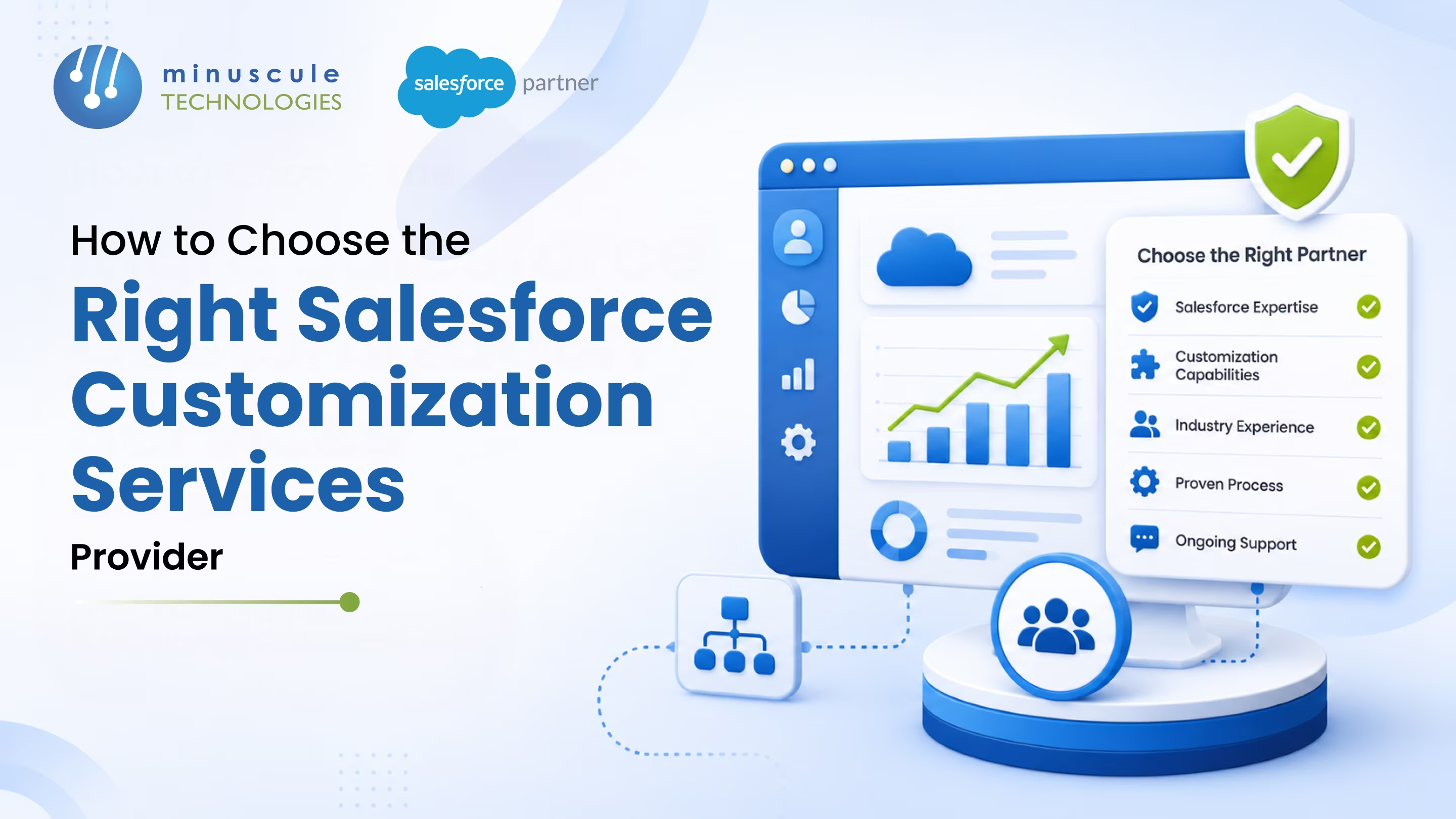
Salesforce Customization Services adapt the platform to fit how your business actually works - through custom objects, automations, Lightning components, and integrations that standard setup can't deliver. Customization matters because out-of-the-box Salesforce rarely matches your exact sales cycle, service model, or data needs. And in the USA, the provider you pick - onshore, nearshore, or a global team - decides whether that customization drives adoption or turns into expensive technical debt.
Most Salesforce disappointments don't start with the software. They start with the wrong partner. A team crosses the finish line of a build, and six months later the org is bloated with half-used features, clashing automations, and workflows nobody trusts. Reps drift back to spreadsheets. The 'customization' that was supposed to help is now the thing slowing everyone down.
The fix is picking a provider who starts with your business, not your feature list. This guide covers what these services include, how to tell a strategic partner from an admin-for-hire, what to check when you hire in the USA, the exact questions to ask, and what really drives cost - so your next customization sticks.
Salesforce Customization Services reshape the platform around your business instead of forcing your teams to adapt to it. That work spans custom objects and fields, tailored automations, custom Lightning Web Components, and integrations with the other systems you run. (You'll also see it spelled 'salesforce customisation' outside the US - same thing.)
Good salesforce customization goes past cosmetic tweaks. A strong provider maps your processes first, then builds so the platform matches your real sales cycle, service model, and reporting needs. Done right, it usually covers:
This is the work Minuscule's Salesforce customization team does daily - and it's the foundation for everything else in this guide.
Before you shop for a provider, know which one you actually need. The two terms get used interchangeably, but they're different jobs.
Configuration is point-and-click work: custom fields, page layouts, validation rules, and Flow automations. It's faster, lower-risk, and easier to maintain. Customization is code: Apex, Lightning Web Components, and API integrations for logic that standard tools can't reach. It's more powerful but more complex.
Most healthy orgs blend both - start with configuration, and add code only where it earns its keep. A good provider tells you when configuration is enough instead of over-engineering a coded solution you'll pay to maintain forever. Salesforce Ben has a clear breakdown if you want to go deeper on the distinction.
The provider decision carries more weight than most buyers expect. On paper, every firm promises fast turnaround and deep expertise. In practice, the wrong choice shows up in three ways.
Any one of these can sink your ROI. All three together mean a rebuild. That's why the selection criteria below matter so much.
When you compare providers, weigh these factors. Together they separate a strategic partner from a task-taker. To see real names side by side, browse our list of top Salesforce customization providers in the USA.
A provider who also offers Salesforce consulting can tie these together into a roadmap, not just a build. For coding standards, Salesforce's own developer resources and Trailhead show what 'best practice' should look like, and community sites like Apex Hours help teams stay sharp.
U.S. companies have three broad delivery options, each with trade-offs.
There's no single right answer. What matters is that the provider guarantees overlap with your team, clear communication, and accountability in writing - wherever the work actually happens.
Use these in your evaluation calls. The answers reveal a lot fast.
If a provider can't answer the discovery and support questions clearly, that's your signal to keep looking.
There's no flat price for salesforce crm customization. What you pay depends on a few factors, so treat any published figure as a rough benchmark, not a quote.
Budget for ongoing maintenance too. Custom code needs upkeep, especially across Salesforce's three annual releases. The cheapest quote often becomes the most expensive build once rework piles up.
They're professional services that tailor Salesforce to your business - custom objects and fields, automations, Lightning components, and integrations. The goal is a CRM that matches your real workflows, boosts adoption, and scales as you grow.
Configuration uses native point-and-click tools like fields, layouts, and Flows. Customization uses code - Apex, Lightning Web Components, and API integrations - for logic standard tools can't handle. Most orgs blend both, starting with configuration.
Look for a partner who runs discovery before building, has real development depth, knows your industry, can integrate your systems, and covers your U.S. business hours. Ask for references and a sample of their documentation, and confirm time-zone overlap and support SLAs before you sign.
It varies with scope, how much custom code is involved, the number of integrations, and the delivery model. Simple configuration is inexpensive; complex coded builds with integrations cost significantly more. Always get a scoped proposal rather than relying on a public price.
It can, if it's over-engineered or poorly built. Conflicting triggers, excessive custom fields, and undocumented automations hurt performance. A disciplined provider prevents this with clean design, sandbox testing, and documentation.
The right Salesforce Customization Services provider doesn't just ship features - they shape the platform around how your business runs, then keep it clean as you grow. Judge candidates on discovery, technical depth, integration skill, U.S.-hours coverage, and post-launch support, and you'll avoid the bloated, half-used org that trips up so many teams.
That's how Minuscule Technologies works. As a trusted Salesforce engineering partner with 125+ certified experts and a U.S. presence, we design customizations around your processes, not a template - and where a proven pattern fits, we start you ahead with a pre-built accelerator. Instead of building every custom object, workflow, and integration from zero, you get a tested foundation tailored to your needs - which cuts risk and gets you live in weeks, not months. Thinking about a customization project? Schedule a free strategic Salesforce call, and we'll map the right approach for your org.
You've seen what's possible. Now, let's make it happen for your business. Whether you need an end-to-end Salesforce solution, a complex integration, or ongoing managed services, our team is ready to deliver.

Schedule a Free Strategic Call


Plot No. 4, Sridevi Amman Street, Perumal Nagar Extension, Old Pallavaram, Chennai, Tamil Nadu 600117, India.
