
September 16, 2026
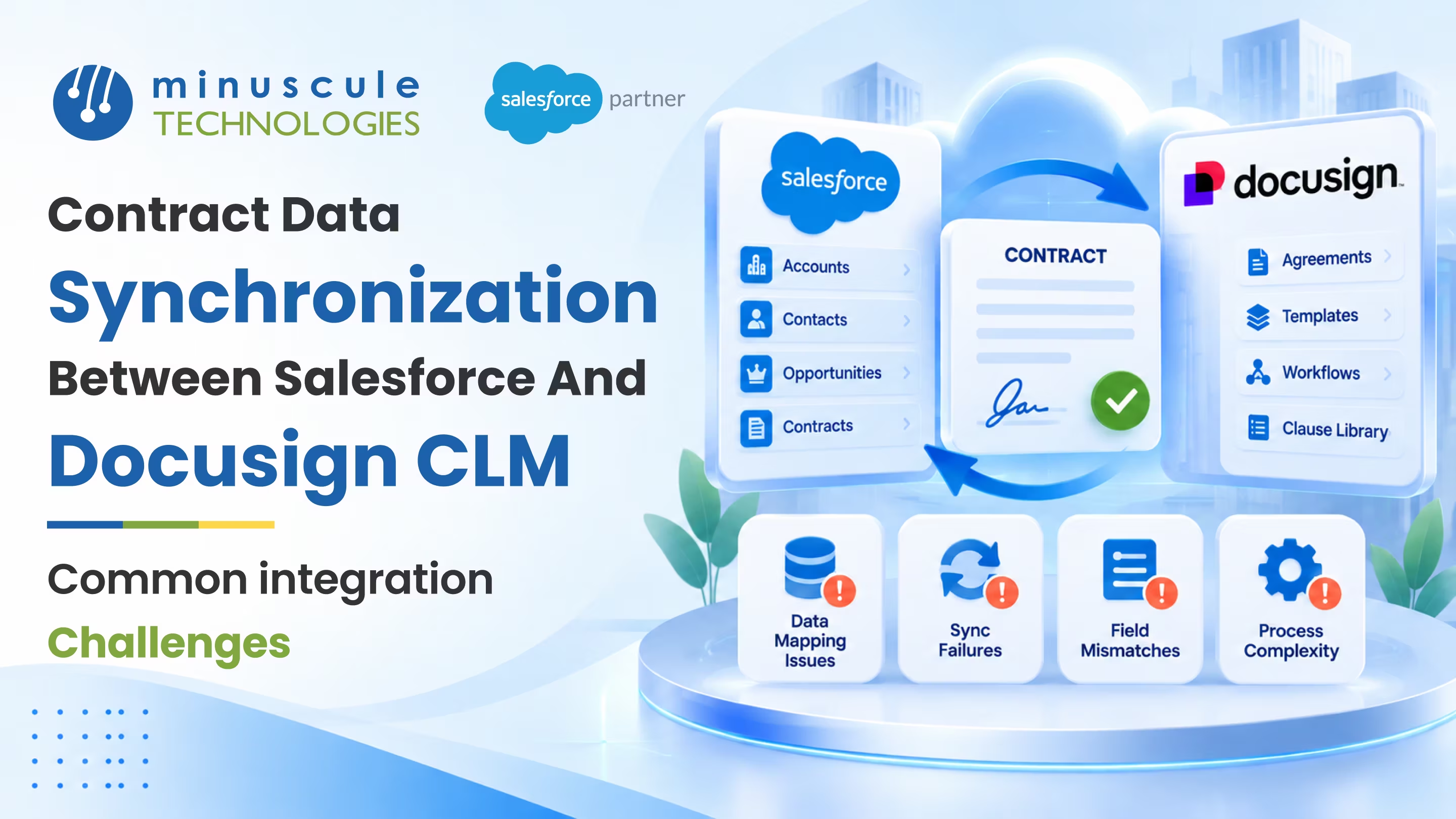
Contract data synchronization in a Salesforce DocuSign CLM integration means keeping the same contract details accurate in both systems as they change. When a deal amount updates in Salesforce or an approval clears in DocuSign CLM, both sides should agree within moments, not days. Most sync problems come down to three things: fields that don't line up cleanly, updates that collide when both systems change the same record, and status changes that arrive late or not at all. Handle those well and your CRM and your contracts tell one story.
Here's what clean contract data synchronization depends on:
Think about a renewal that legal edits inside DocuSign CLM at the same time a rep updates the amount in Salesforce. If the sync has no rule for that collision, one change silently overwrites the other, and now two teams are working from different numbers. That's the kind of quiet mismatch this guide helps you avoid. You'll see what contract data synchronization really involves, where a Salesforce DocuSign CLM integration tends to drift out of sync, the challenges that cause it, and a practical way to keep both systems agreeing.
A Salesforce DocuSign CLM integration connects your CRM to your contract lifecycle management system, so a contract and its Salesforce record stay in step. Synchronization is the part that keeps them matching over time, not just at the moment you first send a contract. Salesforce usually holds the deal: the account, the amount, the owner. DocuSign CLM holds the document and its journey through drafting, review, approval, and signature.
The tricky part is that both systems keep changing the same underlying agreement. A price shifts; a clause gets redlined; an approver signs off. Each change needs to reach the other side accurately and in the right order. When it does, a rep can trust the contract status shown on the opportunity, and legal can trust the deal data attached to the document. Salesforce's own developer material on Change Data Capture and platform events is a good grounding in how near-real-time sync works under the hood, and the same ideas apply to any e-signature or contract lifecycle management setup.
Get synchronization right, and the payoff is a single, trusted view of every deal. That kind of clean data is the foundation for any team that runs on contracts, from a real estate group managing leases to a lender tracking loan agreements.
Before you can fix contract data synchronization, it helps to see where a Salesforce DocuSign CLM integration usually starts to drift. The gaps are rarely dramatic. They're small mismatches that add up until someone notices the numbers don't agree.
Here are the drift points we run into most often:
None of these are rare. They show up on almost every contract integration at some point. The teams that stay in sync are the ones who planned a response for each of these rows before going live, instead of discovering one support ticket at a time.
The drift points above trace back to a handful of integration challenges. Name them early and each one becomes a design decision instead of a surprise.
When both systems can edit the same field, you need a rule for collisions. The common choice is "last write wins," but for contract data that can be risky, because a stale edit could overwrite a fresh one. A safer pattern names a system of record per field: Salesforce owns the deal amount; DocuSign CLM owns the approval status, and neither overwrites the other's territory. Decide this per field, write it down, and enforce it in the mapping.
Not every field needs to move in the same instant. Approval status should reach Salesforce fast, so a rep isn't chasing a deal that has already closed. A minor metadata field can ride along in a nightly batch. Splitting your sync into near-real-time events for the fields that matter and scheduled jobs for the rest keeps the load reasonable without leaving anyone looking at stale data.
If the two systems don't share a matching key, a retried or re-triggered sync can create a second contract for the same deal. Store a shared identifier on both sides and match it before creating anything new. This is the single best guard against a cluttered, hard-to-trust contract list.
Field mapping is where most contract data synchronization work actually lives, and where it most often breaks. A field that looks identical in two systems can still refuse to sync cleanly. A Salesforce picklist value has to match what DocuSign CLM expects; a date format has to line up, and a required field on one side can't be optional on the other.
A few habits keep mapping steady over the long run:
Community write-ups on sites like SFDCStop and the data-management guidance from Salesforce Admins are useful references when you're deciding how strict a given mapping should be.
One of the biggest early decisions is whether contract data flows one way or both. A one-way sync, usually Salesforce to DocuSign CLM, is simpler and has fewer ways to go wrong. Data leaves the CRM, lands on the contract, and that's that. The catch is that changes made inside DocuSign CLM never make it back, so anything edited during review can drift.
A two-way, or bidirectional, sync keeps both systems current but brings the conflict question front and center. If both sides can write, you must decide who wins each field, or you'll trade silent drift for silent overwrites. Many teams land on a middle path: two-way for a small set of important fields like status and effective date, one-way for everything else. That keeps the parts that matter fresh without opening every field to collisions. A vendor-neutral overview such as the write-ups on Salesforce Ben can help you weigh the tradeoffs for your own setup.
Once you know the challenges, keeping a Salesforce DocuSign CLM integration in sync comes down to a short set of practices you apply consistently. Here's a checklist you can hold your current setup against.
The last row does a lot of quiet work. A scheduled job that compares key fields on both sides and flags any that disagree turns silent drift into a short, fixable report. In our experience, teams that add reconciliation stop being surprised by mismatched numbers, because the check surfaces them before a customer does.
It's the process of keeping the same contract details accurate in both systems as they change. When a field updates in Salesforce or an approval clears in DocuSign CLM, synchronization makes sure the other side reflects it. The goal is one trusted version of every deal, not two that slowly disagree.
It depends on who edits contract data. One-way from Salesforce is simpler and safer when changes only start in the CRM. If teams also edit inside DocuSign CLM, use two-way sync for a few key fields like status, with a clear rule for which system wins each.
Store a shared key on both the Salesforce record and the DocuSign CLM contract, and match it before creating anything. If a record with that key already exists, update it instead of making a new one. This prevents most duplicates from retries or re-triggers.
Usually, the status callback from DocuSign CLM lagged or failed, so Salesforce never got the update. Send status changes as near-real-time events, log any that fail, and add a reconciliation job to catch the ones that slip through. That keeps the status a rep sees trustworthy.
A daily reconciliation check works for most teams, with more frequent runs for high-value contracts. The job compares key fields on both sides and flags any that disagree. It's a small habit that catches slow drift long before it becomes a real problem.
Contract data synchronization isn't glamorous, but it's the difference between a CRM your team believes and one they quietly second-guess. Decide who owns each field, match a shared key, move the important updates in real time, and check for drift on a schedule. Do that, and both systems tell the same story about every deal, every day.
We've solved exactly these sync challenges for one of the world's largest US commercial real estate firms, where a high volume of lease and sale agreements moves between Salesforce and its contract system daily, and clear field ownership plus reconciliation kept both sides agreeing. If your contracts run through lending or origination, our Loan Lifecycle Visibility accelerator is a ready-to-deploy starter pack that brings this kind of stage-by-stage tracking to BFSI teams. As a Trusted Salesforce Engineering Partner, we tune each starter pack to your industry, so you go live faster with clean data from day one.
Want a health check on your current setup? Book a Salesforce integration readiness review with our team, and we'll map where your contract data drifts and hand you a prioritized plan to close the gaps.
You've seen what's possible. Now, let's make it happen for your business. Whether you need an end-to-end Salesforce solution, a complex integration, or ongoing managed services, our team is ready to deliver.

Schedule a Free Strategic Call


Plot No. 4, Sridevi Amman Street, Perumal Nagar Extension, Old Pallavaram, Chennai, Tamil Nadu 600117, India.
