
September 16, 2026
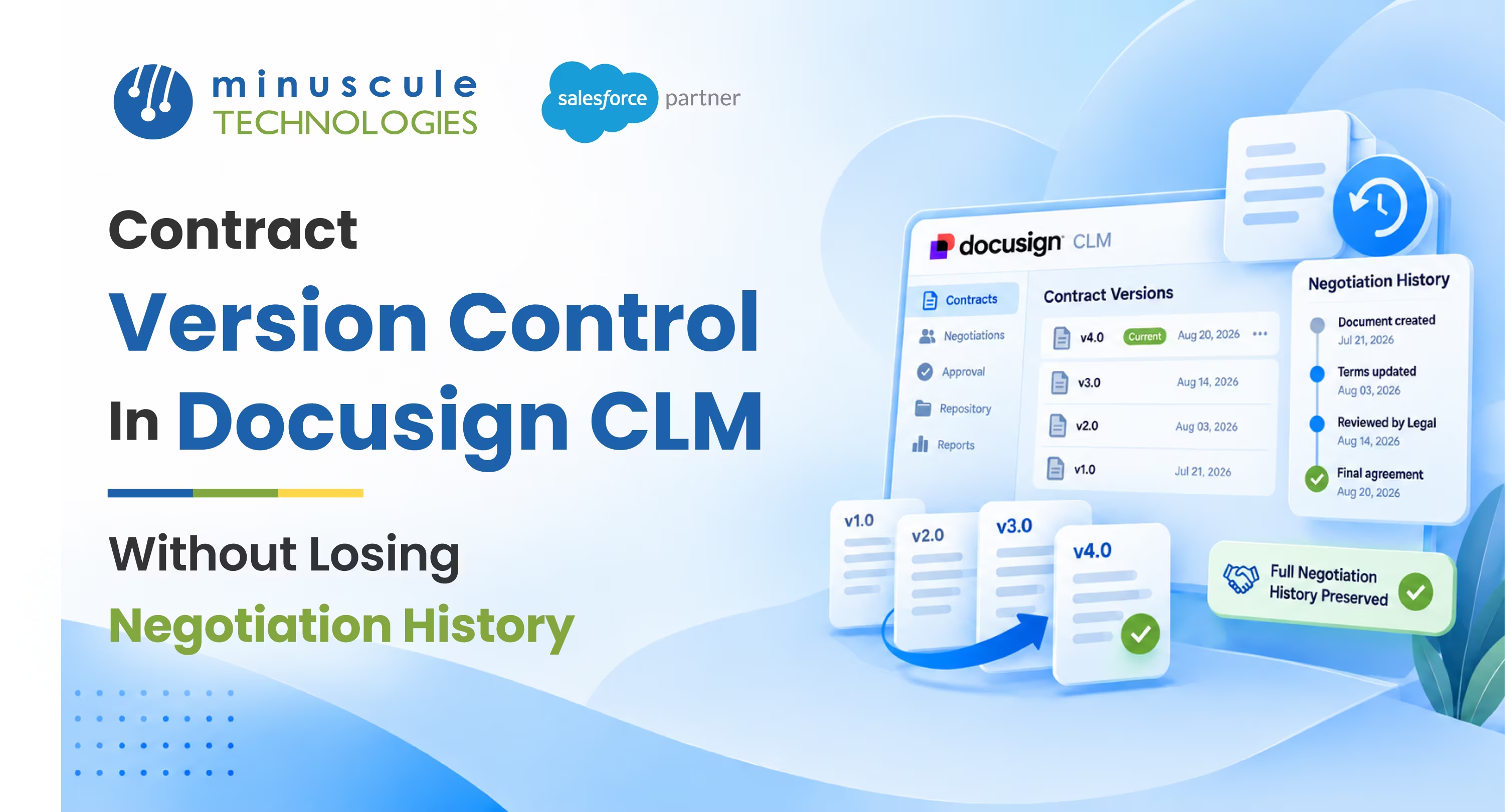
Contract version control is the practice of keeping every version of a contract during negotiation, clearly labeled and in order, so you always know what changed, who changed it, and which version is final. Contracts rarely get signed on the first draft. They go back and forth, picking up redlines, counteroffers, and clause swaps. Without version control, those rounds turn into a mess of files named final, final_v2, and final ACTUAL. With it, every round is captured, comparable, and safe. You never lose history, and you never sign the wrong draft.
Good contract version control gives you:
Picture a deal that went through five rounds of redlines over email. Legal edits version three, sales sends version four to the customer by mistake, and the signed copy turns out to be based on an early draft nobody meant to use. Now a clause everyone thought was removed is legally binding. That's what the missing version control costs. This guide covers what contract version control means, how versions get lost without it, what good version control looks like, and how to set it up in DocuSign CLM, so no history ever disappears.
Contract version control is a way of managing the many drafts a contract goes through, so they stay organized instead of scattered. Each time the contract changes during negotiation, that change becomes a new version, linked to the ones before it. The whole chain lives in one place, so the current draft, every past draft, and the final signed copy are all connected and easy to trace.
The core idea is that a contract isn't one file; it's a series of versions with one clear latest. In DocuSign CLM, each round of edits is captured as a version on the same contract record, rather than as a new document floating in an inbox. That keeps the history intact and answers the two questions that matter most in a negotiation: what changed since last time, and which version is the one we're signing. The document-management write-ups on SFDCStop are a useful reference for the underlying file-versioning mechanics.
The payoff is confidence in every signed contract. When each version is tracked and the final one is clearly marked, no one signs an outdated draft or loses a negotiated change. That matters most for teams with heavily negotiated agreements, from a real estate group trading lease redlines to a lender revising loan terms across several rounds.
Version chaos rarely comes from one big mistake. It builds up from small habits that seem harmless in the moment. Naming the ways versions go missing makes them easy to design against.
The usual ways history disappears:
Each of these turns a clean negotiation into a guessing game. The common thread is that the contract's history lives in people's memories and inboxes instead of in one system. Version control fixes that by making the record, not the email thread, the single source of truth. The same principle drives clean quote version control during negotiation, where one primary record replaces a pile of competing drafts.
Strong contract version control comes down to a handful of capabilities working together. Each one closes a specific gap that lets versions drift.
Put together, these turn a stack of drafts into a clear timeline with one current version and a locked final. The goal isn't slowing negotiation down; it's to make every round visible and reversible, so the team can move fast without losing track.
DocuSign CLM is built to manage contract versions, so the work is mostly about using its structure well rather than building from scratch. The aim is one contract record that holds every version cleanly. Here's a practical way to set it up.
Treat each contract as a single record that holds all its versions, not as a series of separate documents. Every new draft is a version on that record, so the full history stays in one place. This alone removes the biggest source of confusion, the scattered file. The official learning paths on Trailhead are a good grounding in structuring records this way.
When a redline comes back or legal makes an edit, save it as a new version instead of overwriting the last one. Keeping each round means you can always look back at what a clause said two versions ago and roll back if a change was wrong. Nothing is ever painted over.
Use version comparison to put the new draft next to the previous one and see exactly what moved. That turns reviewing redlines from a careful re-read into a quick scan of the differences, and it catches the quiet edits that slip past a manual read. Community patterns for this are covered on Forcetalks.
When negotiation lands, mark one version as final and lock it, so it becomes the only version sent for signature. Every other draft stays in history but can't be mistaken for the current one. After signing, the locked version is the permanent record, and any later change starts with a clearly separate amendment. Integration patterns for this kind of control are covered on Salesforce Developers.
Version control only helps if history stays readable. A record with fifty unlabeled versions is almost as hard to use as an inbox full of drafts. A few habits keep the timeline clear.
The goal is a history that anyone can read months later and follow the whole negotiation, round by round. When every version carries a note and the current one is always clear, a new team member can pick up a contract and know exactly where it stands. That readability is what makes version control pay long after the deal closes.
It's the practice of keeping every draft of a contract during negotiation, in order and clearly labeled, so you know what changed, who changed it, and which version is final. Each round becomes a tracked version on one record. The result is a full history and no risk of signing the wrong draft.
It keeps each contract as a single record that holds all its versions, so every redline round is saved in order rather than a separate file. You can compare versions, mark one as current, and lock the final. That structure keeps the full negotiation history in one place.
Mark one version as final and lock it, so it's the only draft that can be sent for signature. Every other version stays in history but is clearly not current. Locking the final also freezes it, so the signed record can't be changed after the fact.
Yes. Version comparison places two drafts side by side and highlights the differences, so you can review redlines briefly instead of re-reading the whole contract. This is the best guard against a quiet clause change slipping through between rounds.
No. Old versions are your audit trail, and keeping them lets you see how a clause evolved and roll back if needed. Storage is cheap next to the risk of losing negotiation history. Keep every version and rely on the current version flag to avoid confusion.
A contract is only as trustworthy as its history. When every negotiation round is saved as a version, changes are easy to compare, and the final draft is marked and locked; a five-round redline becomes a clear timeline instead of a guessing game. Keep one record per contract, capture each round, and lock the final. Do that, and you never lose a negotiated change or sign a draft nobody meant to send.
We've built exactly this kind of version-controlled contract process for one of the world's largest US commercial real estate firms, where lease agreements move through many rounds of redlines, and clear version history plus a locked final kept every deal signing the right draft. If you're weighing your options, our guide to automating contract negotiations in a Salesforce-native CLM covers the redlining side in depth. And if your contracts run through lending or origination, our Loan Lifecycle Visibility accelerator brings this kind of tracking to banking and financial services teams. As a Trusted Salesforce Engineering Partner, we tune each setup to your contract flow, so you go live faster with version history under control.
Want to get your own negotiation versions under control? Book a Salesforce contract-management review with our team, and we'll map your version workflow with a plan to build it.
You've seen what's possible. Now, let's make it happen for your business. Whether you need an end-to-end Salesforce solution, a complex integration, or ongoing managed services, our team is ready to deliver.

Schedule a Free Strategic Call


Plot No. 4, Sridevi Amman Street, Perumal Nagar Extension, Old Pallavaram, Chennai, Tamil Nadu 600117, India.
