We are at Dreamforce 2026, Industry Pavilion at San Francisco


June 12, 2026
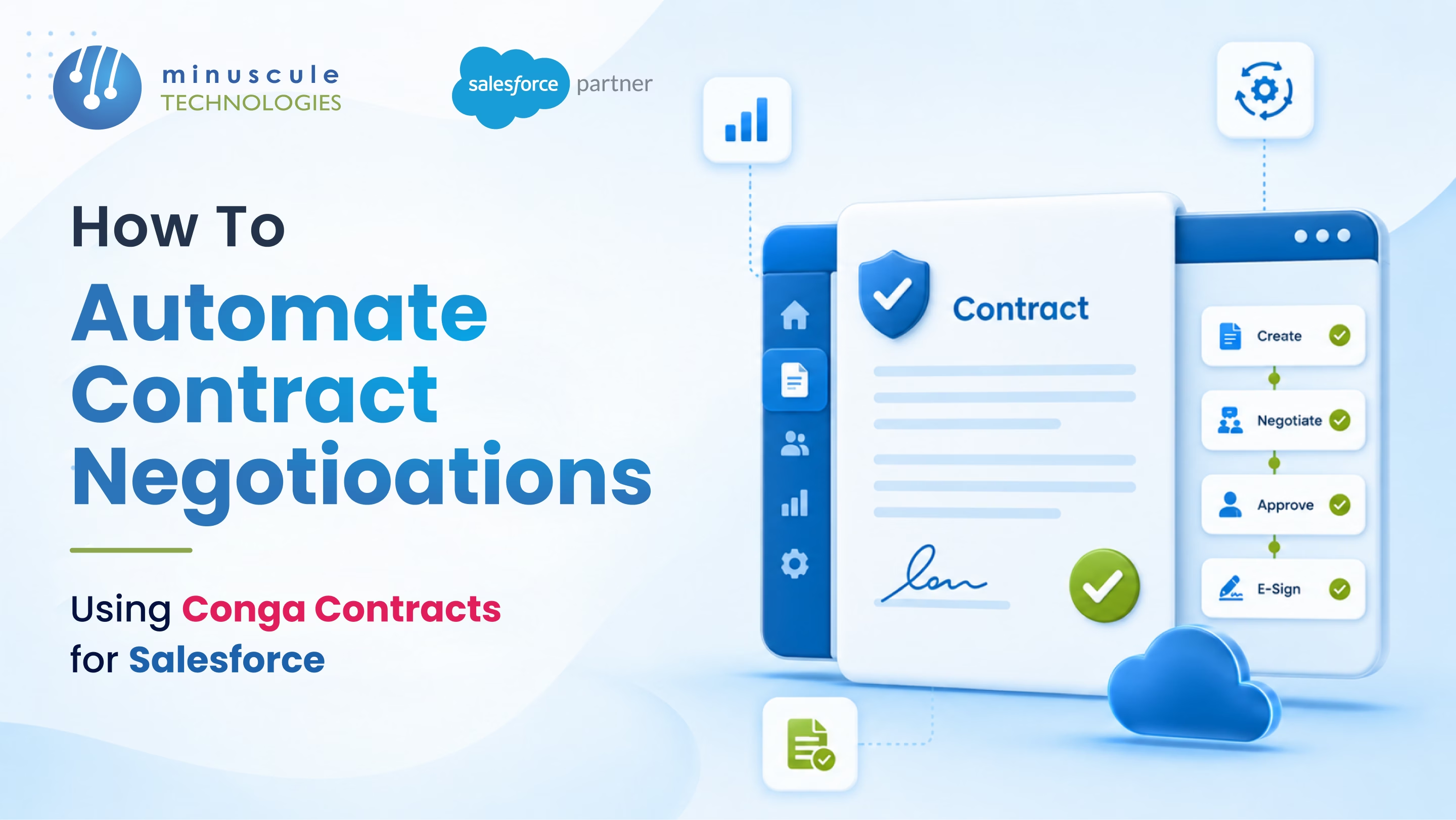
Automating contract negotiations with Conga Contracts for Salesforce means replacing manual back-and-forth - emailed Word documents, missed approvals, scattered redlines - with structured workflows that run inside your CRM. Conga Contracts is a Salesforce-native app that handles the full negotiation cycle: preapproved templates, automated redlining via Microsoft Word, approval chain routing, clause deviation tracking, and post-signature obligation management.
Here's what that looks like in practice:
The result: a faster negotiation cycle and fewer deals that stall between teams.
Conga Contracts (formerly Apttus CLM) is a contract lifecycle management app that runs natively on Salesforce. You install it from the AppExchange, and it operates inside your existing Salesforce org - your team doesn't need to learn a separate platform.
Unlike Salesforce's built-in contract object, Conga Contracts brings dedicated negotiation automation tools: a clause library, X-Author for Word integration, version-controlled redlining, and automated approval chains. It's designed for teams managing contracts with real legal complexity - not just storing finalized PDFs.
Salesforce defines contract lifecycle management As the process of managing a contract from creation through execution and renewal. Conga Contracts automates all three stages within the Salesforce environment, with contracts tied directly to the CRM records your team already manages.
Most contract delays don't come from genuine legal disputes. They come from process friction. A rep waiting three days for legal email redlines back. A contract sitting in someone's inbox with no SLA. An approval chain that runs through email with zero visibility.
These are the patterns that slow deals down:
Contract negotiation is complex enough without process friction, making it worse. Each of the patterns above is directly addressable with Conga Contracts automation. Here's how to do it.
The foundation of contract automation is the template library. In Conga Contracts, your legal team builds a repository of preapproved templates - master service agreements, NDAs, SOWs, renewal contracts - along with a clause library of approved variants for common negotiation scenarios.
When a sales rep initiates a contract from a Salesforce opportunity, the system pulls the correct template based on deal type, product line, or region. CRM data - account name, pricing, product details - merges into the contract automatically. No copy-pasting, no manual field-filling.
Templates remove the most common source of contract errors. When every contract starts from a legal-approved baseline, reps can't introduce language the legal team hasn't already reviewed.
Admin setup steps:
X-Author for Word is Conga's core differentiator for negotiation automation. It's a Word add-in that lets legal teams draft, redline, and negotiate contracts natively in Microsoft Word — with every tracked change syncing back to Salesforce automatically.
Here's what this looks like in real negotiation. A customer returns redlines on a contract. Your legal team opens the document in Word with X-Author active. They accept or reject each change, add counter-language, and save. Those edits push to the Conga contract record in Salesforce immediately - no manual upload, no version confusion, no email attachment required.
X-Author also maintains a full version of history. Every iteration is logged with the editor's name, timestamp, and a diff of what changed. By the time the deal closes, you have a clean audit trail from first draft to final signature.
Key X-Author settings to configure:
Approval routing is where most contract cycles stall. Without automation, a contract waits for legal, then finance, then an executive - all through email, with no visibility into who hasn't responded yet.
Conga Contracts lets you build approval chains inside Salesforce. You define who approves what, in what order, based on contract attributes: deal value, customer tier, territory, or whether any non-standard clauses were accepted.
A practical example: contracts under $50,000 with standard terms route to the account manager's sales director. Contracts over $50,000, or any contract with redlined clauses, route to legal first, then finance, then the VP of Sales. Each approver gets a Salesforce notification. If they don't act within 48 hours, the workflow escalates automatically to a backup approver.
Building approval workflows in Conga:
This change alone cuts average approval cycle time from day to hour. And since every action is logged, compliance and legal teams get a full audit trail without chasing anyone down.
The biggest contract risk often isn't a single bad deal - it's patterned that legal doesn't see until it's too late. Sales reps across different regions or product lines might be accepting non-standard payment terms, extending liability caps, or agreeing to unusual indemnification language, each instance looking reasonable in isolation but creating serious exposure as a portfolio.
Conga Contracts tracks clause usage across your entire contract book. Legal can see which standard clauses are being replaced, which fallback alternatives are being accepted most frequently, and where risk patterns are emerging by rep, region, or product line.
When a rep accepts a clause that deviates beyond your defined threshold, Conga flags it and routes it for a mandatory legal review before the contract can advance. No exceptions, no overrides without an approval on record.
What to configure for clause tracking:
The negotiation doesn't end at signature. Every contract contains obligations - delivery milestones, payment schedules, renewal windows, SLA commitments, compliance checkpoints — that need active tracking after the deal closes.
Conga Contracts extracts obligation data from the signed contract and creates a timeline of key dates. Owners get automated alerts before each milestone - not after a deadline has passed. Renewal windows trigger a re-engagement workflow automatically, so account managers never lose a renewal because it slipped through unnoticed.
Obligation data also flows into Salesforce reports and dashboards, giving sales, account management, and finance a live view of contract commitments across the full portfolio. Post-execution visibility is where many CLM implementations add the most value \- because it's where manual processes fail most often.
Conga Contracts is Salesforce-native, so it reads and writes the same CRM objects your team already uses. When a contract closes, the opportunity stage updates automatically. When an obligation date nears, a Salesforce task fires the right owner. When a renewal triggers, the account team gets a notification - all inside Salesforce without any sync or export.
This keeps contract data in the same place as customer data. Legal, sales, and finance see the same record. No duplicate data across systems, no version of the truth that belongs to only one team.
For organizations building this kind of workflow, Minuscule Technologies' Salesforce customization team handles Conga Contracts configuration end to end - from template design and clause library setup to approval chain architecture. We also handle the Sales Cloud integration work that connects contract workflows to your wider CRM pipeline. If your team still manages contracts through email and shared drives, talk to our Salesforce consultants about what an automated negotiation workflow would look like for your organization.
No. Conga Contracts is a Salesforce AppExchange app that runs inside your existing org. Users access it through the same Salesforce interface, with role-based permissions controlling what each team can see, edit, and approve.
A standard implementation - template library setup, approval workflows, X-Author for Word configuration, and user training - typically runs 8–12 weeks. Organizations with large clause libraries or complex multi-tier approval hierarchies may take 4–6 months for a full deployment.
Yes. Conga supports inbound contract scenarios where the other party provides the first draft. X-Author for Word handles redlining regardless of who drafted the original document. Your legal team opens it in Word, works through it with tracked changes, and syncs the final version back to Salesforce.
Conga integrates with DocuSign, Adobe Sign, and its own Conga Sign product. Once a contract clears all approvals, the rep sends it for signature directly from Salesforce. Signature status and completion timestamps sync back to the contract record automatically.
Salesforce's native contract object stores contract records and basic fields - it doesn't include clause libraries, X-Author integration, version-controlled redlining, or clause deviation tracking. Conga Contracts adds all those capabilities for teams that negotiate complex agreements rather than just archive completed ones.
Automating contract negotiations on Salesforce is a multi-step process - template design, workflow configuration, Word integration setup, and user training all need to work together before you see the time savings. Minuscule Technologies Salesforce consulting team has deployed Conga Contracts across manufacturing, BFSI, and professional services organizations. We design the workflow, configure the approval chains, and get your team using it from day one. Contact us to discuss your contract automation requirements.
You've seen what's possible. Now, let's make it happen for your business. Whether you need an end-to-end Salesforce solution, a complex integration, or ongoing managed services, our team is ready to deliver.

Schedule a Free Strategic Call


