
August 13, 2026
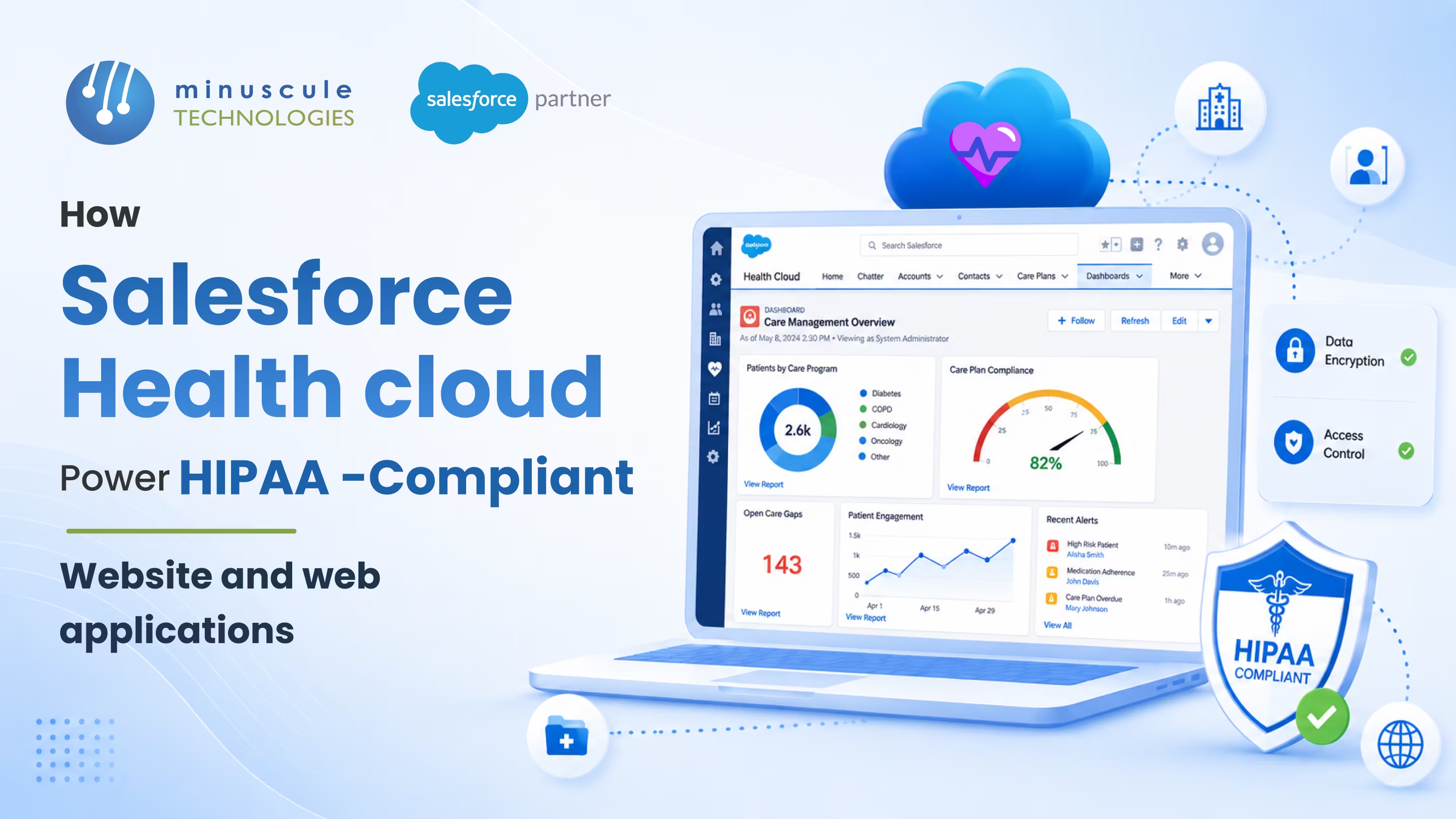
Salesforce Health Cloud HIPAA compliance means running a healthcare application on Health Cloud in a way that meets the US HIPAA rules for protecting patient data. Health Cloud gives you the secure foundation — encryption, access controls, and audit trails — and Salesforce will sign a Business Associate Agreement (BAA) to cover its part. The important nuance: no platform is "HIPAA certified," and Health Cloud isn't automatically compliant out of the box. Compliance comes from how you configure and build on it — which is exactly what makes it possible to power secure, HIPAA-compliant websites and web applications for patients.
At a glance, here's what makes it work:
Picture a clinic launching an online intake form so new patients can share their history before the first visit. That form collects diagnoses, medications, and insurance details — all PHI. Drop it on a generic website and you've created a breach waiting to happen. Build it on Health Cloud, and the same form flows into an encrypted, access-controlled, fully logged record. Same patient convenience, none of the exposure.
This guide explains what Salesforce Health Cloud HIPAA compliance actually requires, how it powers patient-facing websites and web apps, who's responsible for what, and a practical checklist to get it right.
Salesforce Health Cloud HIPAA compliance rests on two ideas that trip up a lot of teams. First, there's no official "HIPAA certification" for any software — HIPAA is a set of rules you meet through people, process, and technology, not a badge a vendor buys. Second, compliance is shared: Salesforce secures the platform, and you're responsible for how your application, users, and data are configured on top of it.
The foundation is the BAA. When Health Cloud stores or processes PHI, Salesforce acts as a Business Associate under HIPAA, and a signed Business Associate Agreement makes that relationship official. Without it, you don't have a compliant setup no matter how the org is built. With it, Salesforce commits to its safeguards and breach-notification duties.
From there, Health Cloud brings healthcare-specific tools — a clinical data model, patient timelines, care plans, and consent tracking — designed to handle sensitive records safely. It's the same platform trust layer behind other regulated Salesforce work, like the kind we cover in our guide to migrating life sciences data to Salesforce, applied to protected health information.
The moment a patient types a symptom, a medication, or an insurance ID into your website, that data becomes PHI — and the rules change. A standard CRM or a generic web form treats it like any other lead, and that mismatch is where breaches and fines begin.
The risks show up in familiar places:
Healthcare organizations don't just need a place to store data — they need to prove, at any moment, that access was controlled and logged. That's the bar a purpose-built healthcare platform clears and an ordinary website does not. It's the same principle that drives strong Salesforce integration work: keep PHI inside the secure boundary at every step.
Health Cloud isn't only a back-office system. Paired with Experience Cloud, it lets you build patient-facing web experiences that stay inside the compliant boundary. Here's how each piece contributes.
Experience Cloud builds branded patient portals directly on Health Cloud data. Patients log in to view results, message their care team, book appointments, and update information — and because the portal runs on the platform, every interaction inherits the same encryption, access rules, and logging as the internal system. No separate, unprotected website holding copies of PHI.
Intake forms, screening questionnaires, and consent forms can write straight into Health Cloud records instead of landing in an inbox. The data is captured inside the compliant environment from the first keystroke, so there's no risky handoff between an insecure form tool and your system of record.
Salesforce Shield adds platform encryption so PHI is protected at rest, event monitoring to track how data is accessed, and a field audit trail that records changes over time. For a web app handling patient data, Shield is what turns "we think it's secure" into evidence you can show an auditor.
Strong authentication — multi-factor login and single sign-on — controls who gets in, while role-based permissions control what each person sees once inside. A billing clerk and a physician can use the same portal and see only what their role allows. That principle of least privilege is central to the HIPAA Security Rule.
Every view, edit, and export can be logged, creating the access history HIPAA expects. If an incident ever happens, that record is the difference between a contained event and a scramble. It also makes routine audits far less painful.
Most healthcare web apps need to talk to an electronic health record, a billing system, or a scheduling tool. Health Cloud supports standards like HL7 and FHIR and secure APIs, so data moves between systems without leaving the protected boundary. Reference communities such as Salesforce Geek and Salesforce Codex publish useful patterns for building these connections cleanly.
The most common compliance mistake is assuming Salesforce handles all of HIPAA for you. It doesn't — and neither do you alone. Responsibility is split, and knowing the line keeps you covered.
HIPAA's Security Rule groups requirements into three kinds of safeguards. Here's how Health Cloud capabilities line up against each.
Before a patient-facing web app on Health Cloud goes live, walk through this short checklist. It's the sequence we use so nothing that touches PHI slips outside the compliant boundary.
Most breaches trace back to a skipped step here, not a platform flaw. Getting the configuration right is where an experienced partner pays for itself — and where ongoing managed services keep the org compliant as it changes.
HIPAA isn't frozen. US regulators have proposed strengthening the Security Rule, with tighter expectations around encryption, multi-factor authentication, and documented access controls. The direction is clear: more proof, not less. The good news is that a Health Cloud app built on encryption, strong authentication, and audit trails is already aligned with where the rules are heading.
The practical takeaway is to treat compliance as ongoing, not a one-time project. Access reviews, configuration checks, and staff training keep you ready as requirements tighten. The Trailblazer Community and healthcare-focused resources like Salesforce Tutorial are useful for keeping current on platform security features.
It's the practice of running a healthcare application on Salesforce Health Cloud in a way that meets HIPAA's rules for protecting patient data. It combines a signed Business Associate Agreement with Salesforce, platform security features like encryption and audit trails, and correct configuration of access and data handling on your side.
No. Health Cloud gives you the tools to be compliant, but it isn't automatically compliant on day one. You must sign a BAA, enable encryption and logging, set role-based access, and configure the app correctly. There's also no such thing as a "HIPAA certified" platform — compliance is how you use it.
Yes. Any time Health Cloud stores or processes protected health information, Salesforce acts as a Business Associate, and a signed Business Associate Agreement is required. Putting PHI in the system without a BAA is a compliance gap, no matter how well the org is built.
Yes. Experience Cloud lets you build patient portals directly on Health Cloud, so logins, messaging, and forms inherit the platform's encryption, access controls, and logging. That keeps patient data inside the compliant boundary instead of copying it to a separate website.
Salesforce Health Cloud is one of the most widely used healthcare CRMs that supports HIPAA, because Salesforce signs a BAA and provides the security features the rules require. As with any platform, compliance depends on correct setup — the software supports HIPAA, but your configuration completes it.
HIPAA-compliant websites and web apps aren't about locking data away — they're about giving patients modern, convenient access without ever putting their information at risk. Salesforce Health Cloud makes that balance achievable: encryption, access control, and audit trails built in, with Experience Cloud portals and secure forms that keep PHI inside the compliant boundary. The platform supplies the safeguards; the right configuration turns them into real compliance.
Minuscule Technologies builds these healthcare experiences for regulated organizations. Our Salesforce solutions for healthcare and life sciences cover Health Cloud setup, Experience Cloud patient portals, Shield configuration, and secure EHR integration — tuned to your compliance obligations rather than bolted on after the fact.
Planning a patient portal or a web app that handles PHI? Book a Salesforce Health Cloud consultation with our team, and we'll map your web experience to a HIPAA-ready architecture built for security and speed.
You've seen what's possible. Now, let's make it happen for your business. Whether you need an end-to-end Salesforce solution, a complex integration, or ongoing managed services, our team is ready to deliver.

Schedule a Free Strategic Call


Plot No. 4, Sridevi Amman Street, Perumal Nagar Extension, Old Pallavaram, Chennai, Tamil Nadu 600117, India.
