

August 12, 2026
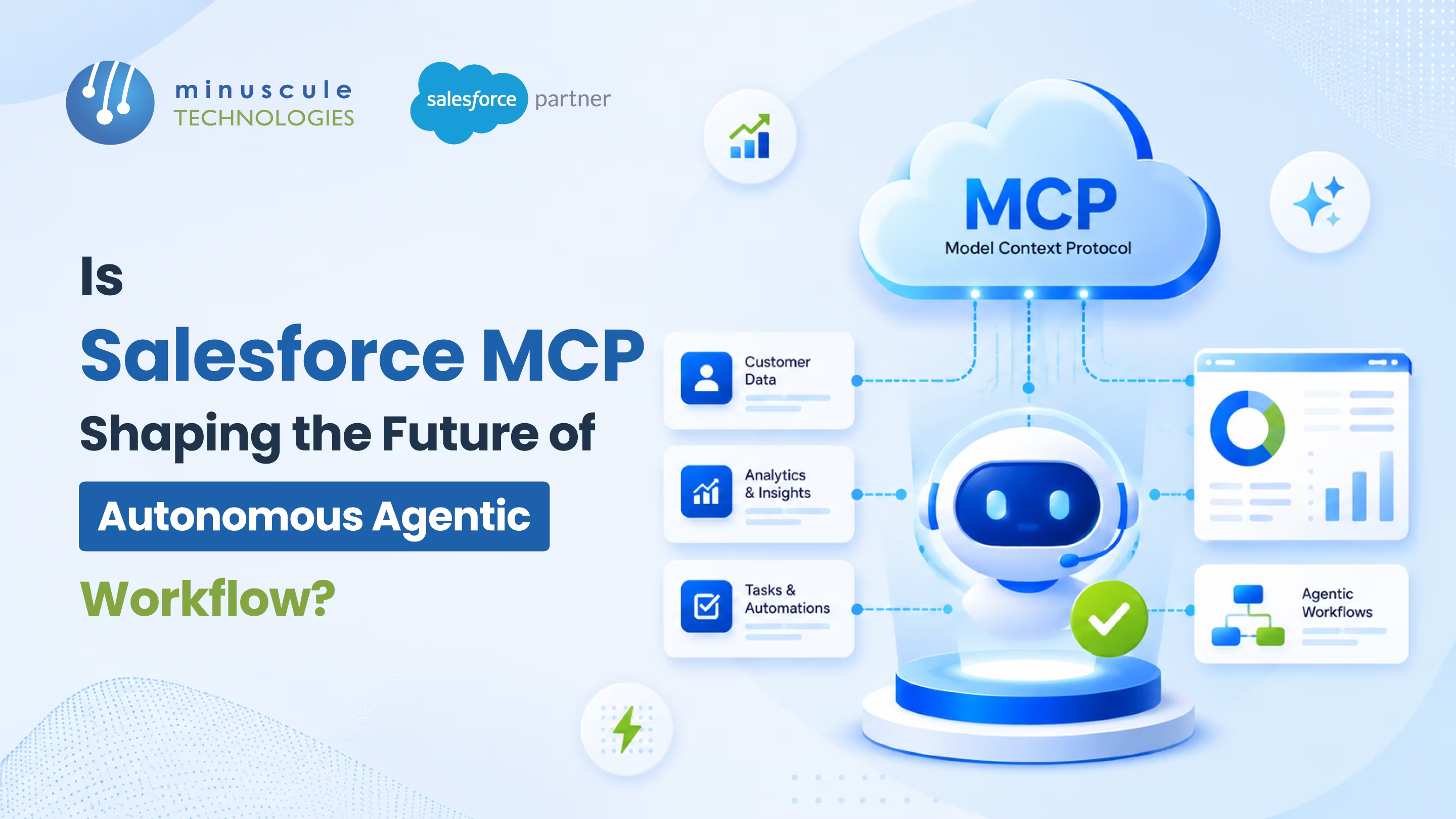
Salesforce MCP is Salesforce's adoption of the Model Context Protocol (MCP), an open standard that lets AI agents and assistants securely connect to your Salesforce data, metadata, and business logic without custom API code. And yes, it's steadily reshaping how autonomous agentic workflows get built, because it gives an agent a governed, real-time handshake into the CRM instead of brittle, hand-coded connectors. Instead of writing a wrapper for every tool, you expose Salesforce as a set of structured tools, resources, and prompts that any MCP-aware agent can read and act on.
In practice, Salesforce MCP shows up as a small family of servers and clients:
Picture an operations lead who spends every Monday stitching together numbers from the CRM, a billing tool, and three spreadsheets before the pipeline meeting. An AI assistant could do that in seconds, if only it could safely reach into Salesforce and read the right records. That gap between a capable model and the trapped data in your org is exactly what Salesforce MCP closes. This guide breaks down what Salesforce MCP is, how it powers autonomous agentic workflows, the server options you can pick from, how security works, and what it takes to turn it on.
Salesforce MCP is the set of servers, clients, and standards Salesforce uses to bring the Model Context Protocol into the CRM. MCP itself is an open protocol, created by Anthropic and now widely adopted, that gives AI models a common way to talk to external tools and data. Think of it as a universal connector: one standard handshake instead of a different custom integration for every app.
The protocol has three moving parts. The host is the AI app the person is using, such as Claude, Cursor, or an Agentforce agent. The client lives inside that host and speaks MCP. The server sits in front of a system like Salesforce and offers up three things the agent can use: tools (actions it can run), resources (data it can read), and prompts (reusable instructions). When an agent needs a customer's open cases, it asks the server, the server checks permissions, and it hands back exactly what that user is allowed to see.
What makes this matter for Salesforce teams is that the CRM stops being a walled-off system an agent can only reach through hand-built plumbing. Salesforce now ships its own MCP servers so agents can query records, run Flows, and call Apex through a structured interface. If you already run Agentforce, you can read more about how the pieces fit together in our look at Salesforce AgentExchange and its MCP partner framework. For the official developer view, Salesforce's own introduction to MCP support across Salesforce walks through the full stack.
An autonomous agentic workflow is one where an AI agent plans and carries out a multi-step task on its own: it decides what it needs, gathers the data, takes actions, and checks the result, with a human reviewing rather than clicking through every step. The hard part has never been the model's reasoning. It's been giving the agent safe, structured access to the systems where the real work lives.
Salesforce MCP removes that blocker. Because the agent reads tools, resources, and prompts in a format it understands natively, it can chain steps together without a developer scripting each hop. A single request like "find at-risk renewals this quarter and draft outreach" can turn into several MCP calls: query the opportunities, pull the account history, check recent support cases, and generate a draft, all inside your governance rules.
This is the shift from automation that follows a fixed path to workflows that adapt as they run. It's also why MCP pairs so well with Agentforce, since the two together let agents act across systems instead of inside one screen. We cover that bigger picture in our piece on the era of Salesforce agentic AI and what it means for enterprise operations. For a plain-English primer aimed at admins, Salesforce's own simple guide to Model Context Protocol is a good starting point.
Salesforce MCP isn't a single product. It's a lineup, and picking the right one depends on whether you're a developer working in an IDE, an admin wiring up Agentforce, or an architect connecting outside systems. Here's how the main options compare.
| MCP Offering | What It Does | Best For | Availability |
|---|---|---|---|
| Salesforce Hosted MCP Servers | Salesforce-managed endpoints that expose org data, Flows, Apex actions, and Named Query APIs to AI agents | Enterprise teams wanting governed access with no infrastructure to run | Generally available (Enterprise Edition and above) |
| Salesforce DX MCP Server | Open-source local server to deploy code, run tests, retrieve metadata, and run code analysis from AI IDEs | Developers working in Cursor, VS Code, or Claude Desktop | Open source (Beta) |
| MuleSoft MCP Server | Turns existing APIs into MCP servers and manages MuleSoft projects | Teams with a large API estate to open up to agents | Generally available |
| Heroku MCP Server | Hosts custom MCP servers and manages Heroku apps, connected to Agentforce through AppLink | Teams building custom apps and integrations | Generally available |
| Agentforce MCP Client | Lets Agentforce agents securely call external MCP servers through an enterprise registry | Connecting Agentforce to third-party tools and data | Available in Agentforce |
| AgentExchange MCP Partners | Marketplace of prebuilt partner MCP connections with no custom APIs to write | Plugging vetted outside data sources in quickly | Available on AgentExchange |
For most business teams, the Hosted MCP Servers are the starting point, since Salesforce runs and scales them for you. Developers tend to reach for the DX MCP Server first, because it drops natural-language commands right into the tools they already use. Apex Hours has a helpful walkthrough of how the hosted MCP servers work in practice if you want a hands-on view.
The first question every IT head asks is fair: if an AI agent can reach into the CRM, what stops it from doing something it shouldn't? Salesforce MCP answers that by making the agent play by the same rules as a logged-in user.
Every action runs under the authenticated user's identity through standard OAuth 2.0 and External Client Apps. That means the agent inherits that person's object permissions, field-level security, and sharing rules automatically. If a sales rep can't see a certain field, neither can the agent acting on their behalf. Nothing gets a backdoor.
A few controls make this concrete:
This governance-first design is what makes Salesforce MCP safe to run in regulated settings like banking or healthcare, where an ungoverned integration would never pass review. It's also where an experienced partner earns its keep, mapping permissions correctly so agents stay inside the lines. That's a core part of our Salesforce integration services.
The clearest way to see the value is by role and industry. Salesforce MCP tends to pay off wherever people burn time moving data between the CRM and the tools around it.
None of these need a new custom integration for each connected tool. That's the quiet win: the same MCP setup serves many workflows. If you're weighing where agents fit in your org, our Salesforce Agentforce services team can map the highest-value starting points. Salesforce Ben also has a clear explainer on how MCP bridges AI and your CRM.
Plenty of teams already connect AI to Salesforce with hand-built API integrations. So why switch? The short answer is effort, safety, and how well the result holds up over time.
| Factor | Salesforce MCP | Custom API Integration |
|---|---|---|
| Setup effort | Connect in under 30 minutes with prebuilt servers | Weeks of middleware and connector code |
| Security model | Inherits CRUD, field-level security, and sharing rules per user via OAuth | Built by hand and easy to get wrong |
| Maintenance | Salesforce-managed and versioned | Your team patches it after every change |
| Agent readiness | Structured tools, resources, and prompts agents read natively | Agents need a bespoke wrapper per endpoint |
| Best fit | Autonomous agentic workflows spanning many tools | A single point-to-point data sync |
Custom APIs still make sense for narrow, one-off syncs. But for agent-driven work that touches several systems, Salesforce MCP gives you a governed foundation you don't have to rebuild every time the platform changes.
Getting started is lighter than most integration projects. For Hosted MCP Servers, the path looks like this:
Developers who want the local route can install the DX MCP Server and configure it in their IDE instead. Either way, the heavy lifting is in the planning: deciding what agents should touch and mapping permissions so nothing leaks. Salesforce made hosted servers generally available across Enterprise orgs, so the feature is production-ready rather than experimental. If you'd rather not sort the permission model out alone, that's exactly the kind of setup our team handles day to day.
Salesforce MCP is Salesforce's use of the Model Context Protocol, an open standard that lets AI agents securely read data and run actions in your org without custom API code. It includes hosted servers, a developer DX server, and an Agentforce client, all governed by your existing permissions.
Yes. Salesforce offers several, including managed Salesforce Hosted MCP Servers for business data and the open-source Salesforce DX MCP Server for developers. There are also MuleSoft and Heroku MCP servers for APIs and custom apps.
Salesforce hasn't published a separate price for MCP. Hosted MCP Servers are available to orgs on Enterprise Edition and above, so access is tied to your existing edition rather than a standalone fee. The DX MCP Server is open source and free to use.
Confirm your org is on Enterprise Edition or above, set up an External Client App for OAuth, choose which servers and scopes to expose, then connect an AI client like Claude or Cursor. Most teams can be running a first connection in under 30 minutes.
It's built to be. Every action runs under the authenticated user's identity, so field-level security, object permissions, and sharing rules all apply, and sensitive steps can require human review. That governance is what makes it viable for regulated industries.
Salesforce MCP isn't hype about agents someday. It's the plumbing that makes autonomous agentic workflows real today, by giving AI a safe, structured way into the data and actions that already run your business. The teams that win won't be the ones with the flashiest model. They'll be the ones who connect their org cleanly and let agents work inside their rules.
Getting there faster is where pre-built starter packs help. Our agent-ready accelerators drop proven Salesforce workflows into your org instead of starting from a blank page, like the B2B Marketplace accelerator for manufacturing and distribution and the Loan Lifecycle Visibility accelerator for lending teams. Each one comes as an industry-customized starter pack, so a manufacturing or BFSI org gets a running start rather than a science project.
Ready to see where agents and Salesforce MCP fit in your org? Book a free strategic Salesforce call with our team, and we'll map your highest-value agentic workflow and the cleanest, most governed path to it.
You've seen what's possible. Now, let's make it happen for your business. Whether you need an end-to-end Salesforce solution, a complex integration, or ongoing managed services, our team is ready to deliver.

Schedule a Free Strategic Call


Plot No. 4, Sridevi Amman Street, Perumal Nagar Extension, Old Pallavaram, Chennai, Tamil Nadu 600117, India.

