

August 13, 2026
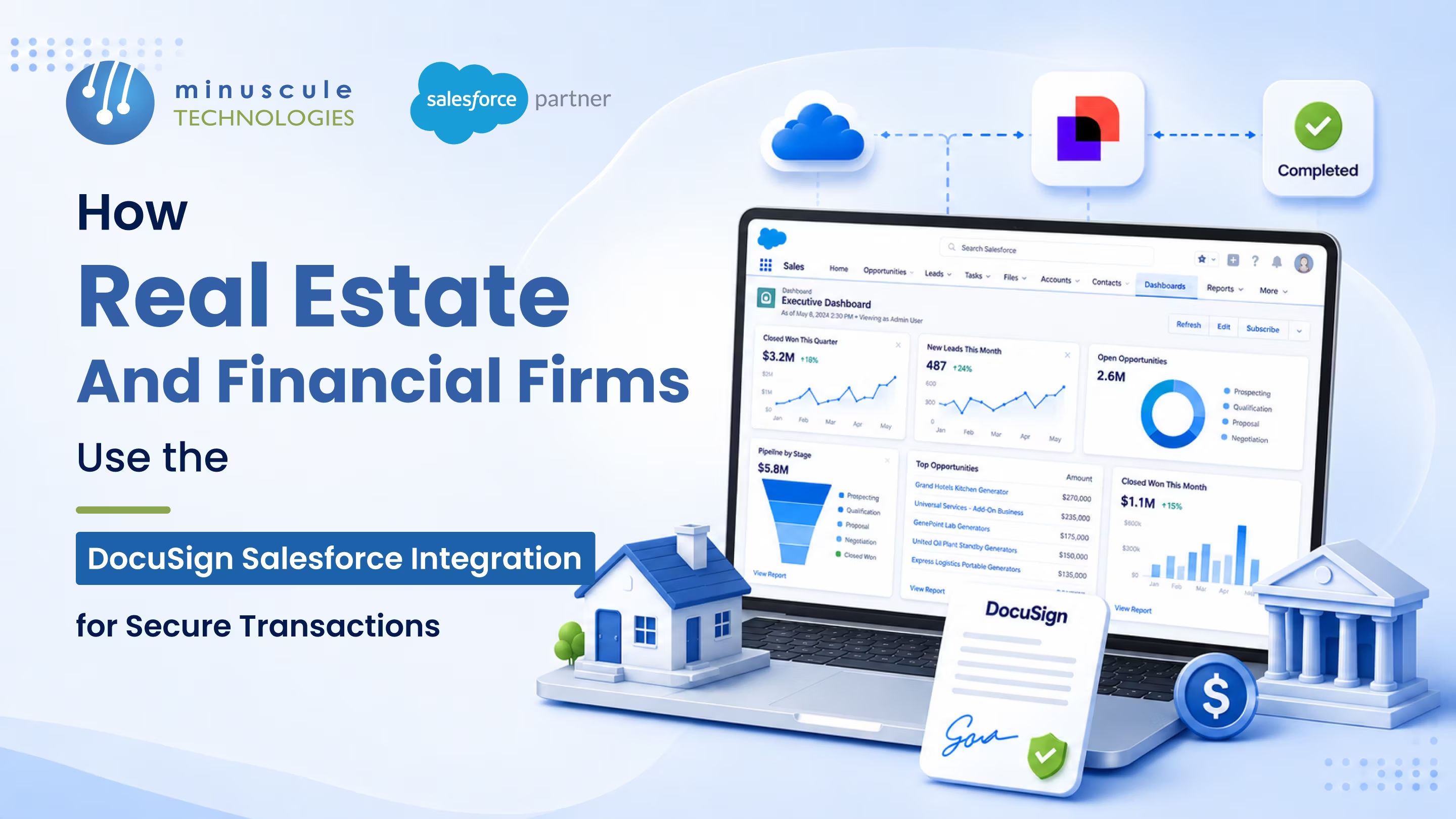
The DocuSign Salesforce integration lets teams prepare, send, sign, and track legally binding agreements directly inside Salesforce — no exporting to email, no printing, no rekeying data. For real estate and financial firms, it turns a purchase agreement, loan packet, or disclosure into a secure electronic transaction that closes in hours instead of days, with a full audit trail attached to the deal record. In short, it connects DocuSign's e-signature and agreement tools to your CRM so every signature is fast, trackable, and compliant.
Here's what firms get out of it:
Think about a mortgage loan officer at 6 PM on a Friday. The rate lock expires Monday, the borrower is traveling, and the disclosure packet still needs three signatures and two initials in exact places. The old way — print, scan, email, chase — misses the window. With signing built into Salesforce, the officer sends the packet in two clicks, the borrower signs from a phone at the airport, and the record updates itself. That's the difference between a closed deal and a lost one.
This guide covers how real estate and financial firms actually use the DocuSign Salesforce integration for secure transactions — the workflows, the security and compliance that make it defensible, a clear product map, and how to roll it out.
The DocuSign Salesforce integration is a native connection — installed from the Salesforce AppExchange — that brings DocuSign's electronic signature and document tools inside the Salesforce interface. The core package, Docusign eSignature for Salesforce, is part of the Docusign Apps Launcher, and it lets users send agreements for signature from any object: an opportunity, a contract, a loan application, or a custom real estate transaction record. Teams on another provider can read how Adobe Sign integrates with Salesforce for secure signing.
Instead of treating signing as a separate step in a separate tool, the integration makes it part of the CRM workflow. Merge fields pull names, amounts, and property or account details from Salesforce into the document automatically, so there's no retyping and far less room for error. When the signer finishes, the signed PDF and a certificate of completion write back to the record on their own. For a broader primer, see everything you should know about Salesforce DocuSign integration.
Two capabilities do most of the heavy lifting. Document generation through Docusign Gen builds the agreement from Salesforce data and a template. Then eSignature routes it to the right people in the right order. For firms with heavier contract needs, Docusign CLM adds redlining, clause libraries, and lifecycle management on top. If you're mapping out a wider connected stack, our overview of Salesforce integration services shows how e-signature fits alongside your other systems.
Real estate and financial services run on documents — and on deadlines. A single home purchase can involve a dozen signed forms; a loan file, even more. When signing lives outside the CRM, every one of those documents becomes a chance for delay, error, or a compliance gap.
The pain usually shows up in the same places:
Putting signing inside Salesforce removes the handoffs. The document is generated from clean CRM data, routed automatically, and stored against the record the moment it's done. For a compliance-heavy business, that single connected trail is worth as much as the speed. It's the same principle behind how we securely migrate legacy contract data into Salesforce — keep the record whole and defensible.
The integration is a toolkit, not a single button. Here's how real estate and financial teams put each piece to work.
A leasing agent or loan officer opens the Salesforce record and sends the agreement without switching tools. Client name, property address, loan amount, and dates flow in from the CRM, so the document is right the first time. This is the everyday workhorse — the fastest path from "ready to sign" to "signed."
For repeatable paperwork — listing agreements, lease packets, account-opening forms, disclosure sets — Docusign Gen builds the document from a template and live Salesforce data. Staff stop assembling files by hand, and the output is consistent every time. That consistency matters when a regulator asks why two clients received different disclosures.
A closing or a loan file often needs signatures from several parties in sequence — borrower, co-borrower, agent, then an internal approver. The integration enforces that order, sends reminders on its own, and won't mark the deal complete until every field is done. No more chasing signers one email at a time.
Every document shows its live state on the record: sent, delivered, viewed, signed, completed. Managers see which deals are waiting on a signature and can nudge the exact one that's stuck, instead of guessing across a pipeline.
DocuSign can capture a payment — an application fee, an earnest money deposit, a first premium — at the moment of signing, through a connected payment gateway. The transaction and the signed agreement land together, so finance isn't reconciling them later.
When agreements get complex — negotiated commercial leases, syndicated loan documents — Docusign CLM adds redlining, version control, clause libraries, and renewal tracking. It's the step up from single-signature workflows to managing an agreement across its whole life inside Salesforce.
Speed only matters if the transaction holds up. For regulated industries, the DocuSign Salesforce integration is built to make each signature legally sound and auditable — which is exactly why real estate and financial firms trust it over email-and-scan.
In the United States, electronic signatures carry the same legal weight as ink under the federal ESIGN Act and the state-level UETA. DocuSign captures signer intent and consent and issues a certificate of completion, so an agreement signed through the integration is enforceable in court like any paper contract.
Every action — who opened the document, from what IP address, when they signed, what they signed — is recorded in a certificate that travels with the file. If a transaction is ever challenged, that trail is the proof. Because it writes back to Salesforce, the evidence lives with the deal, not in a separate silo.
Documents are encrypted in transit and at rest, and firms can require extra signer verification — access codes, SMS, or knowledge-based checks — before a high-value document opens. Inside Salesforce, role-based permissions control who can send, view, and download signed agreements.
Real estate teams can pair the integration with remote online notarization for deeds and closings that require a notary. Financial firms can align it with KYC and record-retention rules and add Salesforce Shield for encryption and field-level audit trails on sensitive data. The result is a signing process that satisfies both the client's need for speed and the regulator's need for proof. For deeper technical patterns, communities like Apex Hours and SFDCStop walk through DocuSign configuration in Salesforce.
Both industries sign a lot of documents, but the transactions look different. Here's how the same integration serves each.
| Factor | Real estate firms | Financial services firms |
|---|---|---|
| Common documents | Listing agreements, leases, purchase contracts, disclosures | Loan packets, account openings, KYC forms, policy documents |
| Signing parties | Buyer, seller, agent, sometimes a notary | Borrower, co-borrower, underwriter, internal approver |
| Top compliance need | Remote online notarization, disclosure delivery proof | KYC, record retention, tamper-evident audit trail |
| Biggest win | Closing deals before the offer or rate window expires | Faster, error-free loan and account processing |
DocuSign isn't one app — it's a set of tools that plug into Salesforce for different jobs. Here's what each one does.
| DocuSign tool | What it does inside Salesforce |
|---|---|
| Docusign eSignature for Salesforce | Send, sign, and track agreements from any Salesforce record |
| Docusign Gen | Auto-generate documents from templates and live CRM data |
| Docusign Apps Launcher | The bundle that ties generation, signing, and negotiation together |
| Docusign CLM | Redlining, clause libraries, and full contract lifecycle management |
| Payments | Collect fees or deposits at the moment of signing |
A DocuSign rollout goes wrong when firms treat it as a plug-in and skip the setup that makes it secure and reliable. Here's the sequence that keeps a deployment clean.
The details are where projects succeed or fail — clean field mapping, correct signing order, and airtight permissions. That's where an experienced partner earns its keep, especially in a regulated setting. Reference communities such as Forcetalks and SaaSGuru are useful for admins learning the platform, but production rollouts in real estate and finance benefit from hands-on integration expertise.
The DocuSign Salesforce integration is a native AppExchange connection that lets users prepare, send, sign, and track agreements inside Salesforce. It pulls data from CRM records into documents, routes them for electronic signature, and writes the signed files and audit trail back to the record automatically.
Yes. DocuSign offers Docusign eSignature for Salesforce through the Salesforce AppExchange, part of the Docusign Apps Launcher. Once installed and connected, users can send documents for signature from any Salesforce object without leaving the platform.
It is built for regulated use. Electronic signatures are legally binding under the ESIGN Act and UETA, documents are encrypted in transit and at rest, and every signing generates a tamper-evident audit trail. Firms can add signer authentication and Salesforce Shield for extra protection on sensitive data.
Real estate teams use it to send listing agreements, leases, purchase contracts, and disclosures for signature straight from the deal record. It speeds closings, keeps signed documents attached to the property or client record, and supports remote online notarization where a notary is required.
Cost depends on your DocuSign plan and the number of users and envelopes, plus any Salesforce edition requirements. Because pricing changes and scales with volume, most firms scope it during a short readiness review rather than off a list price.
For real estate and financial firms, the signature is where a deal is won or lost — and where compliance is proven. The DocuSign Salesforce integration makes that moment fast, clean, and defensible: documents generated from real data, signed in order, and stored with a full audit trail on the record. Speed and safety stop being a trade-off.
Minuscule Technologies builds these integrations for regulated businesses. Our Loan Lifecycle Visibility accelerator gives lenders a document-ready foundation from origination to disbursement, and our industry-tuned Salesforce solutions for BFSI and real estate tailor signing, security, and data flow to how your deals actually run.
Want secure, CRM-native signing that holds up to an audit? Book a Salesforce integration consultation with our team, and we'll map your document workflows to a DocuSign Salesforce integration built for compliance and speed.
You've seen what's possible. Now, let's make it happen for your business. Whether you need an end-to-end Salesforce solution, a complex integration, or ongoing managed services, our team is ready to deliver.

Schedule a Free Strategic Call


Plot No. 4, Sridevi Amman Street, Perumal Nagar Extension, Old Pallavaram, Chennai, Tamil Nadu 600117, India.

