
September 11, 2026
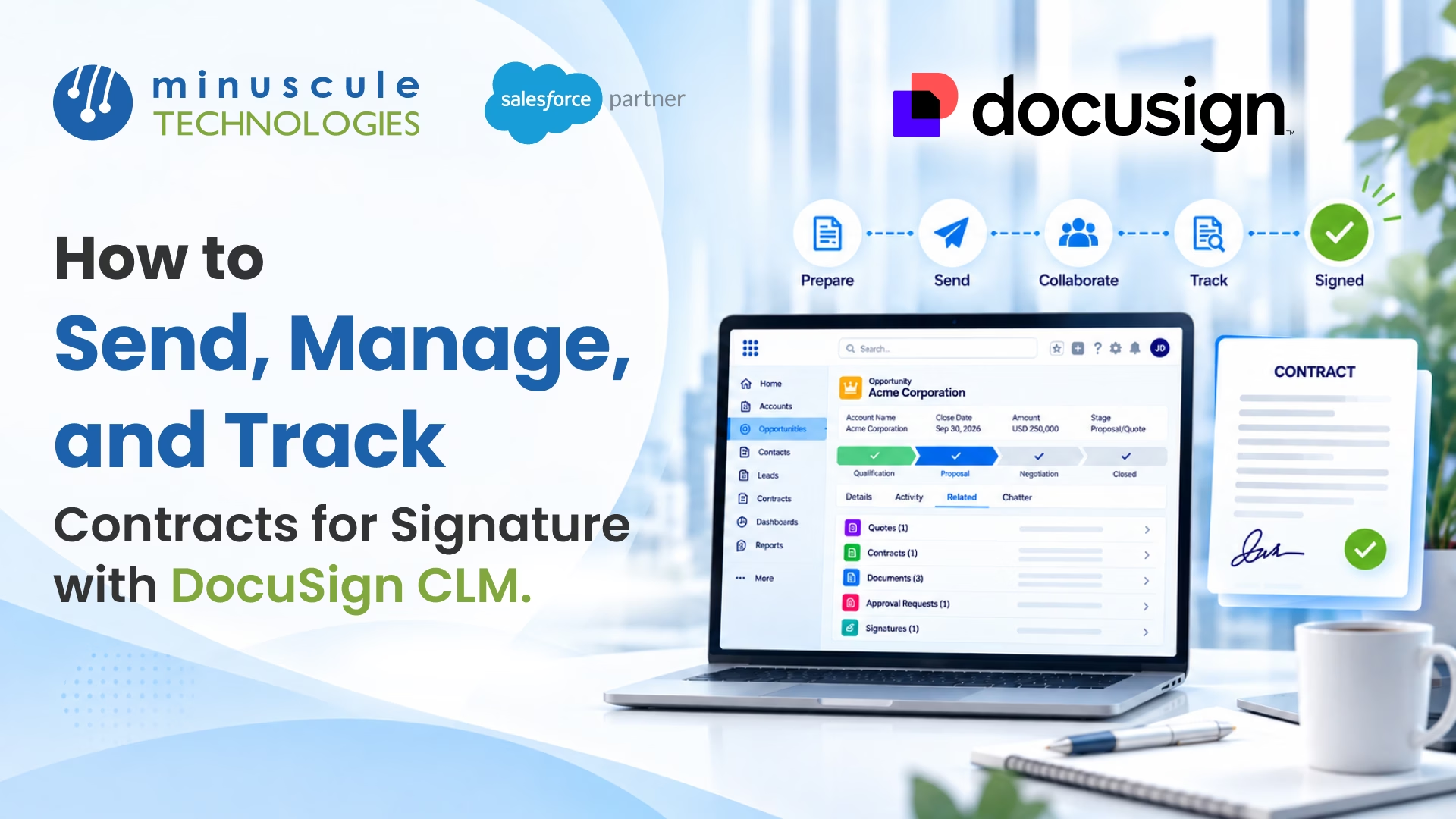
DocuSign CLM is a contract lifecycle management software that helps teams send contracts for signature, manage them in one place, and track every agreement from start to finish. It builds on DocuSign eSignature. It adds the steps around the signature: creating the contract, routing it for review and approval, storing it, and tracking renewals. Paired with Salesforce, teams can run all of it without leaving the record where the deal lives.
At its core, DocuSign CLM covers three jobs:
Think about a sales team that just closed a big deal. The rep generates the contract in a click. It routes legal for a quick review. The customer signs, and the signed file stores itself. No lost email threads. No hunting for the latest version. That is the workflow DocuSign CLM is built for.
This guide walks through how to send, manage, and track contracts with DocuSign CLM. It shows how CLM differs from plain e-signature. It covers how CLM works with Salesforce. And it flags the setup mistakes to avoid.
DocuSign CLM stands for contract lifecycle management. It handles a contract across its whole life: create, negotiate, approve, sign, store, and renew. Plain e-signature covers only the signing step. CLM covers everything around it.
DocuSign CLM is now part of DocuSign IAM, the company's Intelligent Agreement Management platform. That is the wider suite for handling agreements from end to end. It also brings an AI engine, called Iris, that can pull out key terms, answer questions about a contract, and suggest clause language. For most teams, the practical value is simple. Contracts stop living in inboxes and shared drives. They live in one system that everyone can see.
The platform runs on templates and workflows. A template builds a clean contract from saved content. A workflow moves that contract through the right people in the right order. Both cut the manual work that slows the deal down.
This is the most common question, so let's answer it first. DocuSign eSignature gets a document signed. DocuSign CLM manages the full contract process, with e-signature as one step inside it. Here is how they compare.
| Capability | DocuSign eSignature | DocuSign CLM |
|---|---|---|
| Main job | Get a document signed | Manage the full contract lifecycle |
| Contract creation | You upload a finished file | Generates the contract from templates |
| Negotiation and redlining | Not included | Built in, with version control |
| Approvals | Basic routing | Multi-step approval workflows |
| Storage and search | Signed file only | Central, searchable repository |
| Tracking and reporting | Signature status | Status, reports, obligations, renewals |
| Best for | Simple, one-off signatures | High contract volume and complex terms |
The short version: use e-signature when you just need a signature. Use DocuSign CLM when the contract needs drafting, review, approval, and tracking over time.
Sending starts with a template, not a blank page. You build the contract from saved clauses and merge fields, so the terms are correct every time. Then the workflow is over.
Here is the basic flow:
You can send it in one of the two ways. For a one-off, open the document and choose Actions, then Prepare Signature. That builds a DocuSign eSignature envelope. For a repeatable process, use the Send Signature to step inside a workflow, so the send runs on its own. While a document is out for signature, CLM locks it, so nobody edits the copy being signed. When it comes back, the signed PDF and the certificate of completion attach as a new version.
CLM can also flag risky or non-standard clauses before the contract goes out. That keeps a rep from sending legal terms has not been approved. The result is a faster send with fewer mistakes.
From Salesforce, the send gets even simpler. A rep starts the contract from the opportunity, so the account, products, and pricing carry over. One click sends it signature, and the rep never opens a second app.
Managing contracts is where the platform earns its keep. Every agreement sits in one central repository. You can search by party, value, date, or any field you set. No more digging through folders or email.
Templates and clause libraries
Templates keep contracts consistent. A clause library holds pre-approved language your team can drop in. When legal updates a clause, they update it once, in one place. Every new contract uses the current version.
Negotiation and version control
Redlining happens inside the platform. Each edit is tracked, so you always know which version is the latest. Comments and tasks route to the right people by email or chat. Nobody works off an old draft by mistake.
To edit safely, CLM uses a check-in and check-out method. You check a document out to work on it, which locks it for everyone else. When you check it back in, CLM saves your changes as a new version. That way two people never overwrite each other.
Approval workflows
Workflows move a contract through the right approvers in order. You build them with a drag-and-drop editor, using pre-built steps for review, approval, signing, and storage. The rules run on their own, so a deal does not stall waiting on one person.
Tracking is the part teams miss most with manual contracts. CLM shows the live status of every agreement. You can see what is in review, what is out for signature, and what is signed and done.
Reports go deeper than status. You can pull agreement reports on obligations, key dates, and renewals. That means a renewal never sneaks up on you. The system can alert the owner before a deadline hits.
Signing has its own record too. The document history panel shows each signer, each action, and the time it happened. You can open the full certificate of completion from DocuSign eSignature when you need proof. Tag contracts as standard or exception, and you can report on each path on its own.
Managers get a clear view, too. A dashboard shows how many contracts sit in each stage, which deals are stuck, and how long signing takes on average. That turns contract data into something a leader can act on.
Every action leaves an audit trail. You know who did what, and when. In banking, insurance, and real estate, that record matters as much as the signature itself. It also makes an audit far less painful.
For a sales team, the biggest win is running CLM inside Salesforce. DocuSign CLM connects to Salesforce, so reps generate and act on contracts from the record they already use. There is no copying data between systems. Here is how the DocuSign CLM Salesforce integration speeds up quote-to-cash.
You install DocuSign from the Salesforce AppExchange and connect it to your org. New to that process? Trailhead's AppExchange basics module is a good primer. Once connected, a rep can generate a contract straight from an opportunity, with the account and deal data already filled in.
Contracts often start from a priced quote. If your team runs Salesforce CPQ, the quote can feed the contract, so nothing gets retyped. Apex Hours' free CPQ training covers how CPQ builds that quote. For the signing and tracking side, Salesforce Ben's guide to a native Salesforce and DocuSign setup show how status flows back to the record.
Most teams want more than the standard connectors offer. Custom routing, field mapping, and automation with Salesforce Flow all take real setup work. The Salesforce Flow considerations reference is worth a read before you build. Our team handles this kind of Salesforce integration work when the out-of-the-box tools fall short.
The reason to adopt DocuSign CLM is not the feature list. It is what a connected contract process does for the business. Here is where it pays off.
These gains grow with contract volume. A team signing a handful of deals a month may not feel it. A team pushing hundreds of agreements will feel it in the first week.
A CLM rollout fails in a few common ways. Knowing them early saves a rebuild later.
Contract-heavy fields feel these issues first. A firm handling leases or loan documents runs many templates across many teams. Our Salesforce solutions for real estate and BFSI account for that volume from the start.
DocuSign CLM is a contract lifecycle management software. It handles a contract across its whole life: create, negotiate, approve, sign, store, and renew. It is now part of DocuSign IAM, the company's Intelligent Agreement Management platform. The goal is to keep every contract in one place instead of scattered across inboxes.
Standard DocuSign, or DocuSign eSignature, gets a document signed. DocuSign CLM manages the full contract process, with signing as one step inside it. CLM adds contract creation, negotiation, approvals, storage, and tracking. Use e-signature for simple signatures, and CLM for high volume and complex terms.
You start from a template, which builds the contract and fills in the deal data. The draft routes for any internal review, then go out for signature through DocuSign eSignature. You can send from the Actions menu with Prepare for Signature, or with a Send for Signature workflow step. The signed file then stores itself in the repository.
DocuSign CLM shows the live status of every agreement, from review to signed. You can run reports on obligations, key dates, and renewals. The document history panel logs for each signer and action, and you can open the certificate of completion for proof. Every action is logged, which gives you a full audit trail.
You install DocuSign from the Salesforce AppExchange and connect it to your org. Then an admin maps the fields and builds the templates and workflows. Reps can then generate contracts from an opportunity, with deal data already filled in. Custom routing and automation usually need a Salesforce partner to set up right.
DocuSign CLM turns contracts from scramble into a clear process. You send from templates, manage every agreement in one place, and track each one to signature and renewal. Tie it to Salesforce, and your team does all of it without leaving the deal record.
Minuscule Technologies builds these contract workflows as ready-to-deploy starter packs, tuned to your industry, so you go live in weeks. Our industry starter packs for banking and insurance and real estate to cover the templates, approvals, and tracking that contract-heavy teams need. Our Salesforce consulting team starts with your process, not the software.
Want to see where your contract cycle is a waste of time? Book a free strategic Salesforce call With our team. We will map your DocuSign CLM and Salesforce setup and the fastest way to build it.
You've seen what's possible. Now, let's make it happen for your business. Whether you need an end-to-end Salesforce solution, a complex integration, or ongoing managed services, our team is ready to deliver.

Schedule a Free Strategic Call


Plot No. 4, Sridevi Amman Street, Perumal Nagar Extension, Old Pallavaram, Chennai, Tamil Nadu 600117, India.
