We are at Dreamforce 2026, Industry Pavilion at San Francisco


June 10, 2026
Wednesday evening, community literacy program. Forty-three adults sit in a church basement learning to read. The program coordinator walks around with a clipboard, checking names off a printed roster. Two participants arrived late - she added them by hand. One left early - she doesn't notice. The sign-in sheet goes into a folder on her desk.
Three months later, the federal grant officer asks for attendance records. The coordinator opens the folder. Six sign-in sheets are missing. Four have names she can't read. One session sheet was never created because a substitute forgot. The grant requires documented attendance for 80% of enrolled participants across 90% of sessions. She can't prove they hit those numbers - which is why the renewal is now "under review."
That's what happens when grant-funded programs track attendance on paper. The people show up. But the proof doesn't survive the filing cabinet.
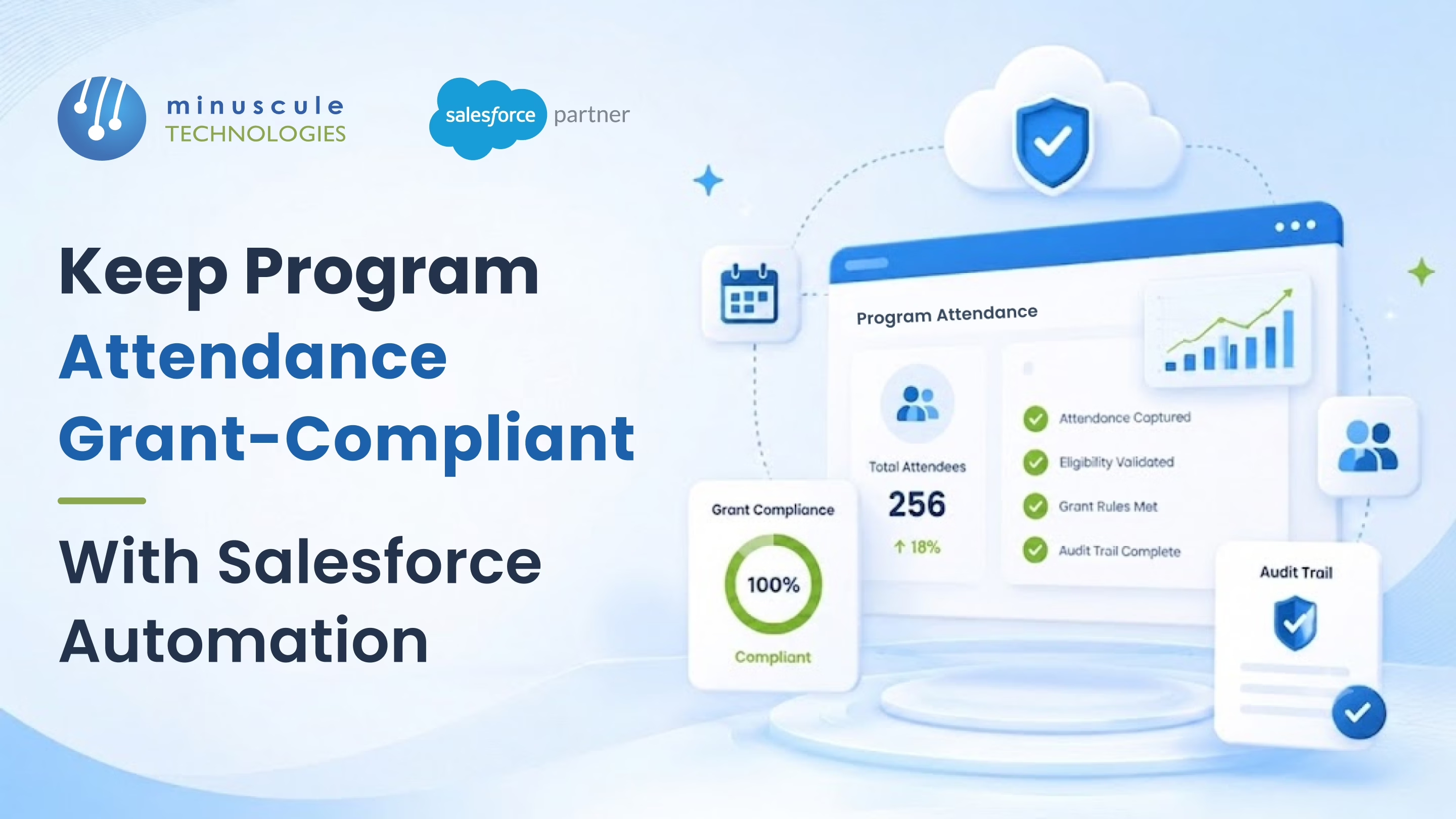
Salesforce automation fixes this by capturing attendance digitally, linking it to grant requirements, and generating compliance reports on demand. Here's how.
Grant-funded programs don't fail audits because they lack attendance. They fail because they can't prove it. Federal, state, and foundation grants each carry specific attendance documentation requirements - minimum participation thresholds, session frequency targets, demographic breakdowns, and sometimes time-in/time-out records.
Paper sign-in sheets create three problems. First, data gets lost - a stack of sheets in a drawer for six months means smudged ink, missing pages, and illegible handwriting. Second, paper can't calculate compliance in real time. The coordinator doesn't know they've dropped below threshold until the grant report is due. Third, aggregating data across multiple sites and programs is manual - someone types every name from every sheet into a spreadsheet before anyone can run the numbers.
The result: program staff spend weeks compiling data for a single grant report. Nonprofit program staff routinely spend multiple working days per grant cycle on attendance documentation alone - staff time pulled away from programs the grant funds.
Salesforce Nonprofit Cloud includes built-in attendance tracking through its Program Management module. Every program, session, and participant is a linked record. When a participant checks in - via tablet, mobile device, or a QR code scanner built on Experience Cloud or a third-party AppExchange app - Salesforce creates a Service Delivery record tied to the Session, Program, and Contact.
A custom Grant Requirement object stores each grant's attendance rules - minimum attendance rate, required session count, demographic fields, and deadlines. A Salesforce Flow compares actual attendance against these requirements continuously.
When participation falls to 75% against an 80% requirement, Salesforce triggers an alert. The program manager sees it on a dashboard. An email goes to the grants team. The problem surfaces weeks before the report is due, not the day someone pulls the data.
Reporting becomes a button click. A pre-built report pulls every attendance record for the grant period, groups by program and session, calculates participation rates, and formats it to match the funder's template.
Demographic compliance works the same way. If a grant requires 60% of participants from low-income households, Salesforce cross-references attendance records against demographic data in Contact records. The report shows the breakdown automatically.
1. Participation Rate by Program. Total unique participants who attended at least one session divided by total enrolled. Salesforce calculates this per program and per grant period - updated after every session.
2. Session Completion Rate. Sessions held divided by sessions required under the grant. If a grant funds 48 weekly sessions and you've delivered 36 through month nine, the dashboard shows you're on pace - or flags missed sessions.
3. Individual Attendance Threshold. Some grants require each participant to attend a minimum percentage of sessions. Salesforce tracks per-person attendance and flags anyone falling below threshold early enough for outreach.
4. Demographic Compliance. Grants often mandate that a certain percentage of participants meet specific demographic criteria. Salesforce pulls this from Contact records linked to attendance data and displays the breakdown in real time.
5. Documentation Completeness. Salesforce verifies every session has an attendance record with at least one participant logged. Missing records trigger an alert so staff can backfill while data is still fresh.
Salesforce Nonprofit Cloud uses the Program Management module to link to Programs, Sessions, and Attendance Records. Each check-in creates a timestamped record tied to the participant's Contact. Custom reports compare attendance against grant requirements and calculate compliance metrics automatically.
Yes. A Salesforce Flow monitors participation rates against the grant's threshold. When attendance drops below the required percentage, the Flow sends email alerts to program managers and flags the issue on a compliance dashboard.
Salesforce reports can be exported as spreadsheets, PDFs, or formatted views matching funder templates. Custom report types let you structure output around specific grant requirements - by program, session, demographic category, or time period.
A core setup with attendance tracking, grant requirement objects, and compliance with dashboards takes 6-8 weeks. Adding QR code check-in, multi-site rollups, and funder-specific report templates extends the timeline to 10-14 weeks.
That literacy coordinator? Her program changed lives. Forty-three adults showed up every Wednesday to learn skills most people take for granted. The impact was real. But the proof lived on paper nobody could find when it mattered.
Minuscule Technologies builds the system that makes sure proof never goes missing. We're a Trusted Salesforce Engineering Partner with 160+ Salesforce engineers, 75+ successful projects, and direct experience building attendance tracking and grant compliance automation for nonprofits. We've delivered compliance dashboards, automated threshold alerts, and funder-ready reporting - all on Salesforce.
Stop risking grant renewals over lost sign-in sheets. Talk to Minuscule Technologies about grant-compliant attendance tracking on Salesforce - before your next audit asks for records you can't find.
You've seen what's possible. Now, let's make it happen for your business. Whether you need an end-to-end Salesforce solution, a complex integration, or ongoing managed services, our team is ready to deliver.

Schedule a Free Strategic Call


