

May 28, 2026
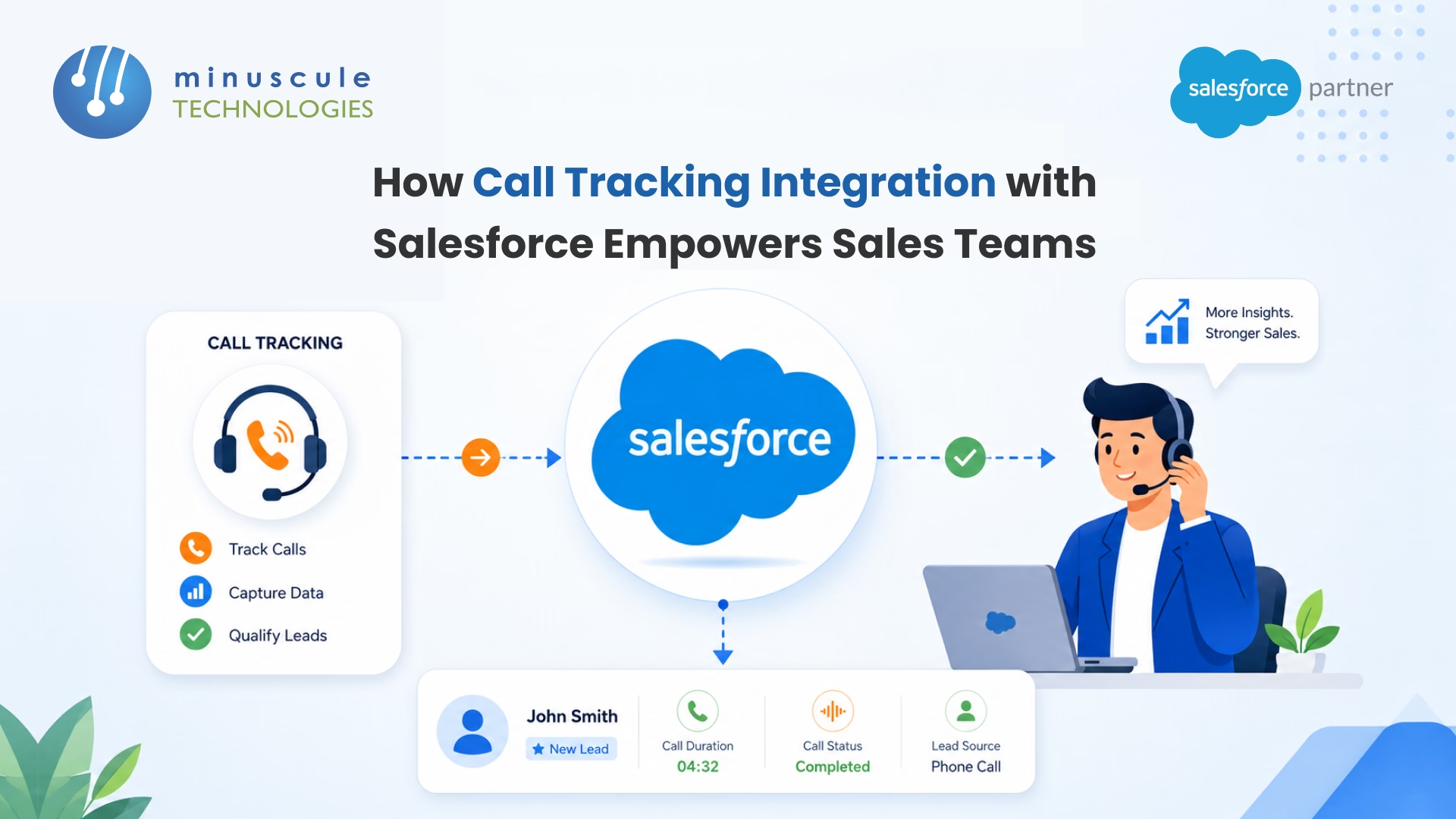
Call tracking integration with Salesforce automatically logs every inbound and outbound sales call — along with recording, transcript, source, duration, and outcome - directly onto the right Lead, Contact, Opportunity, or Account in your CRM. For sales teams, this means no more manual call notes, no more lost lead-source data, and no more wondering whether the rep actually dialed the high-intent inbound that came in this morning. According to Salesforce's State of Sales research, reps spend only about 28% of their week actually selling — the rest goes to admin work. A working call tracking integration takes a measurable chunk of that admin work off their plate.
What good Salesforce call tracking gives sales leaders in the first 60 days:
The phrase "call tracking" gets used loosely. In a Salesforce context, it covers four distinct capabilities that often ship as one bundle but solve different problems.
A real integration handles all four. Some lighter tools only do logging or only do attribution - fine for some teams, a problem for others.
Reps log calls badly. Every sales leader knows this. Salesforce's own Sales Engagement data shows reps log fewer than half of their actual dials, and the notes they do write are short, often inaccurate, and inconsistent across the team.
The cost of bad call data adds up in three places:
In our work with mid-market sales orgs on Salesforce integration projects, we've watched teams move from 40% call logging to 95%+ in a single quarter just by removing the manual step. The downstream effect on forecast accuracy is the part most leaders don't expect — but it's the part that matters most.
The integration shows ROI in specific workflows, not vague "productivity gains". Here are the five that deliver value the fastest.
This is the decision that derails most projects. There are two real paths.
Native CTI / 100% Salesforce-native voice platforms like Natterbox or Salesforce Dialer install on the Salesforce platform itself. Call data lives inside Salesforce, no external sync. Permissions inherit from the org. Setup is fast and there's no API rate-limit anxiety. The drawback: less depth on advanced marketing attribution and conversation analytics than dedicated tools.
Third-party call tracking platforms like CallRail, Invoca, CallTrackingMetrics, and Revenue.io sit outside Salesforce and sync via API or AppExchange connector. They bring deeper attribution, dynamic number insertion across thousands of landing pages, and advanced AI conversation analytics. The trade-off is that you maintain a sync, deal with API limits on high-volume orgs, and store the call recordings outside your CRM (which can matter for compliance).
A simple decision framework that has held up across the projects we've delivered:
The Salesforce AppExchange lists more than 100 voice and call tracking apps. Don't waste a month evaluating all of them - narrow to 3 based on the framework above, then run a 2-week pilot with each finalist.
Done right, a call tracking integration goes from contract signed to org-wide rollout in 8–12 weeks. Done wrong, it stretches across two quarters.
Step 1: Define the workflow before picking the tool. Write down the rep's day. "Inbound call from Google Ads → routing to AE based on territory → auto-create Lead with source = campaign name → log call with recording on the Lead → push transcript to the Opportunity once converted." That's the build. Pick the tool that matches.
Step 2: Audit Salesforce permissions and edition. Check API call quotas, Lightning Experience adoption, and existing CTI installs. Sales Cloud Enterprise and above have very different limits than Professional Edition.
Step 3: Run a 2-week pilot with one team. Pick 5–10 reps. Don't roll out to everyone on day one. Measure call-log rate, dial volume, and rep satisfaction. Fix the friction points before the broader rollout.
Step 4: Build dashboards before rollout. Sales leaders need a "calls logged today", "average call duration by rep", and "campaign-attributed pipeline" dashboard from week one. Without dashboards, the integration just adds noise.
Step 5: Train in 20-minute sessions, not all-day workshops. Reps don't have an afternoon. Short, role-based training plus a one-page cheat sheet outperforms every 4-hour kickoff session we've seen.
Step 6: Monitor for 90 days and tune the routing rules. Inbound routing rules are never right on day one. Watch the call data, find the calls that ended up with the wrong rep, and tune the rules monthly for the first quarter.
For organizations running multiple Salesforce orgs or complex territory models, our Salesforce managed services team handles this rollout as a 90-day engagement so internal teams don't have to.
A perfectly built integration that reps refuse to use is worth zero. Adoption is the make-or-break variable, and it's almost always solved with three things.
First, make the rep's workflow faster, not slower. Click-to-dial from the Salesforce record, auto-logged calls, voice-to-text transcription that fills in notes - every one of these saves the rep time. If the integration adds even one click compared to their old workflow, they'll find a way around it.
Second, show them the calls they made yesterday. Reps trust what they can see. Build a personal dashboard showing dial count, talk time, connect rate, and meetings booked - visible to the rep on their home page. The behavior change follows the visibility.
Third, tie at least one comp or coaching metric to call activity. Not necessarily a quota - but if connect rate doesn't show up anywhere in performance conversations, reps assume it doesn't matter.
A real example from a financial services rollout we worked on: dial volume tripled in the first 30 days after we added a personal "today's activity" dashboard to the home page. The integration was the same. The visibility was new.
Five metrics that tell you whether the integration is working:
If you don't have a baseline today, capture one in the two weeks before rollout. Without it you can't prove ROI, and the next budget cycle will be uncomfortable.
Out of the box, Salesforce doesn't track or log phone calls — reps have to create Tasks manually. Once you connect a call tracking platform or a CTI tool like Natterbox, Salesforce Dialer, CallRail, or Revenue.io, every call auto-logs against the right Lead, Contact, Opportunity, or Account with no rep action required.
It depends on your priorities. Salesforce-native tools like Natterbox and Salesforce Dialer win on data accuracy and zero-sync simplicity. Third-party tools like CallRail, Invoca, and Revenue.io's CallerDNA win on marketing attribution depth and advanced AI conversation analytics. Pick based on whether you optimize for rep workflow or marketing attribution.
A focused rollout with one Salesforce org, one team, and standard routing rules takes 6–10 weeks. Multi-team or multi-org rollouts with custom data models and complex IVR can run 3–4 months. The build itself is fast — most of the time goes into pilot, training, and tuning the routing rules.
It removes the manual call-logging step, which reps skip half the time anyway. That alone gives reps back 2–4 hours a week. It also surfaces AI call summaries, recording links, and next-best-actions on the Opportunity, so reps spend less time re-reading old notes and more time on new conversations.
Most modern call tracking tools play well with existing CTIs through the Salesforce Open CTI framework. Conflicts come up when two tools both want to write to the Task object — handle this with clear ownership rules (which tool logs, which tool attributes) and a shared data model agreed before installation.
In most jurisdictions, yes, with the right disclosure. The US requires one or two-party consent depending on the state. The EU requires a lawful basis under GDPR and clear customer notification. Always use a recording disclosure greeting at the start of the call and document your retention policy.
Call tracking integration with Salesforce isn't a hard build. It's a project that fails when nobody owns the data model, the pilot skips training, or the routing rules never get tuned after go-live. At Minuscule Technologies, we've helped enterprise sales teams across BFSI, manufacturing, and IT services connect Salesforce to Natterbox, CallRail, Invoca, Twilio, and custom CTI builds — with rep adoption above 90% inside the first quarter.
Our team brings 160+ Salesforce engineers, AI-first DevOps automation for clean releases, and a re-engineering mindset that cuts integration tech debt instead of adding to it. Whether you're standing up your first call tracking integration or untangling one that drifted out of sync, book a 30-minute consultation — we'll map your reps' real workflow, pick the right tool path for your stack, and ship a plan you can take to your CRO. If you're also weighing other CRM connections, our breakdown of Salesforce SAP integration covers the back-office side of the same problem. For ongoing Salesforce admin patterns, the SalesforceBen blog and the ApexHours community are the two best resources we point clients to.
You've seen what's possible. Now, let's make it happen for your business. Whether you need an end-to-end Salesforce solution, a complex integration, or ongoing managed services, our team is ready to deliver.

Schedule a Free Strategic Call


Plot No. 4, Sridevi Amman Street, Perumal Nagar Extension, Old Pallavaram, Chennai, Tamil Nadu 600117, India.

