

April 4, 2026
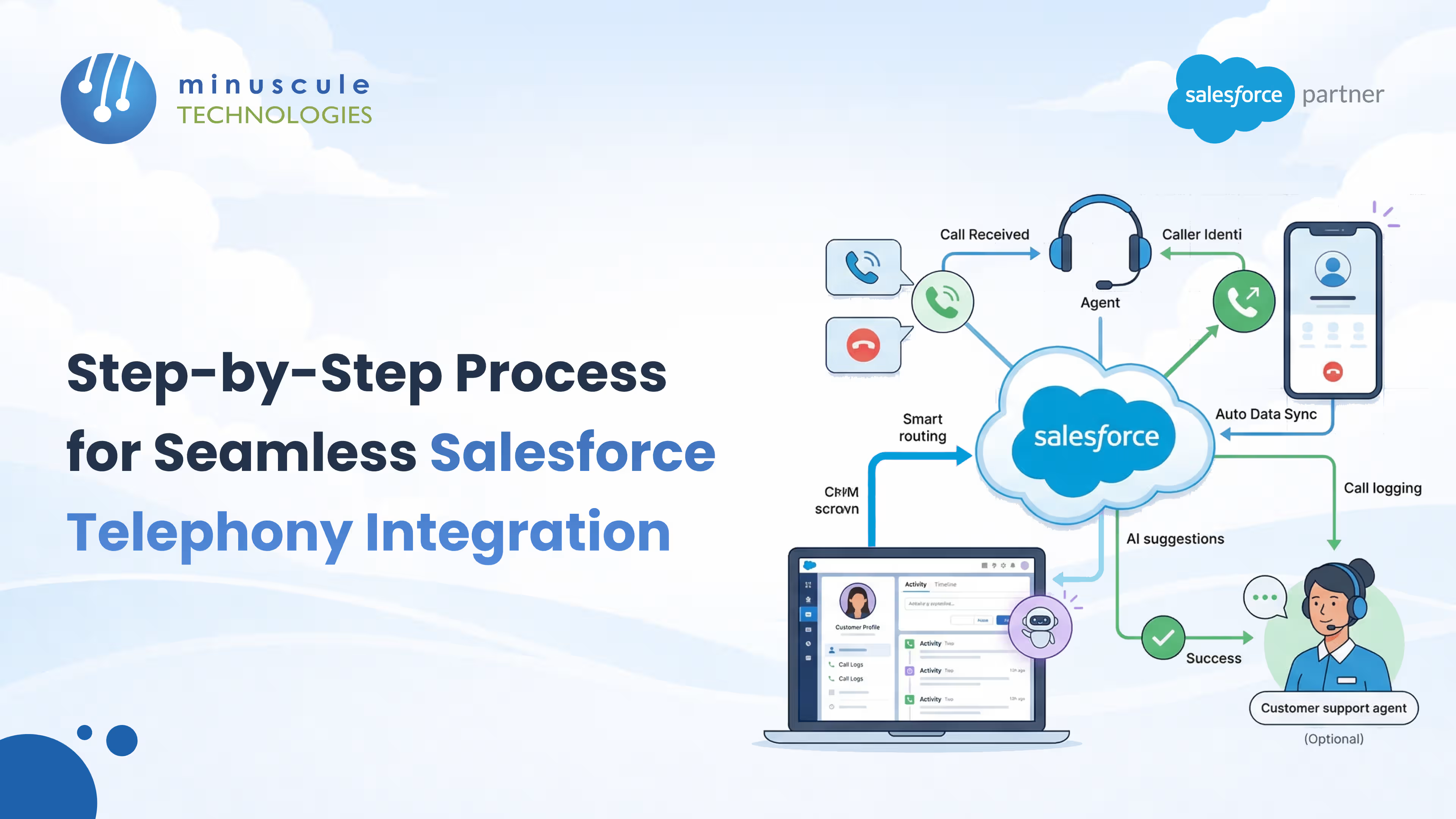
Sales teams and customer support agents face increasing pressure to respond faster and personalize every conversation. When calls occur outside your CRM, reps use a single tool to dial.
They update records later, and in the process lose critical context.
This gap creates friction on a scale. It leads to manual data entry and disconnected workflows. Dashboards show activity but do not clearly show outcomes.
Salesforce telephony integration unites your voice channels directly into the CRM workspace. By moving voice to the cloud, calls are no longer isolated. They become part of a structured, trackable digital workflow.
Here is a comprehensive guide to understanding and deploying this technology effectively.
Customer expectations have shifted dramatically, demanding fast, informed, and seamless interactions across all channels. Salesforce telephony integration links your phone system with Salesforce.
It makes calling a built-in part of your CRM workflow. This way, reps do not have to manage a separate tool. This removes the need for agents to juggle handsets, spreadsheets, and open tabs to complete one call.
Linking your communication tools with your customer database completely transforms your business operations. When a call connects, the agent quickly sees past interactions, open support cases, and account history on-screen. This detailed view helps your team skip repeated questions, start a personal, data-driven chat, and resolve issues faster.
Salesforce Computer Telephony Integration (CTI) is a technology bridge. It lets your computer and phone system work as one unit. Instead of relying on external dialers, CTI embeds a browser-based softphone directly into the Salesforce interface.
Implementing a Salesforce CTI integration unlocks core capabilities that drastically reduce manual administrative work and accelerate daily operations:
A robust Salesforce Phone Integration adapts to the unique operational styles of different departments across your organization. You have a few distinct paths to achieve this:
Deploying this technology requires a structured approach to ensure your phone system and CRM data align perfectly. Follow this step-by-step blueprint to successfully build your Salesforce VoIP integration:
1. Define Objectives and Assess Compatibility. Start by listing your integration goals. Identify which teams will use the system. Define key performance indicators (KPIs), such as higher call volume or shorter handle times. Audit your current telephony stack to determine if your existing PBX or VoIP system natively supports the Salesforce Open CTI framework.
2. Select the Right Telephony Provider. Choose a provider that matches your workflow needs and budget. Look for a solution on the AppExchange that meets strong compliance standards (such as SOC 2 and HIPAA), provides real-time analytics, and maintains reliable uptime. Banks and lenders can read our guide to Salesforce telephony integration for BFSI.
3. Install the App and Authenticate. With your provider selected, navigate to the Salesforce AppExchange and install the managed package. Authenticate the connection between your telephony system and Salesforce, typically using OAuth or an API key provided by your vendor.
4. Enable the Call Center in Salesforce. You must configure Salesforce to bridge the technical connection.
5. Configure Softphone Layouts and User Access. Not every user needs the same interface. Tailor the experience based on roles.
6. Test, Train, and Launch. Never deploy a CTI integration globally without rigorous testing.
A standard phone system is built solely to make and receive calls, operating in an isolated silo. Salesforce Computer Telephony Integration (CTI) connects your phone calls directly to your CRM for workflows, data, and reporting. CTI turns voice into structured data, allowing records to open automatically during calls and giving your leadership team real-time visibility into call outcomes.
Not necessarily. Many CTI solutions integrate seamlessly with your existing SIP or VoIP provider or traditional PBX. Using the Salesforce AppExchange, you can connect almost any modern cloud telephony platform directly into your Salesforce environment without ripping out and replacing your entire infrastructure.
Salesforce Open CTI is the underlying API framework that allows external telephony software to run directly inside your web browser. Open CTI shifted telephony integration to a fully cloud-to-cloud architecture, allowing reps to access their softphone from anywhere without heavy desktop software installations or clunky adapters.
Yes. Automatic call logging is one of the most immediate operational benefits of implementing CTI. The system instantly captures call timestamps, durations, recordings, and outcomes, writing them directly to the matching Lead, Contact, or Opportunity timeline. This keeps your CRM data perfectly accurate without relying on rep discipline.
Absolutely not. While inbound support teams benefit heavily from routing and screen pops, high-velocity sales teams require telephony integration to manage their pipeline. Account executives and SDRs use CTI features such as click-to-dial, power dialing, and automated voicemail drops to drastically increase their daily outbound call volume and track conversion rates directly in Salesforce.
Implementing Salesforce telephony integration is a critical leap forward in any digital transformation journey. Uniting your communication tools directly with your CRM breaks down data silos, empowers your agents with real-time customer context, and turns every isolated phone call into a structured, trackable asset. Achieving this seamless workflow requires more than just installing a third-party application - it demands strategic configuration, robust data mapping, and precise technical alignment with your unique business operations.
This is exactly where expert guidance makes the difference.
Minuscule Technologies is not just a Salesforce consulting firm - we are engineering partners dedicated to building industry-ready Salesforce solutions tailored to client needs. With headquarters in Chennai, Tamil Nadu, India, and a global presence across Katy, Texas (United States) and Puchong, Selangor (Malaysia), our team of professional Salesforce consultants, developers, and administrators specializes in creating customized solutions that optimize tool capabilities for organizations of all sizes.
By partnering with Minuscule Technologies, you ensure your telephony integration is flawlessly executed. We transform your digital workspace into a fully optimized command center, empowering your teams to drive faster resolutions, increase sales velocity, and deliver a vastly superior customer experience.
You've seen what's possible. Now, let's make it happen for your business. Whether you need an end-to-end Salesforce solution, a complex integration, or ongoing managed services, our team is ready to deliver.

Schedule a Free Strategic Call


