We are at Dreamforce 2026, Industry Pavilion at San Francisco


April 29, 2026
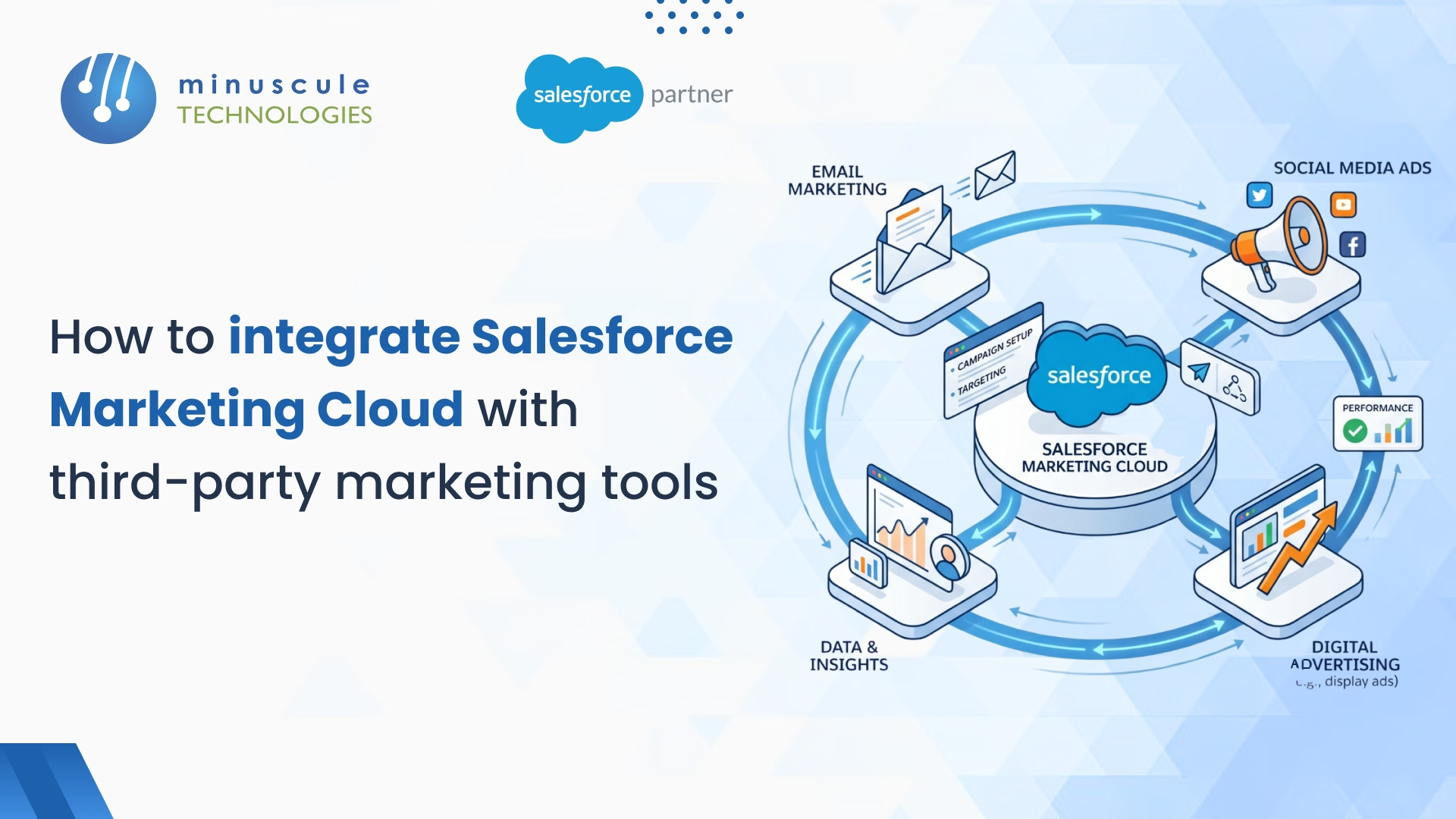
Let’s be honest—if you use Salesforce Marketing Cloud (SFMC), you already know it is a powerhouse. But it cannot do everything alone. Your customers click around your website, buy in stores, and use social media, leaving a huge trail of data scattered across many different systems. So, how do you get all those external marketing tools and databases talking directly to SFMC?
Whether you want to link a legacy CRM, move over a million contacts from a data warehouse, or trigger a welcome email for the second someone registers on your app, you have four main options. You can use the native Marketing Cloud Connect package, standard SFTP for massive data drops, REST or SOAP APIs for fast real-time triggers, or Salesforce Data Cloud to build advanced customer identities.
Before exploring each approach, let’s clarify how to manage the available options and avoid common missteps in the integration procedure.
The best method for your setup depends on your data volume, update frequency, and existing tech stack.
When pulling data from various third-party sources, integrating Salesforce Data Cloud helps create a Unified Customer Profile (UCP). It resolves identities across systems using a hybrid matching algorithm:
If you use Salesforce Sales or Service Cloud, follow this methodical process for Marketing Cloud Connect:
For large-scale bulk updates—such as moving 1 million contacts—SFTP is the best method because it offers a secure "fire-and-forget" approach and easily triggers Automation Studio workflows. APIs should be reserved for low-volume, real-time actions (like immediate welcome emails) due to strict usage limits.
SFMC web services are not meant for bulk data operations. The platform has a daily limit of 50,000 REST API calls and a 5MB payload limit. However, for peak loads, a Tenant Specific Endpoint can handle approximately 3,500 concurrent requests per second.
It is an integration package that natively links SFMC with Salesforce Sales Cloud, Service Cloud, and Microsoft Dynamics. It automatically synchronizes CRM data at intervals as frequently as every 15 minutes, allowing you to build targeted campaigns without manual file uploads.
To comply with HIPAA, PCI-DSS, and GDPR, you must use SSL/TLS protocols to encrypt data in transit and AES to encrypt data at rest. Furthermore, you should enforce Role-Based Access Control (RBAC) and Multi-Factor Authentication (MFA) so that users can access solely the data required for their designated roles.
Salesforce Data Cloud uses a hybrid matching algorithm to build a Unified Customer Profile (UCP). It uses deterministic matching (merging profiles based on exact identifiers, such as email addresses, with 99.8% precision) and probabilistic matching (analyzing fuzzy attributes, such as slightly misspelled names, with 92% precision).
Achieving a flawless data exchange between Salesforce Marketing Cloud and your third-party tools is the foundation of a modern business strategy. By unifying your divided data, your organization can move away from siloed efforts and embrace true omnichannel personalization.
However, effective integration is a continuous process that requires more than just technical connectivity; it requires a vision for data security and scalability. As threats progress, forward-thinking organizations are adopting Zero-Trust Architectures and AI-powered monitoring to protect their sensitive customer data. Future-proofing your marketing engine means ensuring your data is not only connected but also clean, compliant, and protected against the next generation of computing threats.
At Minuscule Technologies, we focus on transforming disjointed marketing stacks into high-performance, automated ecosystems. We don't just "plug in" tools; we architect strong integration strategies that eliminate manual bottlenecks and nurture deep buyer trust through accurate data. Our mission is to ensure your Salesforce investment provides the instant insights you need to lead in a fast-paced market.
Don't let fragmented tools stall your campaign performance. Partner with Minuscule Technologies to architect a high-velocity, secure Salesforce Marketing Cloud integration that scales with your ambition. Connect with our Marketing Cloud Integration Experts today to start your roadmap.
You've seen what's possible. Now, let's make it happen for your business. Whether you need an end-to-end Salesforce solution, a complex integration, or ongoing managed services, our team is ready to deliver.

Schedule a Free Strategic Call


