

April 3, 2026
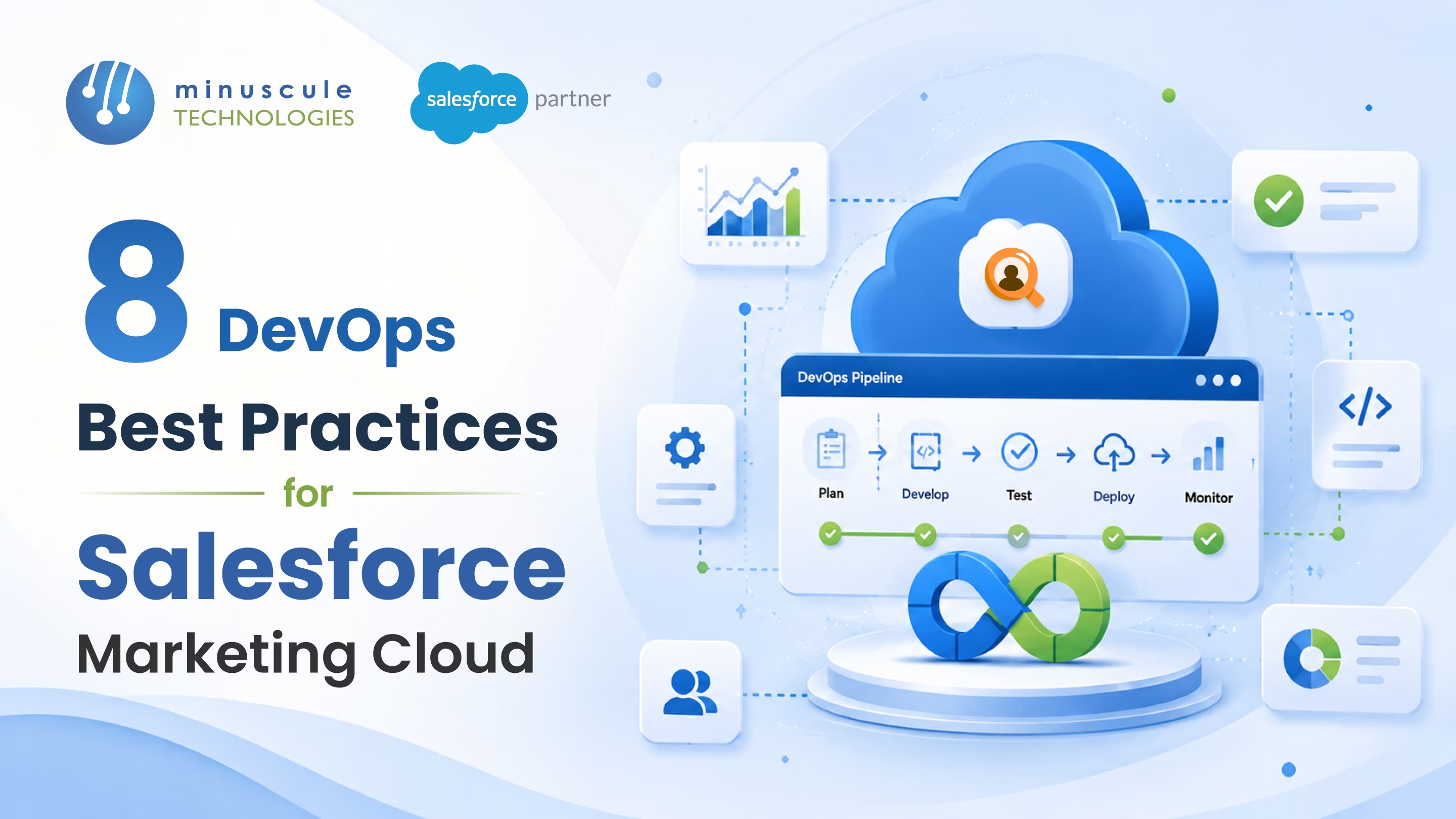
Do you spend hours on manual Salesforce Marketing Cloud tasks? Relying on manual work slows you down and increases the risk of mistakes - despite the platform’s power; today’s customers expect real-time, tailored experiences.
We believe success comes from treating Salesforce Marketing Cloud as a high-performance engine, not just a tool. Adopting DevOps lets you break down silos and confidently deploy powerful campaigns.
The benefits of integrating DevOps with Salesforce Marketing Cloud are wide-ranging. By doing so, you not only go beyond standard features but also build an automated, version-controlled system that’s ready for any challenge. The following best practices will help you transition from manual processes to efficient, collaborative campaigns.
DevOps eliminate operational silos. Marketing, development, and IT operations teams must work closely to align campaign strategies with technical deployments. Establishing real-time communication channels ensures teams identify integration challenges early. Shared ownership of successes and failures creates a collaborative culture that drives faster innovation.
Manual testing is time-consuming and introduces significant risk. Establish automated unit, integration, and regression tests to validate email templates, automated workflows, and complex journey configurations before they go live. Developers can use tools like VS Code to apply linting to SQL and Server-Side JavaScript (SSJS), automatically catching syntax errors before the code reaches SFMC.
CI/CD pipelines automate the integration, validation, and deployment of code. Developers merge modifications into a shared repository, triggering automated builds and tests. Validated changes are then pushed to staging and production environments with minimal human interference. This methodology allows teams to deploy new campaigns swiftly and reliably.
Manage your Salesforce Marketing Cloud environments with code instead of manual clicks. Infrastructure as Code (IaC) refers to managing assets such as data extensions and automated setups using version-controlled code. This approach keeps your development, testing, and production environments consistent. It also automates new setups and greatly reduces the chance of mistakes.
Choosing the right deployment tools streamlines your workflow and helps your marketing team move faster.
Expanding campaigns into new markets often means repeating the same work. Advanced CLI tools let developers pull Salesforce Marketing Cloud metadata as templates. You can set up values to swap, like country codes or business unit names. The deployment script then creates and sends out localized assets, such as custom data extensions or local SQL queries, to many markets at once.
Security should be a top priority in your deployment process. The Principle of Least Privilege means giving users and API integrations only the permissions necessary for their specific roles. Limiting permissions reduces the risk of unauthorized data access. Create custom user roles that match each person’s responsibilities to keep your data safe. Also, avoid using more access than required for API integrations to minimize vulnerabilities.
Automated deployments rely on API connections, which can pose security risks if given excessive permissions. To prevent unauthorized access, never hardcode API credentials into scripts. Regularly rotate credentials and treat every API connection as untrusted until verified, following a Zero Trust security approach. Always confirm both the identity and context before allowing access.
It’s important to measure how well your DevOps strategy is working. Keep an eye on key metrics to spot any slowdowns:
Continuous improvement comes from learning and making changes over time. Collect feedback from your development and marketing teams to find areas that need to work. Combine this with customer engagement data from Salesforce Marketing Cloud analytics. Use these insights to adjust your workflows, improve your CI/CD pipelines, and make your future marketing campaigns even better.
Salesforce Package Manager is a built-in, user-friendly, declarative tool ideal for marketers who need to package and deploy journeys, content, and automations across environments. CLI (Command Line Interface) tools, like mcdev, are developer focused. They support programmatic deployments, version control integration, templating, and handling complex metadata that Package Manager may not fully support.
SFMC does not have traditional sandbox environments for full version control. Teams achieve version control by extracting SFMC metadata (such as SQL queries, automations, and data extensions) via APIs and storing it in external Git repositories, such as GitHub. This provides transparency into code changes and enables quick rollbacks.
Yes, with leveraging tools like Jenkins, GitHub Actions, or Copado alongside Salesforce Marketing Cloud APIs, teams can build automated CI/CD pipelines. These pipelines automatically test code modifications and deploy validated assets directly into SFMC business units.
Unlike the core Salesforce platform, Salesforce Marketing Cloud natively lacks traditional sandbox environments. To overcome this limitation and deploy safely, teams must leverage external version control systems, such as Git, alongside CLI tools. By extracting platform metadata - such as data extensions, SQL queries, and automations - into a local repository, developers establish a reliable source of truth. This enables you to track changes, utilize templating to deploy assets across multiple business units, and quickly roll back configurations if an error occurs.
Automated CI/CD pipelines rely on API connections, but giving overly broad permissions to API components increases security vulnerabilities. Apply the Principle of Least Privilege by assigning only the precise API permissions needed for each deployment task. Never hardcode API credentials into scripts or store them on unsecured platforms. Regularly rotate API keys and use a Zero Trust approach, verifying all connections by identity and context before granting access.
Integrating DevOps into Salesforce Marketing Cloud changes what your marketing team can accomplish. When you break down team barriers, automate testing, and use Infrastructure as Code, you turn manual, risky processes into a flexible, version-controlled system.
At Minuscule Technologies, we believe that digital transformation is a continuous evolution rather than a destination. As a dedicated strategist in the Salesforce ecosystem, we help you move beyond "out-of-the-box" limitations to achieve genuine operational agility.
The path to sustainable growth is paved with purposeful technology choices and a commitment to securing your data pipelines. Embracing this automated mindset ensures your organization remains resilient, efficient, and prepared to deliver world-class customer journeys at unprecedented speeds
You've seen what's possible. Now, let's make it happen for your business. Whether you need an end-to-end Salesforce solution, a complex integration, or ongoing managed services, our team is ready to deliver.

Schedule a Free Strategic Call


Plot No. 4, Sridevi Amman Street, Perumal Nagar Extension, Old Pallavaram, Chennai, Tamil Nadu 600117, India.

