
July 21, 2026
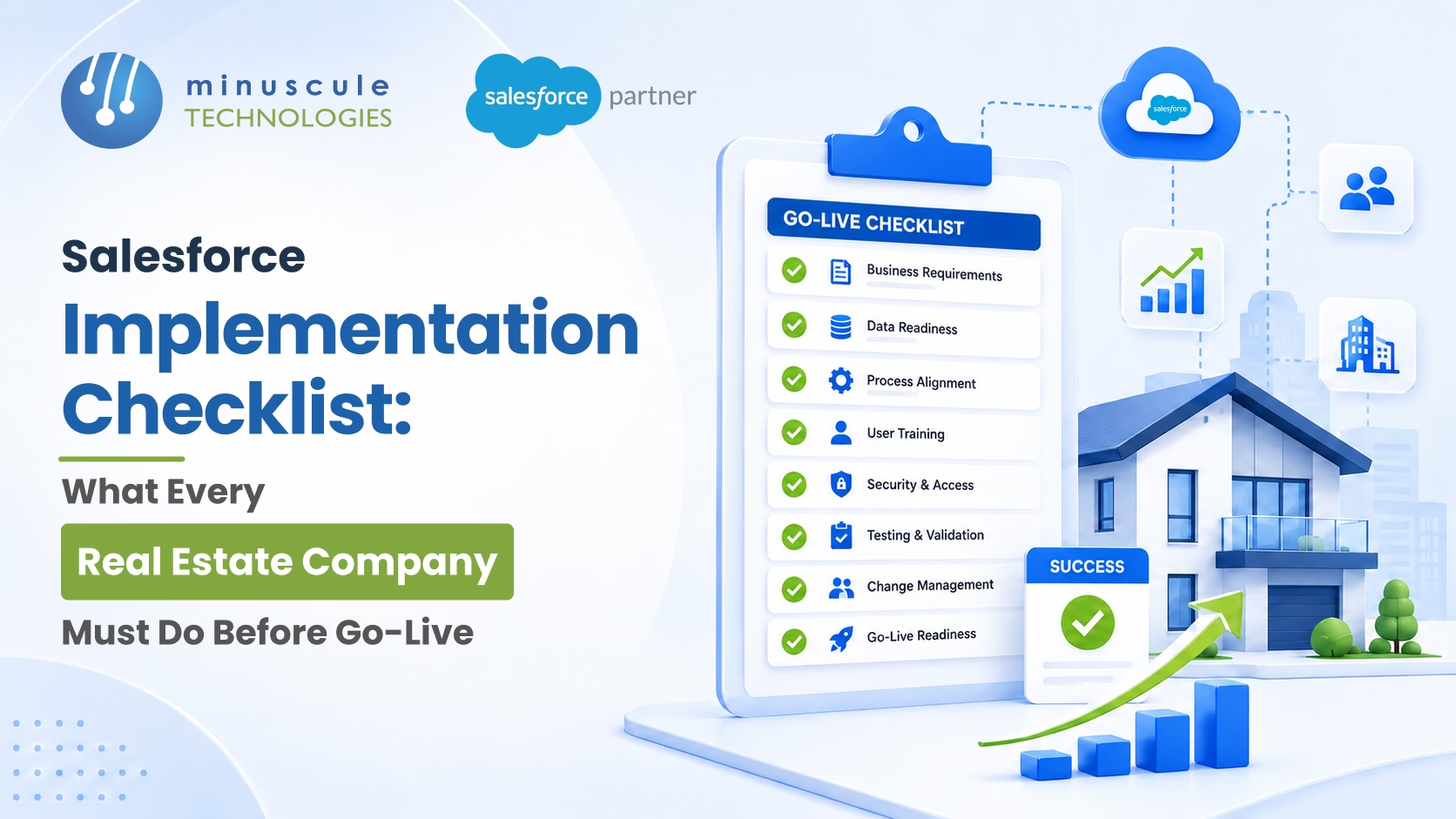
A Salesforce implementation checklist for real estate covers eight phases: business requirements sign-off, data migration, integration setup, CRM configuration, user training, testing and UAT, go-live, and post-launch monitoring. Check off each phase before you start the next.
Most real estate Salesforce rollouts don't fail because the platform is wrong. They fail because go-live was called too early. Lead routing wasn't tested. The property management link wasn't checked. Agents hadn't trained enough to use the system on day one.
This checklist closes each of those gaps, phase by phase, with real estate items at every stage. If you're still weighing how to move active deals across without disruption, pair this with our guide on Salesforce CRM implementation for real estate firms.

Don't start build work until the requirements are written down and signed by business stakeholders. This phase ends when your partner can build from what's on paper, not from verbal deals that shift mid-project.
For real estate firms, answer the right questions before setup starts. What lead sources does the team use? What does the sales process look like from enquiry to booking for each property type? How are commissions worked out? Who needs access to what data? What integrations are in scope?
Changes after sign-off add cost and delay. The more complete this phase is, the fewer surprises you hit later.
Real estate firms carry lead, contact, property, and transaction data across spreadsheets, old CRMs, and portals. Getting that data into Salesforce cleanly is one of the riskiest parts of any rollout.
Define the data model first — Leads, Contacts, Opportunities, and custom objects for Properties and Projects. Only after the model is set can field mapping begin.
Never run a production migration without a rollback plan. And never load data straight into production without at least two clean test loads in the sandbox.

For a real estate firm, the Salesforce org connects to a property system, a document signing tool, marketing tools, portal feeds, and often a finance system. Build each link in the sandbox, test it end to end, and check it under real data volumes before go-live.
Links that aren't tested with live data will fail in production. A delayed launch costs far less than missing lead data in your first days. Salesforce's own developer blog covers integration best practices for architectures like these.
Configuration covers pipeline stages, lead routing, automated flows, reports, and access. Confirm your deployment tool before build starts. Salesforce now recommends DevOps Center or CLI-based CI/CD over legacy Change Sets. The tool you pick here shapes the go-live in Phase 7 and how easily you can roll back.
One of the most common setup mistakes in real estate is building too many flows at once. Launch the core automations first. Add more after go-live once the team is stable.
Training is where most rollouts underinvest. A single session the week before go-live won't change habits for a team that has used spreadsheets and WhatsApp for years.
Make training role-based. Build it on sandbox data that mirrors real cases. Finish it early enough that super-users can answer peer questions on launch day. Every agent should be able to run the core workflow alone before go-live — create a lead, qualify it, log a site visit, advance the pipeline, and generate a booking document.
If users can't finish core workflows without help after training, run it again before you confirm the launch date.
UAT isn't a one-day click-through. It's a structured test cycle where real users test real cases in a UAT space loaded with realistic data. Cover every critical flow, not just the happy path.
Log every issue with a severity rating - critical (blocks go-live), major (fix before launch), minor (first update). Don't sign off on go-live until all critical and major items are resolved. Per Salesforce Ben, skipped or rushed UAT is the most common pre-launch failure point in enterprise CRM rollouts.
By launch day, all prior phases should be done. If they aren't, push the go-live date. Launching with open critical issues isn't a smart risk — it's a predictable failure.
Go-live isn't the finish line. The first 30 days will surface gaps you couldn't predict during design. The question is whether you have a clear process to catch and fix them before they become habits.
Watch integration performance and user adoption daily for the first two weeks. Look for users who aren't logging in, leads with no source tag, pipeline stages that aren't updated, and integration errors in the logs.
Run a structured review at the end of week one. Fix what needs fixing, then tell users what changed. Set 30-day and 90-day reviews to check pipeline accuracy, data quality, and automation against the original plan.

| Phase | Focus | Exit Criteria |
|---|---|---|
| 1. Requirements | Scope and sign-off | Written, stakeholder-approved requirements. |
| 2. Data Migration | Clean, mapped data | Two successful sandbox migration loads with a validated rollback plan. |
| 3. Integration | Connected systems | Every integration tested successfully with live data volumes. |
| 4. Configuration | Pipeline, routing, and automation | Core configuration verified through end-user testing. |
| 5. Training | Role-based readiness | Every user can complete core business workflows independently. |
| 6. User Acceptance Testing (UAT) | Real business scenarios | All critical and major issues resolved before deployment. |
| 7. Go-Live | Controlled cutover | Smoke testing completed successfully and legacy system retired. |
| 8. Post-Launch | Adoption and continuous improvement | 30-day and 90-day review cadence established. |
A skilled Salesforce implementation partner turns this checklist into a repeatable, low-risk process. Firms that hire generic developers, with no real estate workflow experience, are the ones most likely to declare go-live too early. The right partner brings proven methods, real estate know-how, and a track record of clean deliveries.
A good partner owns the risky phases for you data migration with rollback, integrations tested at real volumes, and a production smoke test every time. When you compare Salesforce implementation companies, rank real estate experience over the lowest bid. That's the standard Minuscule delivers as a Salesforce Engineering Partner.
Strong Salesforce implementation services cover the full journey, not just the build:
You can see how these fit together across our Salesforce implementation and managed services offerings.
For a mid-size firm with 20–100 users, two or three integrations, and a standard pipeline, a well-run rollout takes 10–16 weeks from kickoff to go-live. More complex needs — multiple clouds, a large data migration, a broker portal take 20–28 weeks. Clear requirements and a partner with real estate experience shorten it; shifting requirements and slow API access stretch it.
Yes, if your agents check unit availability or pricing during the sale. If Yardi, MRI, or AppFolio is your source of truth for inventory, the link must be live on day one. Without it, agents switch between two systems to answer basic questions. If it's not ready, push the date or set a clear manual process until it is.
No. Parallel systems are the single biggest driver of data quality failure after go-live. When agents can use either system, they use the familiar one. Turn off or archive the old system on go-live day.
A reasonable baseline: 90%+ of sales users logging in daily, all inbound leads from primary sources captured within 24 hours, pipeline stage accuracy above 80%, and zero critical integration failures in the first two weeks. These confirm the system works, then you reset targets based on what you learned.
Shortlist firms that show real estate project experience, strong data migration skill, tested integrations (Yardi, portals, DocuSign), and post-launch support from a Salesforce managed services partner. A clean Salesforce CRM implementation depends far more on that experience than on the lowest bid.
A Salesforce implementation for a real estate firm is a structured project, not a tech deploy with a rough date attached. Every phase has a finish line. Every finish line needs sign-off. And sign-off means the next phase starts on solid ground, not a guess.
That's exactly how Minuscule Technologies works. As a Salesforce Engineering Partner, we've delivered rollouts for real estate firms across property development, management, and sales integration setups, data migration, and ongoing managed services - with the same engineering rigor we bring to banking, manufacturing, and logistics. We don't declare go-live until every box on this checklist is genuinely checked.
If your team is planning a rollout, or rethinking a go-live that underdelivered, we'll give you a clear-eyed view of what's ready, what's risky, and the right sequence for your firm.
Book a free strategic Salesforce call and let's make your go-live the day everything just works
You've seen what's possible. Now, let's make it happen for your business. Whether you need an end-to-end Salesforce solution, a complex integration, or ongoing managed services, our team is ready to deliver.

Schedule a Free Strategic Call


Plot No. 4, Sridevi Amman Street, Perumal Nagar Extension, Old Pallavaram, Chennai, Tamil Nadu 600117, India.
