
June 5, 2026
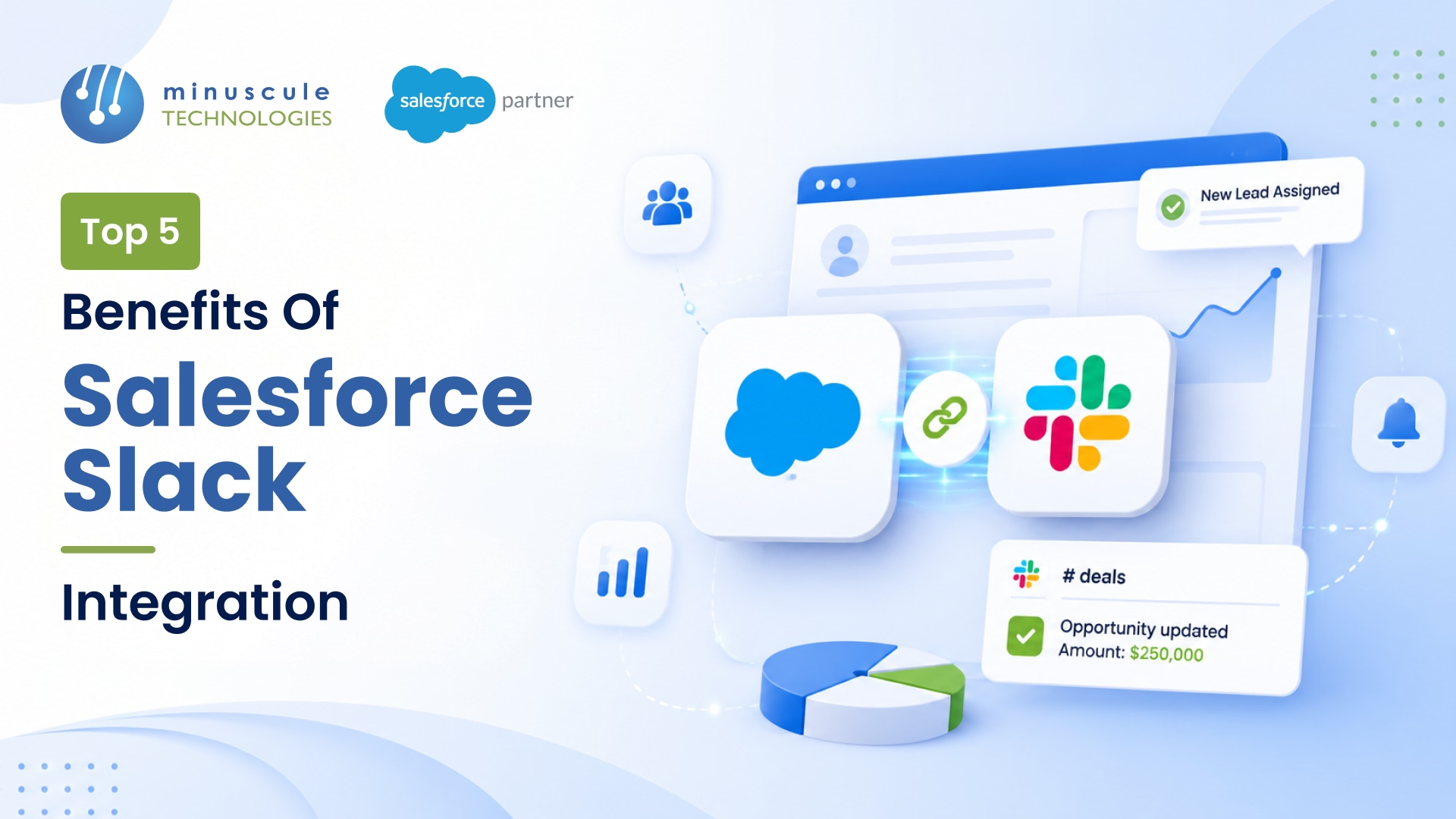
Salesforce Slack integration connects your CRM to your Slack workspace so records, alerts, and actions live in the channels where teams already work. The core benefits are fewer tab-switches, real-time alerts on the records that matter, faster deal and case collaboration, cleaner CRM data, and AI in the flow of work - all without pulling people out of the tool they use all day. Because Salesforce owns Slack, the native "Salesforce for Slack" apps deliver most of this with configuration, not code.
The bigger point is where work happens. Sales and service teams live in chat, but the data they need lives in the CRM - so they either switch constantly or act on stale information. A Salesforce Slack integration removes that split, turning two tools into one workflow. Below is what that actually delivers, benefit by benefit, and where the biggest wins show up for sales and service teams.
Salesforce Slack integration connects a Salesforce org to a Slack workspace so teams can view, search, share, and act on CRM records in Slack — and get automated alerts when records change. It makes Slack a front door to Salesforce instead of a separate app people leave to check the CRM. For setup details, follow our step-by-step Salesforce Slack integration guide.
Since Salesforce acquired Slack in 2021, the two are built to work together through native apps and Salesforce Flow. That native pairing is why the benefits below come with little setup friction for most orgs. Our complete guide shows you how to connect Slack with Salesforce step by step.
The top five benefits are less context-switching, real-time alerts, faster collaboration, cleaner data, and AI in the flow of work. Here's what each one means in practice.
Reps and agents search, view, and update records without leaving Slack. Cutting the constant tab-hopping between a chat app and the CRM gives back real hours every week and keeps people in their flow.
A closed-won deal, a new high-priority case, or a stage change posts to the right channel the moment it happens. Teams react to CRM events in real time instead of discovering them on tomorrow's report.
Spin up a deal room or a case swarm and bring the right people in with the record's context already attached. Decisions that used to take a chain of emails happen in one thread.
When people can update a record from Slack in the moment, they actually do it - so notes, stages, and statuses get logged now, not at day's end. Better data quality is a quiet but compounding benefit.
With Salesforce Flow driving notifications and AI features surfacing insights in Slack, routine updates and prompts reach people where they already are - a growing benefit as AI moves into daily workflows.
For sellers, a Salesforce Slack integration shortens the distance between a signal and an action. Pipeline changes, approvals, and mentions land in a channel, deal rooms keep everyone aligned on an opportunity, and reps update the CRM without breaking stride. The result is shorter sales cycles and a pipeline that reflects reality, which pairs naturally with a well-run Sales Cloud implementation.
The Salesforce Service Cloud Slack integration is where some of the clearest wins show up. Case swarming pulls the right experts into a Slack channel around a case, with the record attached, so tough issues get solved by the right people fast - while the case stays the system of record in Salesforce. Agents collaborate in real time, escalations move quicker, and resolution times drop. It's a strong add-on to a Service Cloud implementation.
Many teams once used Chatter for internal collaboration on records. With Slack now the collaboration hub, the Salesforce Chatter Slack integration pattern is usually to move record conversations into Slack channels while keeping Chatter for in-Salesforce feeds - or to post key Chatter updates to Slack via Flow. The benefit is one place for conversation instead of two half-used ones, so context stops getting split across tools.
The benefits are real, but they depend on a deliberate setup - not just switching the apps on. A few principles decide whether the integration delivers or gets muted:
Getting that configuration right is exactly what our team scopes on every Salesforce integration project, then keeps healthy through managed services. For the platform specifics, the Salesforce Admins resources and Salesforce Developer blog cover setup and Flow actions, and Salesforce Ben and Apex Hours publish practical guides.
Less context-switching, real-time alerts on key records, faster deal and case collaboration, cleaner CRM data, and AI and automation in the flow of work. Together they help sales and service teams move faster with better information.
SFDC Slack integration is the same as Salesforce Slack integration - "SFDC" is shorthand for Salesforce. It connects a Salesforce org to a Slack workspace so teams work with CRM records and alerts inside Slack.
It enables case swarming - pulling the right experts into a Slack channel around a case with its context attached - so complex issues get resolved faster while the case stays the system of record in Salesforce. Escalations and resolution times both improve.
Not entirely. Most teams keep Chatter for in-Salesforce record feeds and use Slack as the collaboration hub, often posting key Chatter updates to Slack via Flow. The benefit is consolidating conversation rather than duplicating it.
Yes. Salesforce acquired Slack in 2021, which is why the native "Salesforce for Slack" apps are first-party and integrate tightly with the CRM.
Alert only on high-signal events, scope permissions and field-level security carefully, automate with Flow, and review usage regularly. A smooth integration is mostly disciplined configuration, not more tools.
The benefits of a Salesforce Slack integration are clear - faster deals and cases, real-time alerts, cleaner data, and CRM information living where teams already work. But those wins depend on how the integration is scoped: the right alerts, the right permissions, and automation that fits how your teams actually operate. Switched on carelessly, it becomes noise. Set up with intent, it becomes a genuine productivity lever.
That's what we do at Minuscule Technologies. As a trusted Salesforce engineering partner with 125+ certified specialists and 75+ projects delivered since 2014, we design, build, and manage Salesforce integrations - Slack, Sales Cloud, Service Cloud, and the systems around them - for enterprises, including Nasdaq-listed firms, that want measurable results, not just a connection.
Want the benefits without the noise? Talk to Minuscule Technologies and we'll scope a Salesforce Slack integration that pays off from day one.
You've seen what's possible. Now, let's make it happen for your business. Whether you need an end-to-end Salesforce solution, a complex integration, or ongoing managed services, our team is ready to deliver.

Schedule a Free Strategic Call


Plot No. 4, Sridevi Amman Street, Perumal Nagar Extension, Old Pallavaram, Chennai, Tamil Nadu 600117, India.
