
June 2, 2026
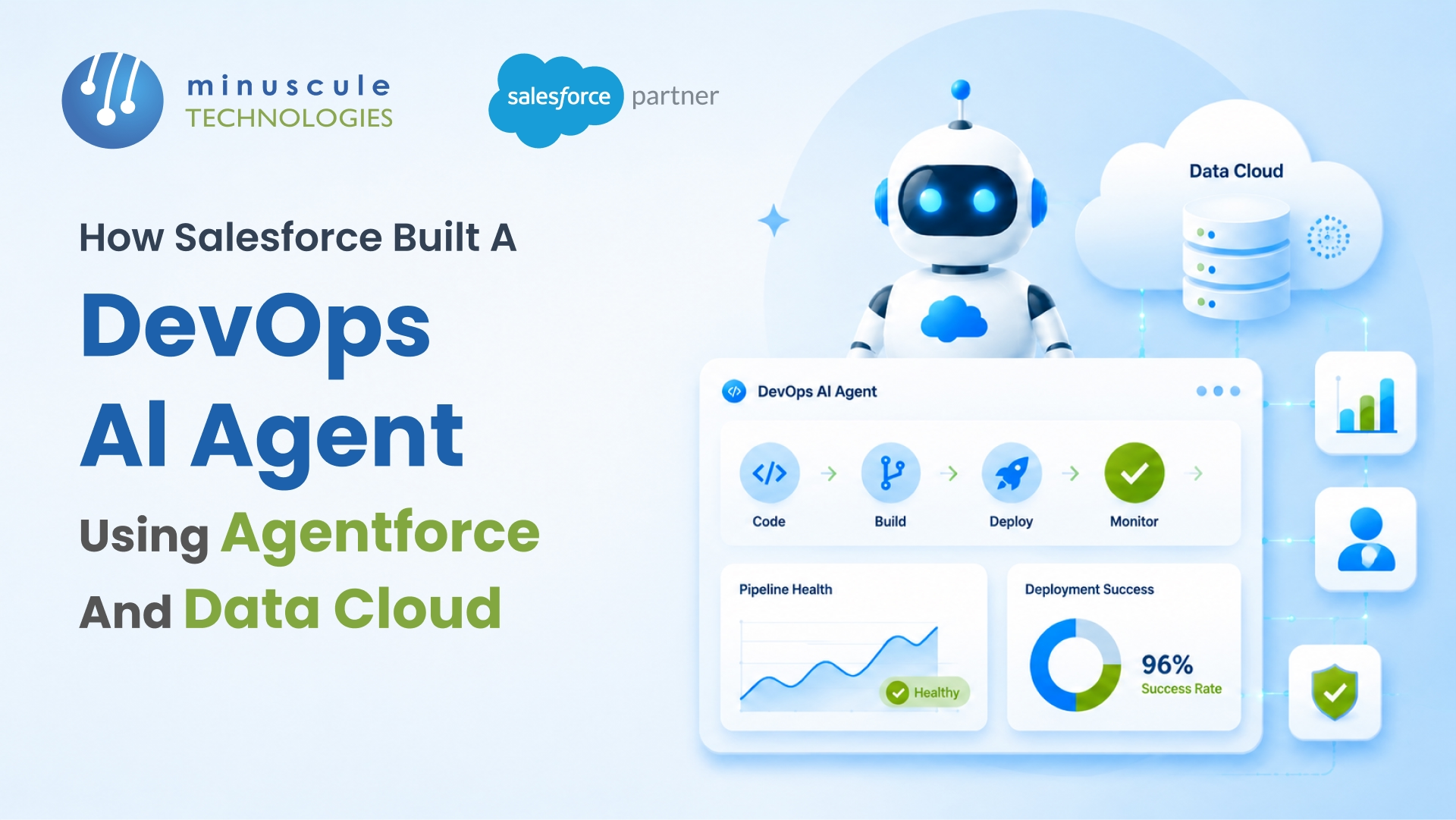
Salesforce built an internal DevOps AI agent called OpsAI using Agentforce and Data Cloud. The agent runs inside Slack, handles multi-step operational workflows autonomously, and uses the Atlas Reasoning Engine to evaluate problems, plan sequences of actions, and execute them without human intervention. It's not a chatbot - it's an autonomous agent that manages incident response, environment provisioning, deployment verification, and system health checks across Salesforce's own infrastructure.
This isn't just a Salesforce product announcement. It's a blueprint for how engineering teams can build their own DevOps AI agents using the same platform. We've been helping organizations design Agentforce implementations since the platform launched, and the OpsAI architecture is the clearest example of what's possible when you pair Agentforce with Data Cloud properly. Here's what they built, how it works, and what your team can take from it.
OpsAI is the AI agent Salesforce's internal IT and Operations teams use to handle routine Salesforce DevOps tasks. Salesforce first described it publicly in a Salesforce Developer Blog post in June 2025. The agent lives in Slack - engineers type a request, and OpsAI figures out what needs to happen, executes the steps, and reports back.
The tasks OpsAI handles aren't simple lookups. They're multi-step operational workflows: diagnosing why a deployment failed, checking environment health across multiple services, provisioning sandbox environments with specific configurations, and coordinating incident response across teams. Each of these tasks used to involve an engineer opening four or five tools, running manual checks, and coordinating over Slack threads. OpsAI collapses that into a single request.
What makes this different from a scripted automation or a chatbot is the reasoning layer. OpsAI doesn't follow a fixed playbook. It evaluates the problem, considers the available data, plans a sequence of actions, executes them, and adjusts if something doesn't work as expected. That's the Agentforce architecture doing what it was designed to do - autonomous, multi-step task execution with built-in decision-making.
OpsAI's architecture has two core pillars: Agentforce provides the agent framework (topics, actions, reasoning, escalation), and Data Cloud provides the unified data layer that the agent reasons over.
Agentforce handles the agent's identity and capabilities. It defines what the agent can do (actions connected to Flows, Apex, and APIs), what it knows about (topics with scoped descriptions), how it behaves (instructions that set tone and constraints), and when it stops and asks a human (escalation rules). This is the same Agent Builder interface every Agentforce customer uses - Salesforce didn't build a custom framework for OpsAI. They built it on the same platform they sell.
Data Cloud handles the data that makes the agent's decisions accurate. It aggregates operational data from monitoring tools, deployment logs, environment configurations, incident histories, and system health metrics into a single unified profile. When OpsAI needs to diagnose a deployment failure, it doesn't query five different systems - it queries Data Cloud, which already has the consolidated view. This is the piece that most teams underestimate when building their own agents. The agent is only as good as the data it can access, and Data Cloud is what makes that data accessible in a format the Einstein Trust Layer and Atlas Reasoning Engine can work with.
The Atlas Reasoning Engine is the brain behind OpsAI - and behind every Agentforce agent. It's the component that turns a request into a plan and a plan into executed actions.
Here's how it works in practice. An engineer types in Slack: "Why did the staging deployment fail last night?" Atlas doesn't just search for an answer. It evaluates the question, identifies which data sources are relevant (deployment logs, environment status, recent code changes), queries them through Data Cloud, analyzes the results, and generates a diagnosis. If the root cause requires action - like restarting a service or rolling back a change — Atlas plans those steps, checks for dependencies, and executes them (or presents the plan for human approval, depending on the escalation rules).
The reasoning happens in a loop: evaluate → plan → act → observe → adjust. If the first action doesn't produce the expected result, Atlas reconsiders and tries a different approach. This is fundamentally different from Flow-based automation, which follows a predetermined path regardless of what happens along the way. The Apex Hours community has been exploring how Atlas Reasoning compares to traditional Salesforce automation since the architecture was published.
You can build an Agentforce agent without Data Cloud. But for DevOps use cases - where the agent needs to reason across multiple systems and data sources - Data Cloud changes the game.
DevOps data is inherently fragmented. Deployment logs live in one system. Monitoring data lives in another. Environment configurations are in a third. Incident tickets are in a fourth. Without Data Cloud, your agent needs separate actions to query each system, and it needs to stitch the results together on every request. With Data Cloud, that data is already unified. The agent queries one source and gets the complete operational picture.
For Salesforce's OpsAI, Data Cloud unifies data from their internal monitoring stack, CI/CD pipelines, environment management tools, and incident response systems. The result: when an engineer asks "Is it safe to deploy to production right now?", the agent can check current system health, recent deployment history, open incidents, and scheduled maintenance windows - all in a single query. That's a question that used to take 15 minutes of manual checking across four dashboards. Now it takes seconds.
If you're thinking about building something similar, here are the five layers that make OpsAI work. Each one maps to a component you can configure in your own org.
1. Atlas Reasoning Engine. The LLM-powered brain that evaluates problems and plans multi-step solutions. You don't configure Atlas directly - it comes with Agentforce. But you shape its behavior through the agent's topics, instructions, and actions.
2. Agent Profile and Instructions. The persona and constraints that define how the agent operates. For OpsAI, this includes instructions like "Always check environment status before recommending a deployment" and "Escalate to the on-call engineer if the agent detects a production incident."
3. Topics and Actions. The scope of what the agent can do. OpsAI's topics include deployment management, environment provisioning, incident triage, and system health monitoring. Each topic connects to specific actions - Flows, Apex classes, or API callouts - that execute the actual work.
4. Data Cloud Unified Profile. The consolidated data layer that gives the agent a complete operational view. This is where monitoring data, deployment logs, environment configs, and incident histories come together into queryable profiles.
5. Slack-First Interface. The interaction layer where engineers engage with the agent. Salesforce chose Slack because that's where their teams already collaborate. For your org, this could be Slack, a custom LWC component, or an Experience Cloud portal - Agentforce supports multiple channels.
OpsAI is Salesforce eating their own cooking. They built it on the same platform they sell, using the same tools their customers have access to. That's the important part — this isn't a one-off internal project using proprietary technology. It's a pattern you can replicate.
For DevOps teams running Salesforce, the immediate opportunity is automating the routine operational work that eats engineering hours: environment provisioning, deployment verification, incident triage, system health checks. These tasks follow patterns that an AI agent can learn, and they're high-frequency enough that the time savings add up fast.
For Salesforce consulting and engineering teams, OpsAI demonstrates what mature Agentforce implementations look like. It's not just a chatbot that answers questions — it's an autonomous agent that executes multi-step workflows across systems. That's where the platform is headed, and teams building Agentforce skills now will be positioned for it.
You don't need to replicate OpsAI's full scope on day one. Start small and expand.
Pick one workflow. Choose the DevOps task your team does most often manually - environment provisioning, deployment status checks, or incident triage. Build an agent that handles just that one workflow end to end.
Connect Data Cloud early. Even for a single workflow, unifying your operational data in Data Cloud pays off immediately. The agent's accuracy depends on having a complete data picture, and retrofitting Data Cloud later is harder than starting with it.
Deploy in Slack first. Meet your engineers where they work. A Slack-based agent gets adoption because it fits into existing workflows rather than requiring engineers to open a new tool. The SalesforceBen community has published Slack-first agent deployment patterns that work well as a starting template.
OpsAI is Salesforce's internal DevOps AI agent built on Agentforce and Data Cloud. It runs in Slack and handles multi-step operational tasks — deployment verification, environment provisioning, incident triage, and system health checks — autonomously. Salesforce published the architecture in June 2025 on the Salesforce Developer Blog.
Yes. OpsAI was built entirely on the Agentforce platform using Agent Builder, Data Cloud, and standard integration tools. The same components are available to any org with Agentforce and Data Cloud licenses. Start with a single workflow and expand from there.
Not strictly required, but strongly recommended for DevOps use cases. DevOps data is fragmented across multiple systems — monitoring, CI/CD, environment management, incident tracking. Data Cloud unifies that data so the agent can reason across all of it in a single query rather than making separate calls to each system.
Flows follow a predetermined path - if X happens, do Y. Atlas evaluates problems dynamically, plans a sequence of actions based on available data, executes them, and adjusts if results don't match expectations. Flows are deterministic; Atlas is adaptive. For routine tasks with fixed logic, Flows still work well. For multi-step problems that require judgment, Atlas is the better fit.
OpsAI shows where Salesforce DevOps is headed - from scripted automation to autonomous agents that reason, plan, and execute across systems. The architecture isn't theoretical. It's running in production inside Salesforce, handling real operational workflows for their engineering teams.
At Minuscule Technologies, we've been building Salesforce DevOps solutions since our team expanded into the CI/CD and automation space. With 125+ Salesforce specialists, we help organizations design AI-powered DevOps agents that go beyond basic automation — agents that reason about your deployment pipeline, your environment health, and your incident patterns the way an experienced engineer would.
Reach out to our team for a free consultation on building a DevOps AI agent for your Salesforce org.
You've seen what's possible. Now, let's make it happen for your business. Whether you need an end-to-end Salesforce solution, a complex integration, or ongoing managed services, our team is ready to deliver.

Schedule a Free Strategic Call


Plot No. 4, Sridevi Amman Street, Perumal Nagar Extension, Old Pallavaram, Chennai, Tamil Nadu 600117, India.
