We are at Dreamforce 2026, Industry Pavilion at San Francisco


June 9, 2026
The Sales VP closes the quarter at a record number. The CFO opens QuickBooks on Monday. AR shows less than half of that. The gap isn't a discrepancy, it's a process. Sales marks Closed Won in Salesforce. Finance creates invoices in QuickBooks. Between those two systems sits a spreadsheet, an email thread, and someone on PTO.
This isn't a Salesforce problem or a QuickBooks problem. It's an integration problem. When the system of record for revenue and the system of record for cash don't speak to each other, the revenue cycle waits on manual handoffs - invoices delayed, payment status missing from Account view, revenue recognition broken by product code mismatches.
The fix isn't a headcount in finance. It's a structured integration that moves Account, Product, Opportunity, Invoice, and Payment data between the two systems with field-level rules, error handling, and reconciliation reports baked in.
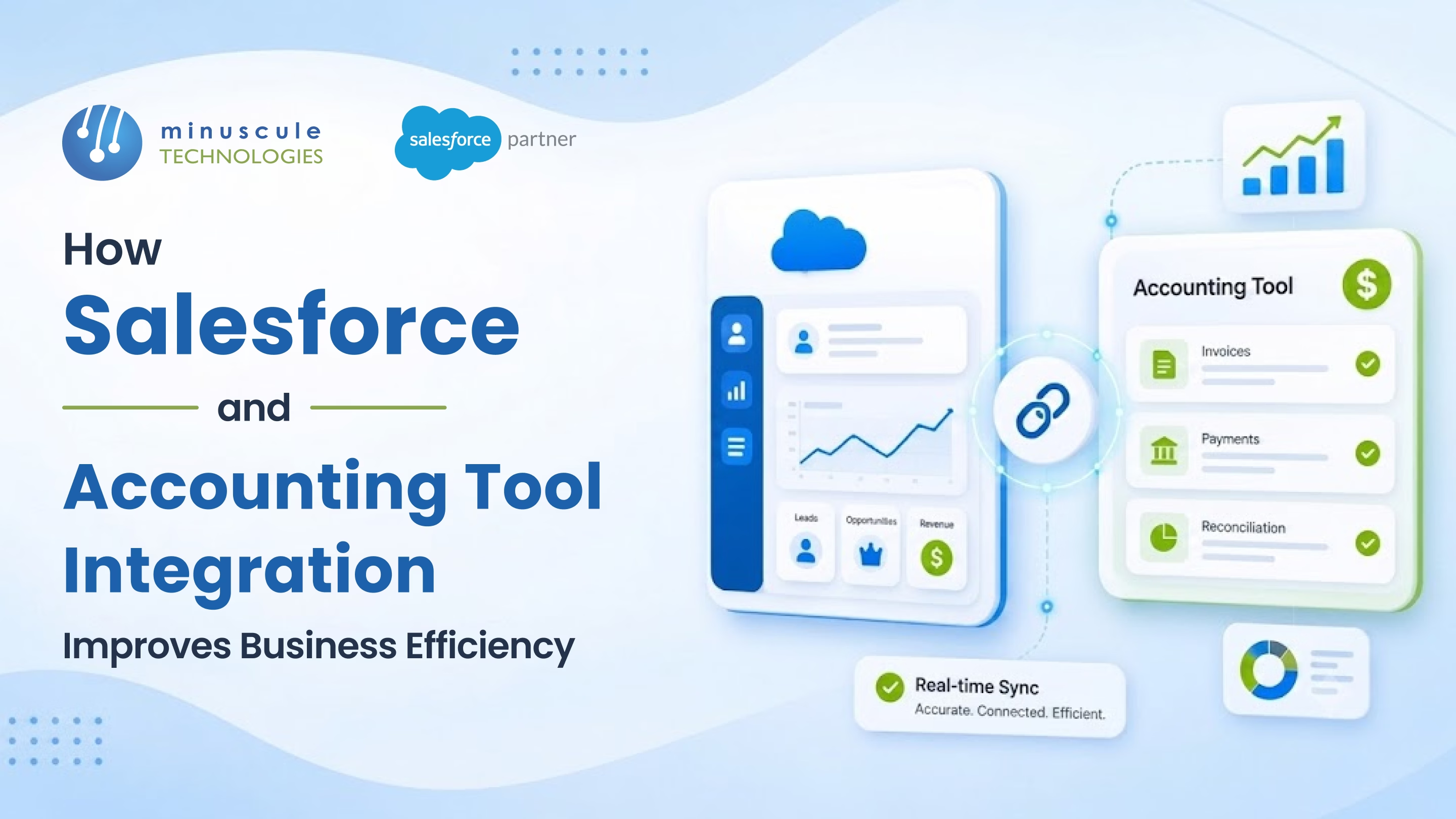
Here's how Salesforce and accounting tool integration improve business efficiency.
Six failure points in the typical Closed Won → Cash workflow:
Each of these is fixable. Together, they erase the value of any CRM dashboard finance that is asked to trust.
Five entities flow between Salesforce and the accounting tool, each with direction-of-truth rules.
The integration succeeds or fails based on how cleanly these five flows are mapped.
Breadwinner for QuickBooks, Xero for Salesforce, Sage Intacct connector. Pre-built field mappings, managed package install, configuration UI. Best fit: standard B2B SaaS or services for businesses with one accounting tool and straightforward product catalogues.
MuleSoft, Workato, Celigo, Boomi sitting between Salesforce and the accounting tool. Visual flow builder, error handling, retry logic, transformation layer. Best fit: multi-system landscapes (Salesforce + accounting + ERP + warehouse), regulated industries, or companies expecting integration sprawl.
Apex callouts from Salesforce to the accounting tool's REST API, with named credentials and platform events for retry. Best fit: bespoke business logic, multi-entity invoicing, custom revenue recognition rules that no connector handles natively.
Scheduled CSV exports from Salesforce, manual import into accounting tool. Still common in legacy environments. Reconciliation is brittle; real-time status sync is impossible. Best fit: nowhere, if you can avoid it.
Opportunity Stage moves to Closed Won → Record-Triggered Flow → Invoice creation in QuickBooks, Xero, or NetSuite. Same hour, not same week.
AR balance, overdue invoices, last payment date, credit memo total - all visible on the Salesforce Account record. Sales sees finance reality without opening a second system.
Renewal opportunities forecast against actual paid revenue from the accounting tool, not against Closed Won pipeline that includes unpaid invoices.
Pre-built reconciliation reports compare Salesforce Closed Won totals against accounting invoice totals. Gaps surface in minutes, not days.
Overdue invoices trigger Tasks on the Account Owner. Sales sees the dunning sequence; finance owns the actual collection.
Six rules every Salesforce-to-accounting integration need from day one.
Every Salesforce Product2 must have an external ID matching the accounting tool item code. No SKU, no sync.
Before pushing a new Customer to the accounting tool, check by external ID and tax number. No duplicate customers in QuickBooks.
Multi-currency Opportunities must map to the correct accounting tool for currency. Tax codes pull from Salesforce, not retyped in the accounting tool.
Re-firing the same Closed Won event must not create a duplicate invoice. External transaction ID enforces idempotency.
Failed syncs land in a Salesforce custom object with error reason, retry count, and alert routing to integration owner.
A scheduled report compares Salesforce Closed Won amount vs accounting tool invoice amount per Opportunity. Mismatches above a defined threshold alert finance.
QuickBooks Online and Xero have the most mature native connectors via Breadwinner and Xero's own Salesforce app. Sage Intacct has a strong native integration. NetSuite integrates well via middleware like Celigo and Workato given both platforms have rich APIs. SAP and Oracle EBS typically require middleware or custom integration.
Yes, with the right pattern. Companies with multiple legal entities (US, UK, India subsidiaries each with their own QuickBooks or NetSuite instance) need middleware or custom API integration. Native connectors usually handle one accounting tool instance at a time.
Native connector: two to four weeks including testing. Middleware: six to twelve weeks. Custom API: Three to six months. Add another month for change management - finance and sales workflows both shifts.
Indirectly. The integration moves invoices and payment data. Revenue recognition (ASC 606, IFRS 15) typically runs inside the accounting tool or a dedicated revenue management product (NetSuite Advanced Revenue Management, Salesforce Revenue Cloud Billing). The integration ensures that the source data is clean enough for revenue recognition to run.
Salesforce + accounting integration isn't a back-office cleanup - it's a revenue cycle to redesign. Sales sees real cash status on the Account. Finance stops chasing Closed Won notifications. Month-end reconciliation becomes a report. The right pattern - native connector, middleware, or custom API - depends on your accounting tool count, system landscape, and business logic, not on which vendor ran the loudest webinar.
Minuscule Technologies is a Trusted Salesforce Engineering Partner with 160+ Salesforce experts and 75+ projects delivered globally - including Nasdaq-listed enterprises across BFSI, manufacturing, and IT services. We engineer Salesforce integrations with QuickBooks, Xero, NetSuite, Sage Intacct, and SAP - using the right pattern for the scale, with validation rules and reconciliation reports built in.
Map your Salesforce-to-accounting integration with us and we'll review your invoice flow, pick the right integration pattern, and surface the validation gates that keep finance and sales aligned.
You've seen what's possible. Now, let's make it happen for your business. Whether you need an end-to-end Salesforce solution, a complex integration, or ongoing managed services, our team is ready to deliver.

Schedule a Free Strategic Call


