
November 3, 2026
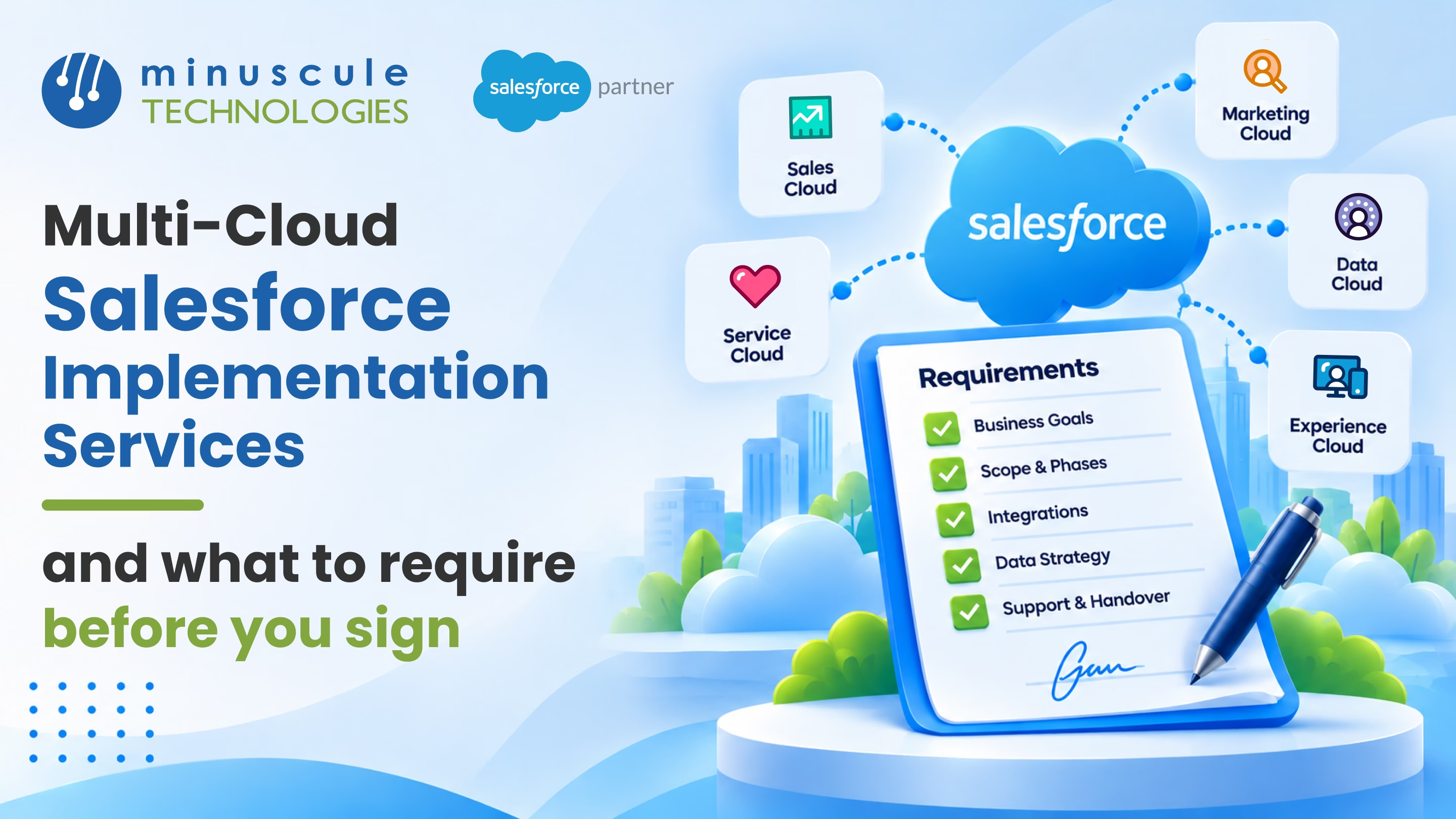
Salesforce implementation services are the work that gets Salesforce set up and running for your teams. That work covers planning, setup, data, links to other tools, testing, and training. A multi-cloud project joins two or more clouds, like Sales Cloud and Service Cloud, on one shared customer record. Before you sign, get five things in writing. You need a shared data model, a phased plan, a named team, a clear integration plan, and set steps for testing and handoff.
Picture a growing equipment maker with a big plan for the year ahead. Sales wants faster quotes, service wants every case linked to the right asset, and dealers want a portal where they can track orders on their own. Each team has a good idea, and each one needs a different Salesforce cloud. When these clouds share one plan from day one, customers get the same great experience wherever they reach out.
This guide shows you what multi-cloud work really covers and how it differs from a single-cloud project. You'll also get a contract checklist you can bring to your next partner meeting. With it, you'll know exactly what to ask for before you sign anything.
A single-cloud project sets up one product, like Sales Cloud for your sales team. A multi-cloud project connects several clouds so they all work from the same accounts, contacts, and history. The goal is simple. Every team should see the same customer, and every handoff between teams should happen inside Salesforce.
Here's how the most common clouds fit together in a multi-cloud plan.
Good Salesforce implementation services cover more than turning on features. They include discovery, data model design, data migration, integrations, security setup, testing, training, and support after go-live. On a multi-cloud project, each of these steps has to work across every cloud at once.
That's why the plan matters so much. If you treat each cloud as its own small project, you end up with duplicate records and handoffs that break. If you plan them together, each new cloud makes the others more useful.
A multi-cloud Salesforce implementation has more moving parts than a single-cloud rollout. More teams have a say, more data flows between systems, and more users touch the same records. A plan that works for one cloud often falls short when three or four clouds share the same org.
Here are the areas where multi-cloud work needs extra care.
A strong Salesforce implementation partner plans for all of this before the build starts. They map how the clouds connect, then roll them out in phases. Each phase delivers something useful while the next one is being built.
The phased approach also helps your users. Instead of learning four new tools at once, each team adopts its part of Salesforce when it's ready. That steady pace keeps adoption high and support requests low.
The contract is your best chance to set clear expectations. Once you sign, it's much harder to add new requirements without change orders. Here's what to ask for in writing before you commit to any Salesforce implementation partner.
Ask for a data model diagram that covers every cloud in scope. It should show the main objects, how they relate, and which system owns each one. For example, your ERP may own product and pricing data, while Salesforce owns accounts and cases.
This single document prevents many of the most common multi-cloud problems. It also gives your internal team a clear map to maintain the org after the partner leaves.
Require a rollout plan that splits the work into clear phases. Each phase should list which cloud or features go live, which teams are affected, and how success will be measured. Ask how each phase prepares the org for the next one.
A good plan usually starts with the clouds that own core customer data, such as Sales Cloud. Portals, AI agents, and advanced analytics come later, once the data foundation is solid.
Ask for the names, roles, and Salesforce certifications of the people who will work on your project. You should see a solution architect, a project manager, and at least one Salesforce implementation specialist for each cloud in scope. Confirm how much of each person's time is assigned to your project.
Also ask what happens if a key person leaves. A clear replacement process protects your timeline.
List every system that will connect to Salesforce, such as ERP, billing, phone, or email tools. For each one, the plan should cover the direction of data, how often it syncs, and what happens when a sync fails. A guide to common Salesforce integration patterns can help you understand the options your partner proposes.
Ask which sandboxes will be used for building, testing, and training. Each Salesforce sandbox type serves a different purpose, and a multi-cloud project usually needs more than one. Require a test plan that covers user acceptance testing, integration testing, and regression testing across all clouds.
Ask your partner to map every user group to the right license. This matters most for portals, since Experience Cloud licenses come in several types with different access levels. A clear license map helps you avoid paying for more than you need.
Require a training plan for each user group, plus admin training for your internal team. Ask for full documentation, recorded walkthroughs, and a defined support period after go-live. This is what turns a finished build into a system your teams actually use every day.
Use this checklist when you review a statement of work. If any item is missing, ask your partner to add it before you sign.
This table also makes vendor comparisons much easier. When you send the same checklist to each partner, you can compare their answers side by side.
For a broader view of the full rollout, our Salesforce implementation checklist walks through each project stage in detail. And if you want to lower risk during launch, see how Salesforce implementation services reduce deployment risks.
Lists of the best Salesforce implementation partners and the top Salesforce implementation partners are a helpful place to start. But rankings alone won't tell you how a partner will handle your specific project. The answers to these questions will.
Pay attention to how each partner explains their answers. The right team will use plain language, ask questions about your business, and admit when something needs more discovery. For more on picking the right team, read our guide on how to choose a Salesforce implementation partner. Once you're live, these tips on user adoption after Salesforce implementation help keep your teams engaged.
Salesforce implementation services are the professional services that set up Salesforce for your business. They include discovery, configuration, customization, data migration, integration, testing, training, and support. A good partner tailors each step to your processes and goals.
A multi-cloud Salesforce implementation sets up two or more Salesforce clouds that share the same customer data. For example, Sales Cloud, Service Cloud, and Experience Cloud may all use the same account records. This gives every team one shared view of each customer.
The timeline depends on how many clouds, users, and integrations are in scope. Most multi-cloud projects run in phases over several months. Your partner should give you a phase-by-phase timeline in the statement of work.
Cost depends on scope, the number of clouds, data volume, and how many systems need to connect. Ask each partner for a cost breakdown by phase and by work type. That makes it easier to compare quotes fairly.
Most companies are better served by one org that holds all their clouds, since it keeps customer data in one place. Separate orgs can make sense for strict legal or regional rules. Your partner should explain the tradeoffs before you decide.
A multi-cloud Salesforce project works best when the plan comes before the build. Ask for a shared data model, a phased rollout, and a named team. Add clear terms for testing and handoff. Get it all in writing, and you can sign with confidence.
Minuscule Technologies has been an engineering partner since 2006. Our team of 125+ certified Salesforce experts has delivered 75+ projects around the world. Our ready-made accelerators, like B2B Marketplace and the WhatsApp Salesforce Accelerator, link sales, service, and customer outreach across clouds. Our industry starter packs give each phase a head start, so your teams see results sooner.
Want to plan your multi-cloud rollout the right way? Our architects will review your goals and map your clouds and data. Then they'll outline a phased plan you can take to contract. Book Your Strategy Call to explore our Salesforce implementation services.
You've seen what's possible. Now, let's make it happen for your business. Whether you need an end-to-end Salesforce solution, a complex integration, or ongoing managed services, our team is ready to deliver.

Schedule a Free Strategic Call


Plot No. 4, Sridevi Amman Street, Perumal Nagar Extension, Old Pallavaram, Chennai, Tamil Nadu 600117, India.
