
August 5, 2026
End of Q1, the provost reviews retention. The first-to-second year is down again, and nobody has a clean answer. Student success has spreadsheets. Financial aid has spreadsheets. Advising spreadsheets. The systems don't talk. The students who left aren't on any list except for the registrar drop report — and by then it's too late.
Retention isn't lost in one dramatic moment. It's lost across hundreds of small signals - a missed advising meeting, a late tuition payment, a dropped course, a stopped email engagement - that nobody connects until the student doesn't register next semester.
Salesforce Education Cloud brings those signals into one student record, automates the routine work, and frees humans to intervene when it matters. Done right, it manages every stage of the student lifecycle - from prospect inquiry to alumni giving - on one platform.
Here's how to run that lifecycle stage by stage, with the Education Cloud objects, automations, and signals that matter at each step.
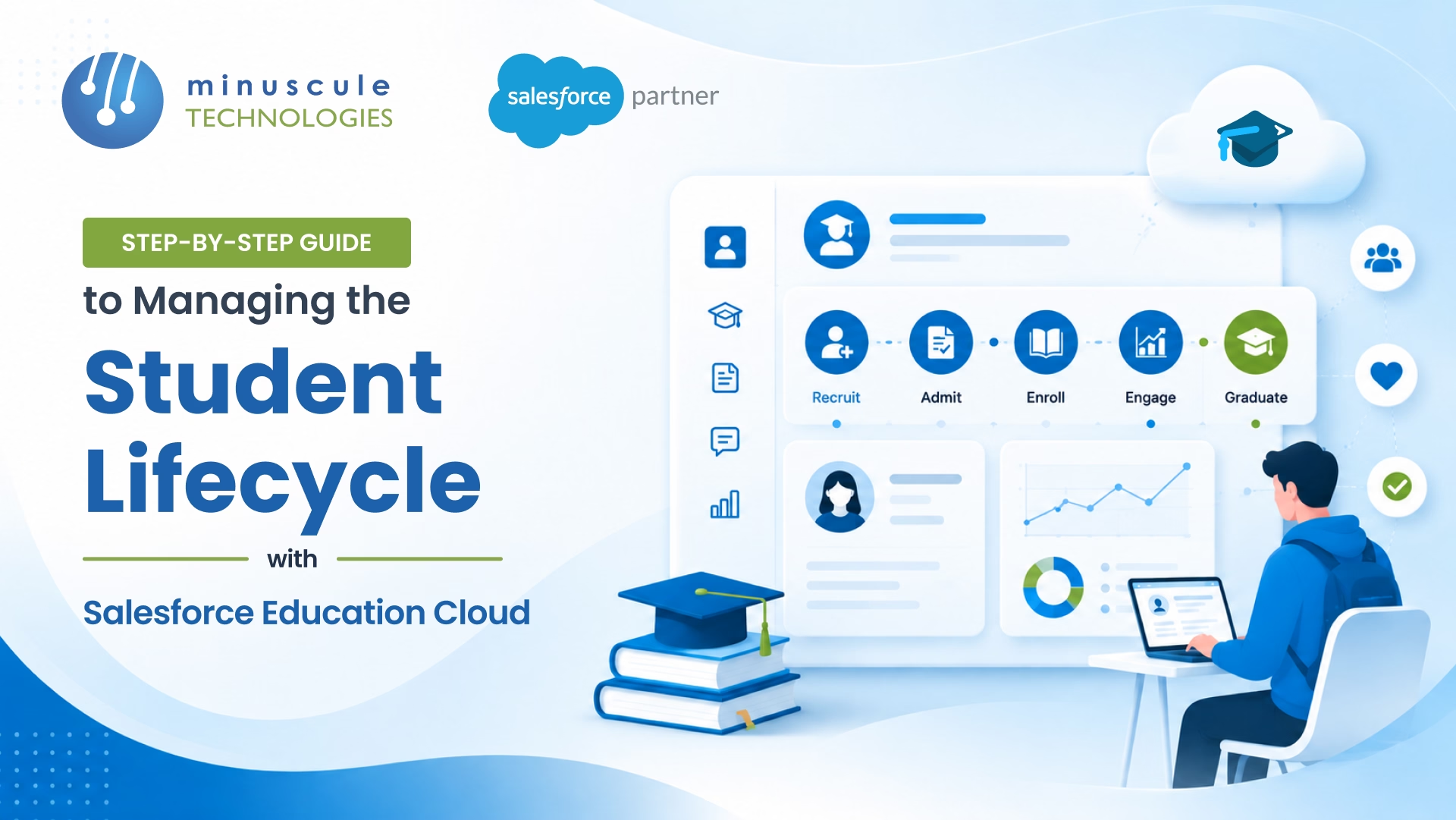
The full student journey spans seven stages — and Education Cloud manages all of them on one platform:
Each stage has different signals, different stakeholders, and different automations. The institutions getting this right map the full journey before configuring a single object.
What it looks like: a stream of interested students from web forms, college fairs, third-party platforms (Common App, RaiseMe, Niche, Cappex), referrals, and walk-ins.
What to automate:
Signals to monitor: time-to-first-contact, email open and click rates by segment, conversion rate from inquiry to application start.
What it looks like: applications in flight, document collection, application review, admit/deny/waitlist decisions, scholarship matching.
What to automate:
Signals to monitor: application completion rate, days-in-stage, admit-to-deposit conversion rate, scholarship deployment versus available pool.
What it looks like: deposit collection, first-term course registration, orientation, ID provisioning, financial aid finalization, housing assignment.
What to automate:
Signals to monitor: melt rate (admits who don't enroll), orientation of attendance, first-term registration completion, advisor for first-meeting completion.
What it looks like: ongoing academic progress, advising touchpoints, student services cases, financial aid renewal, retention risk signals, engagement with student life.
What to automate:
Signals to monitor: term-over-term retention, GPA trends, advising appointment completion, financial aid renewal completion, case resolution time. The Salesforce education page has reference dashboards for most of these signals.
What it looks like: degree audit, commencement registration, transition planning, alumni status, ongoing engagement, giving, mentorship, board involvement.
What to automate:
Signals to monitor: lifetime giving by cohort, alumni event participation, engagement decay, mentorship match success. These strategies help you build long-term parent and student relationships well past graduation.
A full lifecycle rollout takes nine to fifteen months. The order matters more than the speed:
Discovery and journey mapping (Weeks 1–4). Map current state of all seven stages; pick the two with highest pain
Data Foundation + EDA (Weeks 5–10). Configure the Education Cloud data model, migrate existing prospect and student data, and establish SIS integration.
Stages 1 + 2 automation (Weeks 11–18). Prospect, application, admission flows live; Marketing Cloud journeys for top-of-funnel
Stages 3 + 4 automation (Weeks 19–28). Enrollment, onboarding, active student support, retention scoring
Stage 5 automation (Weeks 29–36). Graduation transition, alumni provisioning, giving journeys
Managed services handoff (Week 37 onward). Ongoing tuning across admits cycles and academic terms
Institutions that try to do all seven stages at once usually end up with none working well. Pick the two with the highest pain, ship them, then expand. The Apex Hours community has good reference rollouts from US and UK universities running this sequence.
EDA (Education Data Architecture) is the underlying data model - open-source, free, and used by hundreds of institutions for years. Education Cloud is the full Salesforce product built on top of EDA with prebuilt apps for recruiting, admissions, student success, advancement, and alumni. New institutions start with Education Cloud; long-time EDA users can layer Education Cloud on top.
No. Education Cloud is a CRM for engagement, advising, and lifecycle management. The LMS remains on the platform for course delivery, assignments, and grades. The two integrated engagement data flows into Education Cloud for retention scoring.
Single-stage rollouts take three to four months. Multi-stage programs covering admissions + enrollment + active student run six to nine months. Full seven-stage lifecycle rollouts run nine to fifteen months. Most institutions sequence by stage rather than going big bangs.
Education Cloud ships with FERPA-aligned permission sets, Field Audit Trail support, and data masking. Student record access is controlled by role, and every access can be logged. The Salesforce admin documentation has reference patterns for FERPA-compliant Education Cloud setup.
The provost in the opening scene isn't unique. Across higher ed, institutions losing students between stages aren't being beaten by competitor schools - they're losing visibility to their own systems. Retention, yield, and lifetime alumni value live or die on whether the student record is one unified view or seven disconnected spreadsheets.
Minuscule Technologies is a Trusted Salesforce Engineering Partner that engineers Education Cloud for institutions serious about lifecycle outcomes. Since 2014 we've delivered Salesforce rollouts across higher ed, K-12, and continuing education - Education Cloud + EDA, Marketing Cloud journey builds, Agentforce admissions agents, and SIS integrations with Banner, PeopleSoft, and Workday Student across the US, India, and Malaysia.
Book a free strategic call and we'll map your current lifecycle, identify the two stages with highest pain, and ship a realistic plan tied to your next admit cycle. No deck-only pitch. Just a working rollout from people who've shipped this stack into production.
You've seen what's possible. Now, let's make it happen for your business. Whether you need an end-to-end Salesforce solution, a complex integration, or ongoing managed services, our team is ready to deliver.

Schedule a Free Strategic Call


Plot No. 4, Sridevi Amman Street, Perumal Nagar Extension, Old Pallavaram, Chennai, Tamil Nadu 600117, India.
