We are at Dreamforce 2026, Industry Pavilion at San Francisco


June 11, 2026
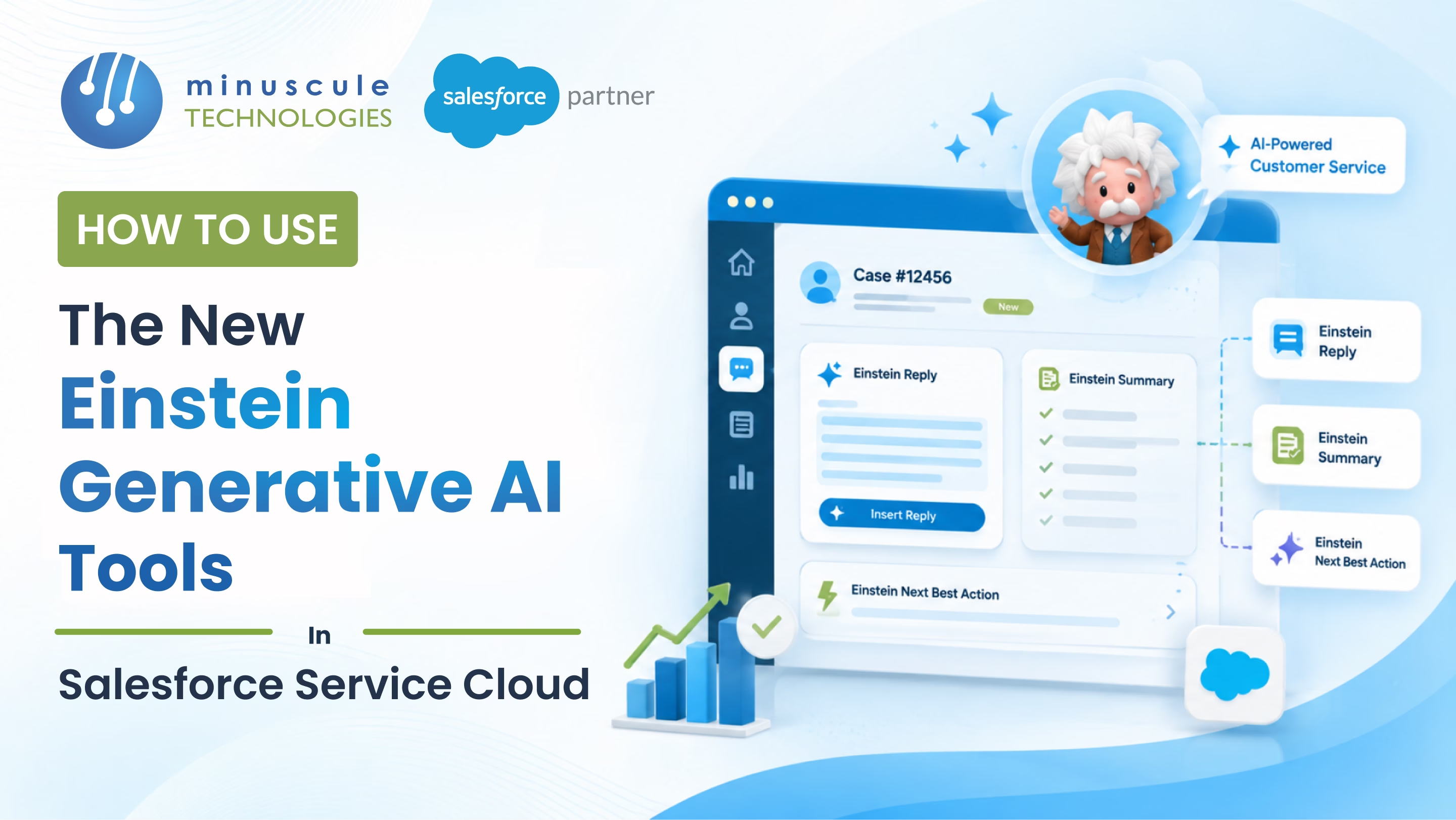
Einstein Generative AI tools in Salesforce Service Cloud are a set of AI-powered capabilities built directly into the Service Console - letting service teams generate replies, summarize cases, auto-draft knowledge articles, and deploy autonomous customer agents without leaving their existing workflow. These tools sit inside your Service Cloud license (depending on your edition) and connect to your CRM data through the Einstein Trust Layer. According to Salesforce, teams using Agentforce now handle 85% of customer queries without human involvement, and organizations report up to 65% faster response times for 90% of users.
If you're a Salesforce admin, service manager, or IT lead trying to figure out where to start - and what actually works - this guide covers every major feature, how to enable them, and what separates teams that see real results from those that don't.
Einstein Generative AI is Salesforce's suite of large language model-powered features embedded across the Customer 360 platform. In Service Cloud, these tools are purpose-built for one goal: helping agents respond faster, manage cases more accurately, and offload repetitive work without losing context on the customer.
The term "Einstein Generative AI" covers features that launched between 2023 and 2025 under the Einstein GPT umbrella. Most of these have since been absorbed into what Salesforce now calls Agentforce - its broader agentic AI platform for enterprise customer service. The distinction matters: Einstein AI features are the co-pilot layer (they assist human agents), while Agentforce is the autopilot layer (it resolves cases without a human in the loop).
Here's the short version of how it works: these tools read your case data, knowledge base, and customer history, then generate contextually accurate text your agents can review, edit, and send - or that autonomous agents handle end-to-end.
Service Replies is one of the most immediately impactful features for any service team handling high message volumes. When an agent is working on a live chat or email, Einstein reads the conversation in real time and generates a suggested reply pulled from your knowledge base and case history.
The agent gets a draft they can send with one click or edit first. This reduces average handle time on repeat issues - billing questions, product troubleshooting, account resets - where agents are often writing the same answers dozens of times a day. Service Replies works across SMS, WhatsApp, email, and any messaging channel already connected to your Service Console.
The key detail: Service Replies is grounded. It doesn't generate text from anything. It pulls from your CRM data and Knowledge articles, so the output reflects your actual company policies and documented resolutions. An agent reviewing the suggestion is reviewing something based on real company knowledge - not a hallucination.
After a service interaction, agents typically spend 3-5 minutes manually writing a case summary. Einstein Work Summaries eliminate most of that time.
Once a conversation ends, Einstein auto-generates a structured summary: what the customer reported, what the agent did, and how it was resolved. The agent reviews it, makes any edits, and saves it - turning a 4-minute task into a 30-second sign-off.
This also compounds over time. Summaries captured consistently build a richer case history that feeds future AI suggestions and helps newer agents resolve similar issues faster without escalating.
Building a solid knowledge base is one of those things that always falls behind case volume. Einstein Knowledge Article Generation helps teams keep up.
After a case closes, Einstein analyzes the conversation and drafts a knowledge article based on the issue and resolution. Your knowledge managers review and publish it. What used to take an hour of documentation work now takes a few minutes.
This matters most in industries with complex, product-heavy support - manufacturing, telecom, financial services - where new edge cases appear constantly, and the gap between what agents know and what's documented is always widening. Minuscule Technologies' Service Cloud implementations include Knowledge setup as a foundational step, which means this feature is plug-in-ready from day one.
Service Rep Assistant - powered by Agentforce - does more than draft replies. It creates dynamic, step-by-step action plans for handling incoming cases, based on case data, customer history, and Knowledge content.
Think of it as a real-time guide sitting next to every agent. It doesn't just tell them what to say - it tells them what to do next. That's particularly useful during onboarding, when new agents are still learning about your service workflows, policy exceptions, and escalation paths.
For enterprise teams, Service Rep Assistant also surfaces relevant policy requirements inline, so agents stay compliant without switching tabs or pinging a senior colleague in mid-conversation. This alone reduces onboarding ramp time significantly in orgs where policy complexity is high.
Manual data entry on new cases is a consistent drain on efficiency. Einstein Case Classification addresses it by learning patterns from your existing case history and applying them to incoming cases automatically.
When a new case comes in, Einstein suggests - or directly populates - fields like case type, priority, product category, and queue assignment. For orgs managing thousands of cases per month, this reduces routing errors and frees agents to focus on resolution rather than data hygiene. Per Salesforce's AI for Service documentation , Case Classification trains on your historical data, meaning accuracy improves as case volume grows.
Search Answers is built for both agents and self-service customers. When someone searches within your knowledge base or self-service portal, Einstein generates a direct answer at the top of the results - pulled from your knowledge articles - rather than returning a list of articles to sift through.
Customers get answers without clicking through multiple pages. Agents find resolutions faster. Case deflection improves. First-contact resolution rates go up. This is one of the lower-effort, higher-impact features to enable once your knowledge content is in reasonable shape.
Before turning anything on, a few prerequisites need to be in place.
Feature availability varies by Service Cloud edition. Enterprise and Unlimited editions support the full Einstein feature set.
Don't buy add-ons before checking what your current edition already includes. Many orgs on Unlimited edition are paying for features they already have access to but haven't activated. The Salesforce Admin resources have a clear breakdown of what's available per edition.
This is where most orgs run into friction. Einstein features need proper data access to work, but they also need the Trust Layer configured correctly to protect that data.
Getting permissions right for generative AI often surfaces gaps in your org's existing security model. Minuscule's Salesforce consulting team typically runs an org security review before enabling AI features to catch permission conflicts before they affect production.
Don't enable features for your full team at once. Start with 5-10 agents, run for 2-3 weeks, collect real feedback on output quality, and tune your configuration. Only after validating accuracy on a representative sample of your actual cases should, you expand org wide.
Einstein's generative features assist human agents. Agentforce goes further - it handles cases without a human in the loop.
Agentforce for Service deploys autonomous AI agents across web chat, messaging apps (WhatsApp, Facebook Messenger, Apple Messages for Business), voice, and self-service portals. These agents resolve routine cases, route complex ones to the right human agent with full context attached and hold consistent service quality even during volume spikes.
Salesforce's own deployment makes the stakes clear: Agentforce resolves 85% of Salesforce's customer service requests without human involvement, handling over 1 million support queries. That's not a beta case — it's production deployment.
For teams starting with Agentforce, the build process is more accessible than most expect. You define your agent's topics, instructions, and actions using natural language in Agent Builder. No custom code required for standard service flows. More complex integrations - connecting Agentforce to ERPs, external knowledge systems, or custom back-office data — are where having an experienced implementation partner makes a real difference.
Data security is the first question most enterprise teams ask before enabling AI in their service org. Specifically: what happens to customer data when it's processed by a large language model?
Salesforce addresses this through the Einstein Trust Layer , a set of security controls built into the platform architecture:
In practice, this means your customer data stays within your Salesforce security boundary. It doesn't leave your org in a way that trains an external model or gets stored by a third party.
For regulated industries - particularly BFSI and healthcare - Trust Layer configuration is not optional. Minuscule has delivered Service Cloud implementations specifically for clients in financial services and healthcare where Trust Layer configuration is tied to compliance requirements. Getting this right during initial setup saves significant rework later.
Teams that consistently get strong results from these features share a few habits.
Start with your Knowledge base. Service Replies, Search Answers, and Knowledge Article Generation all depend on the quality of your existing Knowledge articles. Before enabling features, audit your knowledge content - remove outdated articles, update inaccurate information, and check that your most common case types have solid coverage. Thin or stale Knowledge content produces weak AI outputs regardless of how well the feature is configured.
Train agents use AI suggestions, not just accept them. Agents who review and edit AI-drafted replies actively - rather than sending them unchanged - catch edge cases the model misses and build better institutional knowledge over time. Build this expectation into your agent training from day one, not as an afterthought.
Track outcomes, not usage. Average handle time and first-contact resolution rate are the right metrics for measuring AI impact. Don't just measure how often agents click "use suggestion" - measure whether customer outcomes actually improved. According to the Salesforce State of Service report, the teams getting the most from AI in service are those treating it as a systematic productivity investment, not a feature rollout.
Connect AI adoption to coaching. Agents who resist adoption usually have a change management problem, not a tech problem. Integrate AI-assisted interactions into your QA review process so supervisors can coach from real examples - this normalizes AI as part of the workflow rather than an add-on.
Turning on features is not the same as getting value from them. A few patterns consistently derail rollouts.
Skipping the data foundation. Einstein features are only as good as the data they draw from. If your knowledge base is thin, your case data is inconsistent, or your org has unresolved data quality issues; the AI will produce generic or inaccurate outputs. Fix the data first — or run your AI rollout alongside a data quality initiative.
Over-automating too fast. Teams that push Agentforce into production before validating accuracy on a representative sample often face customer complaints and a rushed rollback. Pilot carefully on real case types before scaling.
Treating the Trust Layer as optional. Enabling Einstein without properly configuring data masking and permissions is a compliance risk in any regulated context. The Trust Layer isn't a checkbox — it requires deliberate configuration tied to your org's existing data governance model.
Expecting AI to compensate for process gaps. If your routing logic is broken, your knowledge base is outdated, or your case classification is inconsistent; Einstein features will surface those gaps faster than they fix them. AI amplifies what's already there - both the good and the broken.
Einstein Generative AI in Salesforce Service Cloud is a set of AI-powered features - including Service Replies, Work Summaries, Knowledge Article Generation, Service Rep Assistant, and Case Classification - that use large language models to help service teams work faster and more accurately. All outputs are grounded in your actual CRM data via the Einstein Trust Layer.
Yes. Feature availability varies by edition. Enterprise and Unlimited editions support the core Einstein set. The Agentforce for Service add-on ($125/user/month) unlocks the full generative AI feature set. Some capabilities may already be included in your current edition - check out your Einstein Setup in Salesforce before purchasing additional licenses.
The Einstein Trust Layer masks PII before sending prompts to any LLM, enforces zero data retention by AI providers, grounds all responses in your CRM data rather than external training data, and maintains a full audit trail of AI-generated content. Customer data doesn't leave your Salesforce security boundary.
No - and Salesforce is direct about this. Einstein AI and Agentforce are built to augment agents, not replace them. Autonomous agents handle routine, high-volume queries and free human agents for complex, sensitive interactions that require genuine judgment, empathy, and authority to resolve.
Basic feature enablement - turning on Service Replies, Work Summaries, and Case Classification - takes a few hours once licensing is confirmed. A full Agentforce deployment with multichannel automation, Trust Layer configuration, and pilot testing typically runs 4–8 weeks, depending on org complexity and the current state of your knowledge base and data quality.
Einstein Generative AI gives service teams a real advantage - shorter handle times, better case documentation, and 24/7 coverage through autonomous agents. But getting the most out of it depends on a clean data foundation, the right license structure, and a rollout plan your agents will adopt.
Minuscule Technologies is a Trusted Salesforce Engineering Partner with deep experience in Service Cloud and Agentforce implementations across manufacturing, BFSI, healthcare, and telecom. If you're planning an Einstein AI rollout - or want to understand what's already available in your current org - get in touch with our team for a free strategic call.
You've seen what's possible. Now, let's make it happen for your business. Whether you need an end-to-end Salesforce solution, a complex integration, or ongoing managed services, our team is ready to deliver.

Schedule a Free Strategic Call


