

May 24, 2026
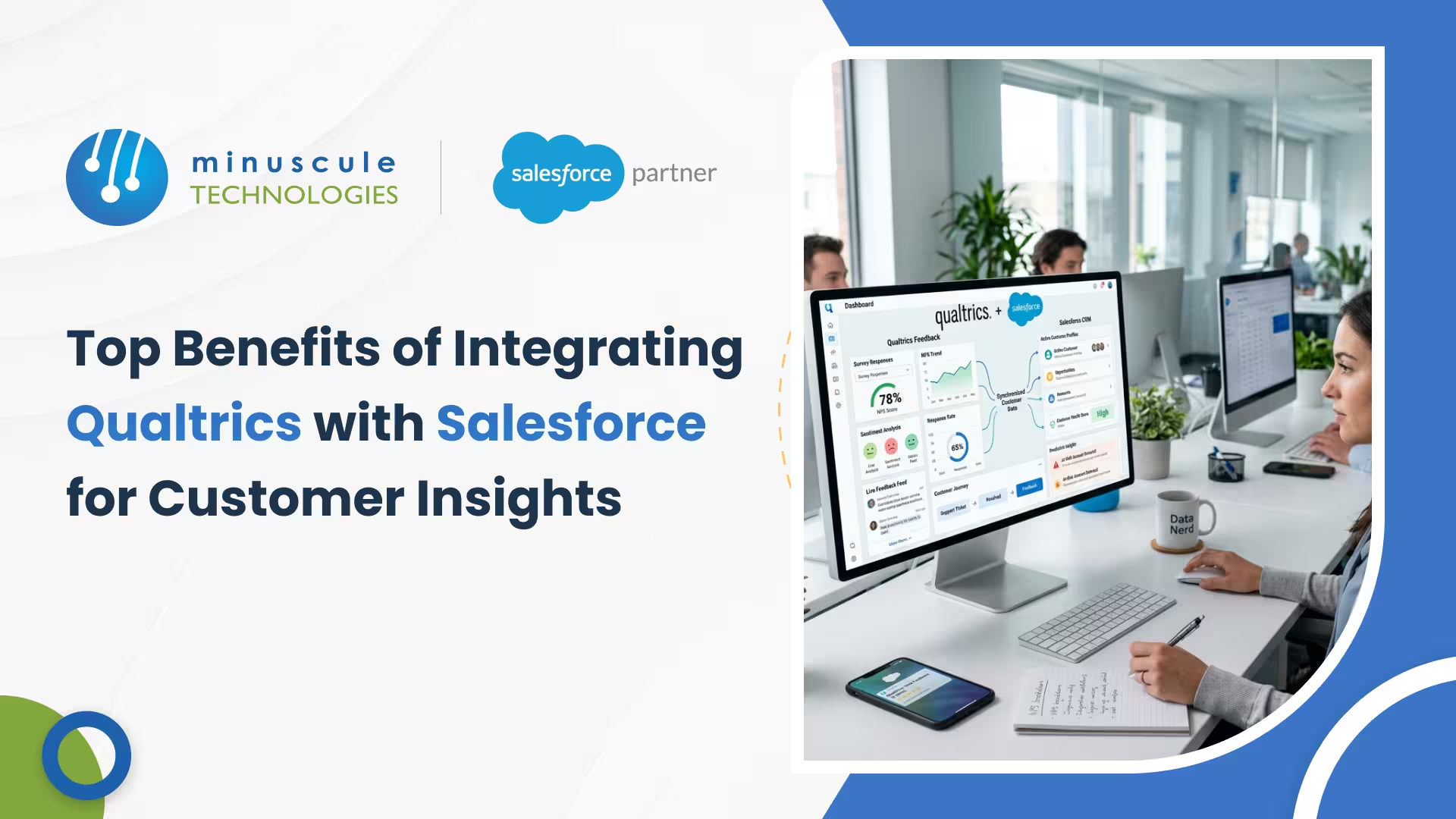
Qualtrics Salesforce integration connects experience data (what customers think and feel) with operational data (what's actually happening in your CRM) to give you a complete picture of every customer relationship. Organizations that combine survey feedback with CRM records see up to 36% higher customer retention rates, according to Salesforce research on connected customer experiences. That's because integrated feedback doesn't just sit in a spreadsheet — it triggers actions, shapes conversations, and closes the loop between what customers say and what your team does about it.
In this guide, you'll learn the eight biggest benefits of connecting Qualtrics to Salesforce, how to set up the integration step by step, and which integration method fits your team. We've also included a comparison table, real-world use cases, and the latest 2025-2026 platform updates you should know about.
Qualtrics calls it the "XO gap." Your Salesforce CRM holds operational data — deal stages, support tickets, contact history, revenue figures. Qualtrics holds experience data — survey responses, NPS scores, CSAT ratings, employee feedback. Separately, each tells half the story. Together, they tell you why a customer churned, not just that they left.
The Qualtrics-Salesforce integration bridges this gap by syncing survey data directly into Salesforce records and triggering surveys from CRM events. A support case gets resolved? Qualtrics automatically sends a CSAT survey. A deal closes? An NPS survey goes out 30 days later. The responses flow back into Salesforce, attached to the right contact, account, or opportunity no manual work required.
At its core, the integration does three things. First, it pushes Salesforce data into Qualtrics so your surveys can be personalized with CRM fields (the customer's name, their account manager, the product they bought). Second, it pulls survey responses back into Salesforce as fields on lead, contact, account, or custom object records. Third, it triggers Salesforce workflows based on survey answers like creating a follow-up task when someone gives a score below 7, or escalating a case when a detractor responds.
Think of it as a two-way bridge: CRM data flows out to make surveys smarter, and survey data flows back to make your CRM more useful.
Without integration, survey results live in Qualtrics dashboards that your sales and support teams never check. With integration, NPS scores, CSAT ratings, and verbatim comments appear directly on the Salesforce contact or account record. When a rep opens a contact before a call, they instantly see that the customer rated their last interaction a 3 out of 10. That changes the entire conversation from a generic check-in to a targeted recovery effort.
Manual survey distribution is slow and inconsistent. The integration lets you trigger surveys automatically when specific events happen in Salesforce. Common triggers include: case closure (CSAT survey), deal won (onboarding feedback), renewal date approaching (relationship health check), and product delivery confirmed (post-purchase experience). This event-driven approach typically lifts survey response rates by 15-25% compared to batch email sends, because the survey arrives when the experience is still fresh.
Closed-loop feedback means every piece of negative feedback gets a response not eventually, but right away. When a customer submits a low score through a Qualtrics survey, the integration can automatically create a Salesforce case, assign it to the account owner, and set a priority level based on the score. The rep reaches out, resolves the issue, and the loop is closed. Research from Salesforce Ben consistently highlights that closed-loop processes are among the strongest predictors of customer retention.
Most lead scoring models rely on behavioral data - page views, email clicks, form fills. Adding survey data gives you a direct signal of intent. If a prospect fills out a Qualtrics survey saying they're "evaluating solutions for the next quarter" and their budget range is "$50K-$100K," that's not a guess that's the prospect telling you exactly where they stand. Mapping these responses to Salesforce lead fields lets your scoring model factor in stated intent alongside observed behavior, making your MQLs significantly more qualified.
Generic nurture sequences treat every customer the same. Integrated survey data lets you branch journeys based on what customers actually tell you. A customer who rates their onboarding experience as "excellent" gets a cross-sell campaign. A customer who says onboarding was "confusing" gets a help center follow-up and a check-in call. You can build these branches directly in Salesforce Marketing Cloud or Pardot using the survey response fields synced from Qualtrics.
Building two separate reports - one in Qualtrics, one in Salesforce - means nobody sees the full picture. The integration lets you create Salesforce reports and dashboards that blend operational metrics (revenue, case resolution time, win rate) with experience metrics (NPS, CSAT, CES). A single dashboard can show you that accounts with NPS scores above 8 have a 92% renewal rate, while accounts below 6 renew at only 54%. That's the kind of insight that drives executive decisions.
Qualtrics isn't just for customer surveys. Many organizations use it for employee engagement, pulse surveys, and 360-degree feedback. If your HR team runs on Salesforce (or a connected HR system), integrating Qualtrics employee experience data into Salesforce gives managers visibility into team sentiment without logging into a separate platform. This is especially valuable for field service and sales teams where engagement data can predict turnover months in advance.
Without integration, someone on your team is exporting CSV files from Qualtrics, cleaning the data in Excel, and importing it into Salesforce. Maybe weekly. Maybe monthly. Every time, there's a risk of mismatched records, duplicate contacts, and stale data. Automation eliminates this entirely. Survey responses flow into the right Salesforce records in real time, with zero manual handling. In our experience at Minuscule Technologies, automating this kind of data transfer saves teams 8-12 hours per week on average and cuts data errors by over 60%.
Before you start, make sure you have:
This is the step where most teams underestimate the complexity.
Don't skip this. Create a test contact in Salesforce, trigger the survey workflow, fill out the survey yourself, and verify that the responses appear on the correct Salesforce record within minutes. Check field values, data types (numbers vs. text), and any automation rules that should fire based on the response. Fix any mapping issues in the Qualtrics workflow editor before going live.
Not every team needs the same integration approach. Here's how the three main options stack up.
The built-in integration available through the Qualtrics Marketplace. No code required - you configure everything through the Qualtrics UI. It supports triggering surveys from Salesforce events, mapping responses to Salesforce fields, and embedding CRM data into surveys.
Best for: Teams that want a fast, supported setup without developer resources. Works well for standard use cases like post-case CSAT and post-purchase NPS.
Qualtrics offers a full REST API for survey creation, distribution, and response retrieval. You can build custom integrations that push and pull data in any direction, handle complex multi-object mapping, and support custom business logic that the native connector can't accommodate.
Best for: Development teams with unique requirements - like writing survey data to multiple Salesforce objects simultaneously or triggering conditional survey sequences based on complex CRM logic.
Middleware tools connect Qualtrics to Salesforce through pre-built "recipes" or "zaps." Zapier works for simple trigger-action automations (new Qualtrics response → create/update Salesforce record). MuleSoft and Workato handle enterprise-grade orchestration with error handling, retry logic, and high-volume data processing.
Best for: Teams that need reliable automation without custom code, or enterprises already running MuleSoft for other integrations.
A service team configures Salesforce Flow to send a Qualtrics CSAT survey every time a case status changes to "Closed - Resolved." The survey includes the case number, agent name, and issue category as embedded data. Responses map back to the case record and the agent's performance dashboard. Managers can filter CSAT scores by agent, issue type, or product line - and spot coaching opportunities before they become customer retention problems.
Thirty days after a deal closes, a Qualtrics NPS survey fires automatically. The NPS score lands on the Salesforce Opportunity record and rolls up to the Account level. Sales leaders can now see which accounts are happy (promoters) and which are at risk (detractors) - before the renewal conversation starts. One financial services firm we worked with at Minuscule Technologies saw their at-risk renewal identification improve by 45% after implementing this workflow, because they caught dissatisfied customers months earlier than they would have through quarterly business reviews alone.
HR teams using Salesforce for employee record management can trigger Qualtrics pulse surveys at key onboarding milestones - day 7, day 30, day 90. Response data feeds back into the employee record, giving managers a quantitative view of onboarding effectiveness. When scores dip below a threshold, an automated task reminds the manager to schedule a one-on-one. This early-warning system helps reduce first-year attrition, which costs organizations an average of 50-200% of the employee's annual salary to replace.
Both Qualtrics and Salesforce impose API call limits. If you're sending thousands of surveys or processing high-volume responses, you can hit these ceilings and cause sync failures — meaning responses don't reach Salesforce at all. The fix: monitor your API usage in both platforms, use bulk operations where possible, and set up error alerts (a simple Flow-triggered email in Salesforce works) so your team knows within minutes when syncs fail.
It's tempting to survey customers after every interaction. Don't. If someone contacts support three times in a week, they shouldn't get three CSAT surveys. Build suppression rules into your Salesforce automation - for example, "don't trigger a survey if one was sent to this contact in the last 14 days." Most organizations find that capping survey frequency at once per contact per month delivers the best balance of data volume and response quality.
The most common integration failure is field type mismatches. A Qualtrics NPS score (numeric, 0-10) mapped to a Salesforce text field will break your reports. A multi-select Qualtrics question mapped to a single picklist field will lose data. Before going live, audit every field mapping: confirm data types match, field lengths accommodate the longest possible response, and picklist values in Salesforce align with the survey answer choices in Qualtrics.
Qualtrics has expanded its AI capabilities significantly through 2025. The platform now includes automated text analytics that categorize open-ended survey responses into themes without manual coding, predictive models that flag accounts likely to churn based on response patterns, and intelligent survey design that optimizes question order for higher completion rates. When these features feed into Salesforce, your CRM gets richer, more actionable data without more work from your team.
Data Cloud now ingests Qualtrics survey data as a first-class data stream. This means survey responses are matched to unified customer profiles alongside web behavior, purchase history, and support interactions - in real time. Instead of survey data living in a custom field on a contact record, it becomes part of a 360-degree identity graph that powers segmentation, personalization, and predictive analytics across every Salesforce channel.
Agentforce, Salesforce's autonomous AI agent platform, can now act on Qualtrics survey responses in real time. When a customer submits a detractor-level NPS score, an Agentforce agent can immediately pull the customer's case history, draft a personalized follow-up email, and route the issue to the right specialist all without a human in the loop. Early adopters report cutting detractor response time from days to minutes, which directly improves recovery rates.
Qualtrics integrates with Salesforce through a native connector available in the Qualtrics Marketplace. The connector uses OAuth authentication to establish a secure, two-way data sync between the platforms. Salesforce record data (names, emails, case details) flows into Qualtrics to personalize surveys, and survey responses flow back into Salesforce as field values on lead, contact, account, or custom object records. You can also trigger surveys from Salesforce events using Flow or Process Builder, and automate Salesforce actions (like task creation or case escalation) based on survey responses.
Yes. Qualtrics supports direct connection to Salesforce through its built-in marketplace integration, REST APIs, and middleware tools like Zapier and MuleSoft. The native connector is the simplest option - it takes about 1-2 hours to set up and doesn't require coding. For more complex requirements (like multi-object mapping or conditional survey logic), the Qualtrics API or an iPaaS middleware tool gives you full flexibility. All three approaches support bi-directional data sync.
Qualtrics is an experience management platform focused on collecting and analyzing feedback through surveys, polls, and research studies. Salesforce Marketing Cloud is a marketing automation platform focused on email campaigns, journey building, advertising, and content management. They solve different problems - Qualtrics tells you how customers feel, Marketing Cloud helps you reach and engage them. Many organizations use both: Qualtrics captures the sentiment, and Marketing Cloud acts on it through personalized campaigns. The Qualtrics-Salesforce integration makes this handoff smooth by syncing survey data directly into the CRM that Marketing Cloud connects to.
Qualtrics offers enterprise-grade survey design with branching logic, skip logic, and multilingual support. Its strongest advantage over simpler survey tools is analytics — Qualtrics includes built-in text analytics (iQ), predictive intelligence, statistical analysis, and real-time dashboards. It also supports multiple experience programs from a single platform: customer experience (CX), employee experience (EX), product experience (PX), and brand experience (BX). For organizations already on Salesforce, the native integration adds significant value by keeping all feedback data inside the CRM where sales and support teams actually work.
No. Qualtrics is a separate product with its own licensing model. Qualtrics offers a limited free tier (Qualtrics Free Account) with basic survey functionality, but the Salesforce integration features - including the marketplace connector, API access, and advanced workflow triggers - require a paid Qualtrics license. Pricing varies based on the number of responses, users, and modules (CX, EX, etc.). Contact Qualtrics directly for a quote, or ask your Salesforce account executive about bundled experience management options.
Customer feedback that stays in a survey tool is just data. Customer feedback that flows into your CRM and triggers real action - that's insight. Integrating Qualtrics with Salesforce closes the gap between knowing what customers think and actually doing something about it.
At Minuscule Technologies, we've helped organizations across industries build Salesforce integrations that connect CRM data with the tools that matter - survey platforms, ERPs, marketing systems, and more. With 160+ Salesforce engineers and deep experience in enterprise integrations, we know how to set up Qualtrics-Salesforce workflows that run reliably, scale with your growth, and deliver ROI from day one. If your team is ready to turn feedback into action, we'd love to talk.
You've seen what's possible. Now, let's make it happen for your business. Whether you need an end-to-end Salesforce solution, a complex integration, or ongoing managed services, our team is ready to deliver.

Schedule a Free Strategic Call


