We are at Dreamforce 2026, Industry Pavilion at San Francisco


June 9, 2026
The sales rep promises two hundred units, same-week delivery. The Opportunity says, "In Stock." The customer signs. The order goes to operations. The warehouse pulls - forty-seven units on the shelf. The customer who expected same-week delivery now has a six-week backorder.
Nothing in Salesforce was wrong. The Opportunity field "Available Stock" updated nightly from a CSV to the warehouse team uploaded. The CSV was three days old. The container that landed yesterday isn't on it. Sales sees yesterday's truth and quotes today's customers against it.
This is what happens when Salesforce sells what the warehouse stocks but doesn't know what the warehouse currently holds. The fix isn't more cautious sales reps. It's a real-time integration between Salesforce and the Warehouse Management System that surfaces current stock, in-transit inventory, reserved quantities, and multi-warehouse availability on the Opportunity, before the quote goes out.
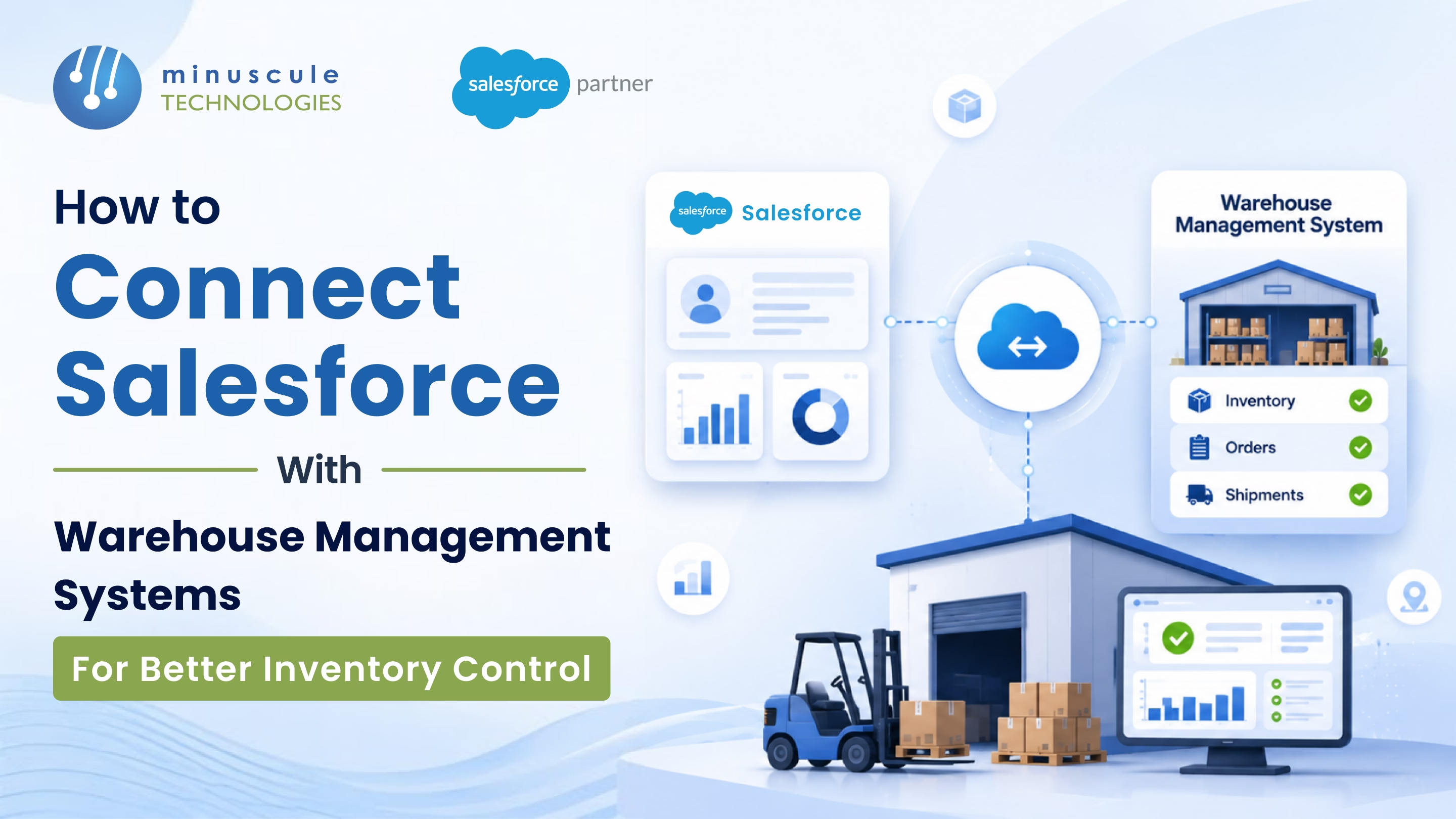
Here's how to connect Salesforce with WMS for inventory control that holds up.
Six failure points in the typical quote-to-ship workflow:
Each of these is fixable. Together, they erase trust in every Salesforce inventory field.
Six entities flow between the two systems, each with a direction-of-truth rule.
The integration succeeds or fails on how cleanly these six flows are mapped and how fast they update.
Apex callouts from Salesforce to the WMS REST API on a fifteen-minute or one-hour schedule. Stock levels refresh in batches. Best fit: lower-volume manufacturers, single-warehouse operations, businesses where five-to-sixty-minute stock latency is acceptable.
WMS publishes stock-change events; Salesforce subscribes via Platform Events or Change Data Capture. Inventory updates land on Salesforce within seconds. Best fit: multi-warehouse operations, high SKU velocity, businesses where over-promising kills deals.
MuleSoft, Boomi, Celigo, or Workato sitting between Salesforce and the WMS. Multi-system orchestration, transformation, retry logic, error queues. Best fit: enterprise landscapes with Salesforce, WMS, ERP, TMS, and accounting all in one flow.
Manufacturing Cloud's inventory module replaces the external WMS for some manufacturers. Production Orders, Production Batches, Production Units, and Stock Movement all live in Salesforce. Best fit: businesses ready to consolidate on Salesforce as the production system of record.
Sales sees real stock before the quote goes out
Opportunity line items show Available, Reserved, and In-Transit quantities per warehouse. The quote reflects what the warehouse can actually deliver.
A Record-Triggered Flow on Order Activation queries the WMS for nearest-warehouse availability and assigns the fulfilment warehouse before the order leaves Salesforce.
When order quantity exceeds available stock, the system flags a backorder, sets the expected ship date from in-transit inventory, and notifies the customer through Service Cloud.
RMA approval in Salesforce fires a return order in the WMS. When the physical return arrives and passes inspection, inventory increments back in Salesforce automatically.
Every shipped unit's lot or serial number writes back to the Salesforce Account and Asset records. Warranty claims and recalls trace forward without spreadsheet archaeology.
Six rules every Salesforce-to-WMS integration need from day one.
Every Salesforce Product2 must have an external ID matching the WMS Item Code. No SKU, no sync, no Opportunity line.
Available Quantity must subtract Reserved Quantity. Two Opportunities cannot draw against the same physical units without conflict detection.
Warehouse codes, addresses, and routing rules live in the WMS as a source of truth. Salesforce reads, doesn't write.
Re-firing the same Order Activation must not create a duplicate Sales Order in the WMS. External transaction ID enforces idempotency.
Failed inventory syncs land in a Salesforce custom object with error reason and retry count. Alerts route to integration owner; nothing fails silently.
Compare total Salesforce Available Quantity per Product against WMS inventory per Item. Variances above a defined threshold trigger investigation before they hit the next quote.
Salesforce Manufacturing Cloud's native inventory is the cleanest for greenfield manufacturers. For external WMS, Manhattan Associates, Blue Yonder, SAP EWM, and Oracle WMS all expose REST or SOAP APIs that work well via middleware. Fishbowl and Cin7 have native AppExchange connectors. NetSuite WMS integrates via Celigo's native connector.
For high-velocity SKUs (consumer goods, fast-moving electronics), under one minute. For slow-moving industrial inventory, fifteen to sixty minutes is acceptable. The wrong answer is "nightly CSV" - that's where over-promising starts.
Yes, with the right architecture. Event-driven and middleware integrations both support per-warehouse availability and routing logic. REST polling architectures can do it but require careful query design to avoid governor limits.
Lot and serial tracking are required for pharma, food, automotive, and aerospace. The integration must capture lot/serial at goods receipt, propagate through pick/pack/ship, and write back to the Salesforce Asset record. Don't skip this - recall traceability depends on it.
Salesforce + WMS integration isn't an operations cleanup - it's a sales trust problem. When the Opportunity shows real stock - current, reserved, in-transit, per-warehouse - sales quotes what the warehouse can deliver. When it doesn't, every customer commitment is a guess. The right architecture - REST polling, event-driven, middleware, or Manufacturing Cloud native - depends on stock velocity, warehouse count, and how badly an over-promise costs you.
Minuscule Technologies is a Trusted Salesforce Engineering Partner with 160+ Salesforce experts and 75+ projects delivered globally - including Nasdaq-listed enterprises across manufacturing, BFSI, and IT services. We engineer Salesforce-to-WMS integrations across Manhattan, SAP EWM, Blue Yonder, Oracle WMS, and Manufacturing Cloud native, with validation rules and reconciliation reports that keep inventory honest.
Map your Salesforce-to-WMS integration architecture with us, and we'll review your stock velocity, warehouse footprint, and the integration pattern that fits your manufacturing or distribution model.
You've seen what's possible. Now, let's make it happen for your business. Whether you need an end-to-end Salesforce solution, a complex integration, or ongoing managed services, our team is ready to deliver.

Schedule a Free Strategic Call


