
November 9, 2026
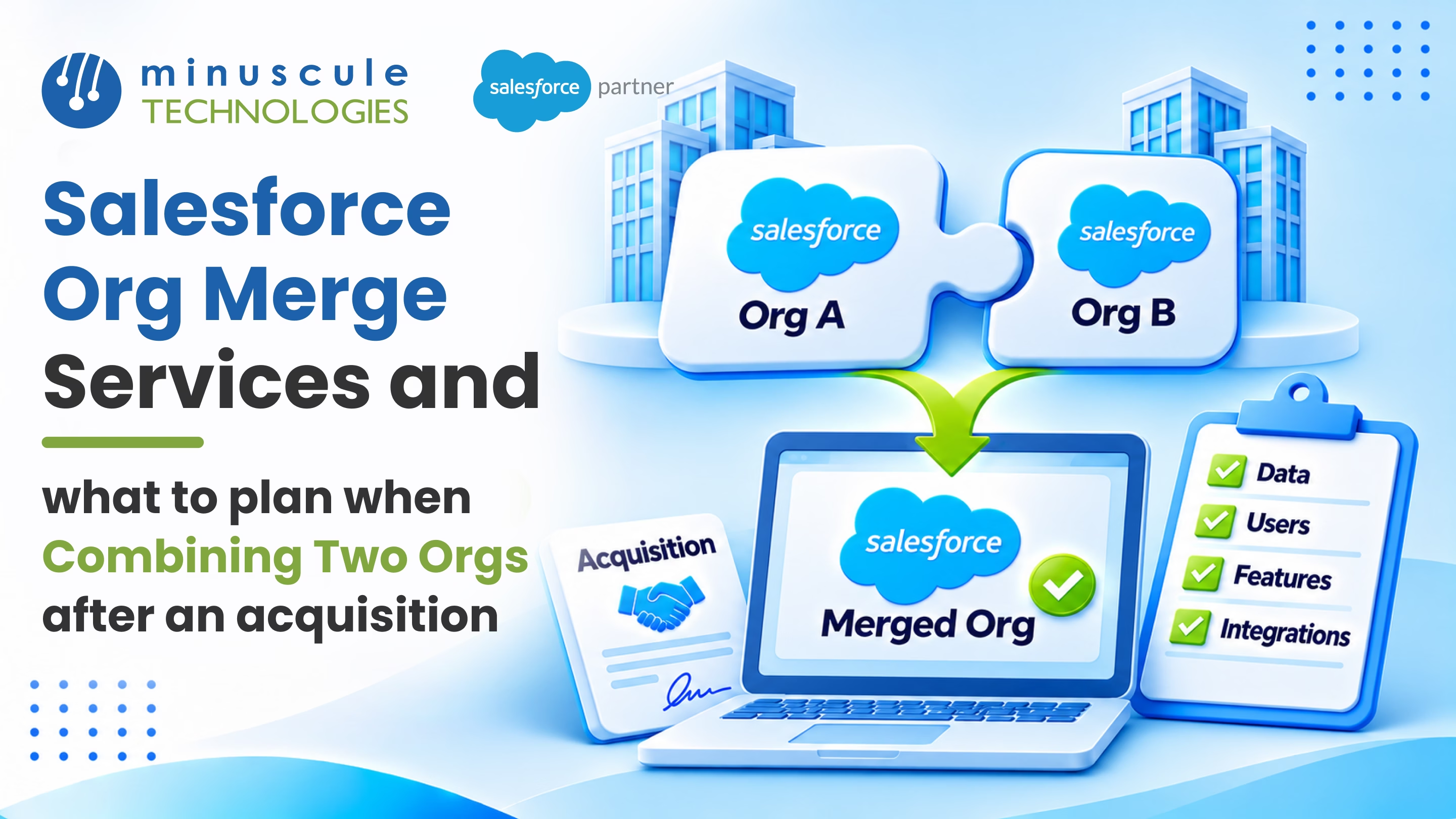
Salesforce org merge services help you combine two Salesforce orgs into one after an acquisition. A good merge moves the right data, brings two sales and service teams onto one process, and puts every user in one shared system. Most teams plan it in phases: keep both businesses running on Day 1, connect the key data next, and finish the full merge once the target design is agreed.
Done well, the payoff is big. Leaders get one view of every customer, sales teams stop stepping on each other's deals, and you pay for one org instead of two. The work takes careful planning, but each step is clear once you know what to look for. That's the focus of our Salesforce migration services team.
Picture the week after a deal closes. The parent company sells through one Salesforce org, and the acquired company uses another. Both teams call on the same large accounts, and nobody can see the other side's pipeline. This guide walks you through what to plan, in what order, so your two orgs become one strong system your teams trust.
An org merge is much more than copying records from one place to another. You're joining two ways of selling, serving, and reporting. Strong Salesforce org merge services cover six areas of work:
If the acquired company runs on a different CRM instead of Salesforce, the work looks a bit different. Our post on how to consolidate multiple CRMs into one Salesforce org covers that path.
The smartest plans don't try to merge everything at once, because your teams still need to sell and serve customers while the work happens. A phased plan keeps both businesses running and gives you the time you need to make good design choices.
The Day 1 phase is short, but it matters a great deal. Lock down admin rights in both orgs, so no one makes big changes during the deal handoff. Then agree on a simple rule for shared accounts, such as which rep owns the relationship until the merge is complete. These two steps head off most of the early friction between sales teams.
In the first 90 days, leaders usually want to see combined pipeline numbers, and you don't need a full merge to give them that. A shared report built from both orgs, or a light data sync, can give leaders that view while the full plan comes together.
Every merge starts with one key decision: which org do you keep? You can move the acquired org into the parent org, move the parent into the acquired org, or build a fresh org and move both of them into it. The bigger company's org isn't always the best choice, so score both orgs on the factors that matter most to the combined business.
A fresh org makes sense when both orgs carry heavy technical debt. It costs more up front, but you avoid carrying years of old rules into the new system. Whatever you choose, write down the reasons behind the decision, since that record helps when people from either company ask why their org was retired.
Salesforce data migration is where most of the effort goes. Moving records from one org to another sounds simple, but every record has links to owners, accounts, and other records. Those links must survive the move.
Start by matching every object and field in the old org to a home in the surviving org. Some fields map one to one. Others need a new field, a new picklist value, or a rule to combine two fields into one. Record types and sales stages often differ between companies, so agree on one shared list with both sales teams.
After an acquisition, many customers will exist in both orgs. Before you load anything, decide how to match duplicates and which record wins. Set clear rules, such as keeping the most recent address or the record with the most activity. Apex Hours shares helpful Salesforce master data management best practices for setting these rules.
Each record gets a new ID when it moves to a new org. To keep links intact, store each old ID in an external ID field and load parent records before child records. A common order is users, then accounts, then contacts, then opportunities, then cases and activities. You can also keep the original created dates if you turn on the setting that lets you set audit fields during import.
The right Salesforce data migration tools make this much faster. Options range from the free Data Loader to paid ETL platforms that handle large volumes and repeat test runs. Forcetalks lists its top tools for Salesforce data migration, and our own guide to Salesforce data migration tools compares more options. Plan at least two full test loads in a sandbox before the final SFDC data migration.
A smooth user experience is what makes a technically sound merge feel like a success. When users can log in on the first morning and find their deals right away, trust in the new org grows quickly. Plan these three areas early.
Roles, profiles, and permission sets also need a fresh look, because two companies rarely share the same sharing model. Map each acquired user to a role and permission set in the new org, and test their access with real records before go-live.
Timelines depend on how different the two orgs are and how much data you need to move. A simple merge between two similar orgs can finish in about three months. A complex merge with many integrations, custom code, and large data volumes can take a year or more. Here's how the work usually breaks down:
Add extra time for things you'll only find once work begins. Most delays come from late design choices, not the data load. For a step-by-step view, see our guide on how to plan, execute, and validate a Salesforce data migration.
An org merge touches every team that uses Salesforce, so the partner you choose matters. Good Salesforce migration services bring a tested method, the right tools, and people who have handled merges before. They also help you decide what not to move, which saves time and money.
Once the merge is done, someone needs to own the combined org. Setting up a small governance group early keeps the new org clean. Trailhead's module on how to start and scale a Salesforce Center of Excellence is a helpful starting point.
Clear, specific answers show a partner has done this before. For a full list of steps to review with any partner, use our Salesforce data migration checklist.
Salesforce org merge services help a company combine two or more Salesforce orgs into one. The work covers planning, design, data moves, user setup, cutover, and support. It's common after a merger or acquisition, when each company arrives with its own org.
Keep the org that best fits your future business, not just the bigger company's org. Compare both orgs on data model, technical debt, integrations, edition, and compliance needs. If both orgs carry heavy debt, a fresh org can be the better choice.
A simple merge between two similar orgs can take about three months. Complex merges with many integrations and large data volumes can take a year or more. A phased plan lets both businesses keep working while the merge happens.
Yes, and some companies do. Keeping both orgs can make sense when the businesses sell very different products or must keep data apart for legal reasons. You can still share key data and reports between orgs through integration.
Not if the migration is planned well. Old record IDs can be stored in external ID fields, owners can be mapped to new users, and created dates can be kept. Test loads in a sandbox confirm that history comes across before the final move.
An acquisition gives you a chance to build one strong Salesforce org for the combined company. Plan in phases from Day 1, choose the surviving org with clear facts, and give data, users, and logins the care they need. Do that, and your teams get one trusted view of every customer.
Minuscule Technologies is a Trusted Salesforce Partner. We have 125+ certified experts and 75+ global projects. Our Salesforce migration services team handles discovery, data mapping, cutover, and support for org merges. We also bring ready-made accelerators to your new org. Try the B2B Marketplace for manufacturers or Loan Lifecycle Visibility for lenders. Each one is a starter pack built for your industry.
Planning a merge after a recent deal? Plan Your Org Merge. We'll review both orgs, recommend which one to keep, and map out a phased plan your teams can follow.
You've seen what's possible. Now, let's make it happen for your business. Whether you need an end-to-end Salesforce solution, a complex integration, or ongoing managed services, our team is ready to deliver.

Schedule a Free Strategic Call


Plot No. 4, Sridevi Amman Street, Perumal Nagar Extension, Old Pallavaram, Chennai, Tamil Nadu 600117, India.
