
June 8, 2026
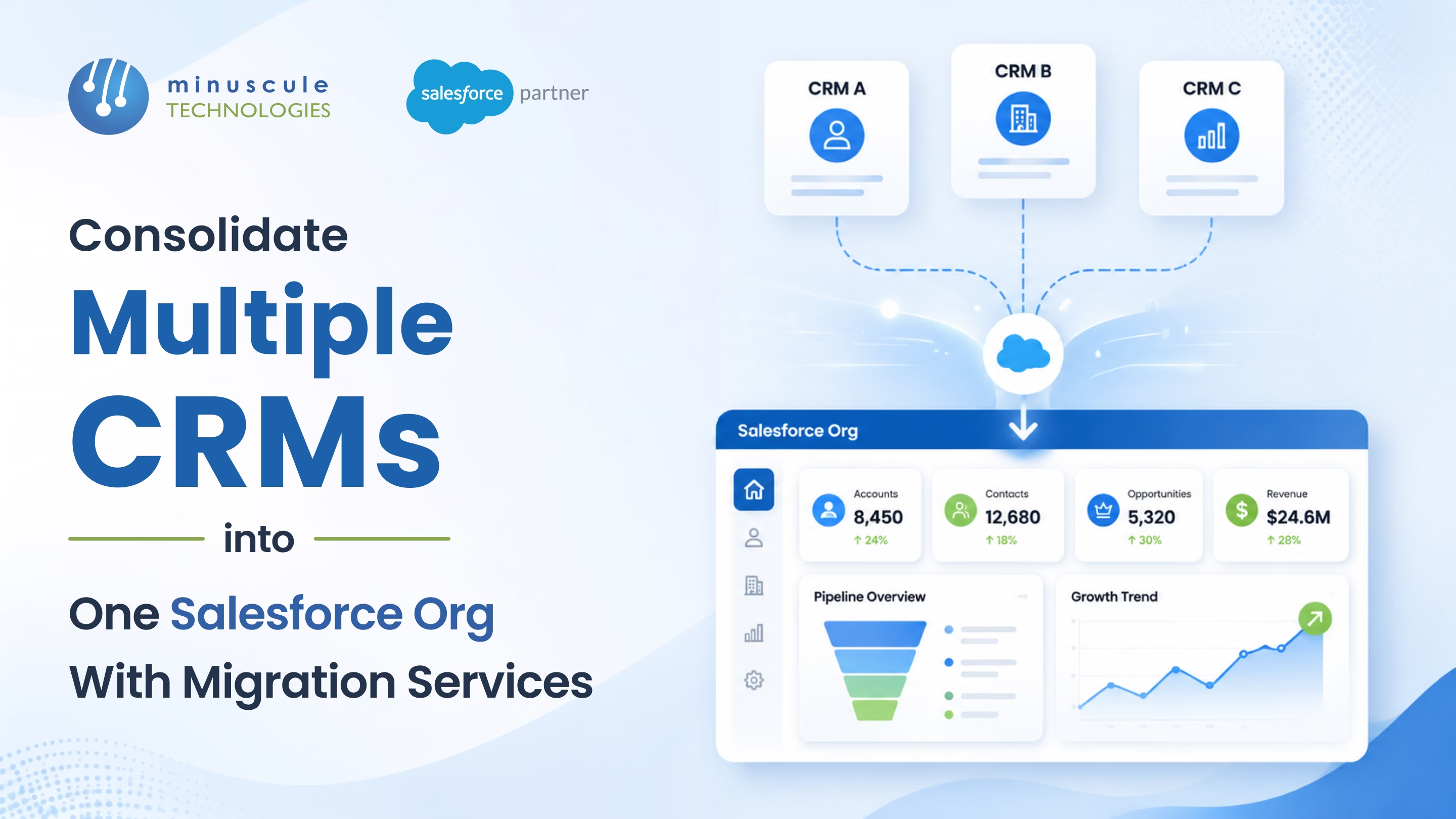
A healthcare services company runs two CRM systems. Sales works in Microsoft Dynamics - tracking leads, managing pipeline, logging deal activity. Service works in a legacy Salesforce org set up six years ago - handling cases, renewals, and customer communications. Marketing runs Pardot campaigns, but Pardot connects to the legacy Salesforce org, not Dynamics. When marketing generates a lead, sales don't see it until someone exports a CSV and emails it over.
The VP of Sales pulls a pipeline report from Dynamics. The VP of Service pulls a customer health report from Salesforce. The CEO asks for a combined view. Nobody has one. Someone spends two days stitching a spreadsheet together - and the data is staled before the meeting starts.
Meanwhile, the same customer exists as two different records - one spelling in Dynamics, a shortened version in Salesforce. Different addresses. Different contacts. When the account manager calls the client, she doesn't know about the open service case because it lives in a system she never logs into.
This is what running multiple CRMs costs you: duplicate records, blind spots, manual stitching, and customers who feel like they're dealing with three different companies. Here's how consolidating into one Salesforce org fixes it.
CRM consolidation isn't a data dump. It's a structured migration that maps every source system's data model, cleans and deduplicates records, rebuilds workflows, and retrains teams on one platform.
| Factor | Multiple CRMs | One Salesforce Org |
|---|---|---|
| Customer view | Fragmented — no single source of truth | Unified Account with complete history from all sources |
| Reporting | Manual exports and spreadsheet merges | One dashboard, real-time, no stitching |
| Data quality | Duplicates across systems, inconsistent fields | Deduplicated and validated during migration |
| Workflow continuity | Lead in one system doesn't trigger action in another | End-to-end automation from lead to case to renewal |
| Integration maintenance | Point-to-point connections between 3–4 systems | One org, one integration point per tool |
| User adoption | Reps check two systems or none thoroughly | One login, one interface, one process |
| Licensing cost | Multiple CRM licenses across teams | Consolidated licenses on one platform |
Yes. Dynamics accounts, contacts, opportunities, and custom entities map to Salesforce objects. The migration extracts data via Dynamics APIs or database exports, transforms field formats, and loads into Salesforce with validation at each step.
Deduplication runs before and after migration. Matching rules compare records across source systems using name, email, phone, and company combinations. Duplicates merge into a single master record in Salesforce with the most complete and recent data preserved.
A two-system consolidation typically takes 10-16 weeks. Adding a third system or complex workflow reconstruction extends to 16-24 weeks. Timeline depends on data volume, custom object count, and integration complexity.
Historical records - closed opportunities, resolved cases, past activities — migrate into Salesforce as archived records. They're searchable and reportable but don't clutter active workflows. Attachments transfer to Salesforce Files.
That healthcare company? Their reps weren't lazy. Their data wasn't bad. Their systems were split - and every team saw a different slice of the same customer. The CEO couldn't get a combined view because none existed. The account manager missed a service case because it lived in a system she never opened.
Minuscule Technologies fix this. We're a Trusted Salesforce Engineering Partner with 125+ engineers and 75+ successful projects - including consolidating Microsoft Dynamics and legacy Salesforce orgs into unified environments. Cross-system deduplication. Workflow reconstruction using Flows and CPQ. Third-party integration with 6sense, Pardot, and Clearbit. All in a single migration.
Your teams are logging into two CRMs right now, seeing half the picture in each. Minuscule Technologies migrates everything into one Salesforce org where every team sees the same customer. Book a consultation with Minuscule Technologies - and stop paying for systems that don't talk to each other.
You've seen what's possible. Now, let's make it happen for your business. Whether you need an end-to-end Salesforce solution, a complex integration, or ongoing managed services, our team is ready to deliver.

Schedule a Free Strategic Call


Plot No. 4, Sridevi Amman Street, Perumal Nagar Extension, Old Pallavaram, Chennai, Tamil Nadu 600117, India.
