Moving your data into Salesforce sounds simple. Export, import, done. The harsh truth: a real Salesforce data migration runs through many stages, and each one can lose records if you rush it. Done right, the move transfers your information with almost no disruption. It also sets up your whole Salesforce rollout to succeed.
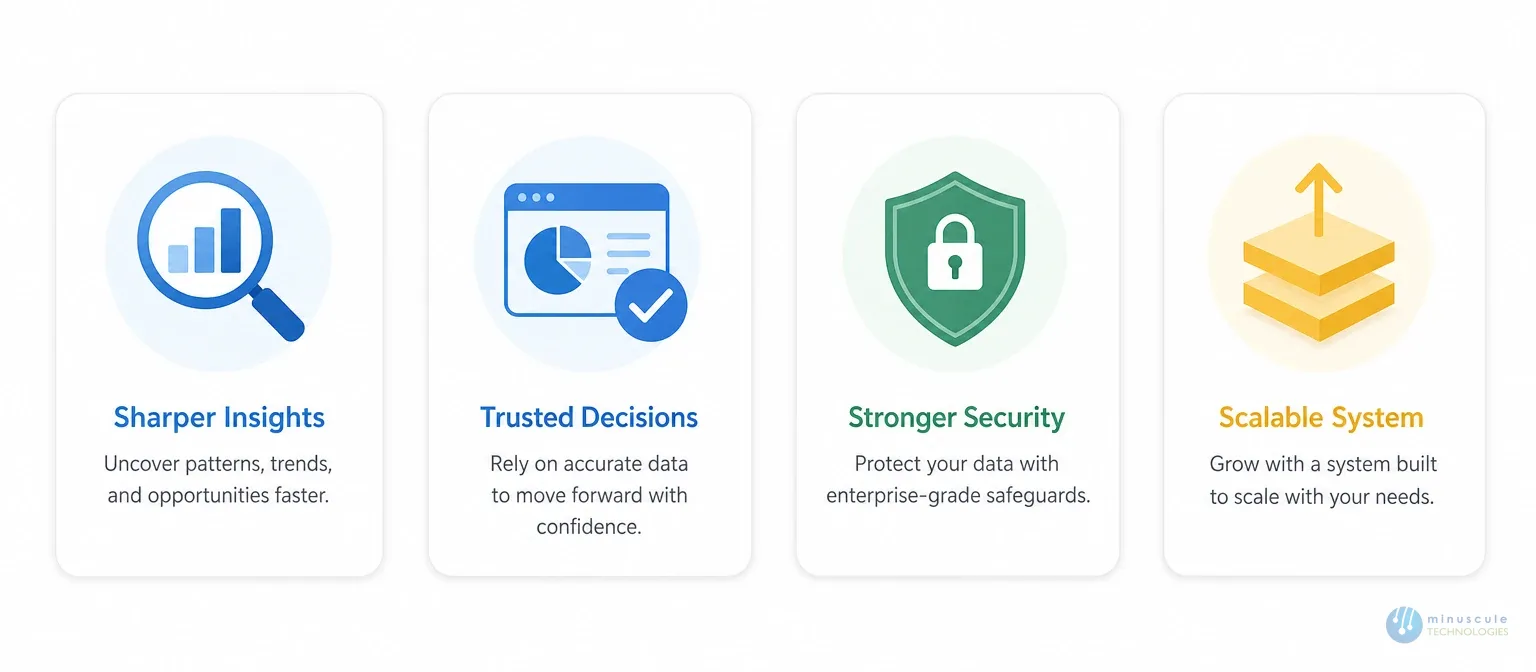
A clean migration pays off four ways:
Sharper, action-ready insights
Better decisions from trusted data
Stronger data security
A system that scales with the business
But every coin has two sides. Poor planning brings integration issues, security risks, and waste. That's why a checklist helps so much. We've built this one from years of Salesforce work at Minuscule Technologies - every stage, in order, nothing skipped.
Why You Need a Salesforce Data Migration Checklist
Two numbers make the case. Gartner research reports that nearly 83% of data migration projects run over budget due to poor planning. And Salesforce notes that 90% of successful migrations start with well-defined goals.
A checklist forces the planning that most teams skip. It also gives every stakeholder the same map of the data transfer — what moves, when, and who owns each step.
The Complete Salesforce Data Migration Checklist
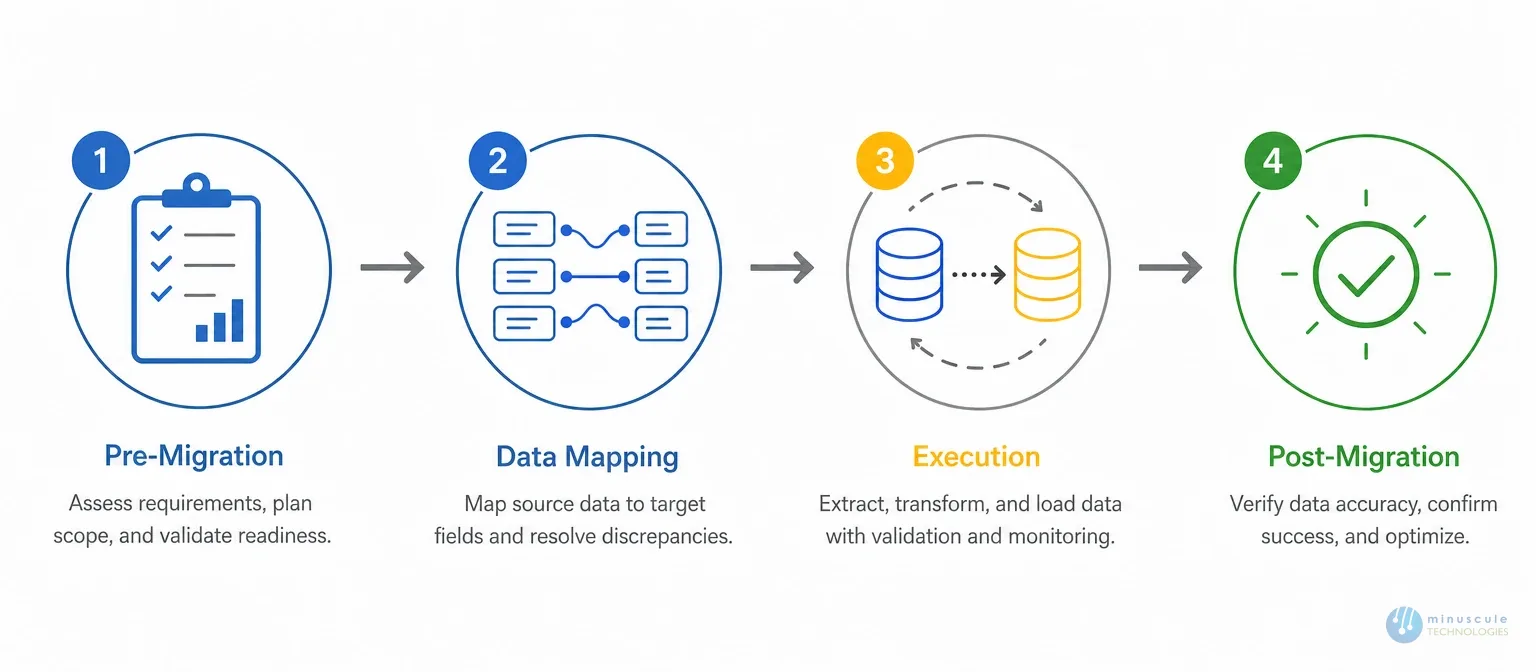
Below is the full checklist, broken into four stages.
1. Pre-Migration Checklist
Success starts with careful planning. Work through these eight items first:
Choose the right time. Avoid peak business hours. Schedule the move for off-hours, so you have room to fix surprises.
Inform your team. Share the timeline early. People adjust their work, and trust goes up.
Assess the scope. What data moves? How much? How complex? Answer all three before anything else.
Define objectives. Set the KPIs of a successful Salesforce data migration. Align them with business goals.
Involve key stakeholders. IT teams, data owners, sales reps, and end users. Their input catches risks early.
Audit current data. Take a hard look at what exists. Flag redundant, obsolete, and duplicate records.
Choose a migration tool. Don't go fully manual. Pick a reliable tool like Salesforce Data Loader to speed the process.
Back up everything. A full backup means you can recover anything if something goes wrong. No backup, no migration.
2. Data Mapping and Preparation Checklist
Proper mapping makes source data fit Salesforce's schema.
Match source and target fields. Pair each source field with its Salesforce object — Leads, Accounts, Opportunities.
Understand the data schema. Study table structures, columns, and the links between objects.
Locate the targets. Confirm exactly where each dataset will land.
Cleanse the data. Remove duplicates, fix inconsistencies, and standardize formats. Dirty data sinks migrations.
Normalize values. Make data conform to Salesforce rules — picklist values, character limits, required fields.
3. Migration Execution Checklist
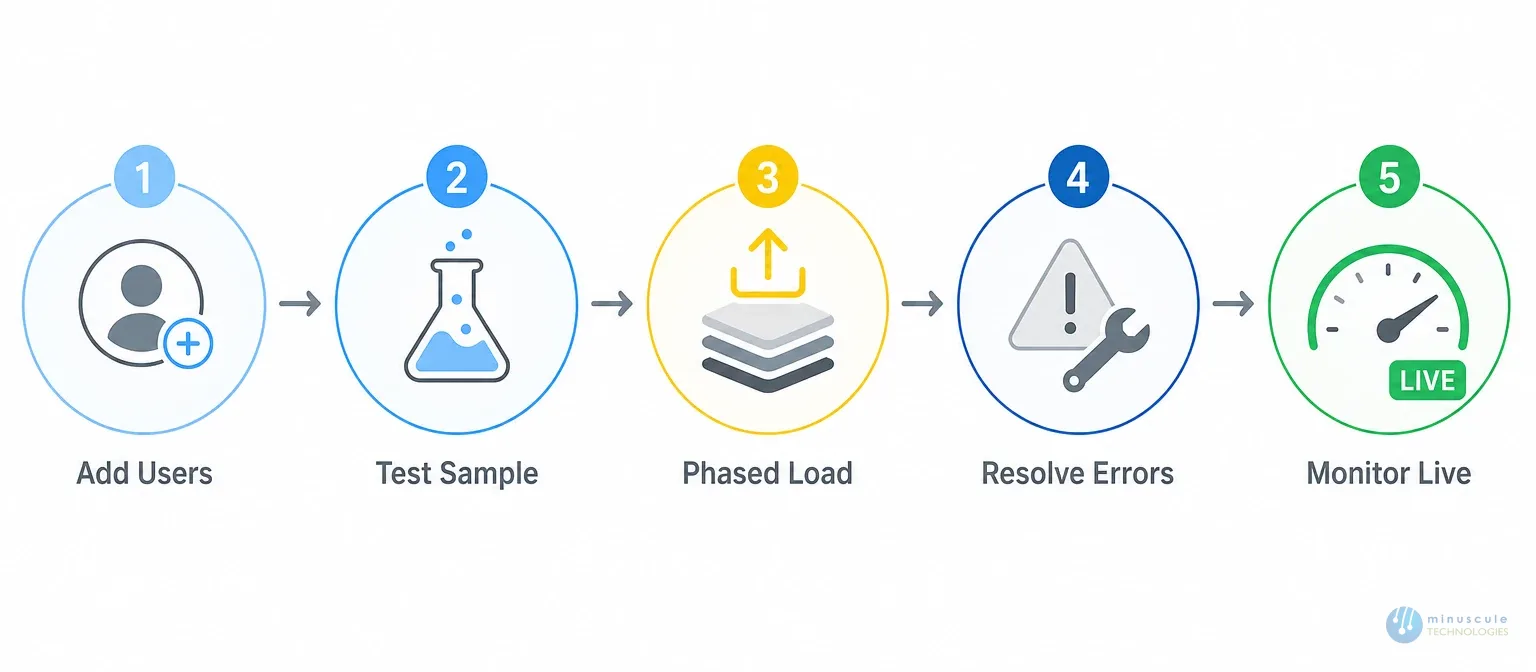
The execution phase can feel overwhelming. These five steps keep it ordered:
Add users first. Create admins and users before any data moves. Missing admin rights block critical setup and stall the salesforce migration.
Test with a sample. Load a small batch into a sandbox. Catch mapping and rule issues before the full run.
Run the full load in phases. Start with non-critical data, like old records. Once that lands clean, move sensitive data such as customer details.
Resolve errors and validate. Expect some failed imports. Read the error logs, fix the causes, and rerun.
Monitor progress live. Use Salesforce data migration tools to track status in real time and fix errors as they appear.
4. Post-Migration Data Quality Checklist
The move isn't done until the data proves itself.
Check completeness. Compare record counts in the new system against the source. Missing data disrupts daily work.
Find and remove duplicates. Calling the same prospect twice wastes time and looks sloppy. Clear double entries.
Verify relationships. Confirm accounts link to their opportunities and contacts. Broken links cause wrong reports and stalled workflows.
Standardize formats. Phone numbers, addresses, and dates need one consistent format. If your source uses DD/MM/YY, your org should match it.
Quick Reference: All Four Stages at a Glance
Stage
Key Items
Biggest Risk If Skipped
1. Pre-migration
Timing, scope, goals, audit, tool, backup
Budget overrun (the 83% problem)
2. Mapping & prep
Field matching, cleansing, normalizing
Records rejected or misplaced
3. Execution
Users, sample test, phased load, error logs
Failed loads and stalled work
4. Data quality
Counts, duplicates, links, formats
Bad reports and lost trust
Frequently Asked Questions
1. Does this checklist work for a database migration too?
Mostly, yes — with one addition. A database migration from a custom system has no built-in CRM shape. Before mapping, you must first decide what becomes an Account, a Contact, or a custom object. Add that modeling step to Stage 2.
2. What tools do I need for the data transfer?
Salesforce Data Loader covers most moves up to five million records per job. The Data Import Wizard suits small, simple loads. Third-party ETL tools handle complex transforms and multi-system moves. Our migration tools guide compares them.
3. How long does a Salesforce data migration take?
A clean, single-source move: two to four weeks with testing. Complex moves with several sources or compliance rules: two to four months. Data quality at the source is the biggest variable.
4. When should I bring in professional help?
When the estate spans multiple systems, holds regulated data, or carries millions of linked records. Professional Salesforce migration services arrive with the pipeline, tools, and validation steps pre-built — instead of your team learning them mid-project.
Achieving a Flawless Salesforce Data Migration
By now the pattern is clear. Migration isn't about moving data. It's about moving data that arrives intact, linked, and usable. Plan before you touch anything. Map and cleanse before you load. Test before you commit. And verify before you celebrate.
At Minuscule Technologies, we know data migration. As a trusted Salesforce-certified partner, we face migration challenges head-on — with solutions built for your data, not one-size-fits-all scripts. Our Salesforce data migration services cover every stage of this checklist, from audit to post-move verification.
Thank you! We will get back in touch with you within 48 hours.
Oops! Something went wrong while submitting the form.
Ready to Architect Your Salesforce Success?
You've seen what's possible. Now, let's make it happen for your business. Whether you need an end-to-end Salesforce solution, a complex integration, or ongoing managed services, our team is ready to deliver.