
October 16, 2024

Moving your data into Salesforce can feel daunting. But the right tool changes everything. Good Salesforce data migration tools make the data transfer accurate, secure, and fast - with less risk and far less manual work. The best ones handle real-time sync and complex data structures with ease.
We've ranked the ten tools that cover every case: free native options, browser helpers, and full ETL platforms. Pick based on your data volume, your team's skill level, and your budget.
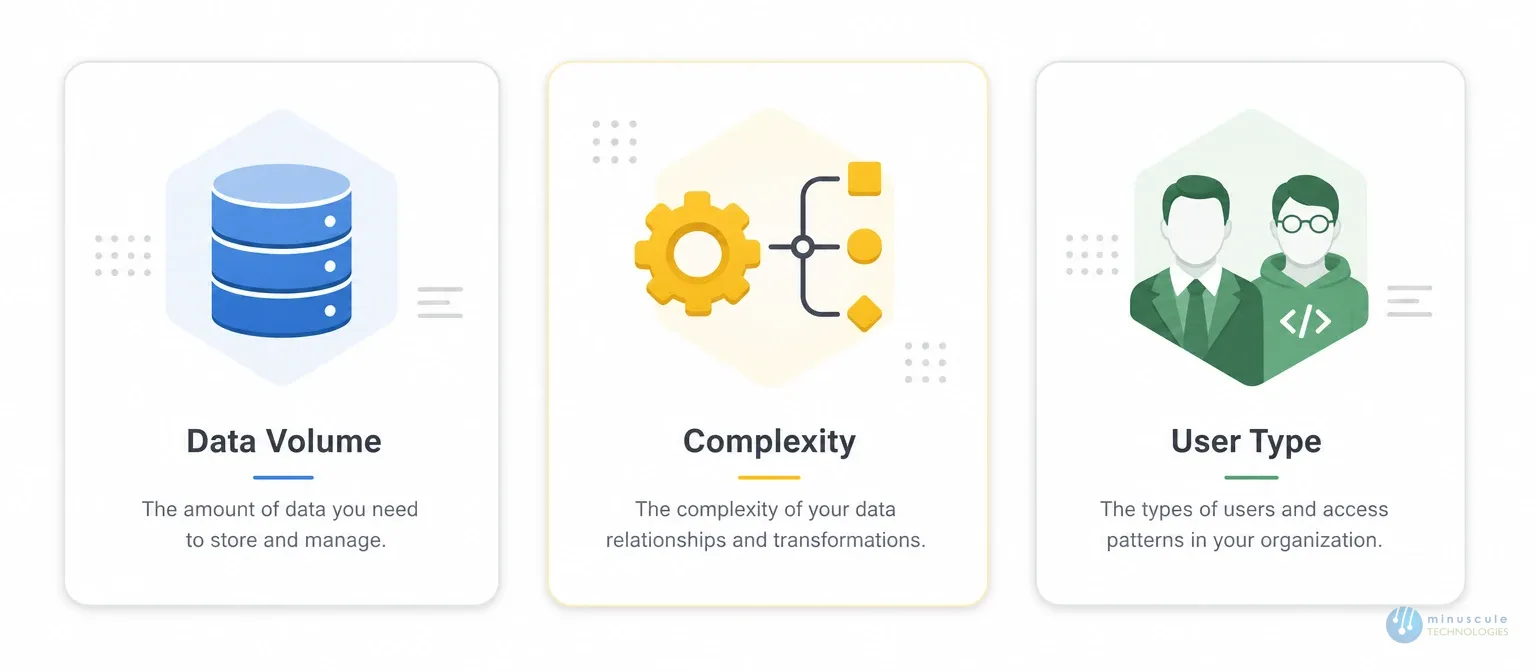
Three questions decide the choice:
Keep those answers in mind as you read the list.
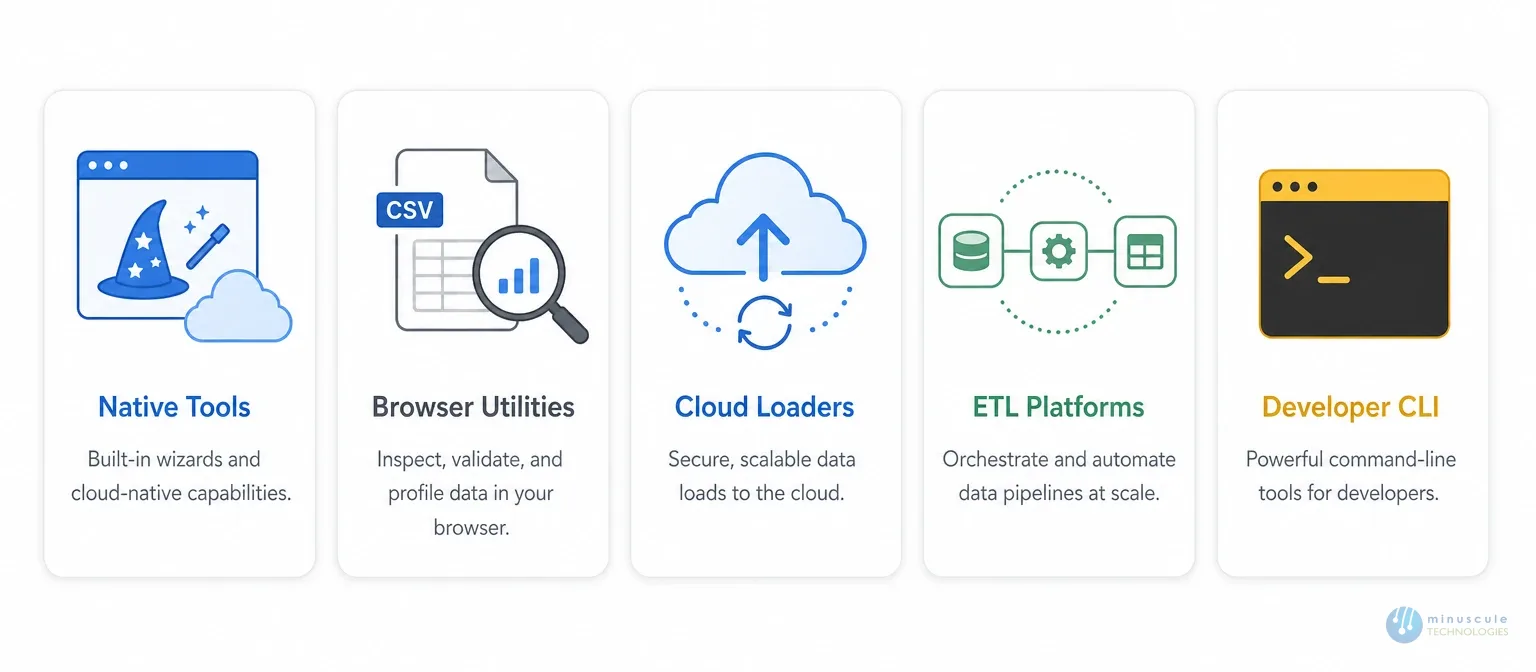
Start with the tool built into Salesforce itself. The Data Import Wizard runs in the browser and guides you through loads of up to 50,000 records. It covers standard objects like Accounts, Contacts, and Leads. No install, no cost, no code. For small and simple loads, look no further.
Salesforce's own heavy-duty client for high-volume work. Data Loader handles up to five million records per job. It adds, updates, deletes, imports, and exports in bulk. You get both a simple GUI and a command-line mode for scripted, automated runs. Error logs make troubleshooting clear. This is the workhorse of most salesforce migration projects.
A popular free browser extension for admins and developers. Salesforce Inspector lets you view and manage data right from any Salesforce page. You can check metadata, run quick queries with the built-in editor, and export results fast. It shines for spot checks, debugging, and small data fixes during a migration — not for the big loads themselves.
A cloud-based loader from MuleSoft with a clean, simple interface. Dataloader.io runs fully in the browser — nothing to install. You can schedule daily tasks, manage import workflows, and secure the data transfer with OAuth login. A strong pick for teams that want Data Loader power without the desktop setup.
A flexible integration platform with a free Data Loader tier. Jitterbit makes it easy to import, export, and sync data using templates and a friendly UI. Its strength is custom integrations: complex data structures move into Salesforce without glitches. Good for teams that will keep syncing data after the migration ends.
A full ETL platform: extract, transform, load. Talend supports every stage of a move, with built-in Salesforce connectors on an open integration space. It handles a true database migration — pulling raw tables from custom systems, reshaping them, and loading them as CRM objects. Strong data management and security tools come standard.
Another cloud ETL platform, accessed straight from the browser. Integrate.io extracts, transforms, and loads data to Salesforce with a simple visual workflow builder. It scales to bulk volumes and connects to many third-party apps. A good fit when non-developers need ETL power.
A command-line tool for technical experts, built on the Apache Ant Java library. The Ant Migration Tool gives full control over the process — including metadata moves from local directories into Salesforce. Automated builds make it ideal for large, repeated deployments across environments. Developers only.
The quick option for small and medium loads. SimpleImport maps CSV files to Salesforce fields with minimal setup. Import or export in a few clicks. It won't handle complex transforms — but for a fast, clean CSV load, it's hard to beat.
The no-code choice. Skyvia gives non-technical users a drag-and-drop interface with pre-built Salesforce connectors. Its standout feature: two-way sync, which keeps Salesforce and your old CRM aligned during a phased move. No command lines, no prior setup.
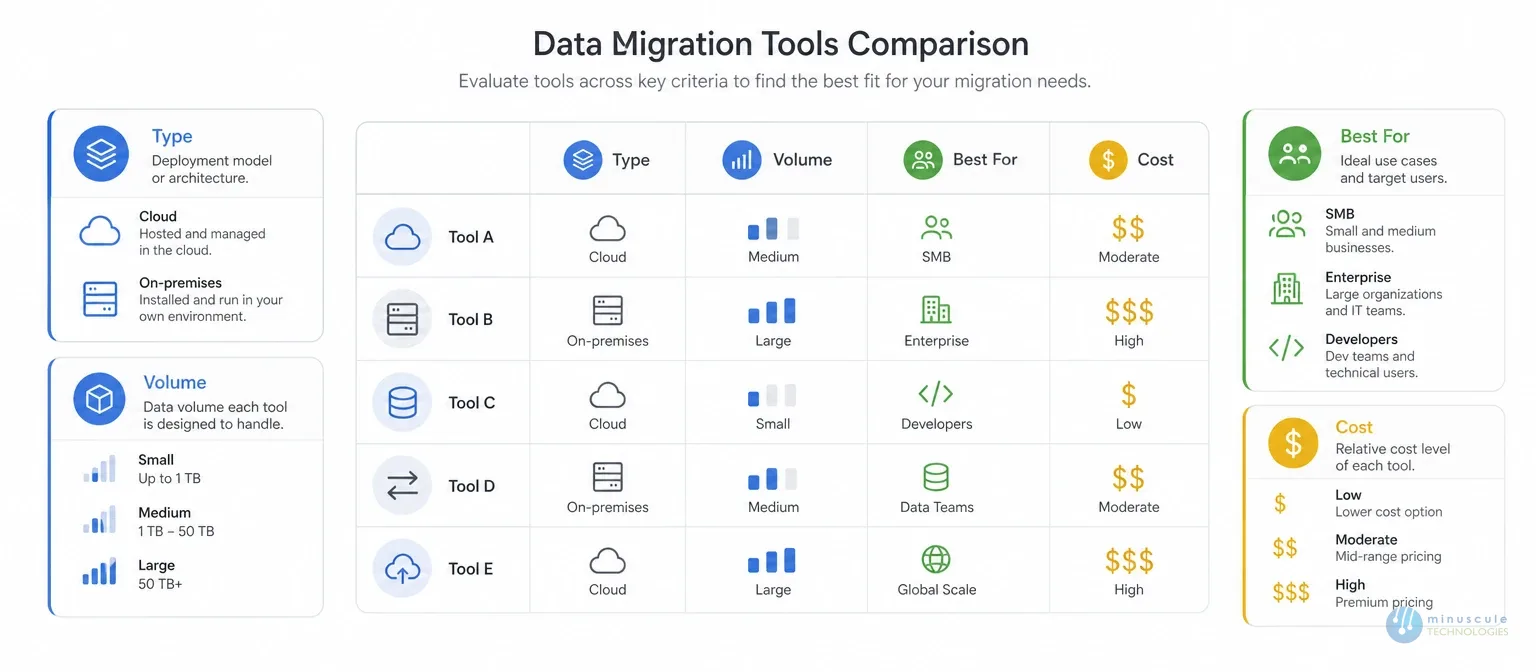
Data Loader, for most teams. It's free, official, and handles up to five million records per job. For loads under 50,000 records, the Data Import Wizard is even simpler.
The Import Wizard runs in the browser, caps at 50,000 records, and covers standard objects only. Data Loader is a desktop client that handles all objects, five million records per job, and both import and export. Real migrations usually need Data Loader or stronger.
An ETL platform like Talend or Integrate.io. Raw database tables have no CRM shape, so you need transform power to model them into Accounts, Contacts, and custom objects before loading.
Tools move data. They don't plan the mapping, clean the source, or verify the results. If your move spans multiple systems, regulated data, or millions of linked records, professional Salesforce migration services bring the process around the tool. Our migration checklist shows everything the tool alone won't do.
With the right tool, moving data to Salesforce becomes simple and safe. Match the tool to your volume, your complexity, and your team. Free native tools cover most standard moves. ETL platforms earn their cost on complex estates.
But remember: the tool is only one part. Planning, cleansing, and validation decide whether the data arrives intact. Minuscule Technologies is a Salesforce-certified consulting partner whose Salesforce data migration services cover the full process — mapping, cleansing, tool selection, loading, and verification.
Ease your migration journey with Minuscule Technologies. Contact us for a free consultation and take your business to the next level.
You've seen what's possible. Now, let's make it happen for your business. Whether you need an end-to-end Salesforce solution, a complex integration, or ongoing managed services, our team is ready to deliver.

Schedule a Free Strategic Call


