We are at Dreamforce 2026, Industry Pavilion at San Francisco


June 16, 2026
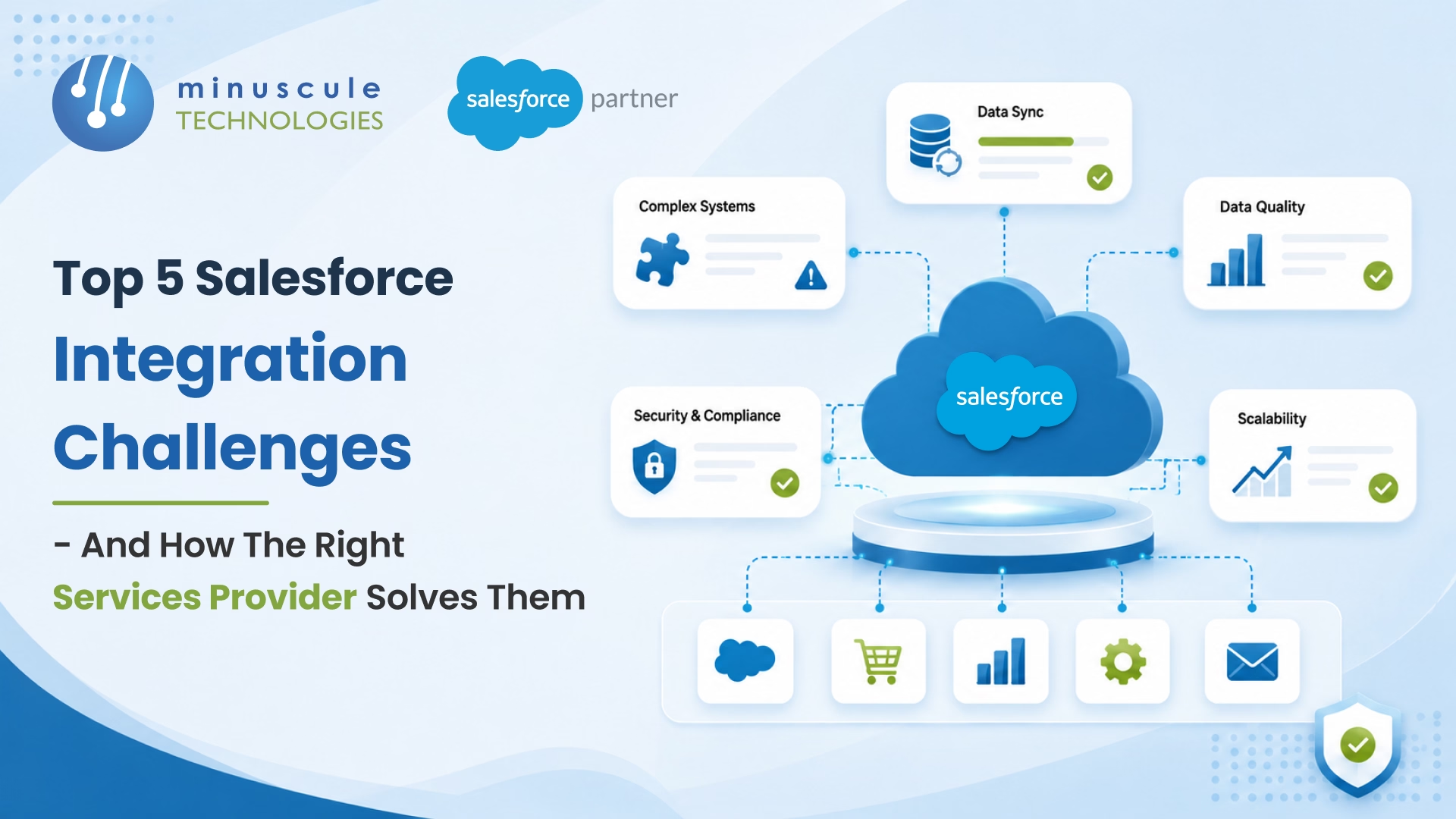
Salesforce integration is the process of connecting Salesforce to your other systems - ERPs, marketing tools, data warehouses, and custom apps - so data and processes flow between them automatically, without manual re-entry. It's what turns Salesforce from an island into the hub of your business.
Getting it right is where teams struggle. The five most common Salesforce integration challenges are schema mismatches, duplicate records, API governor limits, silent failures, and integration decay after updates. None are technical mysteries - the right services provider prevents each one by design, with mapping, monitoring, and testing built in from the start.
Here's why it matters. A manufacturer got their SAP–Salesforce integration live after months of work. Then SAP renamed a field in an upgrade. The integration didn't error - it just stopped syncing that field. For two weeks, reps quoted delivery dates on stale data, and three large orders shipped against stock that was gone. The integration "worked," then failed in silence.
That's the pattern with Salesforce integration: the wins are visible, and the failures hide. Here are the five challenges that quietly break integrations - and how the right provider solves each.
| SI NO. | Challenge | Root cause | How a good provider solves it |
|---|---|---|---|
| 1 | Schema mismatches | Different data models | Signed-off mapping doc + transformation layer |
| 2 | Duplicate records | No master source | Dedup logic at the point of sync |
| 3 | API governor limits | High-volume batch jobs | Bulk API, staggered schedules, retry |
| 4 | Silent failures | Field, rule, or token changes | Logging, alerts, reconciliation |
| 5 | Integration decay | Platform updates | Sandbox testing every release |
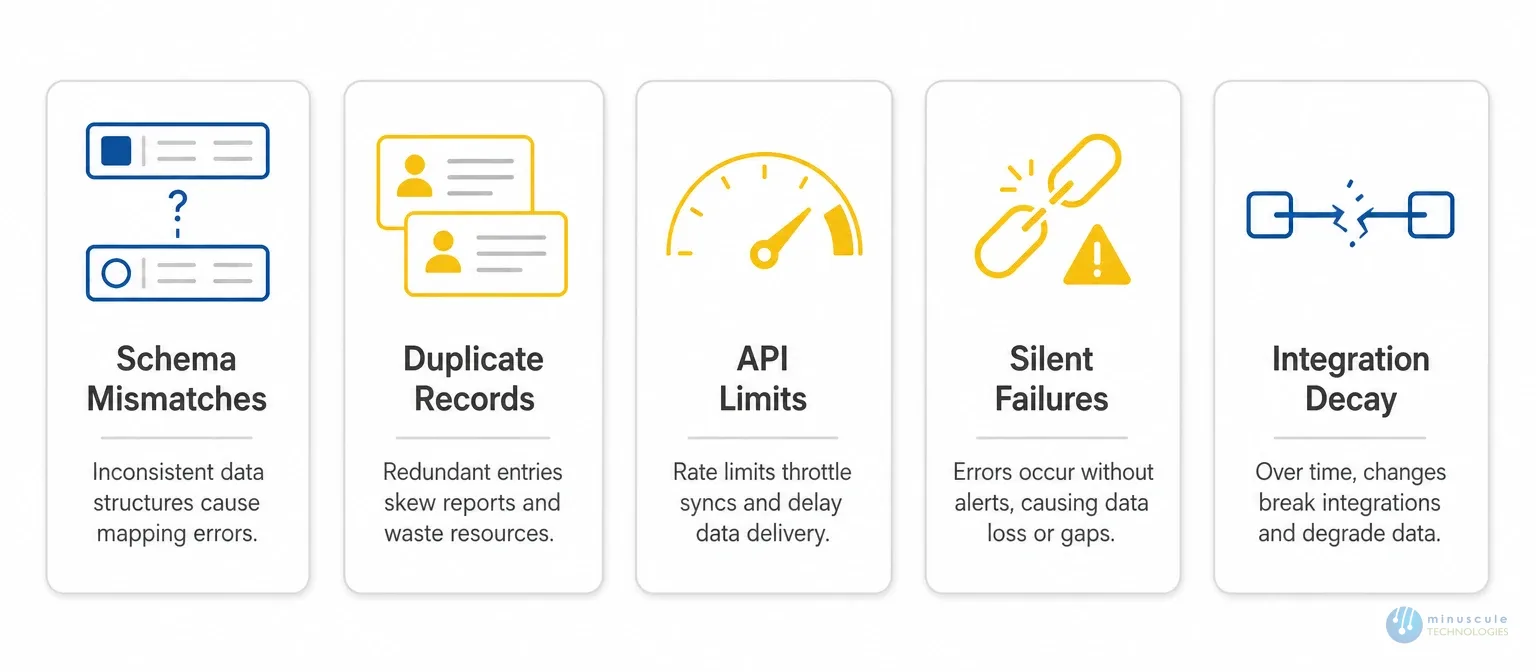
Every system organizes data its own way. SAP stores products as materials with codes and plant assignments. Salesforce uses Products with price books and line items. Join two different data models, and every field mapping can break. A mismatched customer ID turns one customer into two. A date-format gap lands an event on the wrong day.
Strong Salesforce data integration starts with a mapping document. Every source field is mapped to its Salesforce match, transformation rules are written down, and unmappable fields are flagged. Business data owners sign off, not just developers. For complex ERP work, our Salesforce integration team adds a transformation layer that cleans formats before data reaches either side.
The same customer lives in your CRM, your ERP, and your support tool - each with different IDs. The sync runs, and now you have three versions with no clear source of truth. Duplicates wreck forecasts, split case history, and email the same person three times. That's a direct hit to your Salesforce CRM integration.
Deduplication is built in before data flows. You pick one master source for each data type, then add matching logic that blocks duplicates at the point of sync. For orgs already carrying duplicates, a consulting team runs a data audit and merge before correcting the integration.
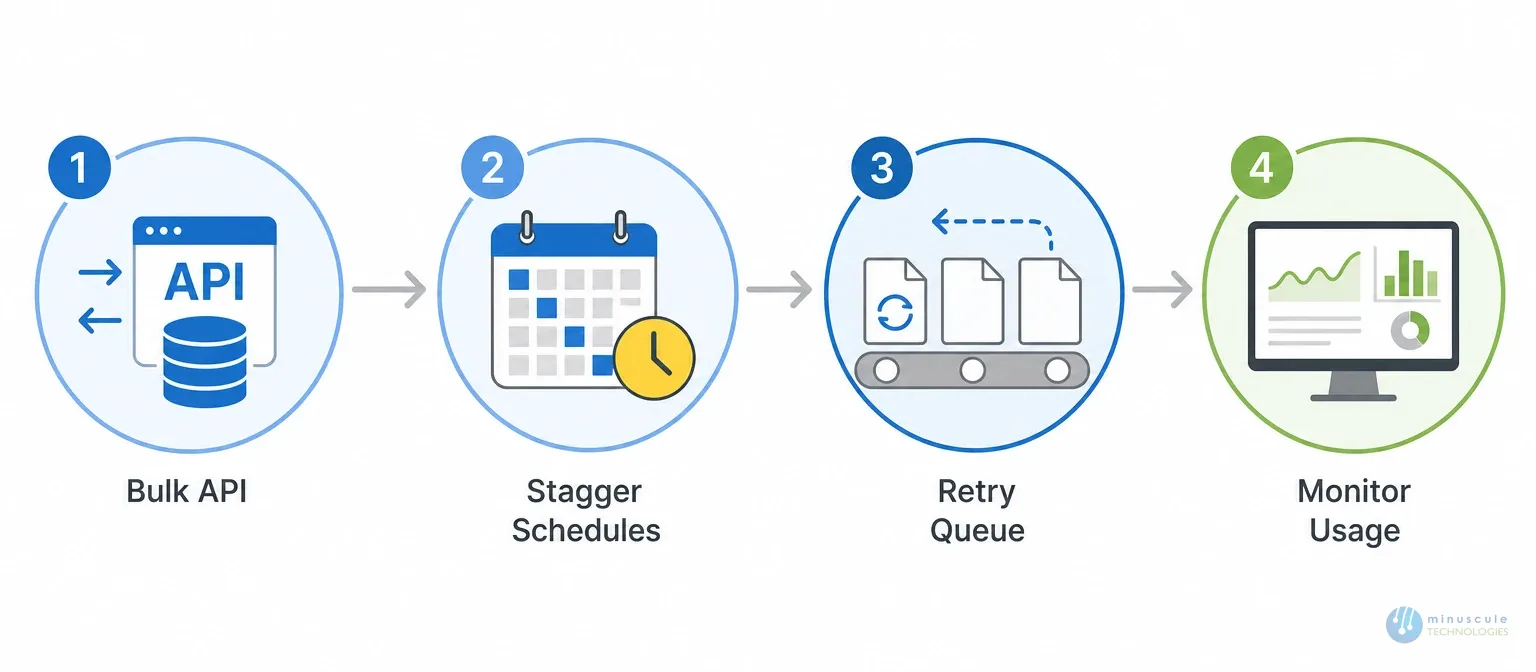
Salesforce caps daily API calls by edition and license count. Normal use rarely hits the ceiling. Batch jobs do - a nightly 50,000-record sync, a month-end close, or a marketing import colliding with the ERP job. When the limit hits, calls fail. Poorly built integrations fail in silence or crash mid-run and leave data half-updated.
Good Salesforce API integration plans for volume from day one. It uses Bulk API for large loads instead of REST, staggers sync schedules to avoid clashes, and adds queue-based retry so failed calls don't vanish. The Salesforce developer docs cover the Bulk API patterns for exactly this.
This is the one from the opening - and the most damaging, because it's the hardest to spot. An integration that errors gets caught fast. One that keeps running but drops a single field runs unseen while both systems drift apart. The cause is usually a renamed field, a new validation rule, or an expired auth token.
Monitoring is part of the build, not an add-on. Every integration gets error logging with failure reasons, alerts when failures cross a threshold, reconciliation reports that compare record counts on a schedule, and a runbook for each known failure. Our managed services team watches live integrations so a failure surfaces in a ticket, not a customer complaint.
Salesforce ships three major releases a year. SAP, Oracle, and PeopleSoft update on their own cycles. Any update can break a link - a retired API endpoint, a changed table, or a new auth model. These breaks are announced ahead of time, so they're manageable for teams that track them and costly for teams that don't.
Maintenance follows the same release calendar as the systems it connects. Before each Salesforce release, the integration is tested in a sandbox on the new version, issues are fixed before production, and changes are documented. The same runs for ERP updates - the difference between integrations that last for years and ones rebuilt every 18 months, especially for manufacturers whose SAP and PeopleSoft cycles differ from Salesforce.
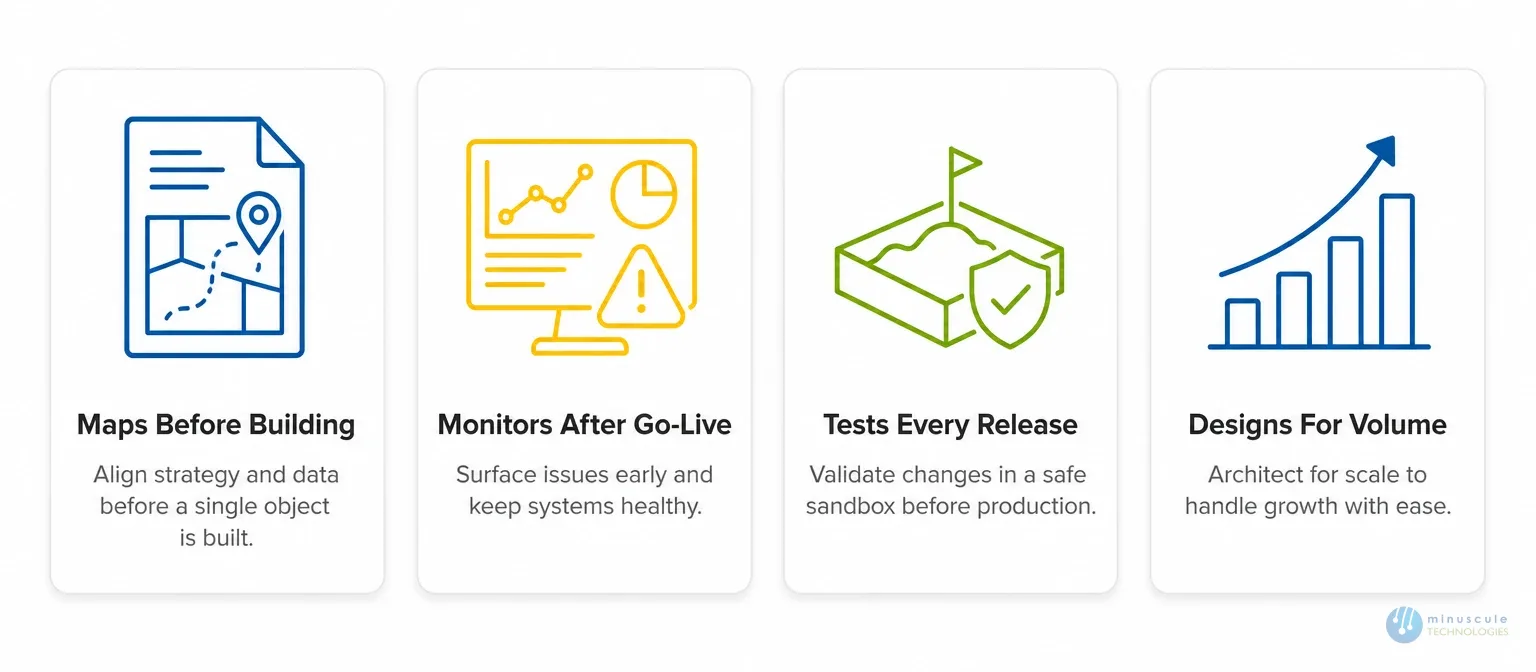
Not all providers are equal. A provider built to last does four things a "make it work today" vendor skips:
Ask any prospective partner how they handle silent failures and release cycles. Their answer tells you whether you're buying an integration or a future rebuild.
It connects Salesforce to other systems - ERP, marketing, support, data warehouses - so data and processes move automatically. It runs through APIs, events, middleware, or connectors.
Schema changes after an upgrade (a renamed or removed field), expired credentials, and API governor limits hit during high-volume syncs. Most are preventable with monitoring, pre-release testing, and volume-aware design.
Pick one master source for each data type, then add matching logic that checks for an existing record before creating a new one. Clean existing duplicates with an audit and merge first.
Use Bulk API for large loads, stagger sync schedules, and add retry logic. Monitor API consumption so you catch limits before they cause failures.
Use direct APIs for one or two stable systems with normal volume. Move to MuleSoft or another iPaaS when you join three or more systems, or need complex transformation and enterprise monitoring.
Salesforce integration done well is invisible - data flows, records stay clean, and the business runs without seeing the engineering behind it. Done poorly, it's a slow build-up of data problems that surfaces years after go-live.
Minuscule Technologies has integrated Salesforce with SAP, PeopleSoft, Oracle, Denodo, and custom platforms across manufacturing, automotive, BFSI, and field services. With 160+ certified experts and 75+ enterprise projects, we map before the build, monitor after go-live, test against every release, and turn silent failures into fixable tickets - through full Salesforce integration and development services.
Want an integration that still works a year from now? Book a free 30-minute strategy call. We'll review your systems, flag your biggest risks, and map the build - no obligation.
You've seen what's possible. Now, let's make it happen for your business. Whether you need an end-to-end Salesforce solution, a complex integration, or ongoing managed services, our team is ready to deliver.

Schedule a Free Strategic Call


