
June 1, 2026
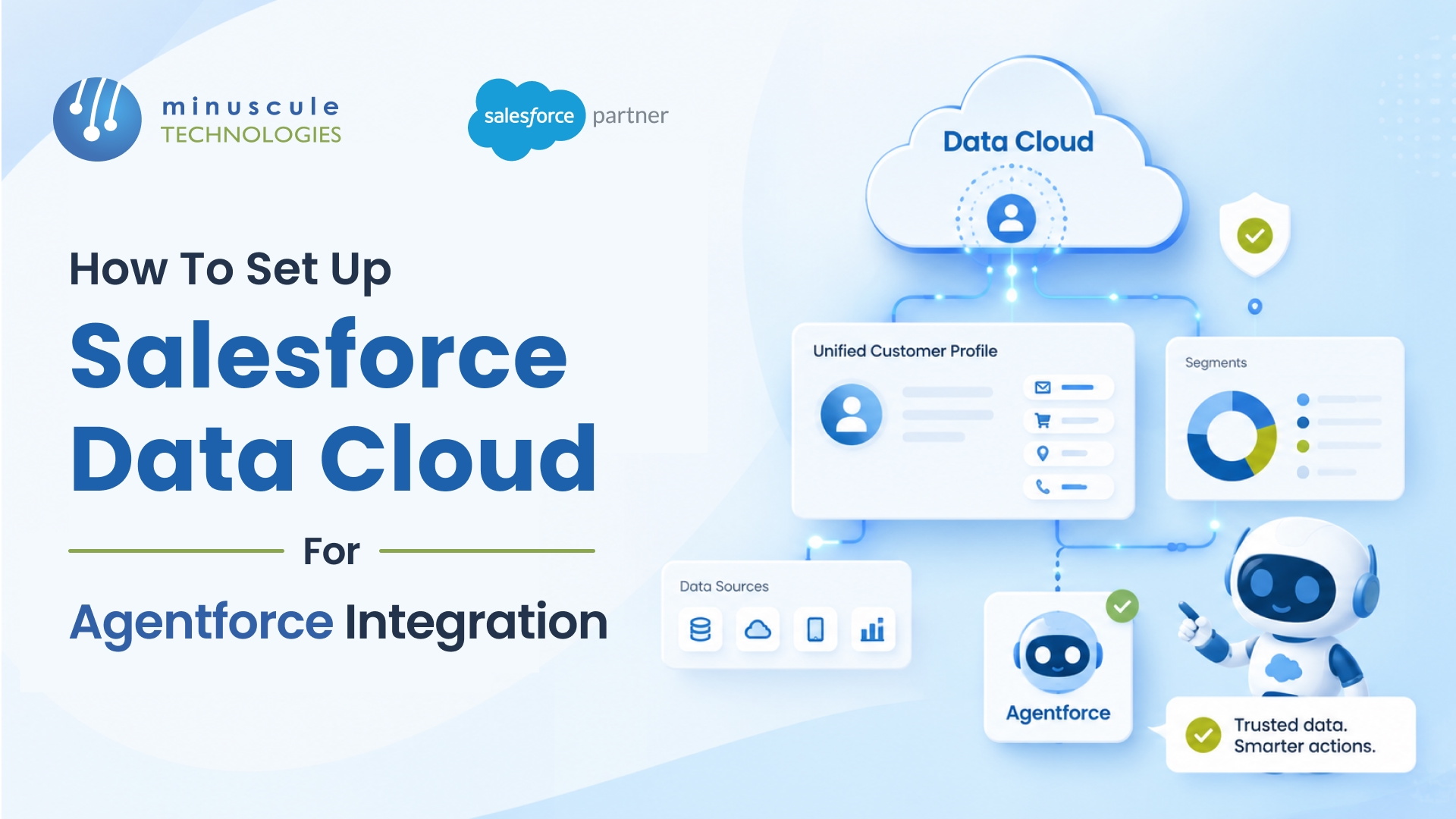
Setting up Salesforce Data Cloud for Agentforce integration connects your AI agents to real-time, unified customer data through Retrieval-Augmented Generation (RAG). Instead of agents guessing or pulling from static knowledge articles, they query live Data Cloud profiles — purchase history, case records, engagement signals — and deliver responses grounded in actual customer context. The setup takes six steps: enable both services, connect your data sources, build your data model, configure the Data Library, create your agent with grounded topics, and test for accuracy.
We've configured this integration across multiple client orgs since Agentforce expanded in early 2026. The difference between a grounded agent and an ungrounded one is stark - resolution rates climb 25-40% when agents can actually see who they're talking to. This guide walks through each step based on what we've built in production.
Data Cloud is the data engine that powers Agentforce's intelligence. Without it, your agents work from knowledge articles and whatever's in the standard CRM objects - fine for generic questions, useless for anything personalized. With Data Cloud connected, agents access unified customer profiles that pull data from every touchpoint: Sales Cloud records, Service Cloud cases, Marketing Cloud engagement, external ERP systems, even data lakes.
The connection happens through RAG. When a customer asks your agent a question, Agentforce queries Data Cloud in real time, retrieves the relevant profile and transaction data, and grounds its response in those facts. The agent doesn't hallucinate a renewal date or guess at an order status - it pulls the actual record.
In practice, this means the difference between "I can help you with billing questions" and "I see your invoice #4892 from March is past due - would you like me to set up a payment plan?" That specificity is what turns an AI chatbot into something customers actually find useful.
Before you start configuring, verify you have what's needed. This trips up more teams than the actual setup does.
Licenses: You need Data Cloud as part of your Salesforce edition (included in Enterprise+ with Foundations, or as an add-on) plus Agentforce licenses. As of 2026, Agentforce is consumption-based - you pay per conversation. Data Cloud and Agentforce are separate products that need to be individually enabled. Check with your Salesforce AE if you're unsure about your entitlements.
Permissions: You'll need the "Data Cloud Admin" and "Agentforce Admin" permission sets assigned to whoever is doing the setup. The "Customize Application" and "Manage Data Cloud" system permissions are also required.
Data readiness: This is the one people underestimate. If your CRM data is messy - duplicate contacts, incomplete records, inconsistent field values - Data Cloud will unify that mess into a unified mess. Clean your source data first. We spend the first week of every Data Cloud consulting engagement on data quality assessment before touching any configuration.
In Salesforce Setup, search for "Data Cloud" in the Quick Find box. Click Data Cloud Setup Home and hit Get Started. The provisioning takes a few minutes - alesforce spins up your Data Cloud instance in the background.
For Agentforce, search for "Agents" in Quick Find. Click Agents and enable the feature if it isn't already active. You'll also want to enable Einstein (Setup → Einstein → Enable) since Agentforce depends on the Einstein trust layer for LLM processing.
Both services need to show as active in Setup before you move on. If either fails to provision, it's almost always a licensing issue - circle back to your account executive.
Data Cloud ingests data through connectors. The CRM connector (pulling from your own Salesforce org) is pre-built - enable it and select which objects to sync. Contacts, Accounts, Cases, Opportunities, and custom objects relevant to your use case.
For external data, use one of the 200+ connectors available: MuleSoft, AWS S3, Google BigQuery, Snowflake, or custom ingestion APIs. In our experience, most implementations start with just the CRM connector and one or two external sources. Don't try to connect everything at once.
Zero-copy connectors (available for Snowflake, BigQuery, and Databricks) are worth highlighting - they let Data Cloud query external data in place without copying it. Faster setup, no storage costs, and the data stays current. We've used these on projects where clients had large data warehouses they didn't want to replicate. The Salesforce Developer Blog covers the zero-copy architecture in detail.
Once data flows in, you need to map it to Data Cloud's data model. This means creating Data Model Objects (DMOs) and mapping your ingested fields to them. Salesforce provides standard DMOs for common objects (Individual, Account, Sales Order, Case), and you can create custom ones for industry-specific data.
The critical piece is identity resolution. Configure matching rules that unify records from different sources into a single customer profile. Match on email, phone, and account ID combinations. This is where Data Cloud earns its keep - your agent talks to one "Sarah Chen" with a complete history, not three fragmented records from three systems.
Build calculated insights for any derived metrics your agent needs. Customer lifetime value, churn risk score, days since last purchase - anything that helps the agent make better decisions during a conversation. These calculated fields run on Data Cloud's processing engine and update automatically.
The Data Library is the bridge between Data Cloud and Agentforce. It defines which Data Cloud objects and fields your agents can query.
Navigate to Setup → Agentforce → Data Library. Create a new Data Library and select the Data Cloud objects your agent needs access to. Be selective - don't give agents access to every object. A service agent handling billing questions needs order history and payment records, not HR data or internal forecasts.
For each object, choose which fields to expose. This is your data governance layer - it controls what the AI can see and cite in its responses. Include fields the agent needs to answer questions accurately, and exclude anything sensitive or irrelevant.
The Data Library also supports semantic search over unstructured data. If you've ingested knowledge articles, case notes, or product documentation into Data Cloud, the library indexes them for RAG retrieval. This is how agents find answers from free-text content, not just structured records.
In Agent Builder (Setup → Agents → New Agent), create your agent and define its topics. Each topic represents a category of questions the agent can handle — billing, order status, product information, appointment scheduling.
The key configuration here is grounding each topic in your Data Library. When you create a topic's instructions, reference the Data Cloud objects the agent should query. For example, a "Billing Inquiry" topic would be grounded in the Sales Order and Payment DMOs. The agent then knows to query those objects when a billing question comes in.
Write clear, specific instructions for each topic. Vague instructions produce vague responses. "Help the customer with billing" is bad. "Query the customer's Sales Order records from the past 12 months. Identify any open invoices. If the customer asks about a specific invoice, pull the line items and payment status" — that's what produces useful agent behavior.
Add guardrails: define what the agent should NOT do (no refunds over $500 without escalation, no sharing internal pricing tiers, always escalate complaints about data privacy to a human). SalesforceBen has solid coverage on agent guardrail best practices.
Agent Builder includes a conversation preview panel. Use it. A lot. Before deploying anything, run through at least 20-30 test conversations covering happy paths, edge cases, and intentional attempts to confuse the agent.
Check three things in every test: Did the agent query the right Data Cloud object? (visible in the action log) Did it use accurate data? (cross-reference with actual records) Did it stay within its guardrails? (try to push it outside its scope).
When responses are wrong, the fix is usually in the topic instructions or the Data Library configuration — either the agent couldn't find the right data, or its instructions were too vague about how to use it. Iterate until accuracy hits 90%+ on your test set before going live.
Deploy in stages: internal testing first, then a limited pilot with real customers on a single channel (chat, usually), then expand. The Salesforce Admin blog covers deployment patterns for production rollouts.
Skipping data quality work. Data Cloud unifies your data - it doesn't fix it. Garbage in, confidently wrong agent responses out. We've seen agents cite outdated phone numbers and cancelled orders because nobody cleaned the source data first.
Over-exposing data in the library. Giving agents access to everything creates two problems: slower query performance and the risk of surfacing sensitive data in customer-facing responses. Start narrow. Expand based on actual conversation logs showing where the agent lacked needed information.
Writing vague topic instructions. "Help the customer" tells the agent nothing. Specific instructions with explicit data references and clear escalation rules produce dramatically better results. Every hour you spend on instructions saves ten hours of post-deployment troubleshooting.
Not technically - Agentforce can work with standard CRM data and knowledge articles alone. But without Data Cloud, agents can't access unified profiles, external data, or calculated insights. For anything beyond basic FAQ handling, Data Cloud is effectively required. Most production Agentforce implementations include Data Cloud.
The technical enablement (Steps 1-2) takes a day. Data modeling and identity resolution (Step 3) typically takes 1-2 weeks depending on how many sources you're connecting and how clean your data is. Data Library configuration and agent creation (Steps 4-5) take another week. Testing and iteration add 1-2 weeks. Total: 3-6 weeks for a production-ready deployment.
Yes. Zero-copy data from Snowflake, BigQuery, or Databricks is available to Agentforce through the Data Library, same as ingested data. The agent doesn't know or care whether the data was copied or queried in place — it just sees the unified profile. Apex Hours has walkthroughs on zero-copy connector setup.
Knowledge Articles are static — someone writes them, publishes them, and the agent references that fixed text. Data Library pulls live, structured data from Data Cloud in real time. Use Knowledge for policies, procedures, and product documentation. Use Data Library for anything customer-specific: order history, account details, case records, engagement data.
The SERP for this topic is thin for a reason - most organizations are still figuring out how Data Cloud and Agentforce fit together. The ones moving fastest are treating this as a data engineering project first and an AI project second. Get the data foundation right, and the agent capabilities follow naturally.
At Minuscule Technologies, we've been building Salesforce integration solutions since 2007 with 125+ specialists. Our Data Cloud implementations focus on the piece most partners skip — data quality, identity resolution, and governance - because that's what determines whether your agents are helpful or just confidently wrong.
Reach out to our team for a free consultation on your Data Cloud and Agentforce integration project.
You've seen what's possible. Now, let's make it happen for your business. Whether you need an end-to-end Salesforce solution, a complex integration, or ongoing managed services, our team is ready to deliver.

Schedule a Free Strategic Call


Plot No. 4, Sridevi Amman Street, Perumal Nagar Extension, Old Pallavaram, Chennai, Tamil Nadu 600117, India.
