We are at Dreamforce 2026, Industry Pavilion at San Francisco


July 16, 2026
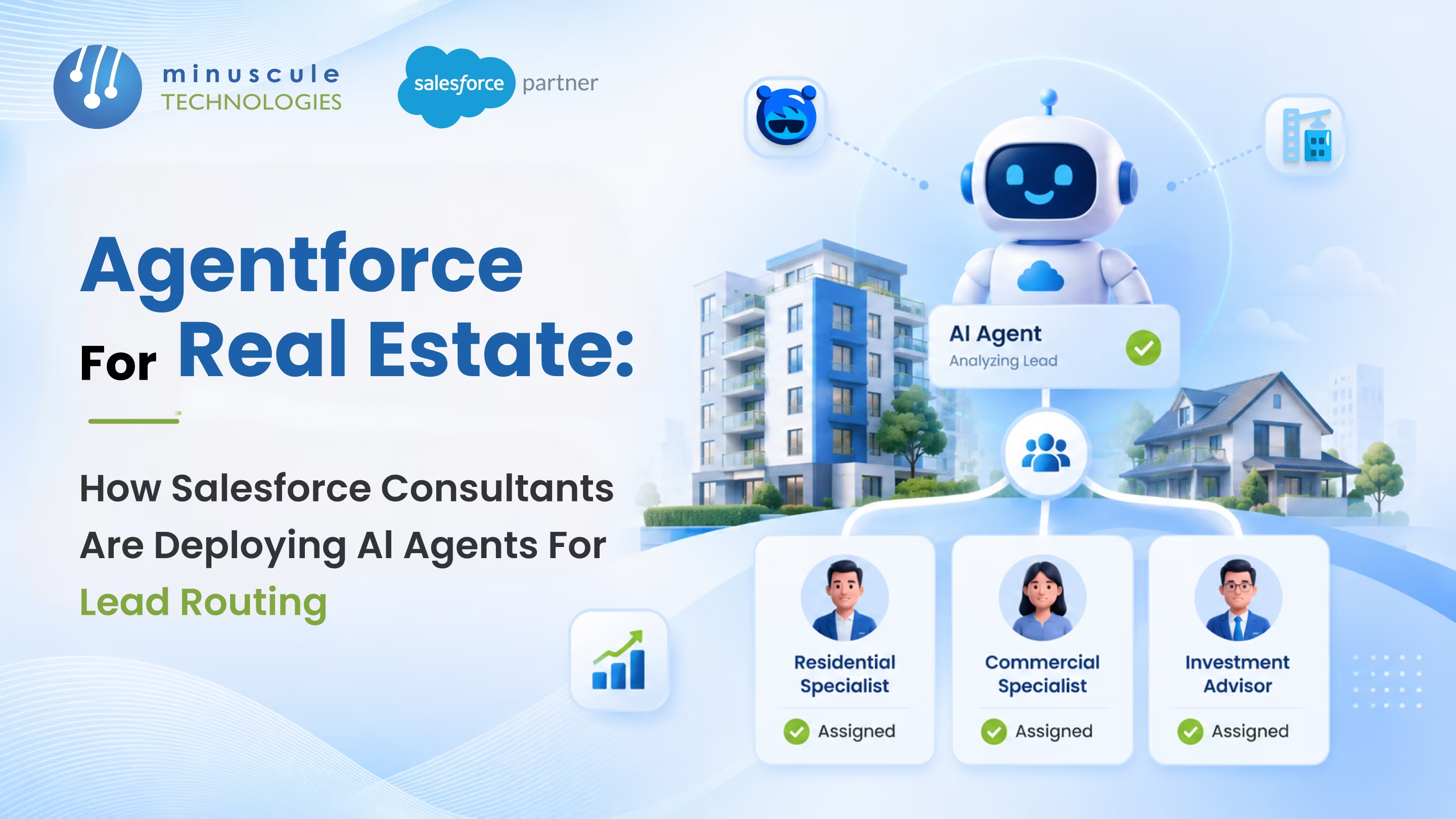
Agentforce for real estate is Salesforce's AI agent platform applied to property sales, leasing, and brokerage workflows. It lets your Salesforce automatically score, classify, and route incoming leads - without a sales coordinator manually reading each inquiry and deciding who should handle it. Real estate teams that have deployed Agentforce for lead routing typically cut first-response times from hours to under five minutes and drop unassigned lead rates to near zero.
Here's what that looks like in practice:
This post breaks down exactly how Salesforce consultants build this - the architecture, the routing logic, the deployment sequence, and what you need to get right before go-live.
Agentforce Salesforce's agentic AI platform. It runs autonomous agents inside your CRM that can read data, make decisions, take actions, and trigger workflows - without a human approving each step.
Unlike traditional Salesforce automation (standard assignment rules and legacy tools like Workflow Rules and Process Builder - both now deprecated - the current platform standard being Record-Triggered Flows), an Agentforce agent doesn't follow a fixed if-then script. It understands the context. It can interpret an unstructured inquiry from a property portal, determine what a buyer is looking for, score their intent level, and route them to the right agent - based on nuanced criteria that would take a conventional flow hundreds of branches to replicate.
For real estate specifically, this matters because lead context is messy. A form of submission that says "interested in 2BHK, city center, budget flexible" tells a standard flow of almost nothing. It tells an Agentforce agent quite a lot.
Agentforce vs Traditional Assignment Rules
Salesforce assignment rules are binary: if lead source equals "web" and property type equals "residential", assign to Agent Group A. They don't adapt to context, don't account for agent workload in real time, and can't handle the grey areas.
Agentforce agents work differently:
This doesn't mean assignment rules become useless. Most real estate deployments use both - hard rules for clear-cut cases, Agentforce for the nuanced ones. Salesforce admin resources on Agent Builder cover how these two layers work together in practice.
Real estate lead volume is irregular, time-sensitive, and arrives from multiple channels simultaneously. A mid-sized residential developer might receive leads from portal submissions, WhatsApp inquiries, web forms, broker referrals, and event walk-ins - all entering Salesforce through different paths, with different levels of data completeness, at unpredictable times.
The standard answer is a sales coordinator who reviews each lead and decides where it goes. That works when volume is manageable. It breaks down when:
Speed matters more in real estate than in most sales contexts. A buyer shortlisting property is often evaluating three or four developers at the same time. The one that responds first with relevant information tends to stay in the consideration set longer.
According to Salesforce research on sales response behavior, response time is one of the strongest predictors of lead-to-meeting conversion. A lead that gets a meaningful response within two minutes is far more likely to convert than one that gets the same response four hours later - even if the response itself is identical.
Manual routing can't reliably deliver two-minute response windows. Agentforce can get close to that ceiling, consistently.
Before Agentforce routes a lead, it scores it. Before it scores it, it reads it. Here's the actual processing flow.
Lead Scoring Before Routing
The agent evaluates incoming leads against a scoring model you configure during setup. In real estate, the most effective scoring signals include:
The agent produces a numeric score. Leads above a defined threshold go to senior agents. Below it, they go to junior agents or a nurture sequence.
Once scored, the agent applies routing logic. The configurations that work well in practice for real estate clients include:
Geography-based routing - Assign leads to the agent or team responsible for that specific micro-market. A buyer asking about a particular locality needs someone who knows that market well, not just whoever's next in rotation.
Property type routing - Separate routing paths for residential, commercial, and land inquiries. Agents who specialize in commercial leases follow a different engagement sequence than those handling residential off-plan sales.
Budget-tier routing - High-value inquiries go to senior agents with the experience to handle that conversation. This also protects senior agent time from low-intent leads that would dilute their focus.
Agent availability routing - using Salesforce Omni-Channel presence status, which must be separately configured, to route leads to the next available qualified agent if the primary agent is at capacity or unavailable. This is one of the more significant improvements Agentforce brings over static rules.
Broker channel routing - Leads that come through broker partners need a different handling pattern: acknowledgment back to the broker, internal assignment, and notification to your channel management team - ideally as a single coordinated action.
Cross-Channel Lead Capture
The routing logic only functions if leads from every channel land in Salesforce with consistent, structured data attached. For most real estate firms, this means:
Once all channels feed into the same Salesforce queue consistently, the Agentforce agent routes from one place regardless of where a lead originated.
A proper Agentforce deployment follows a predictable sequence. The deployments that fail typically skip the first two steps.
The agent needs clean, consistently structured lead data to make accurate decisions. Before any Agentforce configuration starts, consultants audit:
Data gaps get fixed before the agent is configured. Routing logic built on incomplete or inconsistent data produces inaccurate assignments, and those assignments undermine trust in the system faster than anything else.
Agentforce agents are configured through a topic and action framework inside Agent Builder. For lead routing, you define:
This is where most of the strategic configuration work happens. Topics and actions need to reflect how your business actually categorizes leads - not how Salesforce's generic templates assume you do.
Routing rules use a combination of Agentforce intelligence and Salesforce automation. The typical architecture:
Keeping the Agentforce layer (intelligence) and the execution layer (flows and assignments) separate makes the system much easier to adjust as your routing rules evolve.
Before go-live, run the agent against a batch of historical leads with known outcomes. This tells you whether your scoring thresholds are placed correctly. A threshold that's too high sends too many leads into the nurture queue; too low, and your senior agents get flooded with low-intent inquiries.
Most deployments need two or three calibration cycles before the thresholds are stable.
Once live, track these four metrics:
These numbers tell you whether the agent is working as designed and where thresholds or topics need adjustment.
The most immediate change isn't the routing itself - it's the elimination of the lead backlog.
Without Agentforce, leads that come in during off-hours sit unassigned until someone reviews the queue the next morning. With Agentforce, those same leads are scored, assigned, and have a follow-up sequence running within minutes.
In our work with real estate clients on Salesforce deployments, the patterns that appear consistently after Agentforce lead routing goes live include:
First-response times drop sharply. Manual routing typically results in first contact anywhere from 30 minutes to several hours, depending on team availability. Automated routing — when assignment triggers an immediate automated follow-up message via Flow - brings the first automated touchpoint down to under five minutes. Human agent first-contact time will vary based on agent availability and notification setup.
Lead fallout decreases. Buyers who don't hear back within a few hours tend to move on. When the first response arrives within minutes, the conversation stays open.
Agent workload becomes more predictable. Instead of one coordinator making all routing decisions and everyone else waiting for assignments, leads to distribute according to defined rules. Agents know what types of leads they'll receive and can structure their day around them.
Broker relationships get noticeably better. Channel partner leads get acknowledged automatically and reach the right internal contact faster. Brokers notice response speed. It strengthens relationships.
The weekend and evening lead problem goes away. For real estate firms in time zones where buyers browse listings on evenings and weekends, the inability to respond quickly during those windows used to be a genuine conversion problem. Agentforce doesn't have business hours.
Agentforce for real estate lead routing works well when it's set up correctly. The deployments that struggle tend to hit one or more of the same issues.
Inconsistent lead data across channels. If portal A sends leads with a structured "property_type" field and portal B sends a free-text description, the agent can't apply consistent logic to both. Standardize your lead data structure before you build the agent.
Routing rules that are too granular at launch. Trying to route leads based on eight or ten variables from day one usually results in a fragile system. Start with three or four clear routing criteria and add complexity once the agent is performing reliably.
No fallback for ambiguous leads. Not every inquiry fits neatly into a routing category. The agent needs a defined fallback - usually a senior agent review queue - for leads it can't confidently classify. Without a fallback, ambiguous leads fall through.
Skipping the calibration phase. Threshold values that look correct during configuration rarely survive first contact with real lead volume. Two weeks of post-launch calibration should be built into every Agentforce deployment plan.
Treating the agent as a set-and-forget system. Lead mix changes. Agent capacity changes. Inventory shifts. Your routing logic needs a quarterly review to stay aligned with how your business currently operates. An Agentforce deployment isn't a one-time project - it's an ongoing configuration.
Agentforce for real estate refers to Salesforce's AI agent platform applied to property business workflows. In the context of lead routing, it means AI agents that automatically score incoming leads from all channels, classify them by intent and property type, and assign them to the right sales agent without manual intervention. It runs inside Salesforce natively and connects to your existing lead capture infrastructure.
Einstein lead scoring ranks existing leads in your CRM based on historical conversion patterns. An Agentforce agent acts on leads in real time - reading incoming inquiries, applying routing logic, and triggering next steps within seconds of a lead entering the system. Einstein scoring informs a human decision; Agentforce can replace it. Both can work together: Einstein scores can serve as one input signal the Agentforce agent uses when deciding where a lead should go.
Any source that feeds into Salesforce as a structured record: property portals (99acres, MagicBricks, Housing.com, Bayut, PropertyFinder), WhatsApp (via a WhatsApp-Salesforce connector), web forms, broker referrals entered via Experience Cloud and manually entered leads. Routing quality depends directly on how consistently lead data is structured when it enters Salesforce - which is why data readiness is Step 1 of every deployment.
For basic lead routing use cases, no. Data Cloud becomes useful when your routing logic needs to factor in data from outside Salesforce - a prospect website engagement history or marketing automation activity, for example. Most real estate lead routing deployments start without Data Cloud and add it later if richer context signals are needed.
A focused deployment with clean data, four or five routing rules, and two or three routing destinations typically takes four to six weeks from kickoff to go-live. That includes data preparation, agent configuration in Agent Builder, testing, and the calibration phase. More complex deployments - multiple property types, several geographies, multiple portal integrations - take longer. Data readiness is consistently the longest step.
Agentforce requires a separate add-on license available for orgs on Enterprise edition and above. A minimal base allocation is included per contract; production-scale usage requires purchasing Agentforce conversation packs separately. For lead routing, conversation volume tends to be lower than in customer-facing use cases, which keeps costs more manageable. Your Salesforce account executive or a consulting partner can give you current pricing specific to your usage profile.
Yes, with the right integration in place. A WhatsApp-to-Salesforce integration converts incoming WhatsApp messages into Salesforce Messaging Session records by default. A custom Flow or Apex layer is required to create or map these to Lead records before Agentforce can apply lead routing logic. Once the record exists in Salesforce, Agentforce routes it exactly as it would a portal or web form submission. In markets like India, the UAE, and Malaysia - where WhatsApp is often the first channel a buyer uses - this integration is one of the highest-impact pieces of the routing setup.
Agentforce leads to routing work. The question is whether your Salesforce environment is ready to support it - and whether the routing logic gets built to reflect how your business operates.
At Minuscule Technologies, we've spent 12+ years building Salesforce specifically for real estate firms - from residential developers managing hundreds of units to commercial property companies running complex portal and ERP integrations. Our Agentforce implementation practice covers lead automation and routing use cases end-to-end: from the initial data audit and routing logic design through go-live calibration and ongoing performance monitoring.
If you're evaluating Agentforce for your real estate operations, start with a free strategic consultation. We'll assess what your current Salesforce setup can support, identify what needs to change, and give you a clear picture of what deployment would actually look like - before any commitment.
You've seen what's possible. Now, let's make it happen for your business. Whether you need an end-to-end Salesforce solution, a complex integration, or ongoing managed services, our team is ready to deliver.

Schedule a Free Strategic Call


