
June 7, 2026
Tuesday morning at a regional HVAC company. Dispatcher pulls up the board - 38 service calls across 14 technicians. She assigns based on who's closest and who's free. Technician 6 drives 40 minutes to a commercial chiller repair. He opens the work order: "Unit is not cooling." No model number. No service history. No parts list. He diagnoses a failed compressor valve and realizes the part isn't on his truck. The part ships tomorrow. He marks the case "incomplete," and the customer waits two more days.
That evening, dispatch reviews the numbers. Of 38 cases, nine came back incomplete — wrong parts, missing information, skills mismatch, or jobs that ran long. That's a 76% completion rate. Every incomplete case means a second truck roll, a rescheduled customer, and wasted technician hours.
Salesforce automation services fix this by ensuring the right technician arrives with the right parts, the right information, and enough time. Here's how.
Most field service teams measure the completion rate - the percentage of cases resolved on the first visit without a return trip. Industry benchmarks hover between 70-80% for companies without automation. The remaining 20-30% fail for predictable, preventable reasons.
Four patterns repeat. First, dispatchers assign based on availability, not capability. A residential-certified tech gets a commercial job because he was closest - arrives, realizes it's outside his training, and escalates. Second, work orders lack detail. The customer says, "it's broken." The intake agent types exactly that.
Third, parts aren't pre-staged. The technician diagnoses the problem but doesn't have the component. Fourth, time estimates are wrong. A dispatcher books 60-minute slots for jobs that historically take 90 minutes - creating a cascade of incomplete cases. The good news is that each one has a clear fix, as these field service challenges and solutions show.
Each return visit costs $200-$500. For a company dispatching 150 cases weekly at 76% completion, that's 36 return trips — roughly $10,000-$18,000 in avoidable costs every week.
Salesforce Field Service turns manual dispatch into an automated system that matches jobs to technicians based on skills, parts inventory, location, and estimated job duration - all before the technician leaves the shop.
Technicians arrive prepared, equipped, and with enough time. Cases that used to fail now close.
| Factor | Manual Dispatch | Salesforce Automation |
|---|---|---|
| Assignment logic | Closest available technician | Skill-matched, parts-verified, schedule-optimized |
| Work order detail | Whatever the intake agent typed | Auto-enriched with asset history, parts list, and past repairs |
| Parts readiness | Technician finds out on site | Pre-checked against van inventory before dispatch |
| Time estimation | Dispatcher's guess or flat 60-minute slots | Historical job duration data by equipment type |
| Schedule adjustments | Manual phone calls when jobs run over | Real-time re-optimization with customer notifications |
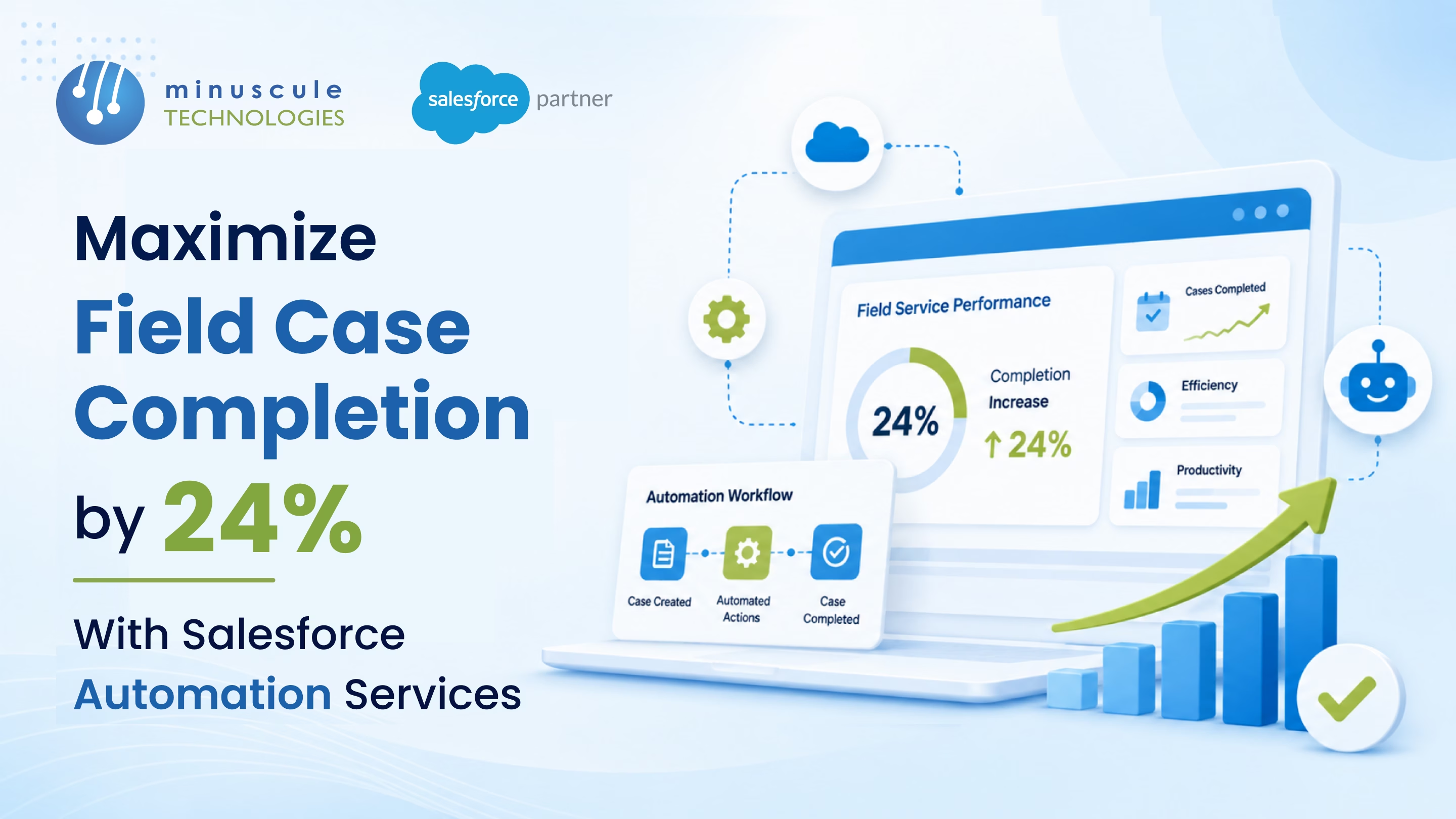
| First-visit completion | 70–80% industry average | 24% improvement — pushing toward 95%+ |
| Return visit costs | $200–$500 per incomplete case | Dramatically reduced with fewer second trips |
Field case completion rate measures the percentage of service cases resolved on the technician's first visit without requiring a return trip. It's a primary field service KPI - higher rates mean lower costs, happier customers, and more efficient technician utilization.
Salesforce matches work orders to technicians based on skills, certifications, van inventory, and travel time. Pre-visit Flows attach asset history and parts lists to every job. Dynamic scheduling adjusts throughout the day, so technicians have enough time per appointment.
The key features are the scheduling optimizer (skill-based assignment with travel time), asset management (service history auto-attach), inventory management (van stock tracking), and Flow automation (pre-visit customer prep and parts verification).
A core implementation with scheduling optimization, work order management, and mobile technician access takes 8-12 weeks. Adding van inventory tracking, asset history automation, and customer notification Flows extends the timeline to 12-16 weeks.
That HVAC technician from the intro? He didn't fail. The process failed him. He drove 40 minutes to a job with no model number, no service history, and no parts. The system set him up for an incomplete case before he left the parking lot.
Minuscule Technologies builds the system that sets technicians up to succeed. We're a Trusted Salesforce Engineering Partner with 125+ Salesforce engineers, 75+ successful projects, and proven field service results - including lifting case completion rates by 24% for a national energy utility through smart dispatch, pre-visit automation, and parts forecasting on Salesforce Field Service.
Stop sending technicians out blind. Talk to Minuscule Technologies about Salesforce automation services for field case completion - before your next week of return visits costs you another $15,000.
You've seen what's possible. Now, let's make it happen for your business. Whether you need an end-to-end Salesforce solution, a complex integration, or ongoing managed services, our team is ready to deliver.

Schedule a Free Strategic Call


Plot No. 4, Sridevi Amman Street, Perumal Nagar Extension, Old Pallavaram, Chennai, Tamil Nadu 600117, India.
